Do you think the recent developer conference was just a showcase of software features and the usual annual updates? Well, it seems Apple decided to surprise us this time not only with system updates but by launching five brand-new apps (or updates so radical that they feel completely new)! Some of these apps appeared in the beta versions of the systems coming this fall, others are aimed at developers, and there is a special app from one of its subsidiaries. Let’s take a quick look at these new apps to see what Apple has up its sleeve.
Siri AI App: The personal assistant as it should be
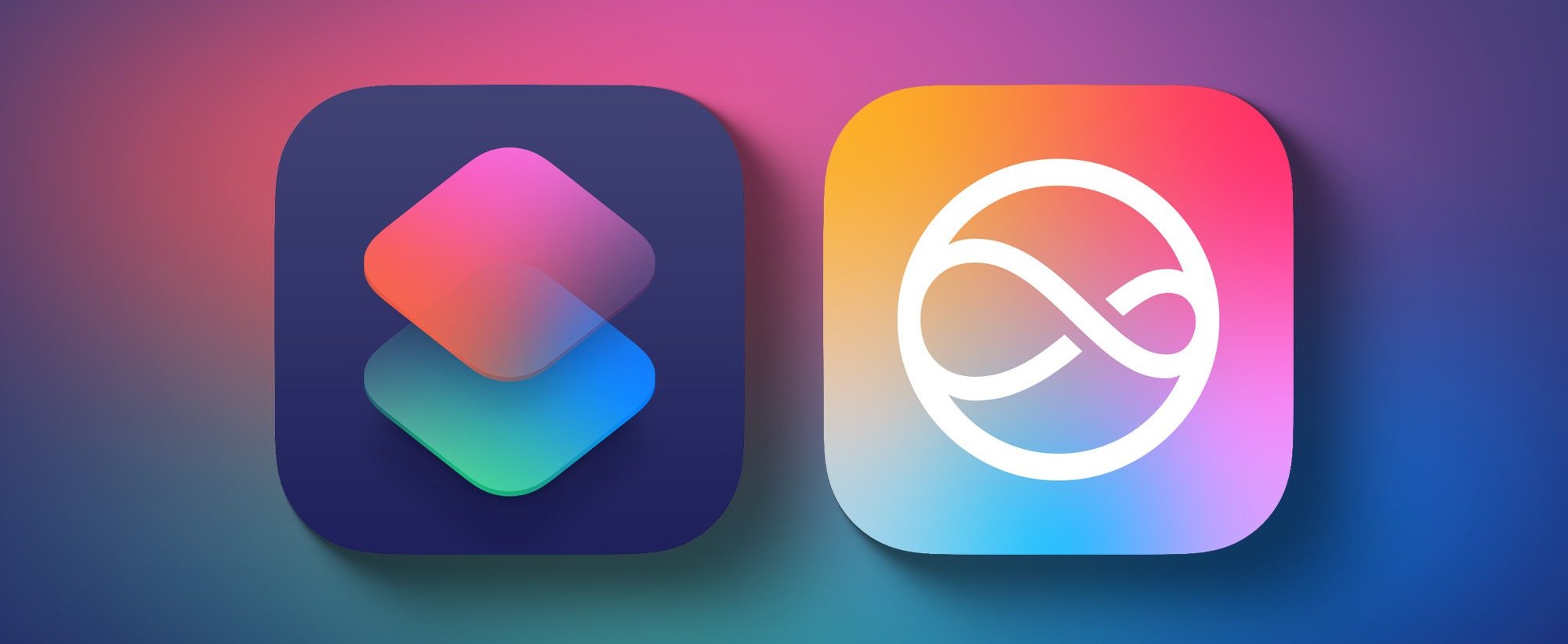
One of the biggest announcements at the WWDC 2026 developer conference was the complete rebuild of the Siri voice assistant from the ground up, and for the first time, Siri comes as a dedicated standalone app. Just like other smart chatbots you are used to, Siri can now search the web, evaluate documents, solve complex math problems, and perform actual actions within various apps, such as getting multi-stop detailed map directions, editing and sharing photos, or even writing an email in your own style.
The new app allows you to type or talk to it like any regular chat conversation, with the entire conversation history synced across all your devices via iCloud. The new Siri app will be available in the upcoming operating systems this fall, including iOS 27, iPadOS 27, macOS Golden Gate, watchOS 27, and visionOS 27. These systems are currently available to developers as beta versions, but access to Siri AI features requires joining a waitlist. Unfortunately, Siri AI will not be available in the European Union at launch, though Apple is working on resolving this in the future.
The return of the Apple TV Remote app as a standalone icon
If you are a long-time Apple TV user, you might remember that Apple used to provide a dedicated remote control app in the App Store, but they removed it in 2020 and integrated it entirely into the Control Center. Well, it seems Apple has reversed this decision after discovering that users prefer the simplicity of a direct icon! With this year’s major updates, Apple is bringing the app back as a real, standalone icon on the home screen to make it faster and easier to access.
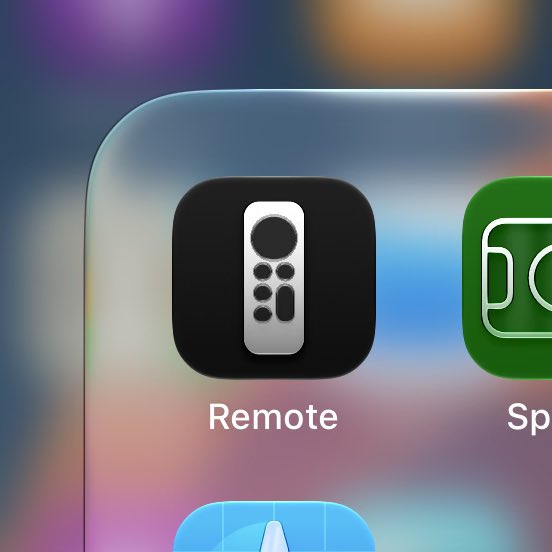
The app comes pre-installed on iOS 27 and iPadOS 27. To add it to your home screen, all you have to do is swipe down and search for “Remote,” then press and hold the app icon to drag and drop it into your preferred spot. You can also always find it in the App Library without any hassle.
The unified “Find My” app on Apple Watch
Finally, the Apple Watch has received the organization we have been waiting for for a long time. After location features were fragmented and scattered across three separate apps, watchOS 27 arrives to reorganize things beautifully. Apple has merged the three previously separate location apps (Find Devices, Find People, and Find Items) into one unified app that relies entirely on an interactive map interface.
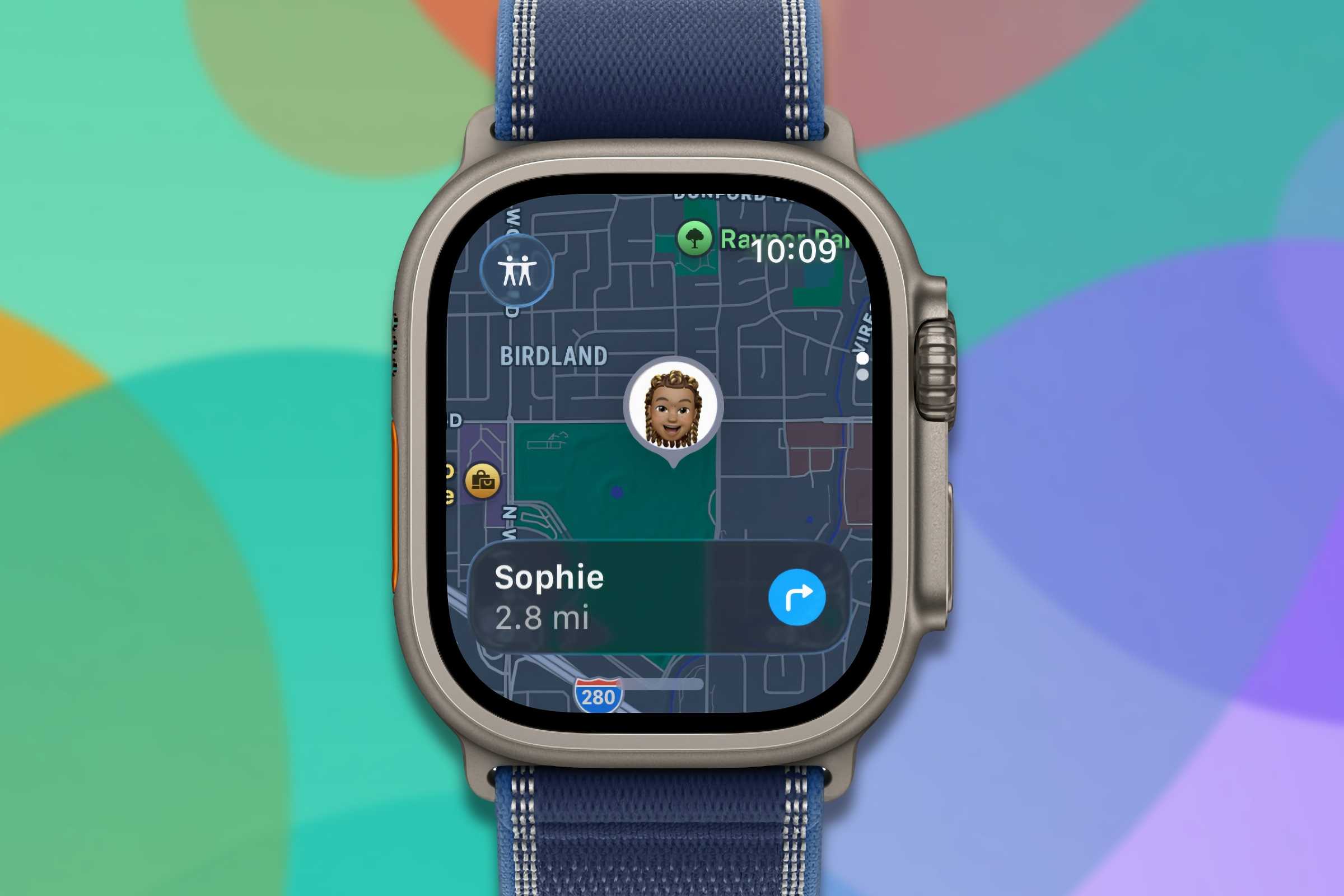
The main interface of the new app gives you quick access to practical actions like getting directions or finding nearby items. The “Precision Finding” feature is also available to pinpoint the location of a paired iPhone, AirPods Pro 3, or an AirTag 2. The new design also offers more flexible sharing options to give you greater control over how you share your geographic location and track items with others.
Pass Designer app: For developers and businesses
Apple hasn’t forgotten developers and business owners; it has introduced a brand-new app for Mac called Pass Designer. This app is dedicated to building and previewing Apple Wallet passes. It supports ready-made templates provided by Apple or fully custom designs, allowing developers to insert images such as logos, backgrounds, and strip images.
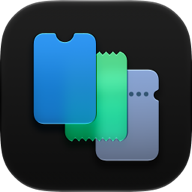
What’s special about this app is that it displays changes in real-time via a live preview that uses the same rendering engine used in iOS and watchOS, meaning what the developer sees in the app is exactly what will appear on the end user’s device. Additionally, the app supports Semantic Tags for boarding passes and event tickets, which are structured data that allow the system to provide smart features like Siri suggestions, calendar integration, and automatic map directions. The beta version of the Pass Designer app requires macOS 27 or later and is currently available to registered developers.
Claris FileMaker Go 2026 app: New artificial intelligence
Unlike the previous four apps announced for the future, this app is already available for download now! Claris FileMaker Go 2026 was launched on June 10th. For those who don’t know, FileMaker is a low-code database application platform that allows users to build custom apps to organize, manage, and automate data without needing deep programming expertise, and it is developed by Claris International, a subsidiary of Apple.
The new version adds full support for iOS and iPadOS 26 and brings the Google Gemini AI model to the list of supported models, which already includes Anthropic, OpenAI, and Cohere. The 2026 update focuses on developer productivity, infrastructure flexibility, and providing an AI-ready software architecture based on direct feedback from the Claris developer community.
Source:
Leave a Reply