Are you a tech adventure enthusiast eager to experience Apple’s new features before everyone else? If so, get ready! During the Worldwide Developers Conference (WWDC) last month, Apple promised to release the Public Betas for iOS 27 and the rest of this year’s major updates in July, and it is fulfilling that promise exactly as we reach the middle of this summer month. This step comes after a few rounds of developer beta versions, offering regular users a golden opportunity to get a firsthand look at the future before the official launch this coming fall.
Notable improvements in performance and system stability
Unusually, iOS 27 arrives as one of the most stable beta systems compared to previous years. Although we never recommend installing beta versions on your primary device—especially if you rely on vital health apps—it is a great option for your secondary phone or if you don’t mind encountering some minor bugs to enjoy the features early.
The first thing you will notice after upgrading is the significant speed in task performance; Apple has accelerated animations, app launching, and file transfers via AirDrop. You will also notice a major improvement when taking photos, using the keyboard, and browsing the App Library and Home Screen. Not to mention more accurate message syncing, automatic retries for failed messages, and seamless transitions between Wi-Fi and cellular networks. Although most AI-based features require an iPhone 15 Pro or later, these internal improvements will make even older iPhones feel faster.
Siri AI and Visual Intelligence
The personal assistant “Siri” has received a comprehensive redesign to become “Siri AI,” offering an interactive experience similar to ChatGPT and Claude models. What distinguishes Siri AI from others is its secure ability to access your private data such as your messages, emails, photos, and apps to accomplish complex tasks, in addition to browsing the web to answer any query. You can now activate Siri with a wake word, swipe down from the middle of the screen to type to her, talk to her within the Siri app, or by pressing the side button.
As for Visual Intelligence, it has become easier to access via the new Siri mode within the Camera app. Now, Siri can calculate each person’s share of a bill via a photo of the payment receipt, or give you the nutritional value of a meal you are about to eat just by pointing the camera at it.
Writing tools and a revolutionary browsing experience in Safari
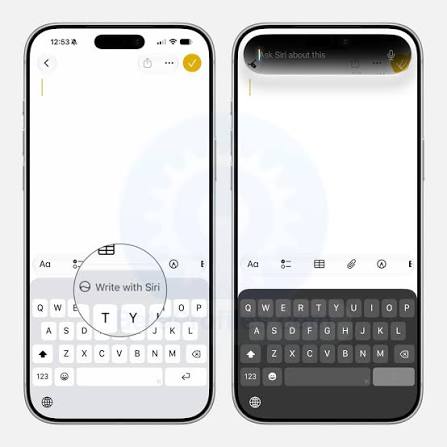
The “Write with Siri” feature integrated into the system allows you to generate text from scratch via the keyboard, adjust the tone and phrasing of your writing to suit your own style by analyzing your previous emails and messages, in addition to providing smart automatic grammatical and spelling corrections.
In the Safari browser, you can now create custom extensions using natural voice or text commands; such as asking Safari to write documentation for a webpage and copy it, set a 3-minute focus timer, or even change the colors and design of websites to look like they are from the nineties! Safari also has the ability to automatically organize tabs into categories and monitor webpages to alert you to any changes that occur.
Smart home upgrades, AirPods sound balancing, and smart shortcuts
HomeKit Secure Video cameras now support recording in 2K and 4K resolutions. There is also an AI option that provides you with an accurate text description of what is happening in your home, with the ability to search recorded videos in natural language (requires a 2TB iCloud+ plan, while 4K resolution does not require it).
For AirPods fans, you can now adjust sound levels precisely via new customization options to modify low, mid, and high frequencies (EQ). And if the Shortcuts app was a challenge for you in the past, it has become much easier to deal with in iOS 27; you can tell the app what you want to achieve in natural language, and the AI will build the shortcut for you entirely.
HomePod joins the public beta party!
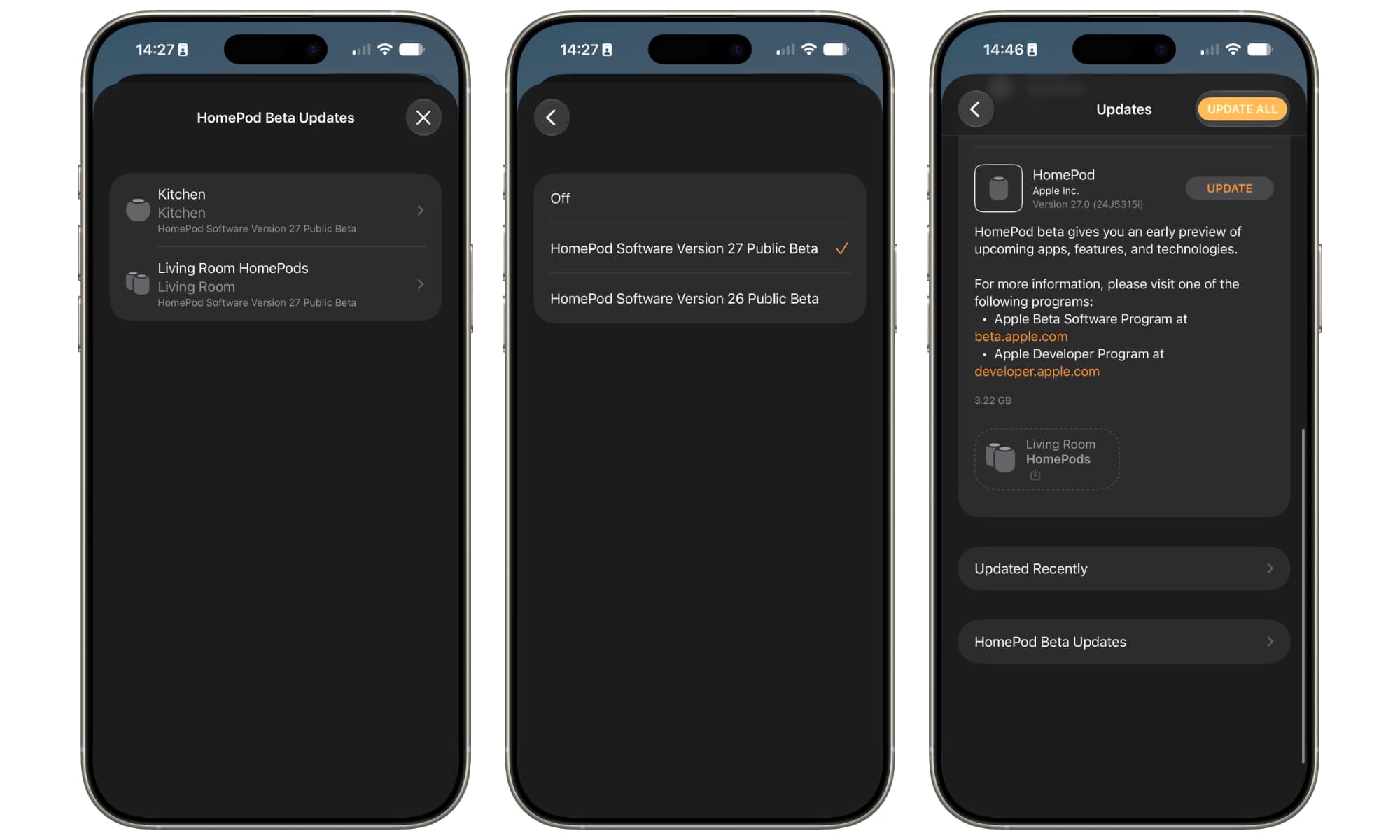
One of the most exciting things about this public beta cycle is that HomePod devices are officially and directly joining the program for users. Previously, HomePod beta versions were extremely limited and within Apple’s private closed program (AppleSeed). Now, owners of the second-generation HomePod and HomePod mini can upgrade directly to version 27 to experience the new features.
Although the original first-generation HomePod is excluded from the beta program (which is standard), the code indicates that it will receive the final update in the fall. Perhaps the most prominent new feature that HomePod Software 27 brings is the AutoMix feature in the Apple Music app, along with noticeable improvements in the speed and stability of AirPlay connections.
How do you install the public beta on your devices?
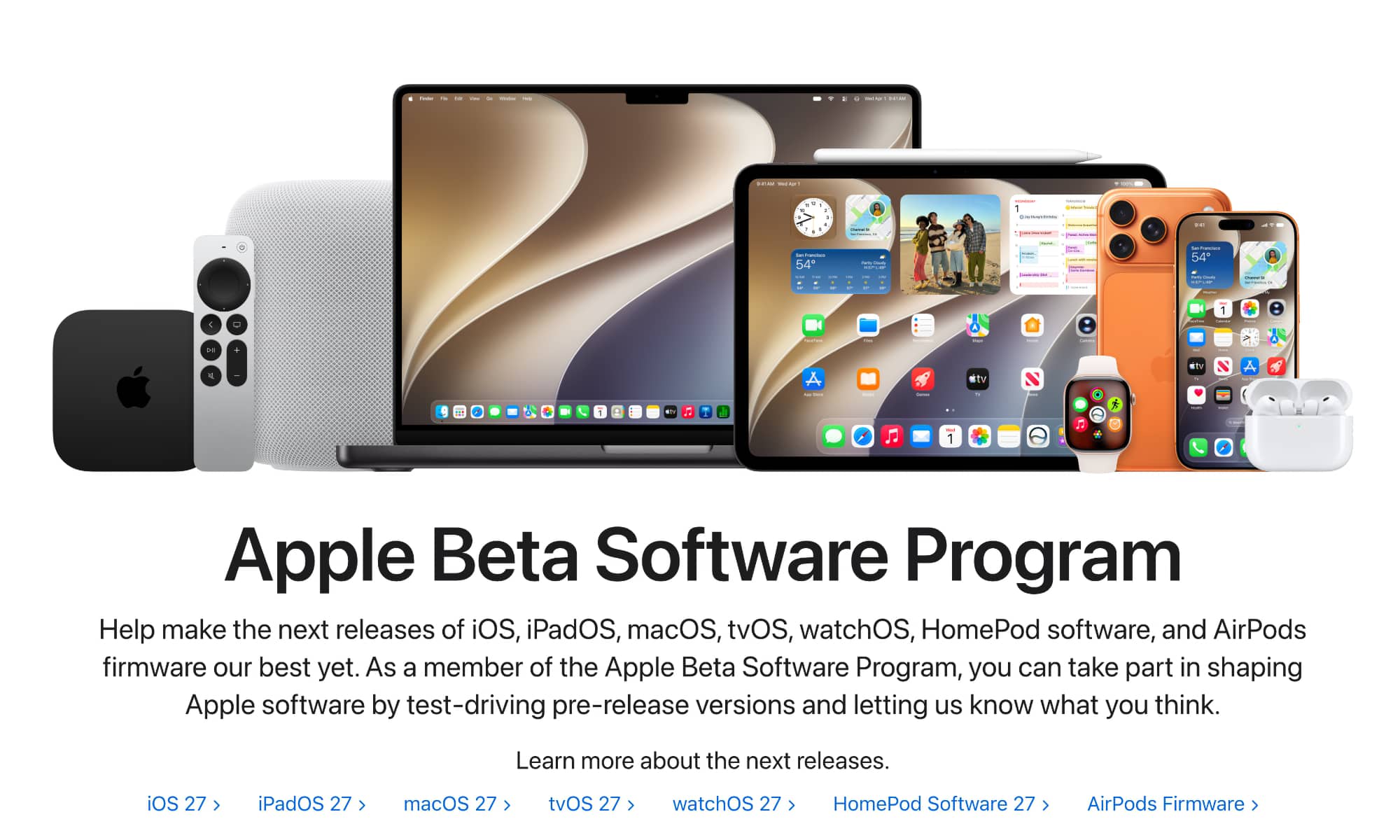
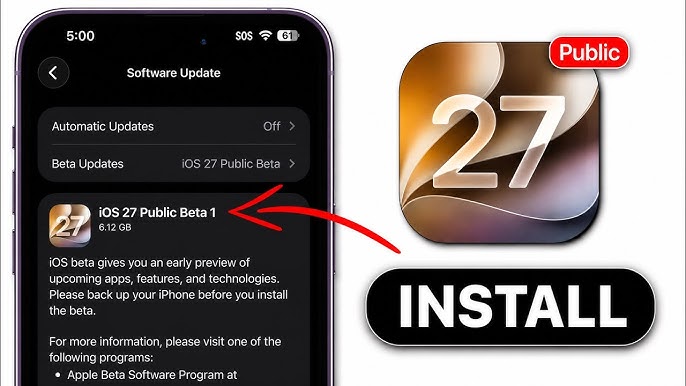
If you have registered for the Apple Public Beta program in previous years, you will not have to register again; the beta update option will appear directly in your device settings. If this is your first experience, it is very simple: visit the Apple Beta Software Program website (beta.apple.com) and sign in with your account.
Once registered, go to Settings > General > Software Update on your iPhone, iPad, or Mac, and select the iOS 27 Public Beta version from the drop-down menu. For Apple Watch, you will find this option within the Watch app on the iPhone, while HomePod can be updated via the Home app by going to Home Settings then Software Update.
The calculated adventure: Should you actually install it?
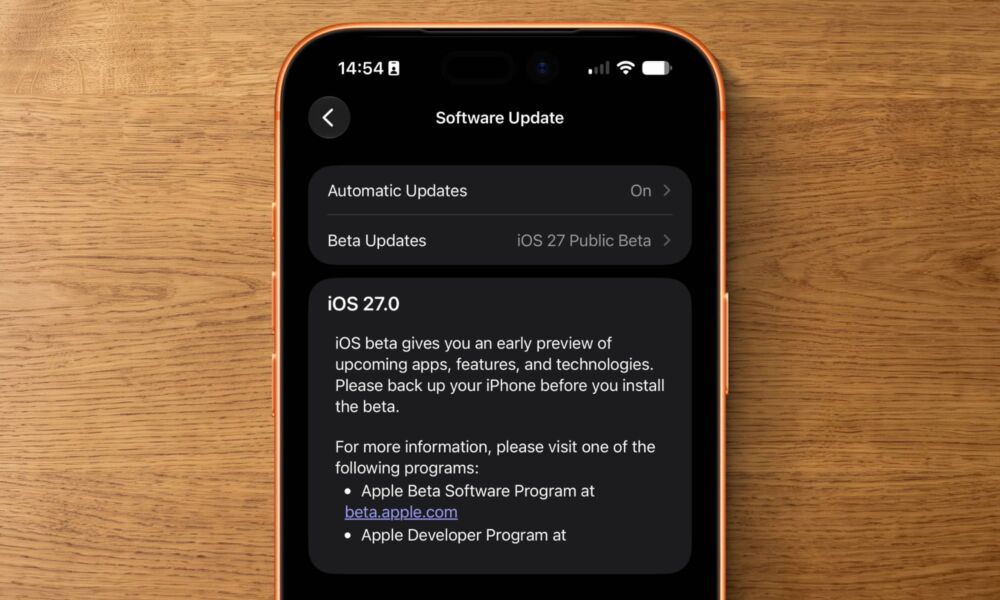
Before you rush and press the update button, always remember that we are talking about beta software. Apple clearly warns that these versions may contain bugs and performance issues. Here are three essential things you should keep in mind before upgrading:
- System instability: You may experience slowness or high battery consumption; the version is not intended for full daily reliance for people who cannot tolerate technical errors.
- Third-party apps are not ready: Your favorite apps will not support the new iOS 27 features (such as the new Siri AI integration) until after the system is officially released in September, because Apple prevents the publication of compatible updates in the App Store before that time.
- Backups are sacred: Never install any beta version without making a full backup of your device via iCloud or a computer to ensure the safety of your data in case any sudden error occurs.
However, based on the personal experience of Apple fans, they installed the iOS 27 beta on an iPhone 17 Pro Max from the first hours of its release after the conference, as well as macOS 27 Golden Gate on a MacBook Pro (M4 Pro) since mid-June. They mentioned that it is one of the most stable beta versions in Apple’s history. What makes the upgrade very tempting this year is the new smart Siri assistant, which showed great and very smart performance across built-in Apple apps like Messages, Mail, Calendar, and Reminders thanks to improved semantic indexing.
Source:

Leave a Reply