Running out of Mac battery in the middle of an urgent task can be worse than the time crunch itself, especially when you discover you don’t have your charger. In such a moment, stopping work might seem inevitable, but having a modern iPhone and a USB-C cable could give you a chance to save the situation. In this article, we will learn about a simple trick that can breathe life back into your MacBook using your iPhone.
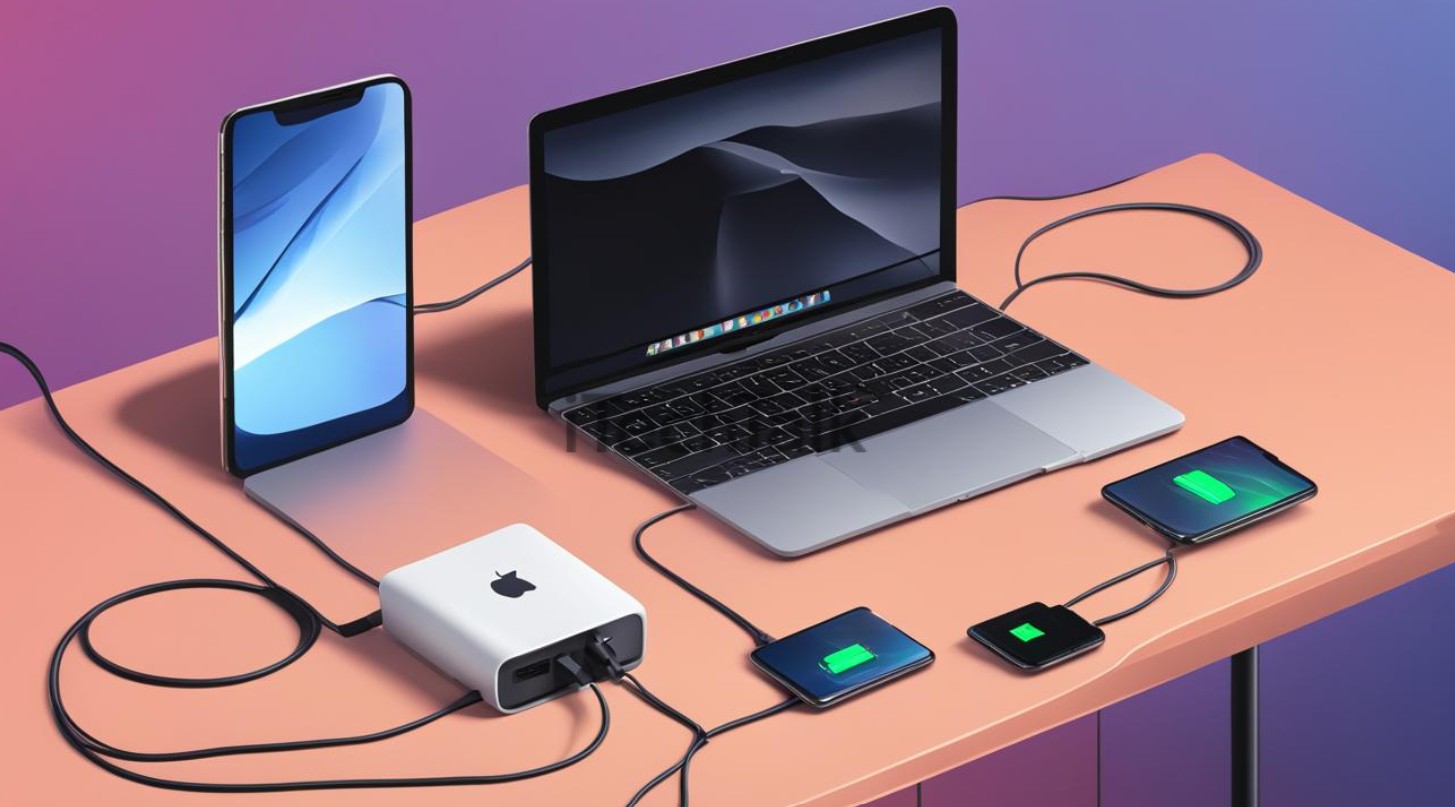
The Reverse Charging Trick
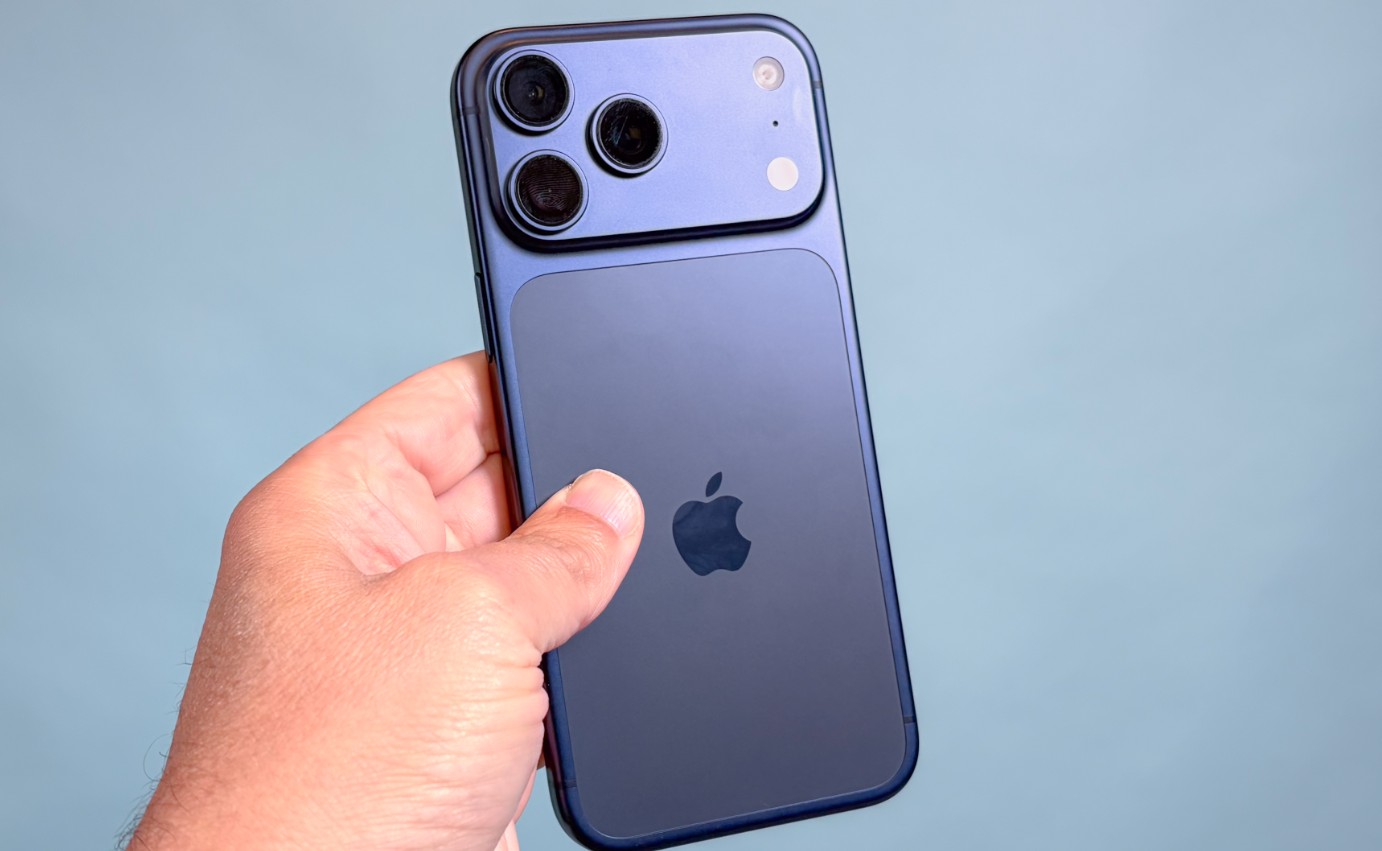
The idea is simple, but it is not traditional MacBook charging. An iPhone with a USB-C port can provide power to some other devices. Apple officially confirms that iPhone 15 and later models can be used to charge AirPods, the Apple Watch, and other devices at up to 4.5 watts. Using it to power a MacBook is an emergency scenario that depends on the compatibility of the two devices and how they negotiate power; it is not an approved alternative to a computer charger.
Are your devices compatible?
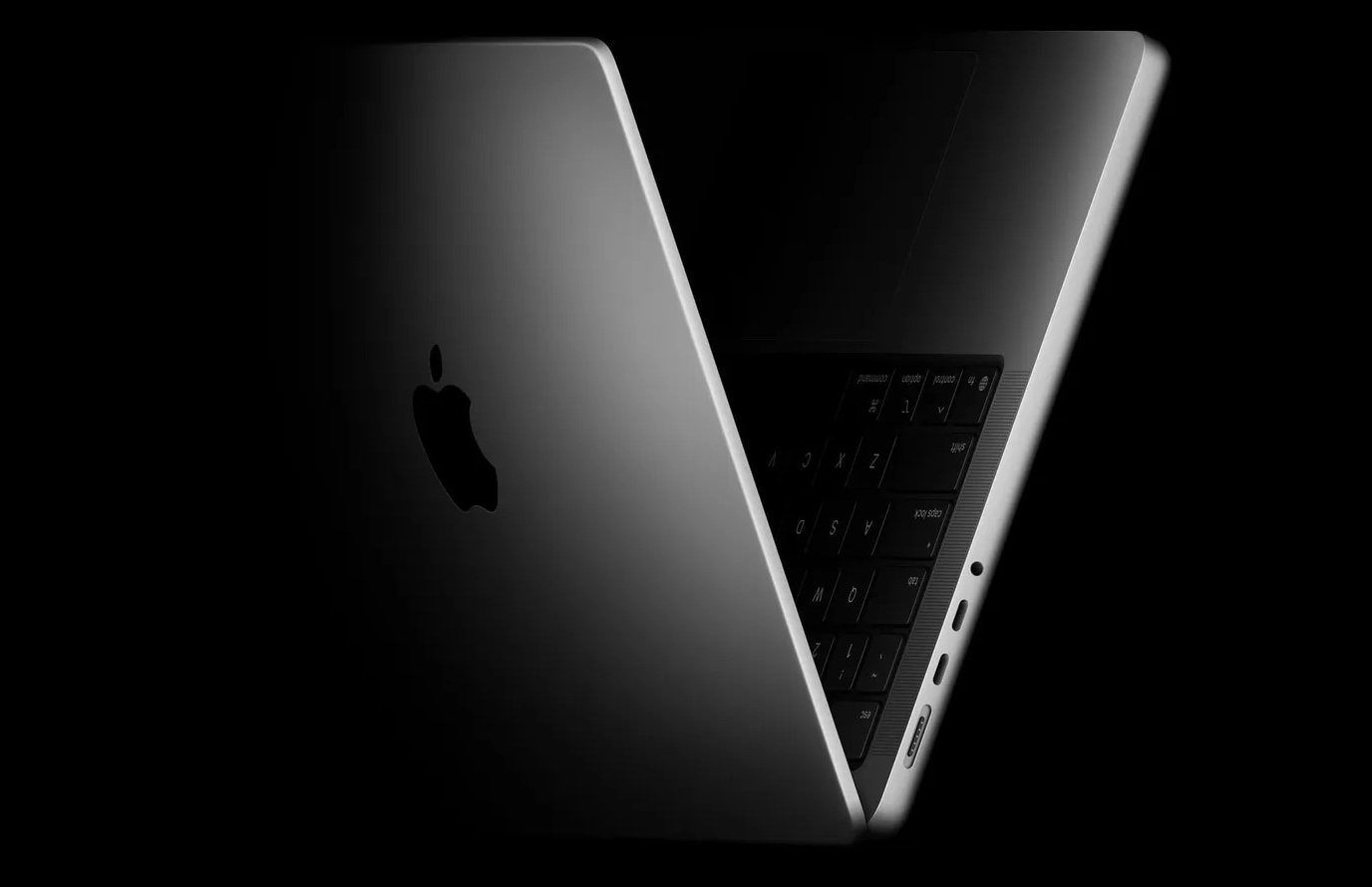
- You must have an iPhone with a USB-C port, which is found on the iPhone 15 and later models.
- As for the Mac, models such as the MacBook Air, Pro, and MacBook Neo support the USB-C port.
Don’t expect fast charging
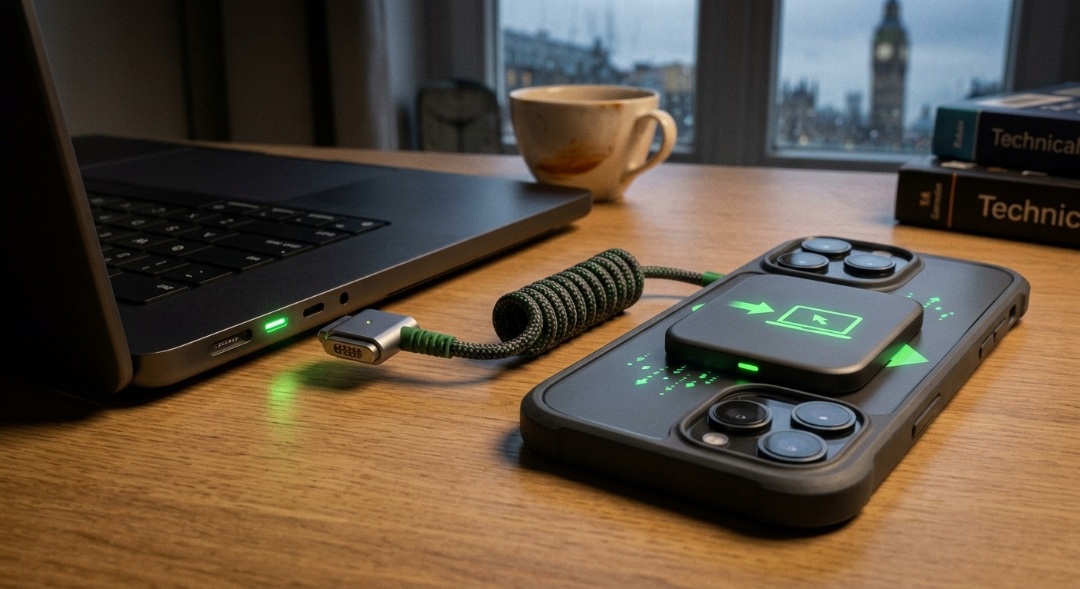
You should be aware that this trick is an emergency solution, not a permanent one. The amount of power an iPhone can provide is very small compared to what a Mac needs. Apple offers power adapters for the Mac with various capacities, including 70W, 96W, and 140W, while the iPhone’s maximum output is about 4.5 watts.
For this reason, this method should not be treated as a way to charge a MacBook battery from zero, but rather as an opportunity to get a limited amount of power that might help the device boot up or stay on for a short time. In return, the iPhone will consume a significant portion of its battery charge, so it is best to save this trick for moments when no other option is available.
How does the iPhone become the power source?
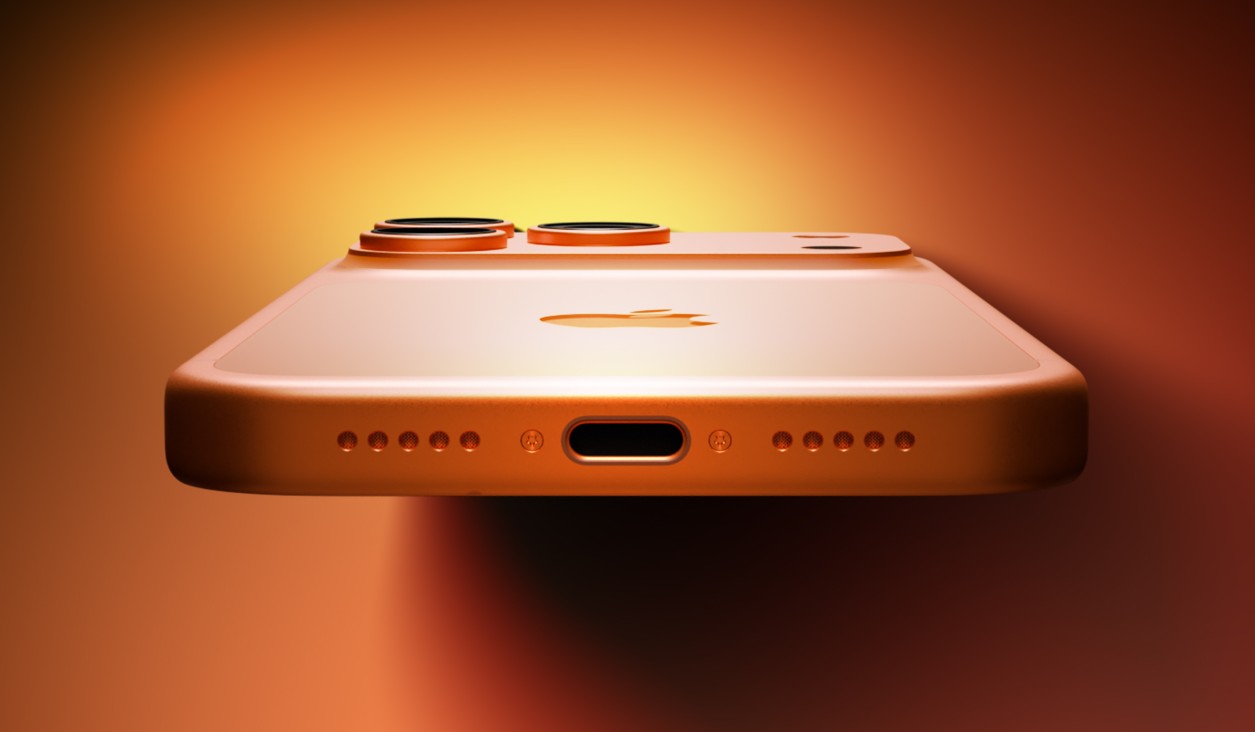
When connecting two devices via USB-C, the direction of power is not necessarily fixed from the start. Instead, the devices determine the role of each party during the power negotiation process at the moment of connection via the USB Power Delivery (USB PD) protocol. In the normal state, the Mac is the party that provides power to the iPhone when they are connected, but in some cases, the opposite can happen, where the iPhone becomes the power source and the Mac receives the charge from it.
This is where the connection method becomes important. Success is not guaranteed with all iPhone and Mac models, and Apple does not offer these steps as an official way to charge MacBooks. Therefore, it should be viewed as a rescue method in an emergency, not a feature to be relied upon daily.
How to charge a MacBook via iPhone
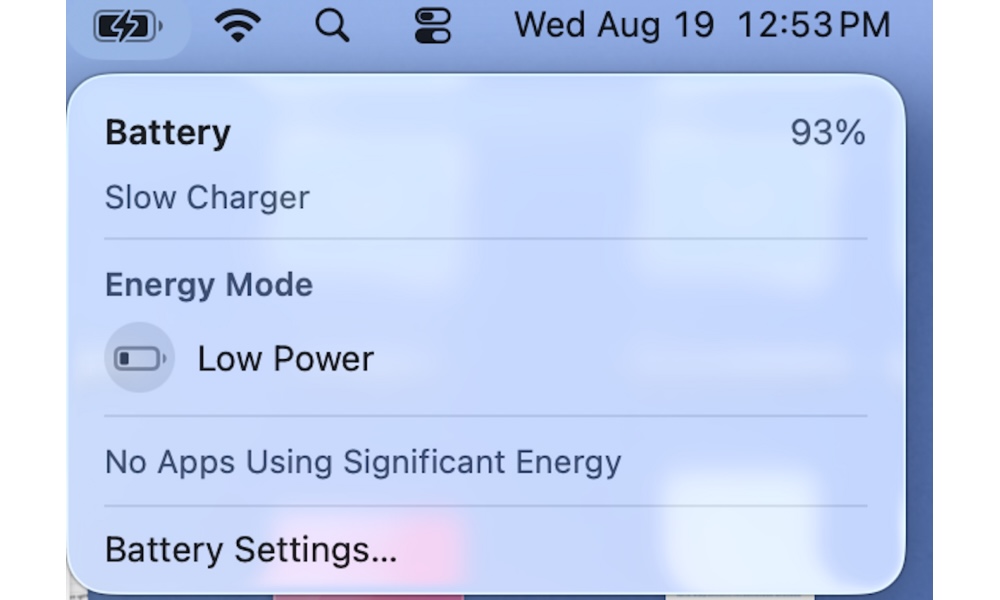
In the successful experiment, an iPhone 17 Pro and a MacBook Pro with an M3 processor were used. The computer was shut down while the screen remained open. After connecting the cable, the Mac began to boot, and the battery status appeared, indicating that the device was receiving power from a slow charging source. Apple explains that if the power source capacity is lower than what is appropriate for the Mac model, a “Slow Charger” status may appear. Here are the steps to charge a MacBook via iPhone:
- Shut down the MacBook (do not put it in sleep mode).
- Get a USB-C to USB-C cable.
- Connect the USB-C cable to the iPhone first.
- Then, connect the other end of the cable to the Mac.
- Wait to see if the Mac starts up and displays the charging status.
The Mac is expected to charge very slowly, and in return, the iPhone’s power will be drained quickly. For this reason, experts recommend using this trick only in critical moments.
Finally, if you forget your Mac charger and find that the battery is nearing zero, it’s okay to try the iPhone as a last resort, provided your device supports a USB-C port and you have a USB-C to USB-C cable. However, you should be aware that this is not the proper way to charge a Mac, but rather a trick that might give it enough power to get through an emergency. If you have a charger or a suitable power source, it remains the best option without competition. Apple itself recommends using an adapter with a capacity equal to or higher than the recommended capacity for the Mac to ensure charging without any issues.
Have you encountered a similar situation before? Tell us your experience in the comments!
Source:

Leave a Reply