As soon as the iPhone 18 Pro announcement event concludes, Apple will immediately release the new iOS 27 update. Tech enthusiasts are turning their attention to the most prominent and exciting features, led by the new, completely redesigned Siri based on artificial intelligence, Siri AI. However, getting the most out of this technical advancement doesn’t just stop at pressing the update button; there is a critical background stage that the iPhone relies on, which could slow down your initial experience if you aren’t prepared for it: the semantic indexing process of personal data.
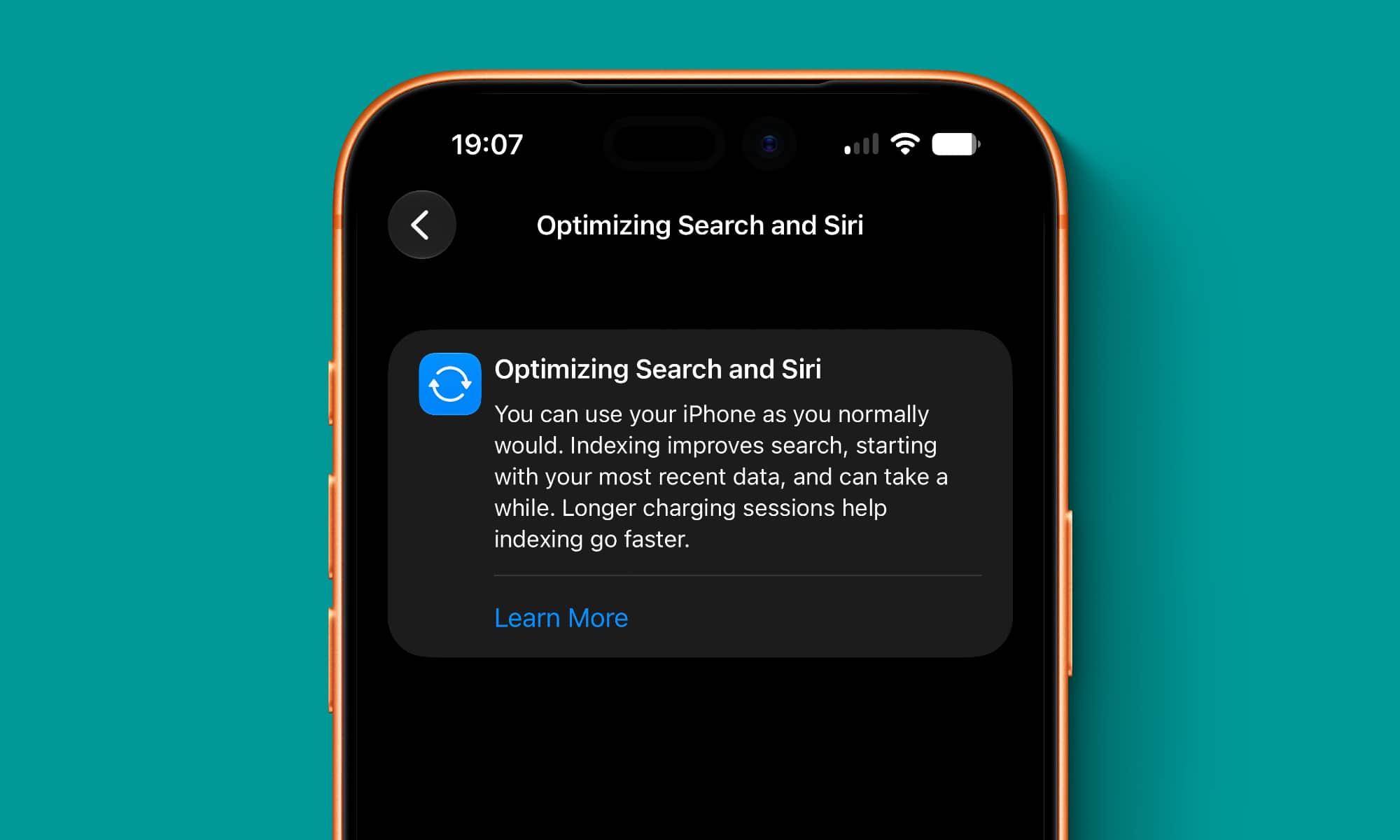
Semantic Indexing: The Real Engine Behind Siri AI Intelligence
Unlike previous versions of Siri, Siri AI in iOS 27 is distinguished by its ability to deeply understand your personal context, such as reading messages, searching through email, and tracking calendar appointments to interact with you with unprecedented accuracy. For the assistant to access these files and link them together in fractions of a second, the operating system must first build deep and comprehensive semantic indexes for everything your device contains.

This arduous process requires significant processing resources and may take anywhere from a few hours to several days depending on the volume of data stored on the iPhone. Although there is a possibility that users may enter waiting lists to activate the feature after upgrading, the indexing will continue to run in the background to ensure the system is fully ready as soon as the waiting list is cleared.
Proactive Step: How does updating to iOS 26.6 give you an early advantage?
Instead of leaving everything until the last minute, Apple has provided a smart solution by making the indexing process available early within the iOS 26.6 update. Installing this update allows the building of indexes to begin in advance, saving your device’s processor a lot of trouble when the official launch of iOS 27 arrives, so the device is largely ready immediately upon the next upgrade.
After installing iOS 26.6, you will notice a temporary section in the Settings app titled “Optimizing Search & Siri,” which is the indicator that the system is building indexes in the background. In addition to this, this version contains fixes for dozens of necessary security vulnerabilities, with a reminder that Apple Intelligence features will remain limited to iPhone 15 Pro devices and later versions.
Official tips from Apple to speed up the indexing process and prepare the device
Apple confirmed in an updated technical support document regarding Spotlight search that indexing may take a long time initially, but subsequent incremental updates are super fast. To ensure indexing is completed as quickly as possible and with minimal power consumption, the company recommended following these guidelines:
- Leave the device idle: Indexing is performed with higher efficiency and speed when the iPhone is not in intensive use.
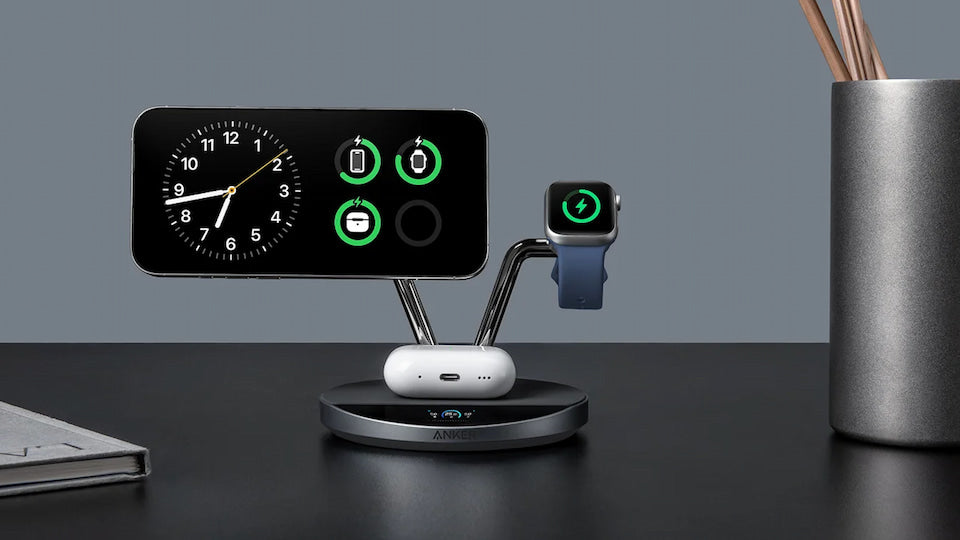
- Connect the phone to a charger: Index processing requires continuous power and avoids battery drain when connected to a power source.
- Connect to a stable Wi-Fi network: A fast internet connection ensures the downloading and updating of mail data and cloud documents necessary for indexing.
It is worth noting that Siri AI will work as soon as it is available even if indexing is still in progress, though you will not be able to get accurate results based on personal context until the index is fully finished.
Source:


Leave a Reply