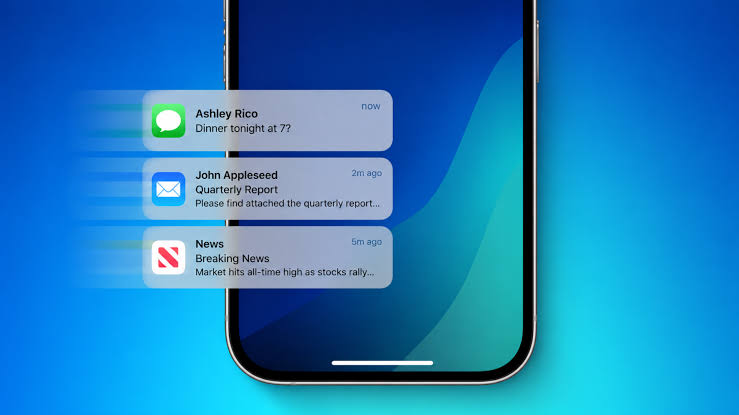
Managing notifications on the iPhone has always been a constant battle between our desire to stay up-to-date with every little detail and our need for peace of mind, escaping the flood of annoying alerts. With every new iOS update, Apple attempts to reorganize this chaos by introducing advanced tools aimed at curbing notifications and making them more useful and rational. Among these notable additions, the “Notify Me” feature stands out as one of the most intriguing ideas, offering users a smarter way to anticipate what truly matters to them without drowning in a stream of random alerts. However, as is often the case with ambitious features in their early stages, the current experience reveals a clear gap between the brilliant theoretical concept and its practical daily application.
Reinventing notifications: What is the Notify Me feature and why do we need it?
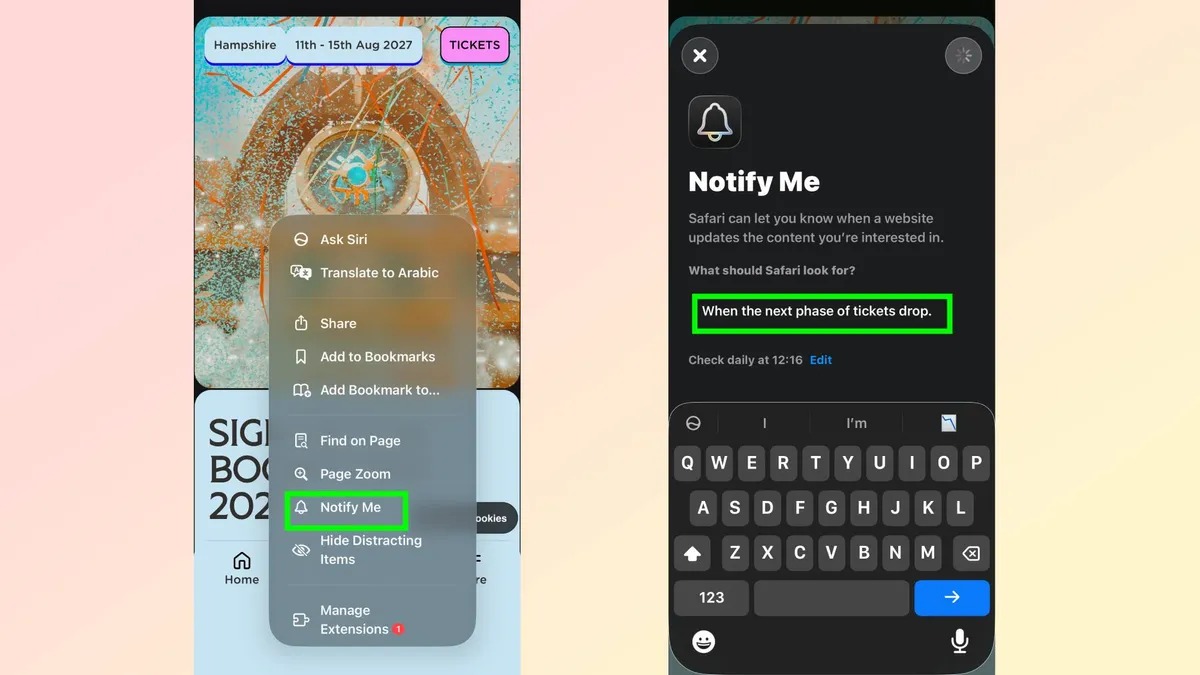
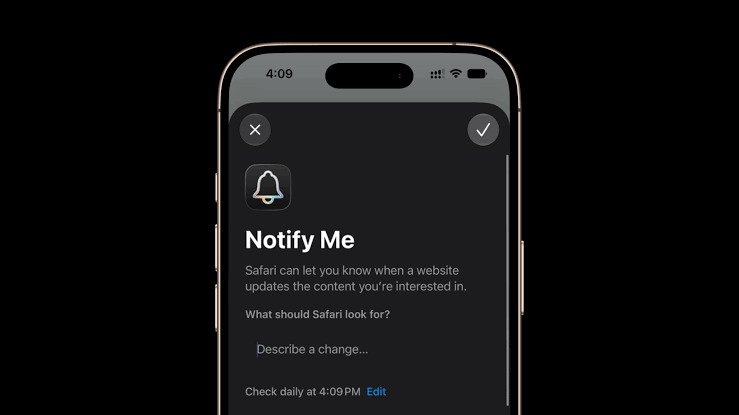
The core idea behind the “Notify Me” feature revolves around moving from passive notification—which interrupts your screen just because an app decided to talk to you—to context-aware, targeted alerts. Instead of receiving generic alerts or relying on repeatedly opening apps to check for a specific update, the feature allows you to specify events or updates you want your iPhone to notify you about as soon as they happen. This turns the phone into a personal assistant that pays attention to details rather than being just a relentless digital billboard.
This approach aligns perfectly with the modern philosophy that Apple has been trying to establish in its devices since the launch of Focus modes and scheduled notification summaries. We live in an age of digital distraction, and any feature that saves a few seconds of thought and prevents you from picking up your phone aimlessly is a step in the right direction. The idea here is not just to send a notification, but to send the right notification at the exact time you actually want it, based on your predefined conditions.
Where does the feature shine and prove its true value?
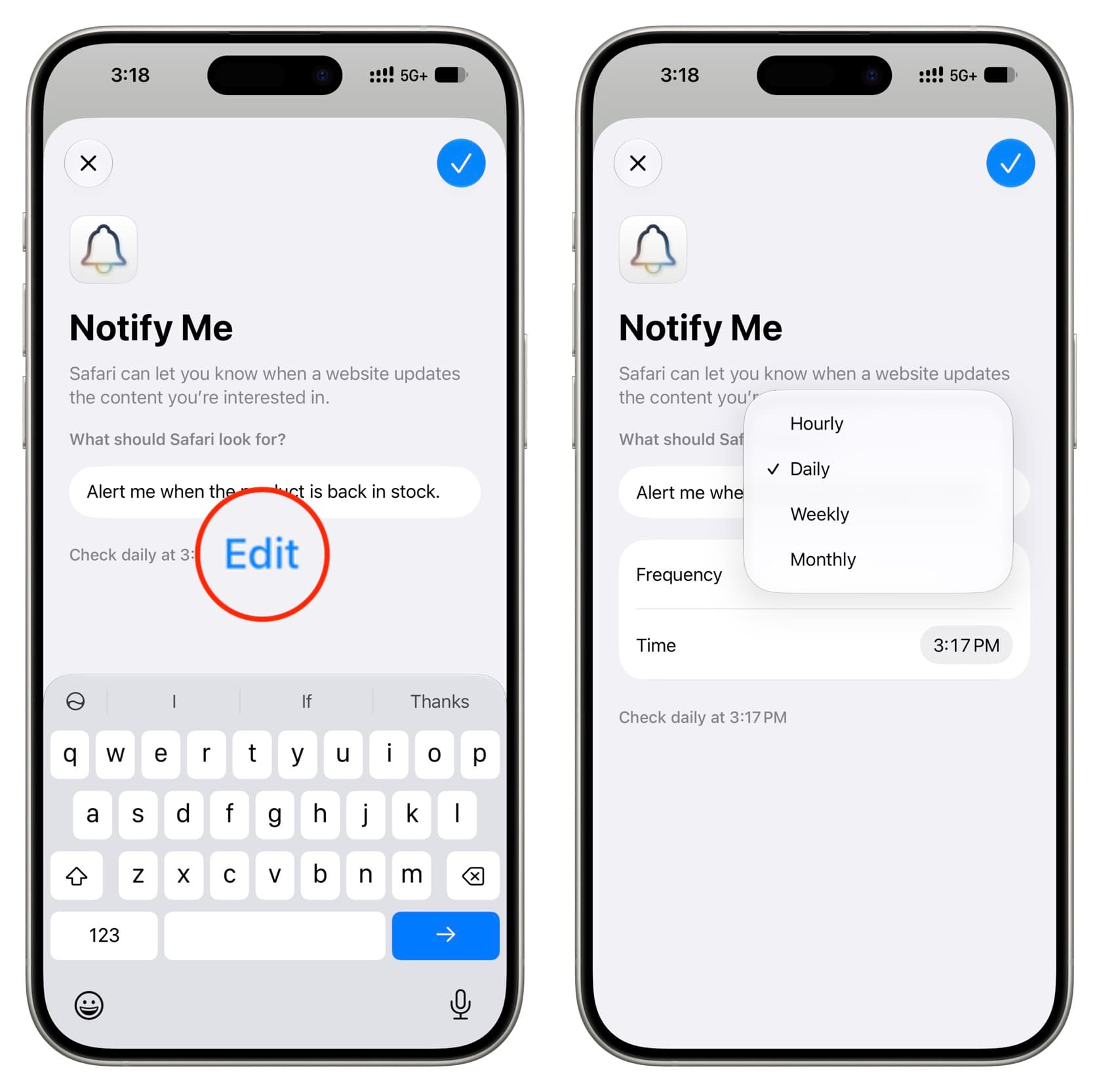
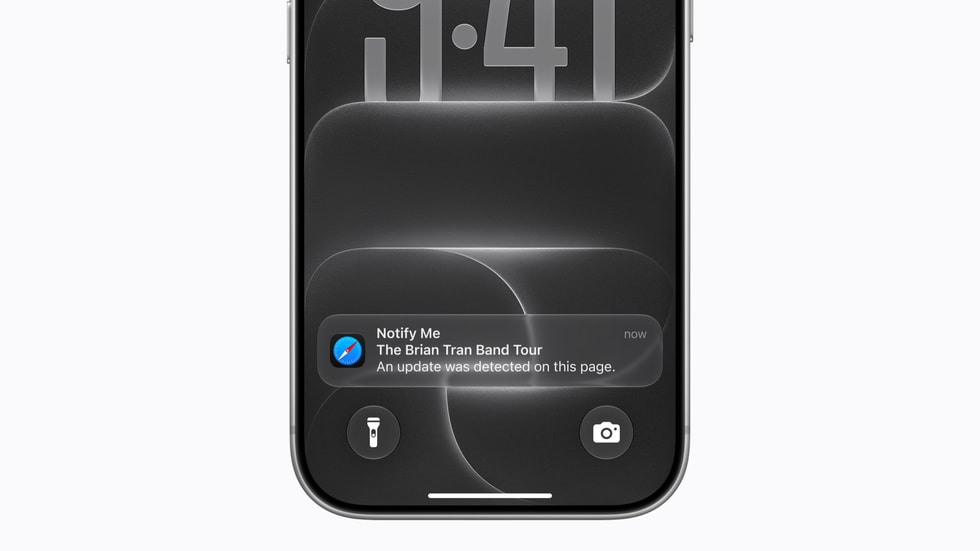
When the “Notify Me” feature works as planned, you feel the genius of Apple’s ecosystem. The power of this tool is evident in time-sensitive scenarios, such as tracking the status of a specific order, waiting for an important update within a work conversation, or even following specific updates without needing to enable all app notifications. Here, the feature succeeds in filtering out the noise and providing you with only the useful summary on the lock screen.
Furthermore, the elegant visual integration with the system interface and the Always-On displays on iPhone Pro devices makes tracking these alerts easy and enjoyable without interrupting your daily tasks. It offers a clear glimpse of what smartphones should be in the future: devices that understand what matters to you and respond precisely to your immediate needs.
Shortcomings: Why does the experience feel incomplete so far?
Despite its great potential, the feature suffers from some stumbling blocks that limit its practical utility and sometimes make it frustrating. The most prominent issue lies in the level of precision; in some cases, the system fails to grasp the critical timing of the alert, leading to either a delay in the notification’s arrival until it loses its value, or it appearing at a completely inappropriate time, which contradicts the feature’s essence of intelligence and precision.
Another weak point relates to the limited customization options. The user finds themselves restricted to standard options imposed by Apple without enough flexibility to precisely adjust notification criteria, such as linking the alert to a specific geographic location or a fully customized time condition. This lack of flexibility sometimes renders the feature unable to meet the requirements of advanced users who prefer full control over their device behavior.
Improvement roadmap: What are we waiting for from Apple?
For “Notify Me” to become an indispensable cornerstone of the iPhone, Apple must work on several key aspects. First and foremost, the system needs a more context-aware intelligence engine, capable of knowing if the user is busy in a meeting, driving, or relaxing at home, to determine how and when to display the alert in a way that suits the actual situation.
Secondly, third-party developer support is a crucial element for the idea’s success. Opening APIs for third-party apps more broadly will enable developers to integrate the custom alert feature into their apps with greater flexibility, rather than limiting advanced capabilities to Apple’s default apps only.
The future of notifications in Apple’s integrated ecosystem
The real challenge for Apple is not limited to improving the feature on the iPhone screen alone, but extends to how it synchronizes seamlessly across the rest of the devices. Imagine a critical alert being relayed instantly and subtly to the Apple Watch when you are away from your phone, or appearing as a non-intrusive notification on the iPad or Mac screen while working, without the notification repeating in a way that distracts you across all screens at the same moment.
Apple possesses all the technical components and software infrastructure to transform the “Notify Me” feature from just a nice addition into an entirely new standard for how smart devices interact with our time and interests. All that is required now is continuous refinement, expanding control options, and listening carefully to the feedback of users who want to benefit from technology without it draining their energy and focus.
Source:


Leave a Reply