When talking about shooting video with iPhones, attention always turns to camera resolution, image stabilization, and color balance, but we often overlook an equally important element: the quality of the recorded audio. Poor audio can ruin even the most impressive cinematic shots. Fortunately, the iOS system includes a precise setting that allows you to control the “Audio Zoom” feature to improve recording clarity while shooting videos. The pleasant surprise is that you don’t need to own the latest and most expensive models to benefit from it, as this option is available to a wide range of iPhones that support the update.
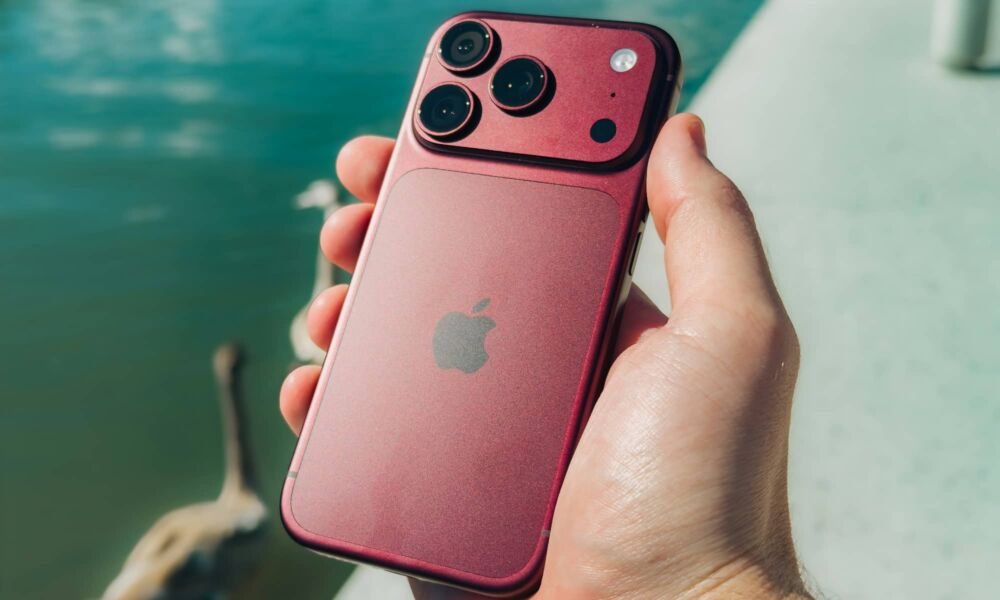
How does “Audio Zoom” work and why do you need to control it manually?
Unlike telephoto lenses that optically bring the scene closer to the subject, the built-in microphones in the iPhone cannot physically move to a distant location. What happens here is intelligent software processing; the system matches the audio capture field with the camera’s angle of view at that exact moment. When you zoom in on a person speaking or a player on the field, the phone reduces the level of background noise and ambient sounds to focus the recording on the sound coming from the specific area within the frame. When returning to the wide angle, the system resumes capturing all background sounds.
This technology first appeared with iOS 13 and the iPhone 11 series, but it remained running automatically in the background for years without giving the user the freedom to turn it off. Now, users can manually enable or disable it even on older phones like the iPhone 11, provided they are updated. The disable option is important on many occasions; if you are attending a crowded concert or a mass event and want to record the full buzz of the surrounding atmosphere, enabling Audio Zoom might ruin the general ambiance of the place. In this case, it is better to turn off the feature to record a wider and richer sound.
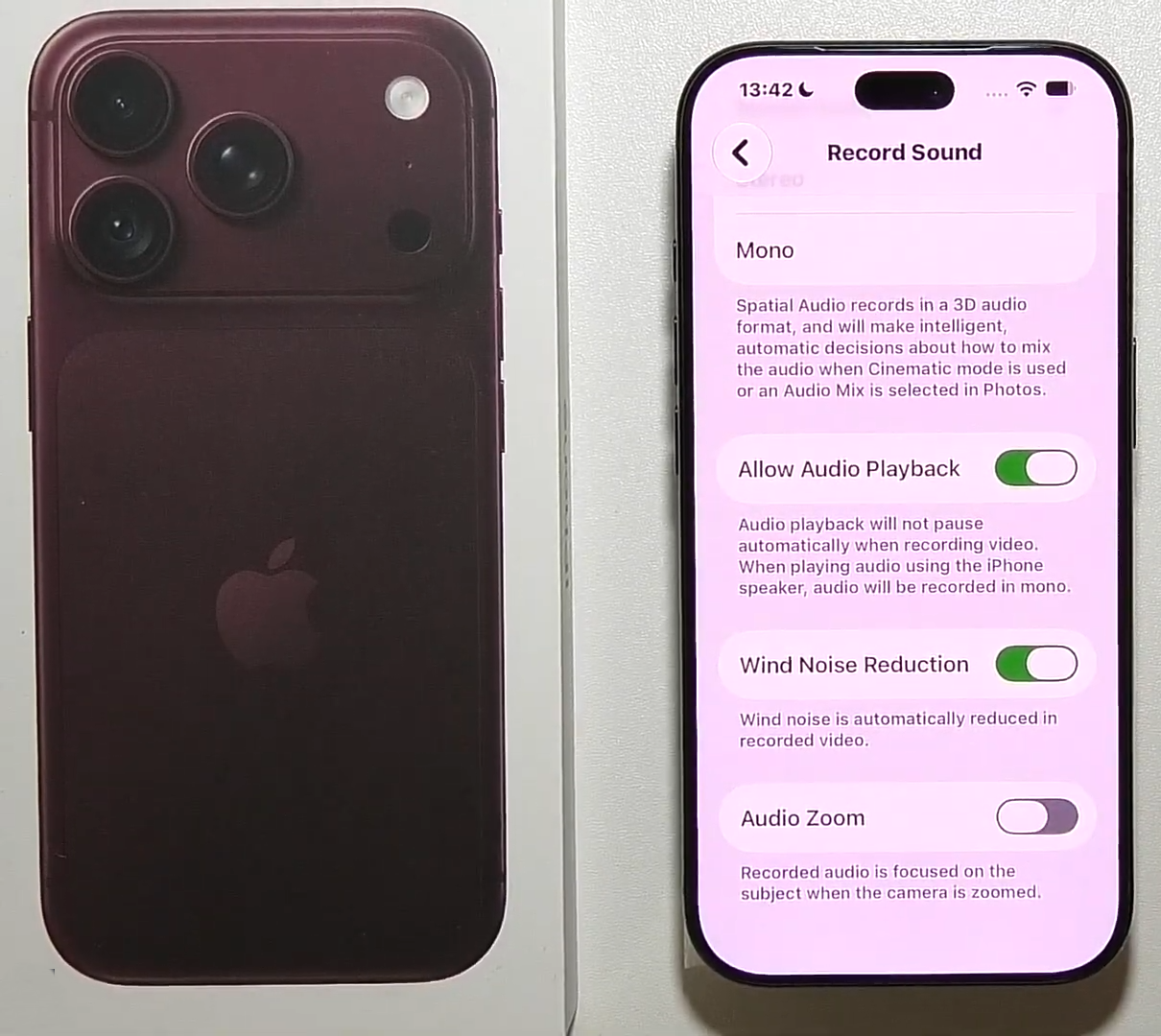
To access this switch, you won’t find it within the camera app interface while shooting. Instead, you must go to the “Settings” app, then tap on “Camera,” and navigate to the “Record Sound” section to turn the Audio Zoom option on or off. Always remember that this feature requires stereo recording to be enabled and does not work if the audio option is set to Mono.
Additional advanced settings to boost audio in your videos
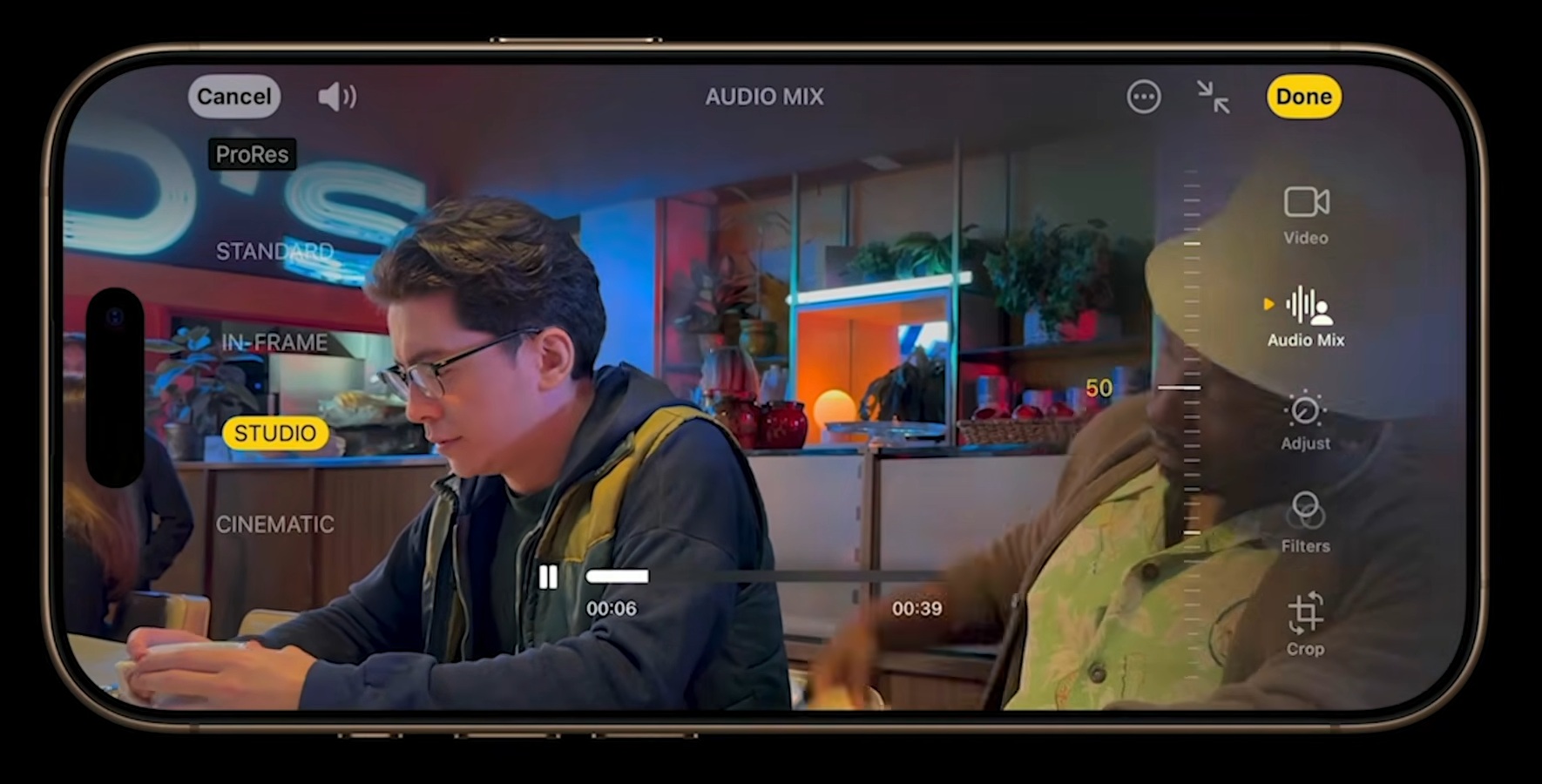
Apple’s audio arsenal doesn’t end with this switch; there are other settings that make a real difference in video production. Most notably, the “Spatial Audio” option available starting from the iPhone 16 model and later, which gives recordings a realistic surround depth, paving the way for using the “Audio Mix” feature after finishing the shoot to isolate human voices and professionally adjust their tones. Additionally, turning on Spatial Audio automatically enables wind noise reduction, which ensures audio clarity in open spaces unless you intentionally want to document the natural sound of the wind.
Content creators can also take advantage of the feature of using AirPods as an external microphone by starting the recording from the Camera app, then pulling down the Control Center and navigating to the camera controls to select the headphones as the primary audio input. Combining these capabilities with features like smart focus tracking on modern models allows the phone to maintain visual clarity on the subject while the Audio Zoom system isolates distracting sounds, ultimately giving you a professional video in both sound and image without the need for complex production equipment.
Source:


Post Comment