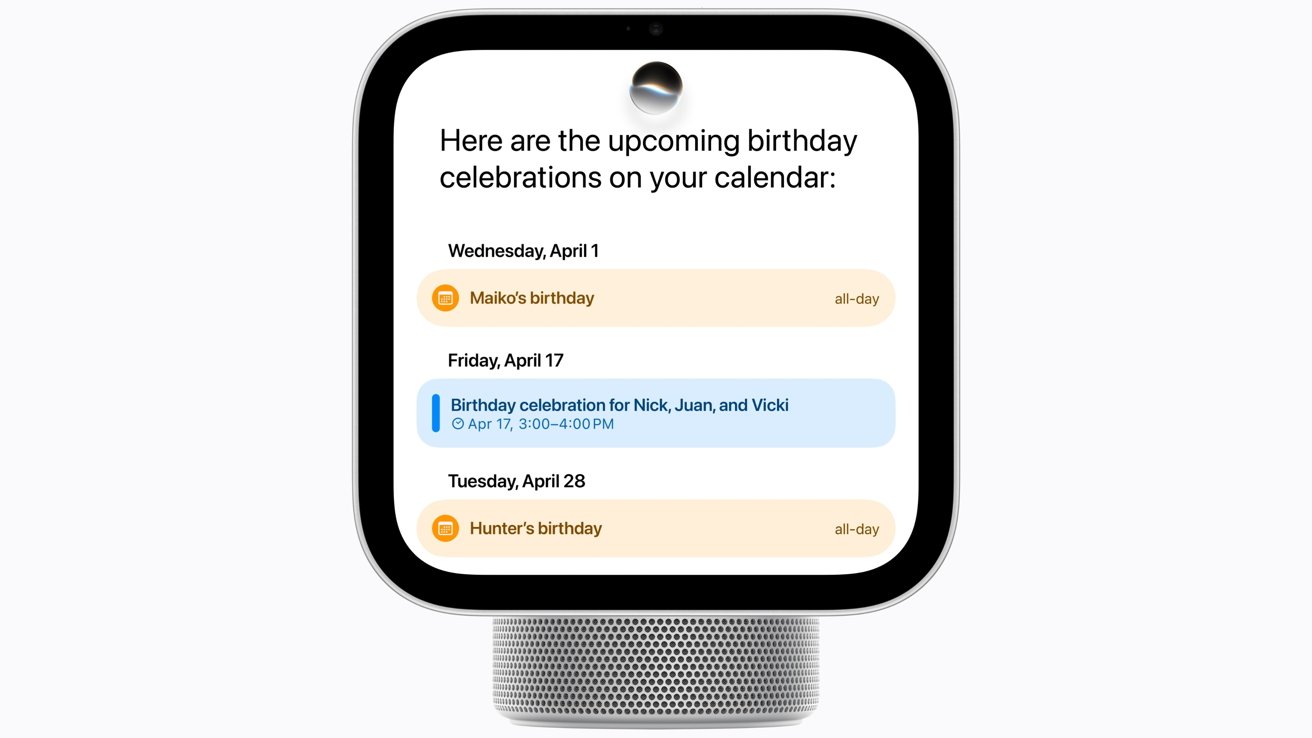
A custom screen for every individual: Six users in one device
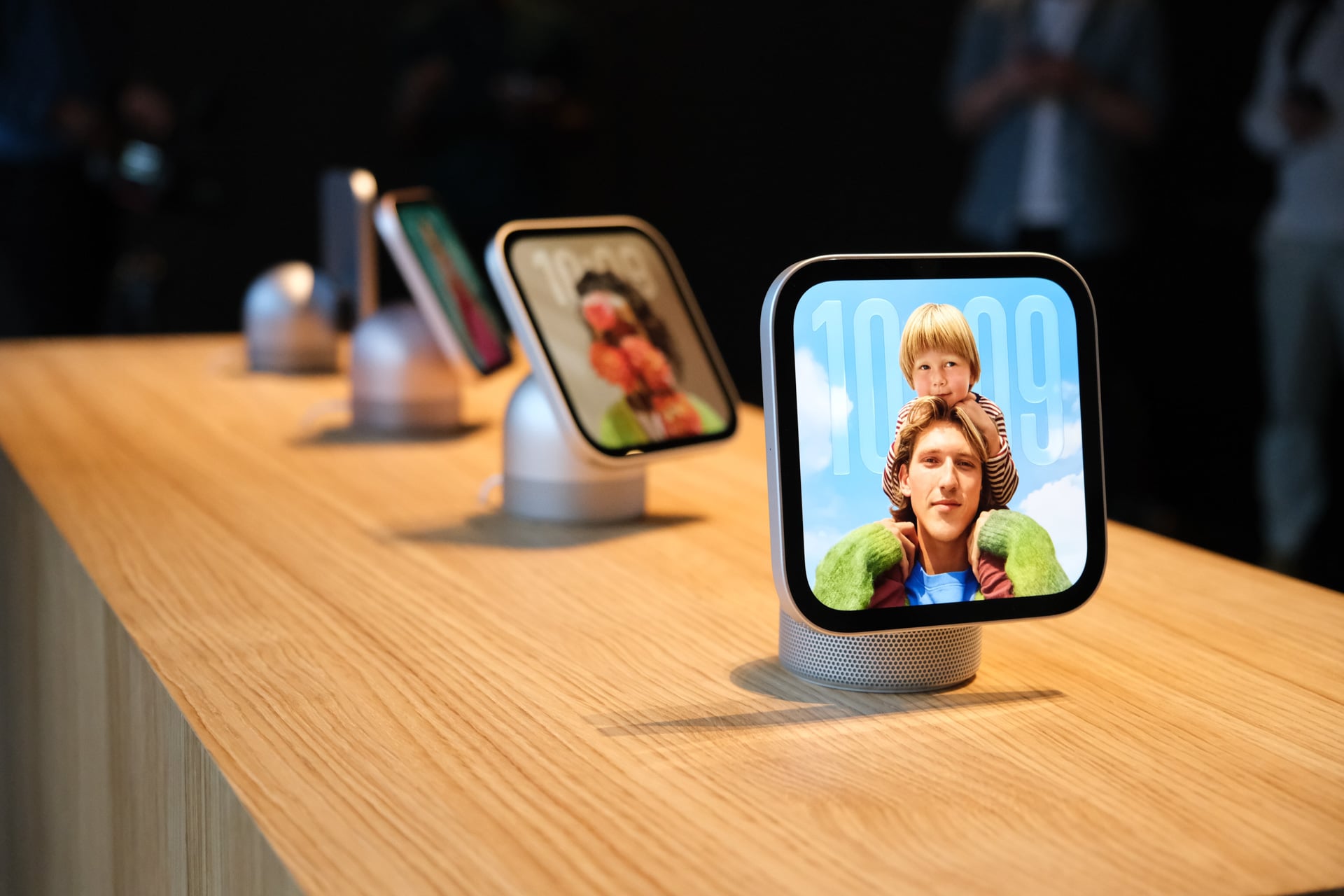
Apple confirms that the HomeView device is capable of recognizing up to six different people, granting each user their own personalized home screen. While shared items, such as family photo albums and music libraries, remain available to all household members and their guests, sensitive personal data remains protected and private to each individual.
The list of personalized content includes a range of the most important apps we rely on daily:
- Messages app
- FaceTime app
- Calendar
- Reminders
- Find My network
All these services rely on Siri’s intelligence capabilities, meaning they can understand and use the personal context of each user. However, to take advantage of this personal context, Apple requires the screen to be linked to a device that supports the Apple Intelligence ecosystem, such as an iPhone or a modern iPad.
Visual recognition without depth sensors: Apple’s idea for smart verification

To ensure that data is only displayed to the account owner, HomeView has the ability to recognize faces, but it does not use Face ID as we know it; the device simply relies on a Center Stage camera that lacks 3D depth-sensing sensors. According to what Apple representatives revealed to writer John Gruber via the Daring Fireball blog, what the camera captures is just a small part of a broader system that tracks multiple other factors.
Apple starts from an intuitive premise in this design: the home is inherently a safe space for users, so it deemed it possible to perform verification and display data without the need to include a complex and expensive biometric system within the screen itself. Instead, Apple explained that recognition requires a personal device registered to the user to be in close proximity to the screen, provided it supports Apple Intelligence and Siri intelligence.
It does not stop at physical presence alone; Apple also requires that the device be connected to the same home Wi-Fi network and that it has been unlocked and used recently by its owner. This mechanism excludes the Apple Watch from acting as an authenticator for the home device, as the watch itself is primarily authenticated via the iPhone, making the iPhone or iPad the only approved link to unlock your personal data smoothly and securely.
Source:

Post Comment