A 140W charger might be suitable for charging laptops that require significant power, but what happens if you use it to charge your iPhone? Does the phone benefit from this high capacity and charge in less time, or could the excess power pose a risk to the battery and internal components? If you are looking for answers to these questions, continue reading this article, as we will soon present a comprehensive guide explaining how the iPhone handles high-wattage chargers, what the maximum power it can receive is, and whether using a 140W charger leads to faster charging or damages the battery and phone components.
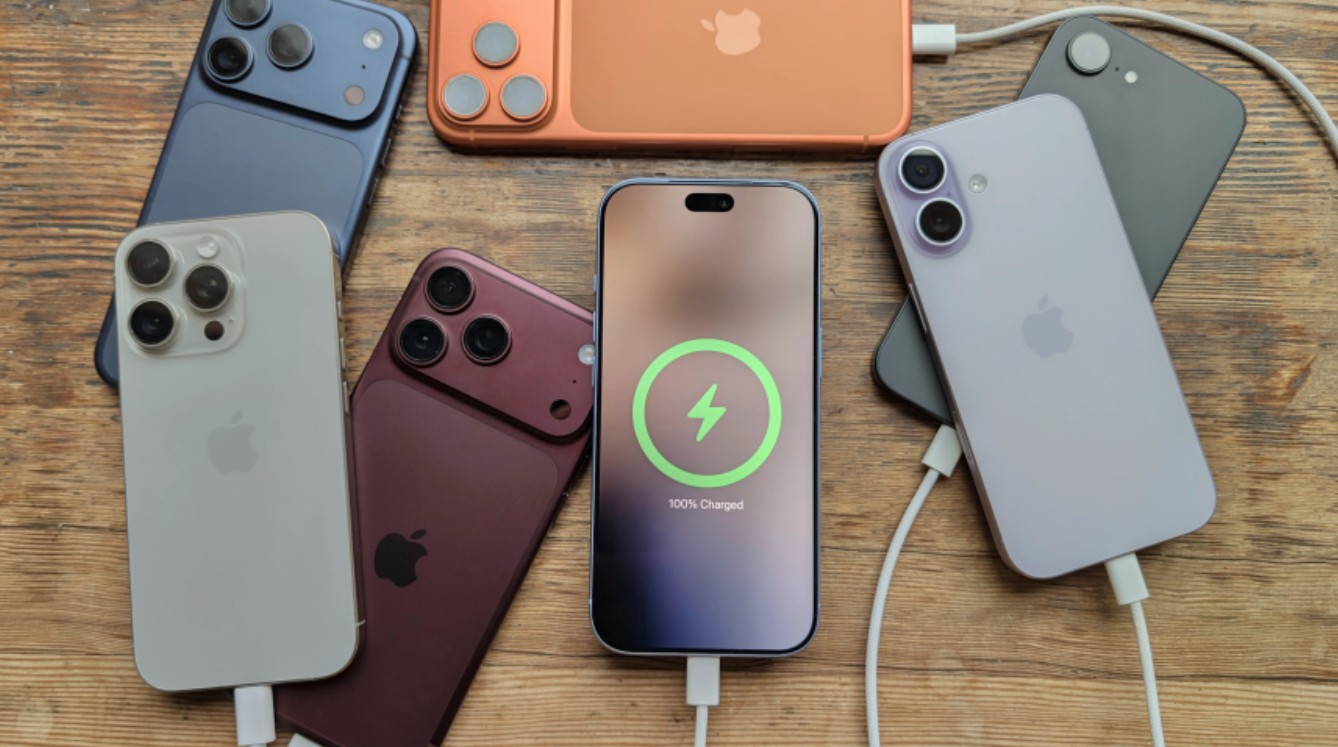
Can you charge an iPhone with a 140W charger?
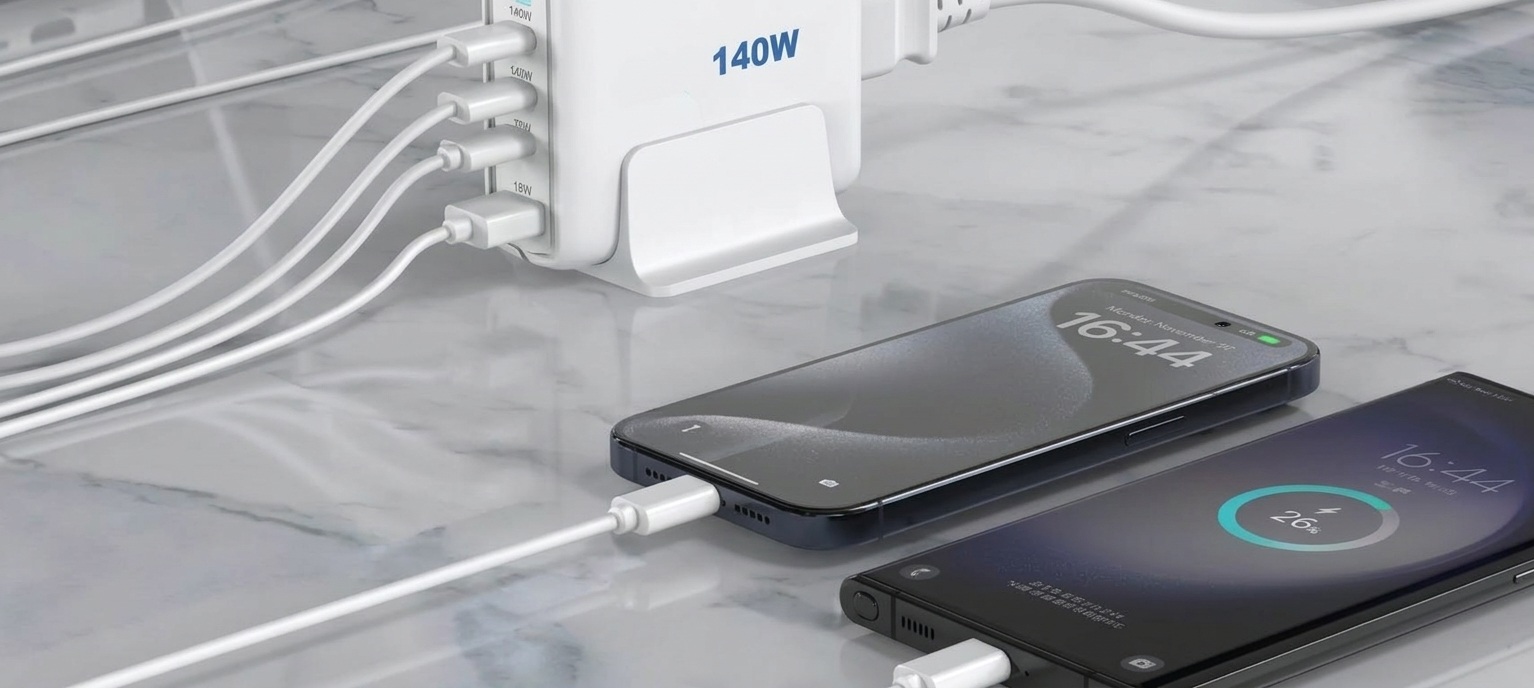
The short answer is yes, but let us explain in more detail. You can use a 140W charger to charge an iPhone, but this does not mean the phone will receive all that power. The reason is that the charging process does not rely solely on the charger’s capacity; there is a technology that regulates the amount of power transferred to the device to match its capabilities. This technology is known as USB Power Delivery or USB PD, which is responsible for regulating communication between the charger and the phone and determining the appropriate power level for each. Previously, USB PD capabilities reached 100W, but with the advent of the Extended Power Range (EPR) standard, it is now possible to provide up to 240W of power, with support for higher voltage levels of 28, 36, and 48 volts.
Of course, just because a charger has a huge charging capacity does not mean the phone will receive it all. When you connect an iPhone to the charger, the phone determines how much power it needs, and the charger provides it according to what the device supports. Therefore, even an iPhone 18 Pro will not benefit from the full 140W, as the maximum charging speed it supports is only about 52W.
To enhance safety, the EPR standard includes a mechanism to verify the continuous connection between the device and the charger. When using this mode, the device must send a confirmation message approximately every half second. If the charger does not receive this message, it automatically reduces the voltage to 5 volts instead of continuing to provide high power levels.
When does a charger become a risk to the iPhone?
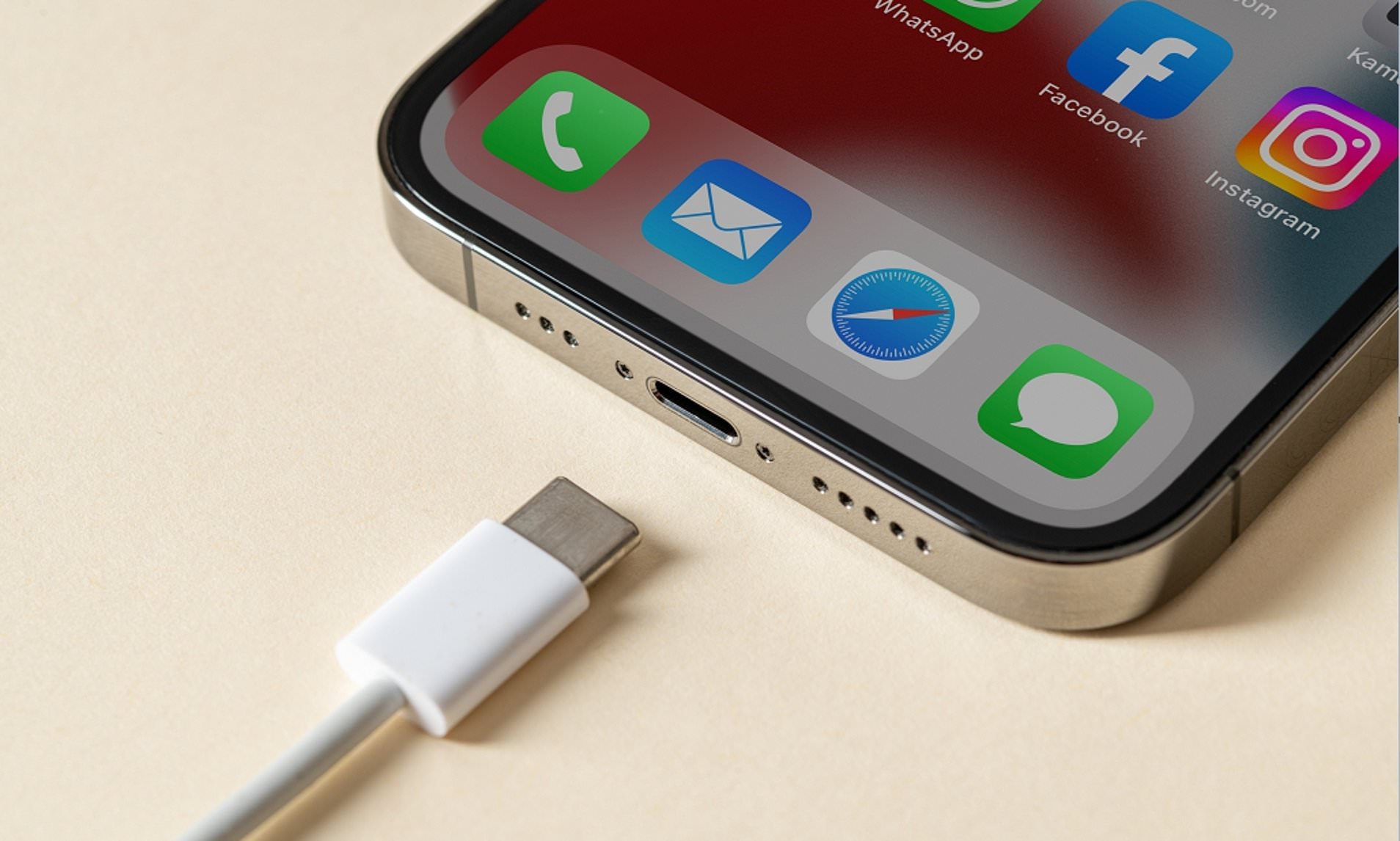
The problem is not the high capacity of the charger, but rather its manufacturing quality and compliance with safety standards. For this reason, Apple warns against using power adapters that do not meet the required safety standards, as this could lead to significant risks to the device and the user. Therefore, you should not choose a charger based solely on its wattage or price; it is important to buy reliable and certified products, while also ensuring the quality of the cable used. If you find that original Apple chargers are expensive, the market includes many well-known companies that offer safe and compatible chargers at much lower prices.
How many watts does an iPhone actually need?
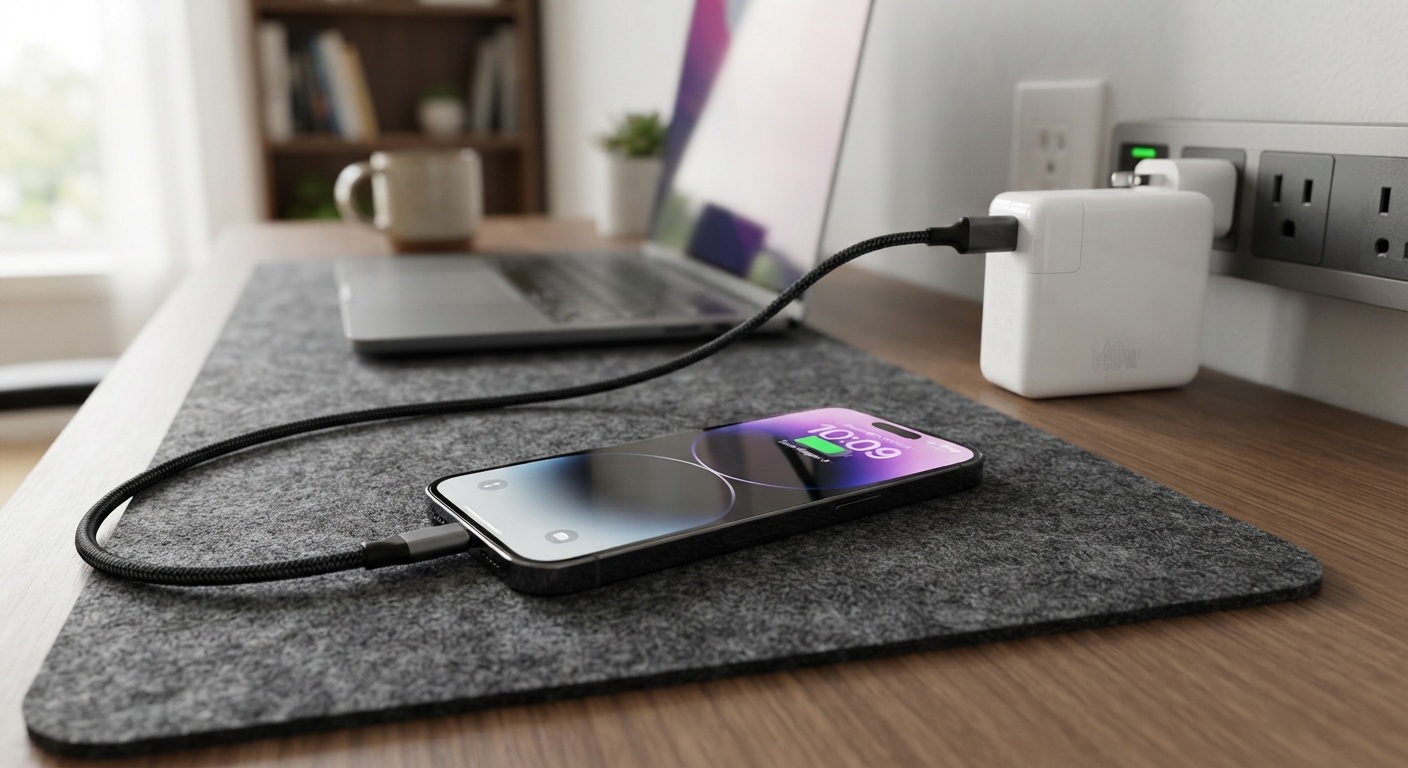
The charging speed supported by the iPhone varies by model, and most users do not need a 140W charger to get the best charging experience. As for the charging capacity that each iPhone needs, it is as follows:
- iPhone 17, iPhone 17 Pro, and Pro Max can reach 50% charge in about 20 minutes when using a power adapter of 40W or higher.
- iPhone Air and iPhone 17e require a 20W charger to reach 50% in about 30 minutes.
- As for the iPhone 15 and iPhone 16 series, as well as older models that use a Lightning port, such as the iPhone 14 when connected with a USB-C to Lightning cable, fast charging requires a power adapter that supports USB Power Delivery of at least 18W.
- For the iPhone 18 Pro, Pro Max, and iPhone Duo, these devices require a 60W charger that supports Adjustable Voltage Supply (AVS) technology and the USB PD 3.2 standard, along with a USB-C cable capable of handling power up to 60W or higher.
Note: Using a 140W charger will not make the iPhone charge at that capacity because, as we explained, every device has a power limit it can handle and cannot exceed.
What is the capacity of traditional USB ports?
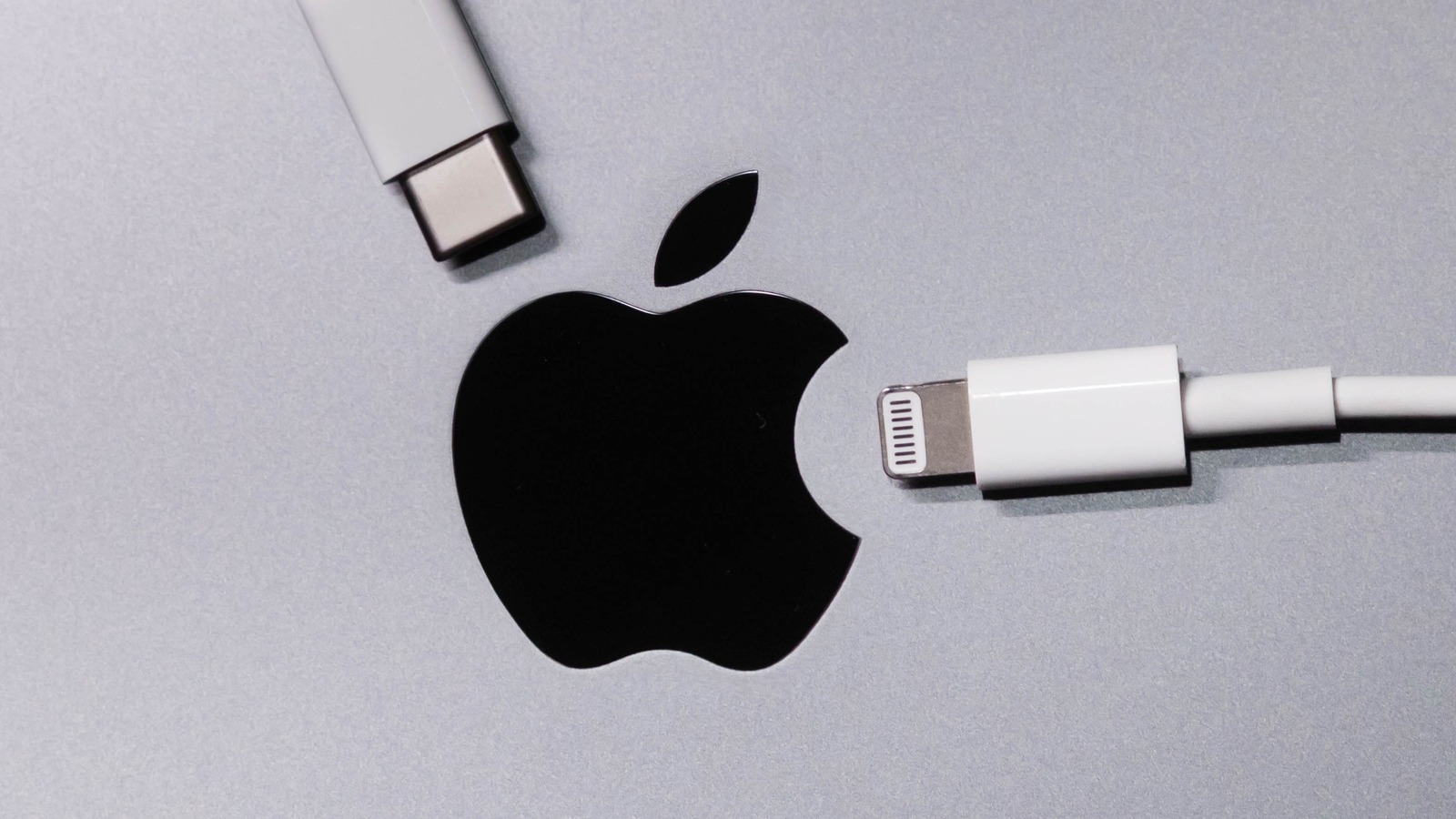
Not all USB ports provide the same power, as the available energy varies depending on the type of port and the standard it supports as follows:
- Traditional USB 2.0 ports: Usually provide 5 volts at 500 mA, which is a capacity of 2.5 watts. The capacity increases in USB 3.0 and USB 3.1 ports to 900 mA, or about 4.5 watts.
- USB ports that support the Battery Charging 1.2 standard: Can provide a current of up to 1.5 amps, equivalent to 7.5 watts.
- These limited capacities make charging modern phones via traditional ports very slow, especially when using an iPhone 18 Pro Max. Also, the iPhone 15 and higher versions are limited to 7.5 watts when charging using a USB-A adapter.
- In contrast, USB-C offers a significant improvement, as it can provide 15 watts when operating at 5 volts and 3 amps, even without Power Delivery support. When the technology is supported, the capacity increases to 100 watts within the Standard Power Range and reaches 240 watts using the Extended Power Range.
Note: The capacities of computer and laptop ports also vary according to their design. For example, orange-colored Intel NUC ports provide a current of up to 1.5 amps, while blue ports reach 900 mA. Black ports are usually USB 2.0 and provide a default capacity of 2.5 watts.
Does the charging cable affect charging speed?
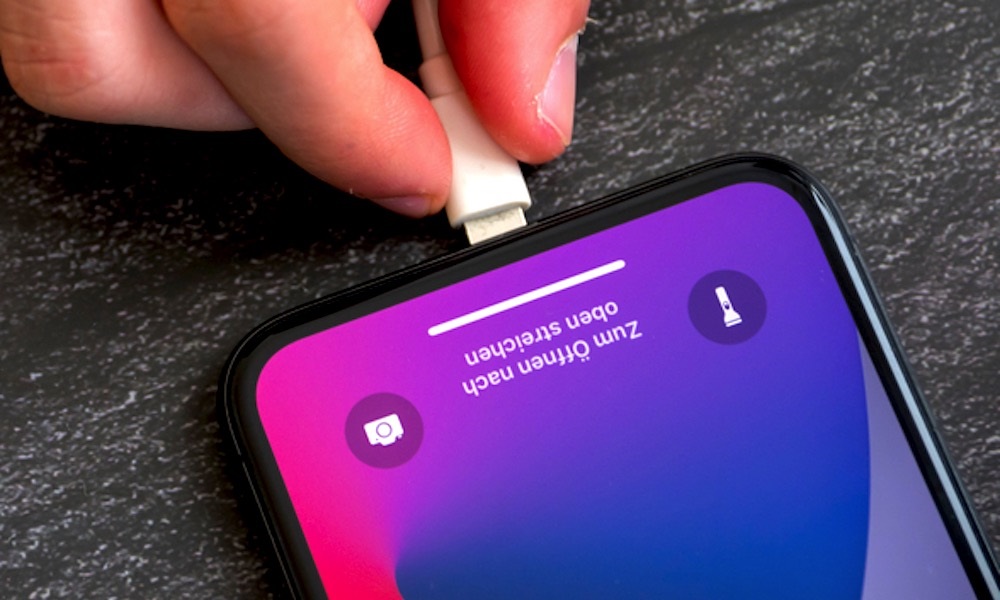
Yes, even if the charger is powerful, the cable may limit the power that can be transferred to the phone. Traditional USB-C cables handle a current of up to 3 amps, making their maximum capacity about 60 watts. Cables designed to handle 100 watts support a current of up to 5 amps and contain a small electronic chip known as an E-Marker, which tells the charger the cable’s capabilities and the power limits it can safely handle. Cables designed for capacities exceeding 100 watts fall under EPR cables, which are necessary when using chargers that support higher power levels.
How do you know if your charger is suitable for the iPhone?
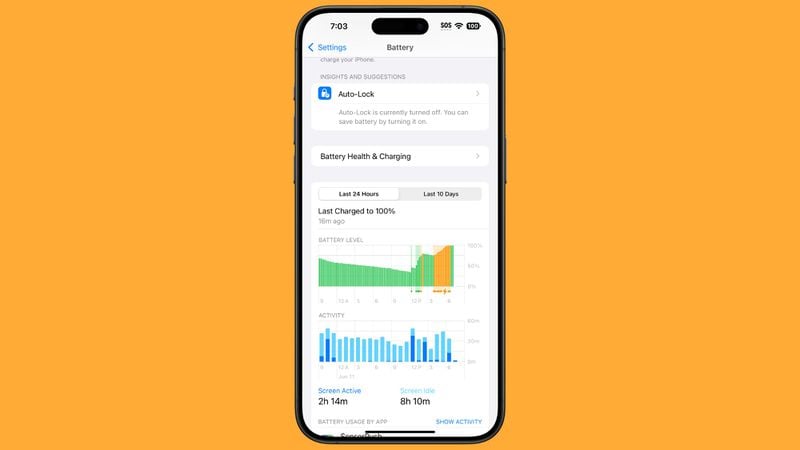
If you are using an Apple charger, the charging capacity is usually written on the top or bottom of the power adapter. Apple also prints a Dynamic Power symbol on its 40W chargers. You can also take advantage of the iOS system to see if the charger provides a suitable speed. In iOS 18 and later, a “Slow Charger” message may appear on the lock screen or within battery settings when using a slow charger. With iOS 26, an alert appears when using an incompatible charger that cannot charge the iPhone.
Finally, using a 140W charger does not mean the iPhone will receive power beyond its capacity or that its battery will be damaged; the phone controls the amount of power it needs according to its capabilities. However, you should not choose a charger based solely on its capacity; more importantly, ensure its quality and compliance with safety standards, along with using a suitable cable. Therefore, if you have a powerful charger and are thinking of using it with your iPhone, there is no need to worry about the wattage number alone, but be sure to choose a reliable product that ensures your phone charges safely without exposing it or you to any risks.
Have you ever used a high-capacity charger to charge your iPhone? Tell us in the comments!
Source:

Post Comment