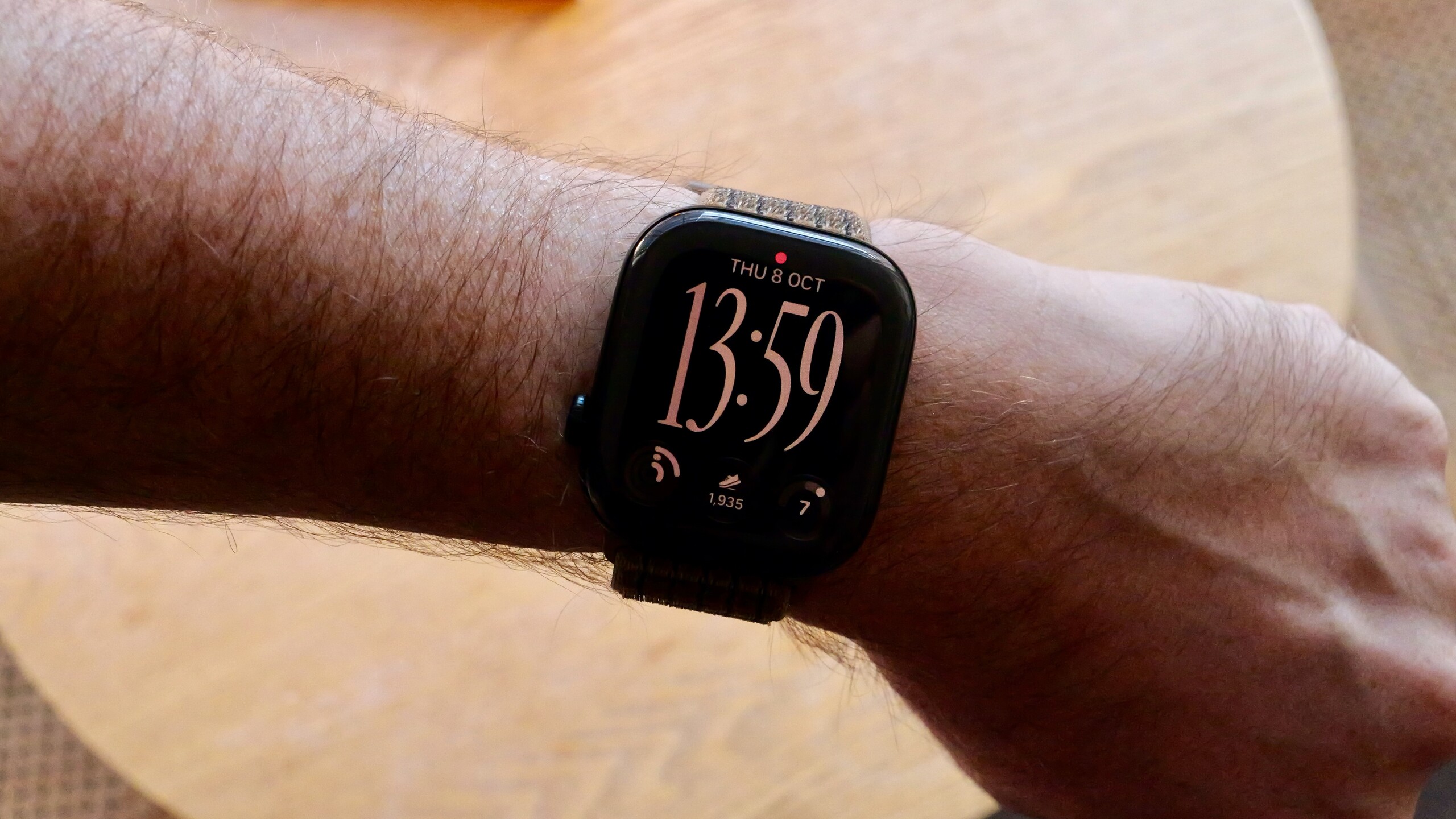
How many times have you found yourself in a long business meeting or a dark movie theater, desperately wanting to know how much time has passed, but hesitated for fear of looking uninterested if you checked your watch, or disturbing those around you with the screen’s light? As usual, Apple has developed ingenious solutions for small details that many overlook. One of the most prominent is a hidden and extremely useful feature known as “Taptic Time.” This feature allows you to sense the exact time through secret haptic taps and vibrations sent directly to your wrist, without saying a word and without lighting up the screen at all.
What is the “Taptic Time” feature and how does it work?

This feature is not new; Apple quietly launched it back in watchOS 3 as an accessibility feature to help the blind and visually impaired, meaning all modern and relatively older Apple Watches support it and work with it efficiently. The feature relies entirely on the Taptic Engine to translate the current time into a series of pulses that you feel on your skin.
Once the feature is enabled, you simply need to place two fingers firmly on the watch face, and it will immediately begin tapping the time onto your wrist. If you are a VoiceOver user, you can trigger the pulses by double-tapping the face while the screen is inactive. Apple provides three different patterns for translating the time into pulses so you can choose the one that suits you best.
Steps to enable the feature and choose the appropriate pattern
Before you begin, there is an important detail: make sure your watch won’t give you away by speaking the time out loud! Go to your watch settings, select “Clock,” and ensure the “Silent Mode” option is enabled under the “Speak Time” section. Afterward, you can enable haptics via the following steps:
- Open the “Settings” app on your Apple Watch, or the Watch app on your iPhone.
- Go to the “Clock” section.
- Scroll down until you find “Taptic Time” and enable the option.
- Choose one of the three patterns: Digits, Terse, or Morse Code.
The way the time is translated varies depending on the chosen pattern; the “Digits” pattern converts hours and minutes into long vibrations representing tens and short vibrations representing ones. The “Terse” pattern divides time into 15-minute intervals based on counting from midnight. The “Morse Code” pattern is aimed at experts, pulsing the time digits in the historical dot-and-dash system with extreme precision.
Other features for controlling your Apple Watch without touching the screen
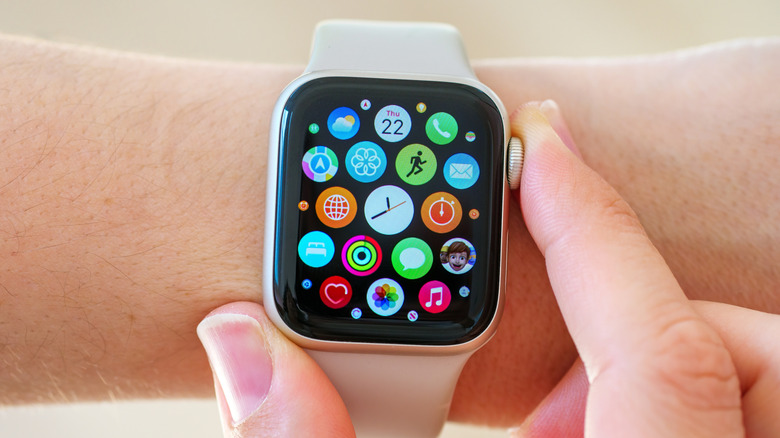
The ingenuity of the Apple Watch doesn’t end with the haptic feature; there is an entire ecosystem of gestures and commands that save you from looking directly at the screen. Perhaps the most prominent is the “Double Tap” gesture, which Apple introduced starting with watchOS 10.1 on Apple Watch Series 9, Apple Watch Ultra 2, and later; it allows you to tap your index finger and thumb together to answer calls, stop timers, and control music with one hand.
And let’s not forget the voice assistant “Siri,” which responds to just saying “Hey Siri” or pressing and holding the Digital Crown to record notes, send messages, and start calls without you having to lift your eyes toward the watch. If you are caught off guard by a call or an urgent alert and want to silence the watch immediately, all you have to do is cover the screen with your palm for three seconds to switch it to silent, thanks to the “Cover to Mute” feature.
Source:
Post Comment