The feeling of unboxing a new iPhone is always an exceptional experience that carries a special sparkle, whether you are upgrading from an outdated model or taking your first step with excitement after deciding to switch from Android for the first time. Everything seems faster and more responsive at first glance, the cameras offer a clear leap in quality, and you find yourself eager to try the new features you have long read about and want to test for yourself in reality. But after the initial euphoria subsides, the next logical step emerges: starting to equip your device with the apps that give this advanced hardware its true soul.

The joy of upgrading and moving to the world of Apple

When holding the new device, the performance difference is immediately evident through the smoothness of use, processing speed, and advanced photography capabilities. If you are one of those who recently bid farewell to the Android platform, the passion doubles to explore the interconnected philosophy of the iOS system and learn about the details that make the Apple experience unique. It is natural that your first interest will turn toward the App Store to install the programs you need daily.
It is true that Apple includes a distinguished set of built-in apps ready to work on the phone, which are reliable and tightly built tools, but relying solely on them means you are only utilizing a small fraction of the phone’s true power. In the App Store, thousands of software solutions developed by third parties are waiting to give you much wider options than what is available by default.
The world of third-party apps without additional costs
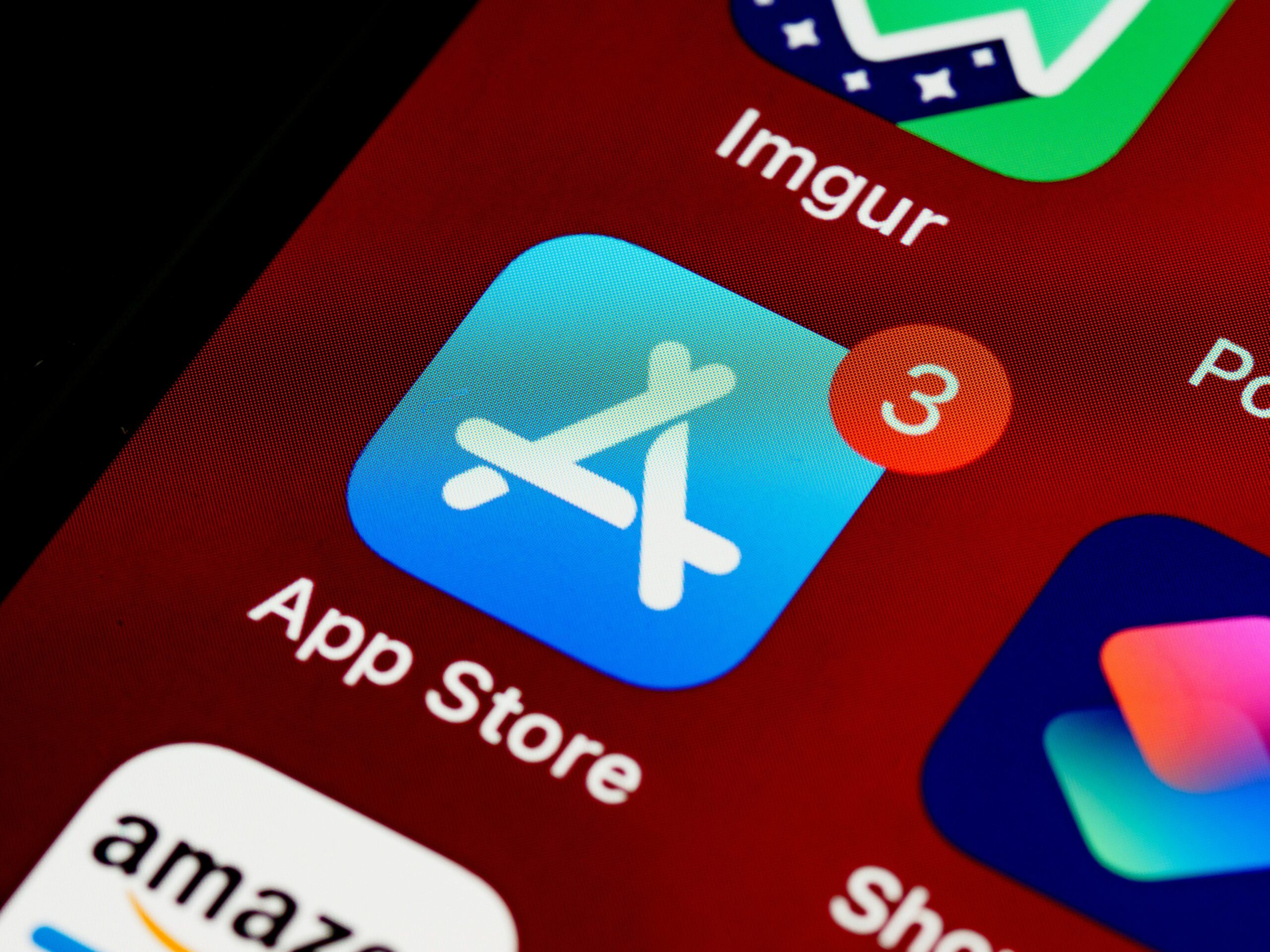
The most reassuring aspect after investing in buying a flagship phone is that you do not have to pay any extra money to upgrade your daily experience. The store is full of a large number of high-quality free apps that help you organize your schedule, prioritize your tasks, and accomplish your daily chores with extreme ease and without spending a single cent.
And so you don’t get lost in the maze of random searching and trying dozens of useless apps, starting with a selected package of apps focused on organization and productivity saves you a lot of time and effort, and ensures you get the maximum possible benefit from the capabilities of your new iPhone from day one.
Source:

Post Comment