The iOS 27.2 update brings a bundle of important features and improvements. Perhaps the most notable highlight for tech enthusiasts and fans of the Apple ecosystem is the introduction of a smart, unprecedented way for iPhone owners to confirm their age with extreme ease by taking a quick selfie, thereby eliminating the complexities and security concerns associated with traditional methods.
Why is Apple requiring age verification now?
If you follow what is happening in the global tech scene, you will undoubtedly notice that an increasing number of countries are imposing strict legislation and laws that require platforms to verify the age of users before allowing them to visit specific websites, download certain apps, or even adjust sensitive settings on their devices.
According to what Apple explained in its technical support documents, these regulatory requirements currently apply to users in multiple countries and regions, including the United Kingdom, Australia, Brazil, Singapore, South Korea, and the US state of Texas, where local regulations mandate verifying the age of majority to perform specific actions on an Apple account.
These government decisions have naturally raised real concerns regarding privacy; many users are not at all comfortable uploading driver’s licenses or sharing credit card data online due to the risks of hacking or identity theft. This is where Apple’s usual intervention comes in to provide a smart alternative that places data protection at the core of the experience.
How does age verification via selfie work?
The iOS system previously provided ways to confirm age, such as scanning official ID documents or entering a valid credit card, but the iOS 27.2 update added a more flexible and faster option based on taking a quick selfie. The system then passes the features to a dedicated AI model to estimate age and confirm that the user is an adult.
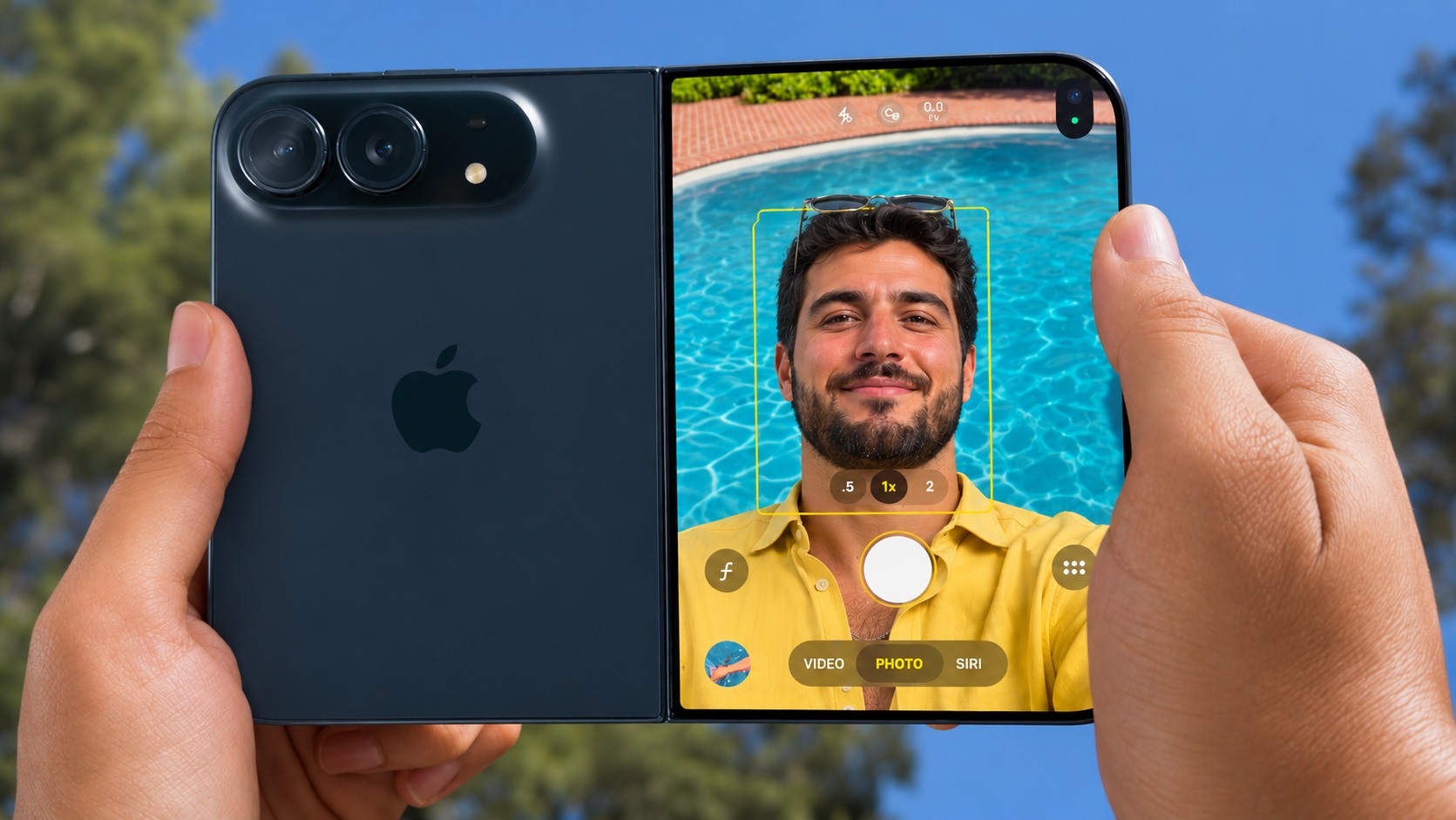
The steps will seem very familiar to anyone who has previously set up Face ID on an iPhone or iPad, and are summarized in the following points:
-
Select verification via selfie when prompted to confirm age, then tap the Get Started button.
-
Hold the iPhone facing you and position your face in the center of the frame shown on the screen.
-
Capture the four angles of the face by moving your head slowly left, right, up, and down, following the interactive instructions until the estimation process is completed in just a few seconds.
Apple has not forgotten those with special needs; at any stage of the process, you can tap on Accessibility Options to get voice instructions or reduce the required movement angles to facilitate the experience for everyone.
Important guidelines for taking the best verification photo
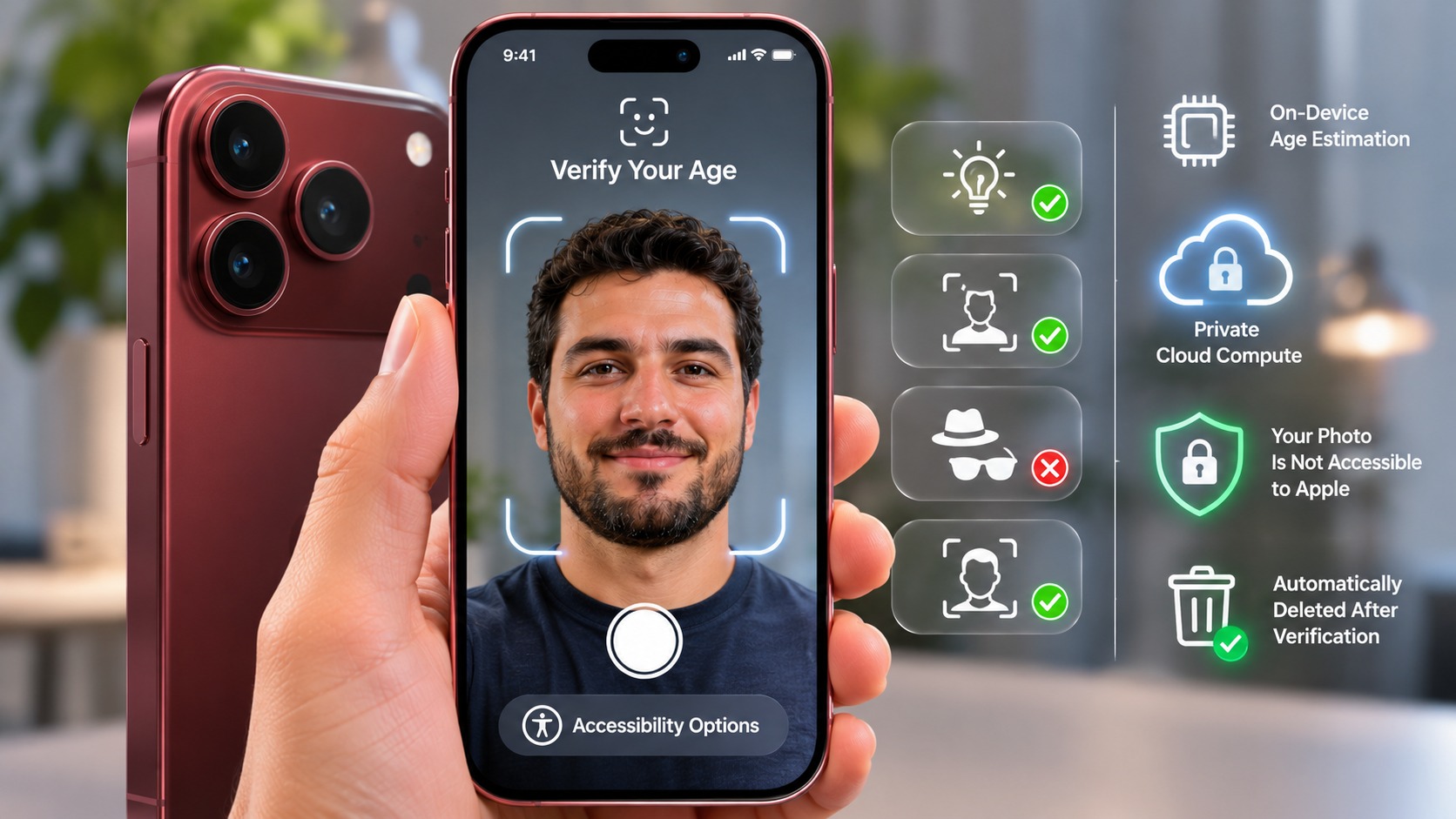
To ensure the accuracy of the estimation model and avoid photo rejection or repeated attempts, Apple has defined some simple tips that are best to keep in mind while taking the photo:
-
Be in a place with balanced and good lighting; it is preferable to take the photo indoors to avoid harsh reflections.
-
Get close to the front camera so that facial details appear accurately and clearly.
-
Remove any accessories that obscure natural features, such as masks, hats, and sunglasses.
-
Ensure that your face is alone within the frame without other people in the background.
Privacy first: Where does your photo go after verification?
Apple categorically confirms that no one can view the selfie at all, including Apple’s own engineers. More importantly, once the age estimation is completed and your eligibility is confirmed, the photo is immediately and automatically deleted without being kept on any server or record in any form.
Source:


Post Comment