Ever since Apple launched the M4 Mac mini with its stunningly small design, the world hasn’t stopped mocking one thing: the location of the power button. Yes, that button tucked away at the bottom that forces you to “lift” the device as if you were petting a cat just to turn it on. But it seems Apple has finally listened to thousands of sarcastic tweets and decided that the solution isn’t to change the design (because Apple never makes design mistakes, right?), but rather through software magic via the recently released macOS 26.5 Tahoe update, putting an end to the struggle of users of Apple’s smallest desktop computer.
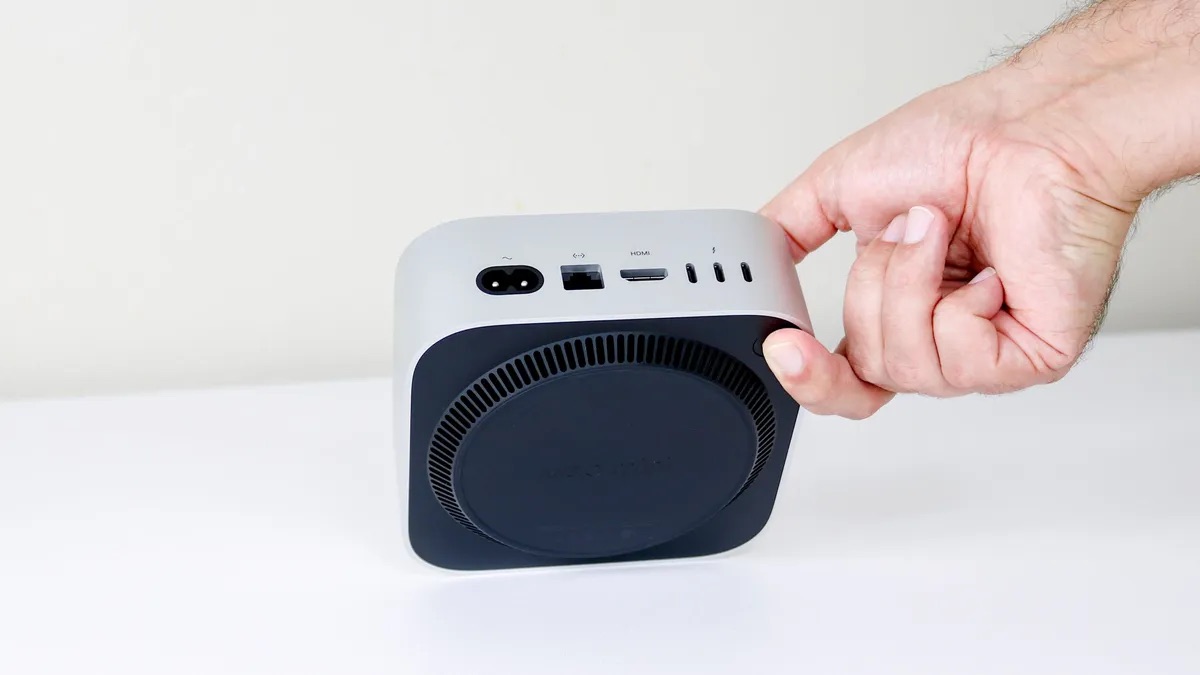
A clever solution to the “bottom button” problem
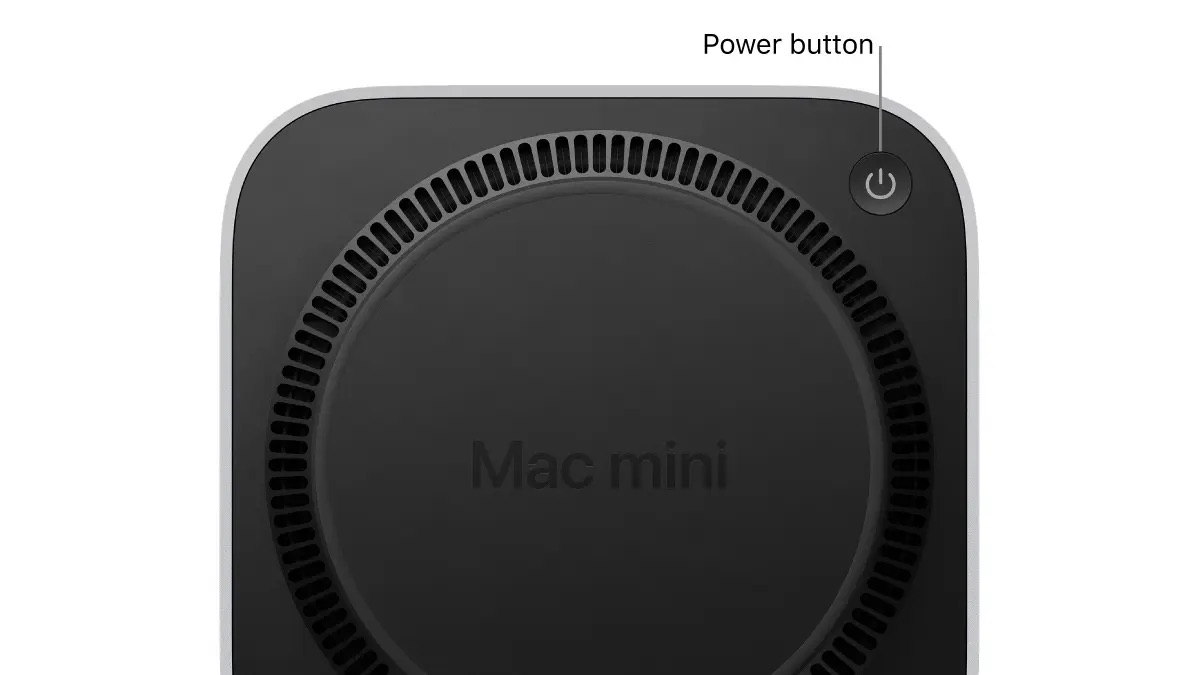
Since the redesign of the M4 Mac mini in 2024, the device has faced widespread criticism due to the placement of the power button in an inconvenient spot at the bottom of the device. This decision led some to buy 3D-printed external accessories or invent home-made “hacks” to press the button without having to move the device from its place. Apple, in its usual style of circumventing design criticisms, has now provided an option in system settings that allows the device to turn on automatically as soon as it is connected to a power source.
This feature means that if you use a smart power strip or completely disconnect the device from power when finished, it will start working as soon as the power returns, completely eliminating the need to touch the infamous button. It is worth noting that this feature is not limited to the Mac mini, but also includes the iMac M4 and the Mac Studio launched in 2025, making it easier to access power for devices that might be placed in tight spaces.
How to enable the new feature
To enable this software “fix” on your Mac, all you need to do is go to System Settings and then navigate to the Energy section. There, you will find a new option called “Startup when power is connected”; set it to “Always”.
Apple explains on its support page that this feature “can be useful when you don’t have easy access to the computer’s power button,” a polite admission by Apple that the button is indeed in a hard-to-reach place! The company advises users that if the device is already connected to power when shutting down, they should wait about 30 seconds between disconnecting and reconnecting the power to ensure the power supply unit discharges and the automatic startup succeeds.
More than just a power button
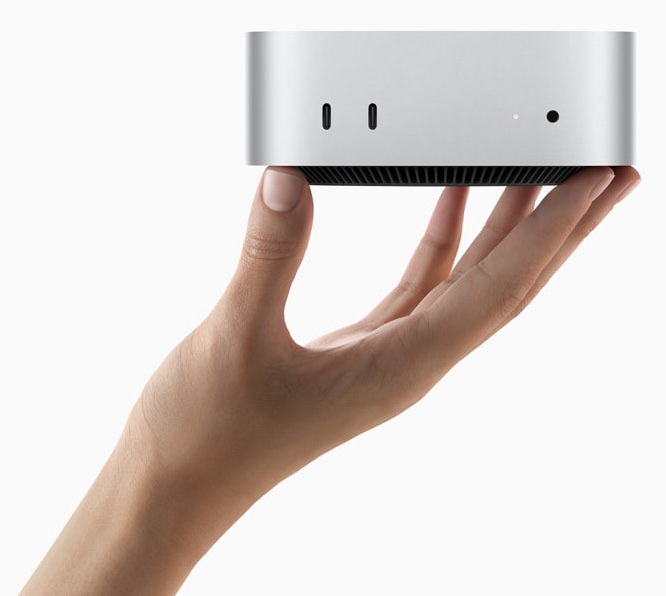
In addition to automatic startup, the macOS 26.5 update brought new power control features that support external accessories or what are known as “Switches,” which are primarily intended for accessibility. You can find these options under the new “Power Control” menu in the Energy section, giving users with special needs greater flexibility in managing their devices without relying on physical buttons.
Perhaps Apple didn’t expect the location of the Mac mini’s power button to become a “meme” that everyone mocks, but it’s clear that the criticism was strong enough to push them to find this solution. Now, you can leave your elegant little device on the desk without having to flip it upside down every morning, as if Apple is telling us: “We’ve found a solution, just keep your hands off the bottom!”
Source:
Leave a Reply