When Apple unveiled the first MacBook Air powered by Apple Silicon processors, this wasn’t the only surprise; the company also abandoned one of the essential components found in most laptops: the cooling fan. Since then, this decision has piqued the curiosity of many users, especially since portable devices usually rely on fans to maintain processor temperatures during intensive use. The question here is: how can the MacBook Air operate for long hours without a fan? And does this affect performance? In the following lines, we explore the answer in detail.
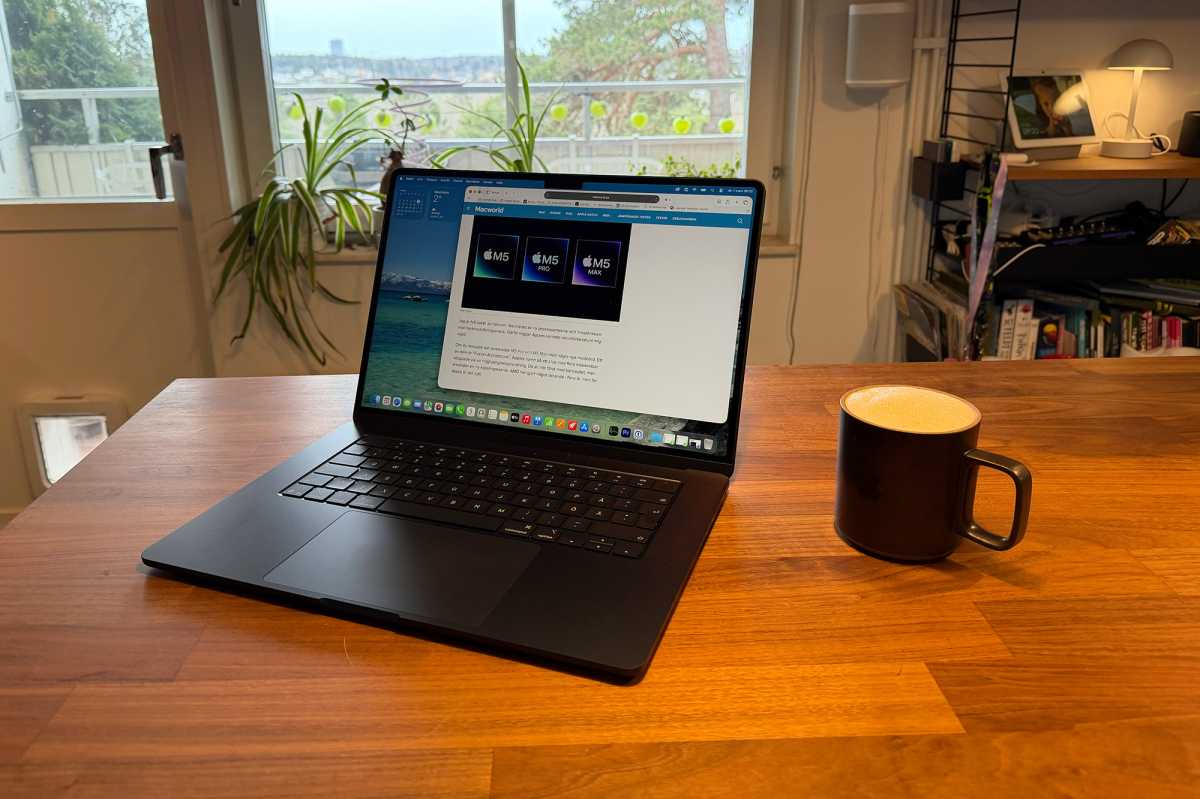
Why doesn’t the MacBook Air need a cooling fan?
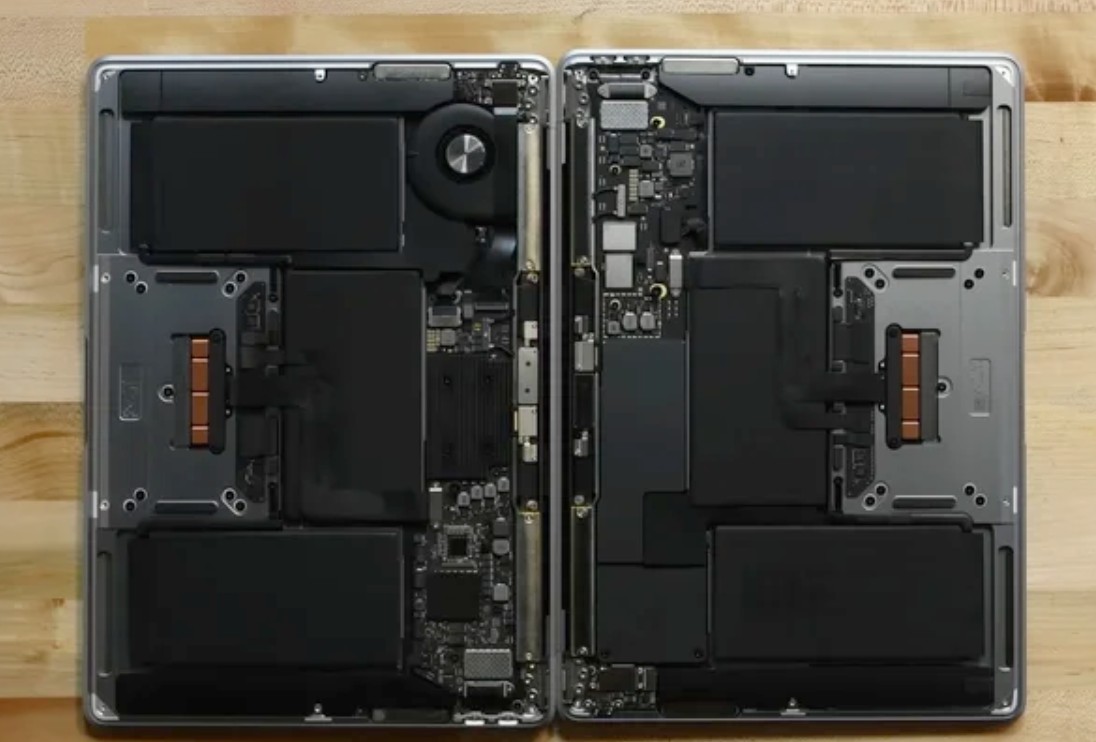
The last version of the MacBook Air equipped with a fan was the model launched in early 2020, which ran on an Intel processor. However, with the launch of the MacBook Air with the M1 chip in November 2020, Apple began a new phase relying entirely on M-series processors, which feature higher energy efficiency and lower heat consumption compared to the Intel processors the company had relied on for years. This evolution gave Apple the ability to dispense with an active cooling system and rely instead on a passive cooling system that is quieter and less complex.
How does the MacBook Air cool itself without a fan?

Instead of using a fan, the MacBook Air relies on a passive heat spreader that draws heat from the processor and transfers it to the aluminum chassis, which in turn dissipates the heat gradually into the surrounding air. Thanks to the high efficiency of Apple’s processors, the device remains capable of performing most daily tasks without the need for any active cooling or generating noise.
Advantages of not having a fan
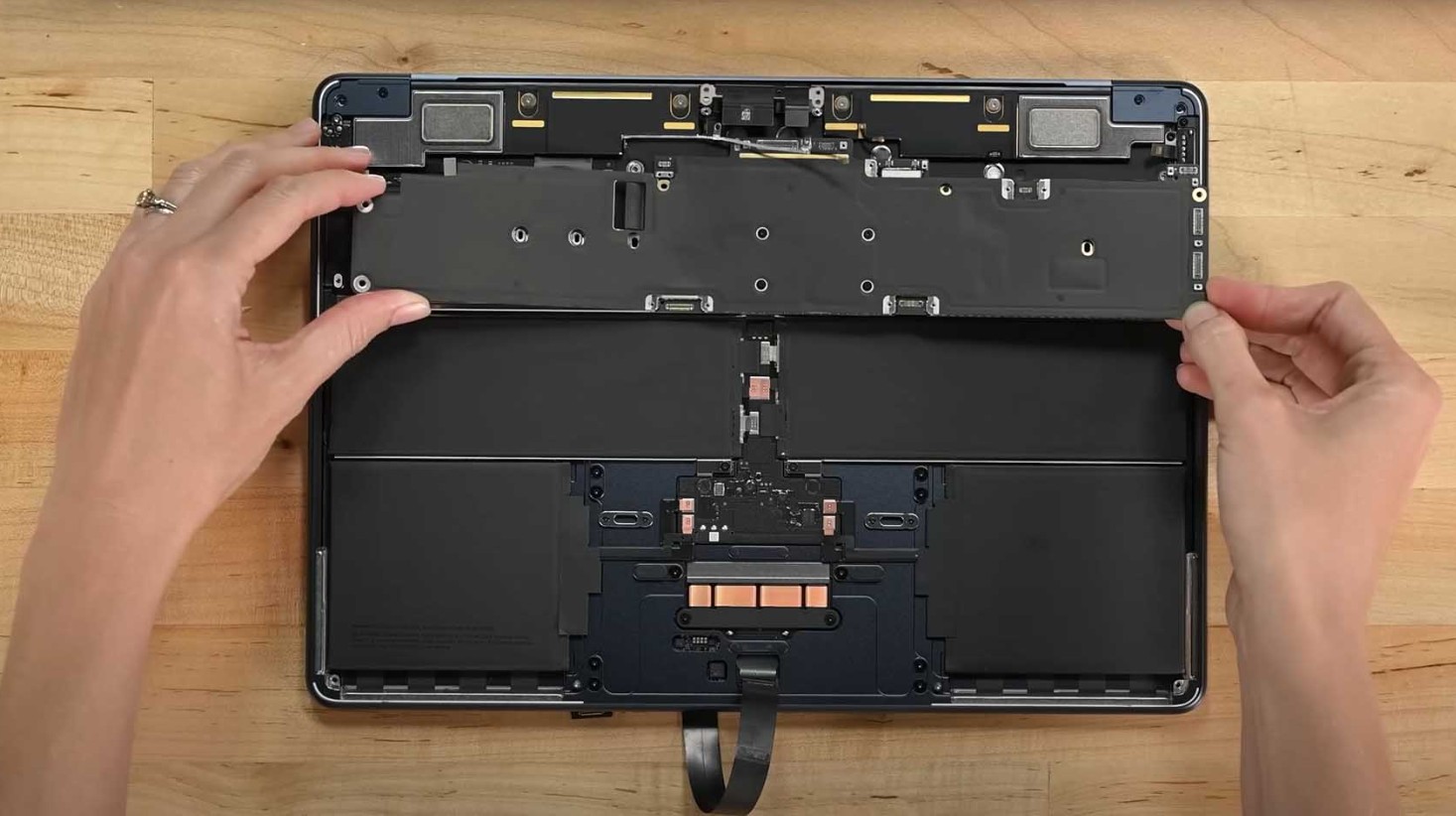
The most prominent feature of the MacBook Air is that it runs in complete silence. Unlike many laptops, you won’t hear the sound of spinning fans even while performing heavy tasks, which makes the user experience more comfortable.
Not only that, but removing the fan reduced weight and allowed more internal space for other components, in addition to improving energy efficiency and, of course, increasing battery life compared to previous generations. Although fans do not consume a significant amount of power, getting rid of them helped Apple make the best possible use of the efficiency of Apple Silicon processors.
Are there disadvantages to not having a fan?
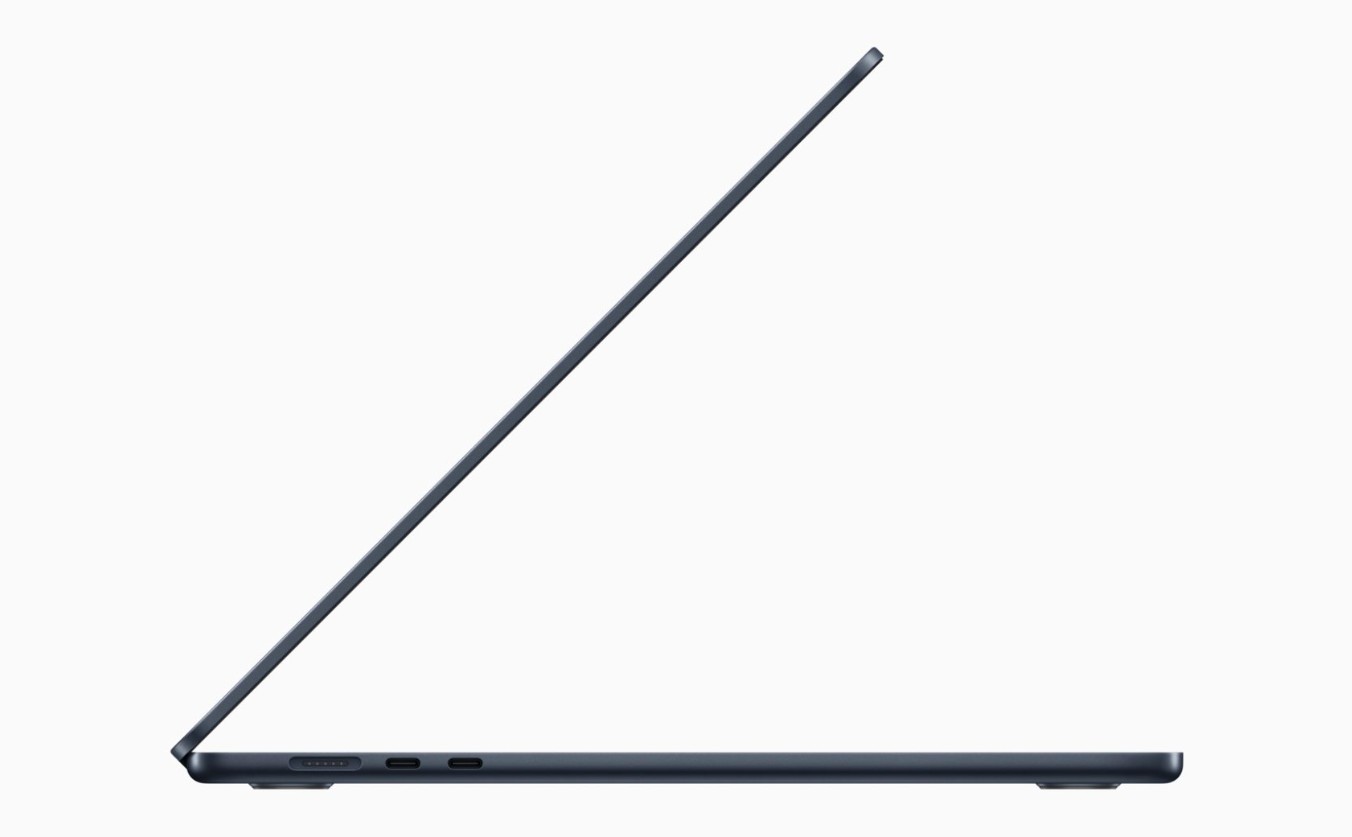
Despite the many advantages, the absence of a fan is not ideal in all scenarios. When running tasks that consume the processor for long periods, such as exporting 4K videos, processing huge files, designing 3D graphics, or playing heavy games, you will find that the processor temperature rises gradually, and here the system begins to apply what is known as Thermal Throttling.
What is Thermal Throttling?
When the processor temperature rises to a certain level, the macOS system automatically lowers the processor speed to maintain a safe temperature. This means the device remains stable, but performance drops temporarily until the temperature returns to normal levels. The user may notice this in the following ways:
- Increased video export time.
- Lower frame rates in games.
- Slowness in executing some professional tasks.
- The bottom part of the device may also become hotter during intensive use.
When is the MacBook Pro the better choice?

If your usage is limited to studying, office work, browsing, programming, or light design, the MacBook Air offers excellent performance for its price and is easily sufficient for most users.
However, if you are constantly working on:
- 4K and 8K video editing.
- Visual effects.
- 3D design.
- Large software projects.
- Professional gaming.
Then the MacBook Pro will be the most suitable choice.
Why does the MacBook Pro excel?
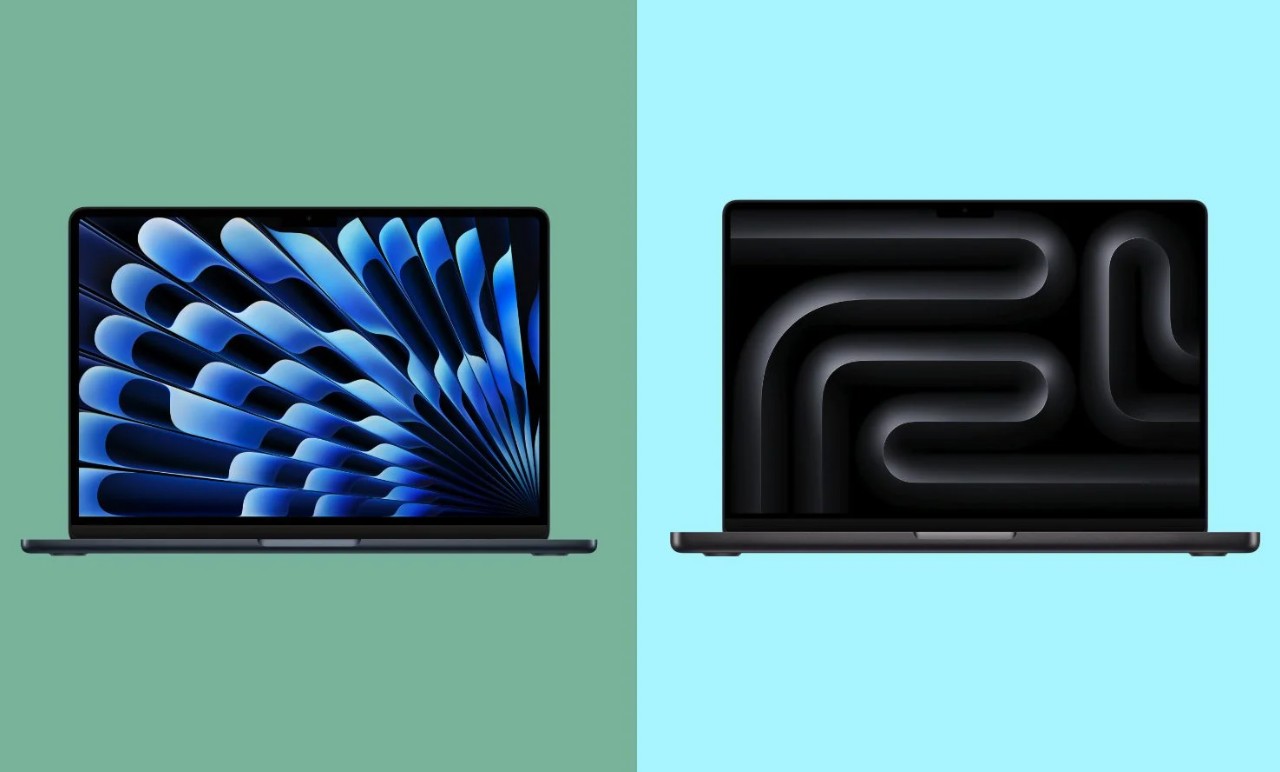
The superiority of the MacBook Pro is not limited to having a cooling fan; it also offers additional advantages including:
- An active cooling system that allows maintaining full performance for long periods.
- A brighter Mini-LED screen with a 120Hz refresh rate, compared to the 60Hz Liquid Retina LCD screen in the MacBook Air.
- Three Thunderbolt ports, while the MacBook Air provides only two.
- Built-in HDMI port.
- SDXC card reader for photographers and content creators.
Is the price difference worth it?
The price of the MacBook Air M5 starts at $1,299, while the price of the 14-inch MacBook Pro M5 starts at $1,999, a difference of nearly $700. For most users, this difference may not be justified, especially if their daily usage does not require running the processor at full capacity for continuous hours. As for professionals who rely on the computer for heavy productivity work, investing in a MacBook Pro may be more worthwhile in the long run.
Finally, it can be said that Apple succeeded in dispensing with the cooling fan in the MacBook Air thanks to the exceptional efficiency of Apple Silicon processors, which produce less heat while delivering powerful performance. The result is a light, quiet device that offers long battery life, making it an ideal choice for most users. However, those who rely on heavy professional tasks will still need a MacBook Pro, which provides an active cooling system that maintains high performance even under maximum pressure.
What do you think of Apple’s decision to remove the fan from the MacBook Air? Let us know in the comments!
Source:


Leave a Reply