Choosing the right AirPods for phone calls on your iPhone might seem like a confusing decision at first; should you settle for the budget option and sacrifice some modern features, or go straight for the high-end model with all its capabilities? If call clarity and the quality of your voice transmission are your top priorities, the answer today is crystal clear: the AirPods Pro 3 stand at the pinnacle of performance in this area, undisputed. While they also work with Android phones, you will miss out on many integrated features that make the experience seamless on Apple devices.
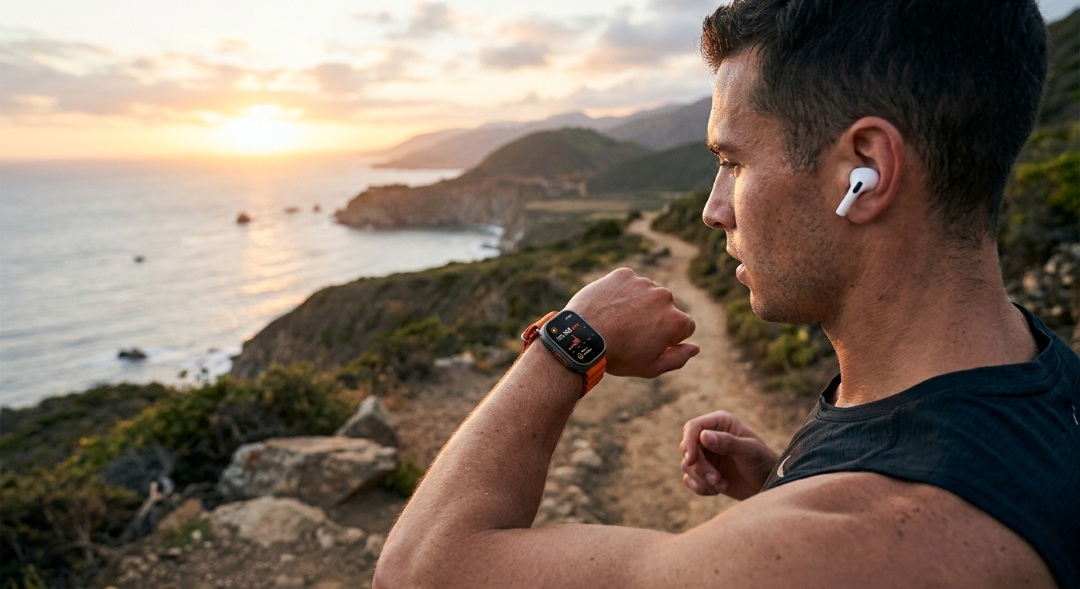
AirPods Pro 3: A true leap in sound clarity
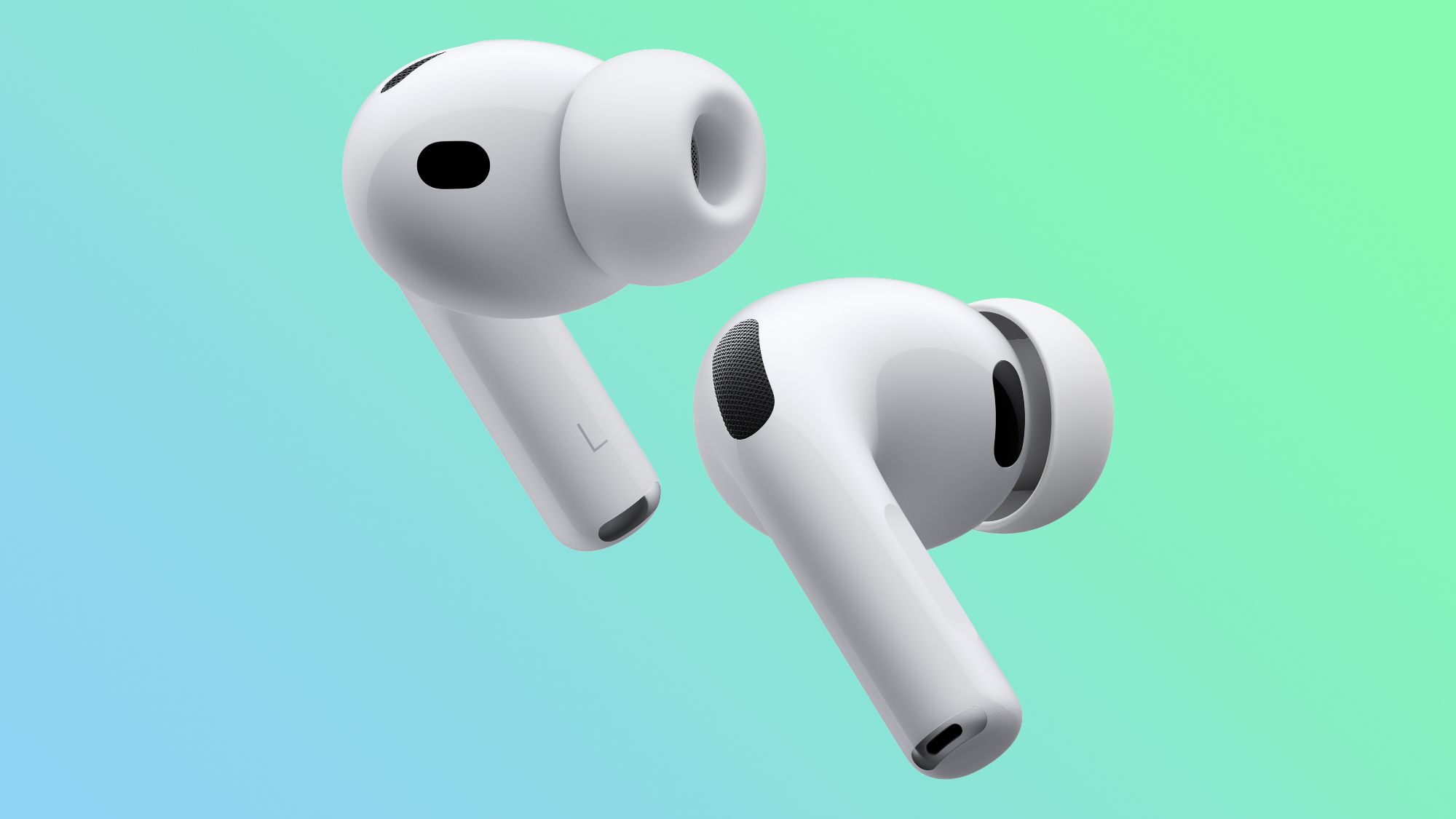
When it comes to call quality, the AirPods Pro 3 have emerged as a notable turning point in the experiences of both users and reviewers. In a specialized review by CNET, the comprehensive improvements in voice call quality compared to previous generations were clearly highlighted. The positive feedback didn’t stop with media outlets; it extended to tech communities on Reddit, where one user described the call quality as “insane,” confirming that the noise cancellation technology allowed his wife to speak with perfect clarity even while on a crowded train during rush hour.
The biggest secret behind this excellence lies in the effectiveness of the noise isolation directed at the microphones, which received the lion’s share of praise in user reviews. Another user noted in a real-world test their ability to make a call without any interference while running a vacuum cleaner at home, while a third user confirmed they have no intention of returning to any previous model thanks to the superior noise isolation efficiency while speaking via AirPods Pro 3.
Microphone evolution and the magical “Voice Isolation” feature
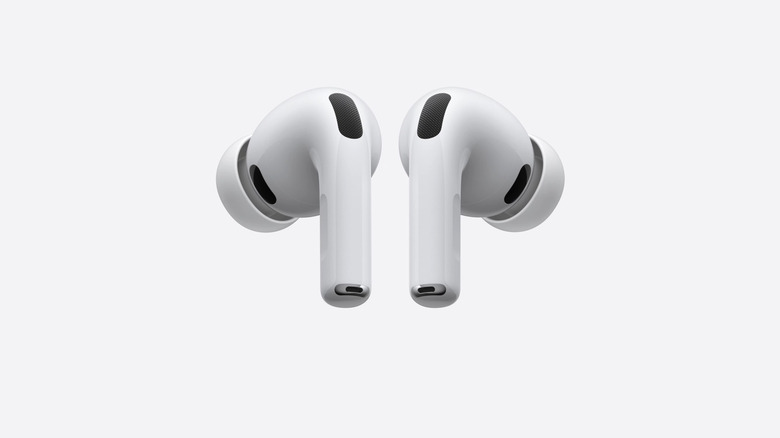
For many years, many wireless earbuds—and even some previous AirPods versions—faced criticism for poor voice call quality; budget microphones would pick up a tinny, poor sound or capture too much ambient noise and process it in a way that was uncomfortable for the ear. Apple has come a long way in developing its microphone technologies, and although there are strong competitors offering solid performance like Sony, JBL, and Anker, they naturally lack the same depth of integration that Apple’s earbuds provide with iPhone devices.
The most prominent feature is that you won’t need complexity to achieve the best clarity; you can rely on the “Voice Isolation” feature with complete ease. On iPhones and iPads, simply swipe down from the top-right corner of the screen during a call to access the Control Center, then select “Voice Isolation” at the top to enable or disable it. On Mac devices, you can look for the green camera or yellow microphone icon in the menu bar, click on “Mic Mode,” and select “Voice Isolation” to ensure your voice comes through with perfect clarity, no matter how much noise is around you.
Source:

Leave a Reply