Have you ever felt that your thoughts and daily tasks are like a pile of papers scattered in the wind? Don’t worry, you are not alone in this chaos! Apple, as always in providing solutions that make our lives more elegant, has given us the “Journal” app. This app is not just a place to write “Dear Diary,” but a sophisticated digital tool that combines personal reflection with the efficiency of digital organization, helping you sort out the clutter of your mind with a touch of technical magic.
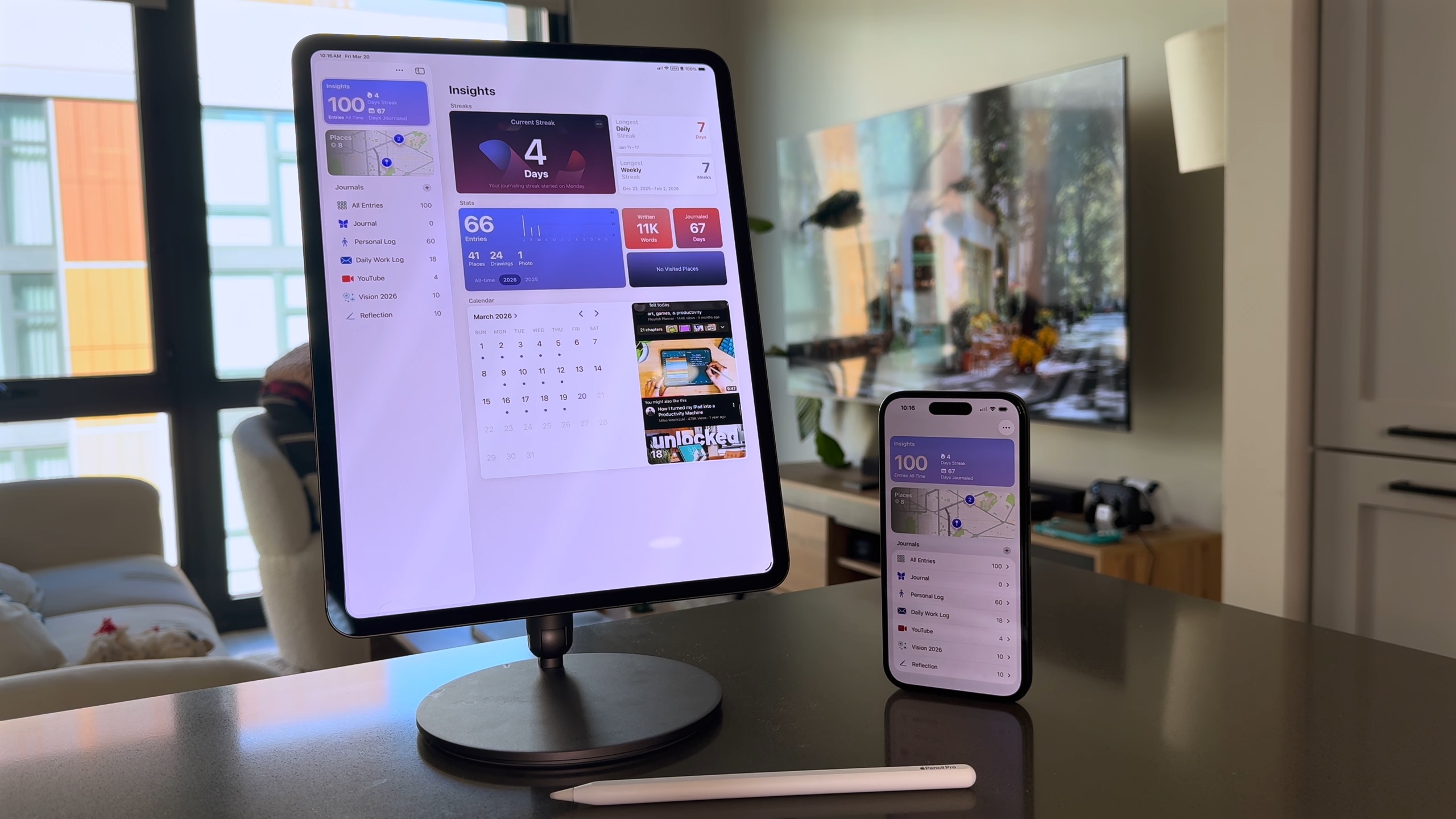
Why say goodbye to paper notebooks and switch to digital journaling?
We love the feel of paper, no one denies that, but let’s be honest: paper doesn’t have a “Search” feature! Imagine you are looking for a brilliant idea that occurred to you in a cafe three months ago; in a paper notebook, you would spend your day flipping through pages, while in the Journal app, it’s faster than ordering your favorite coffee. Switching to digital journaling solves many of the dilemmas we used to face in the past.
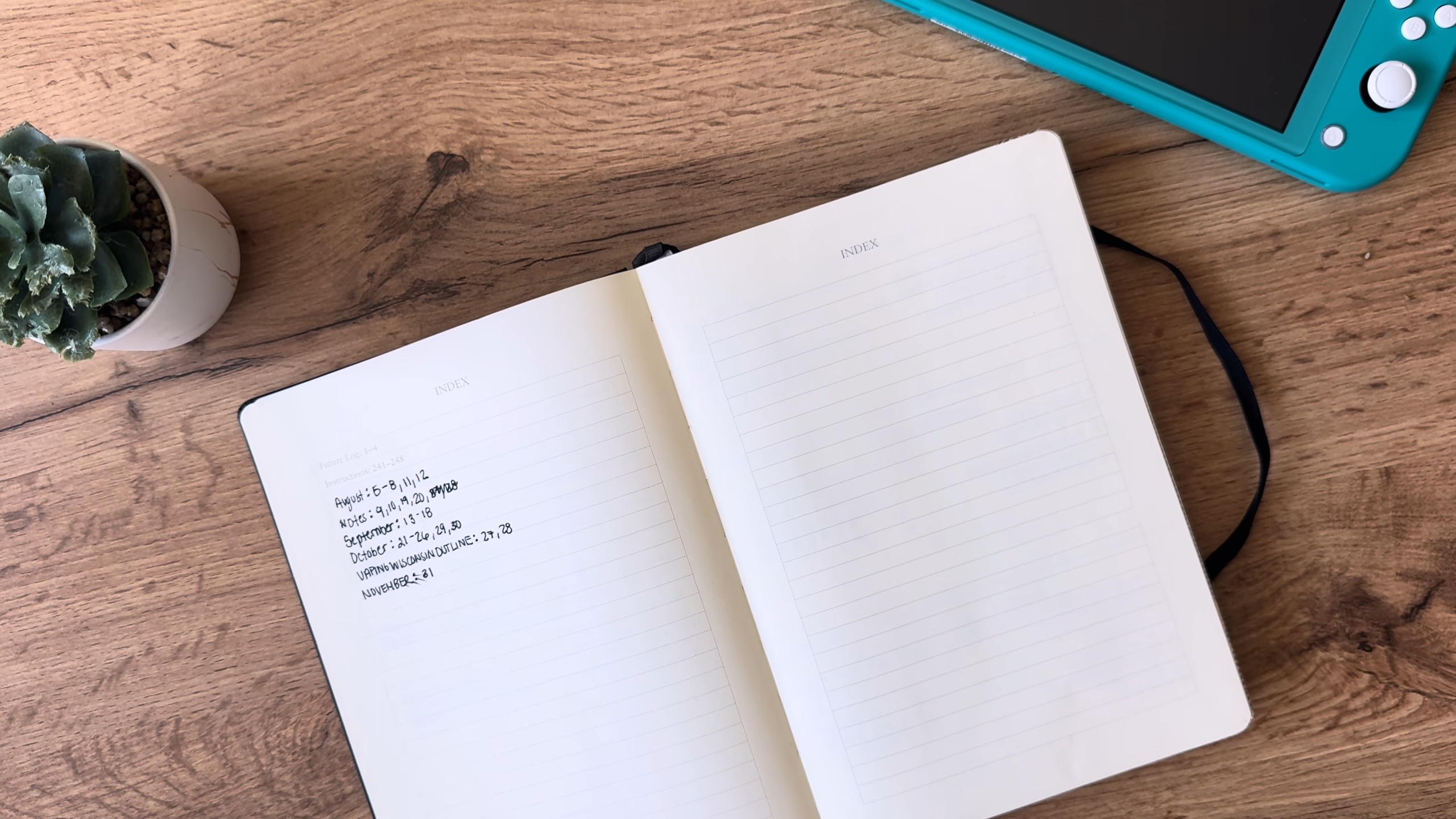
First, there is the issue of mobility; thanks to iCloud synchronization, your journals become available on iPhone, iPad, and even Mac, which means your thoughts follow you wherever you go. Second, content organization has become fully automated, as notes are automatically categorized and dated, eliminating the need for tedious manual indexing that we often felt too lazy to do.
Core features that make the Journal app unique
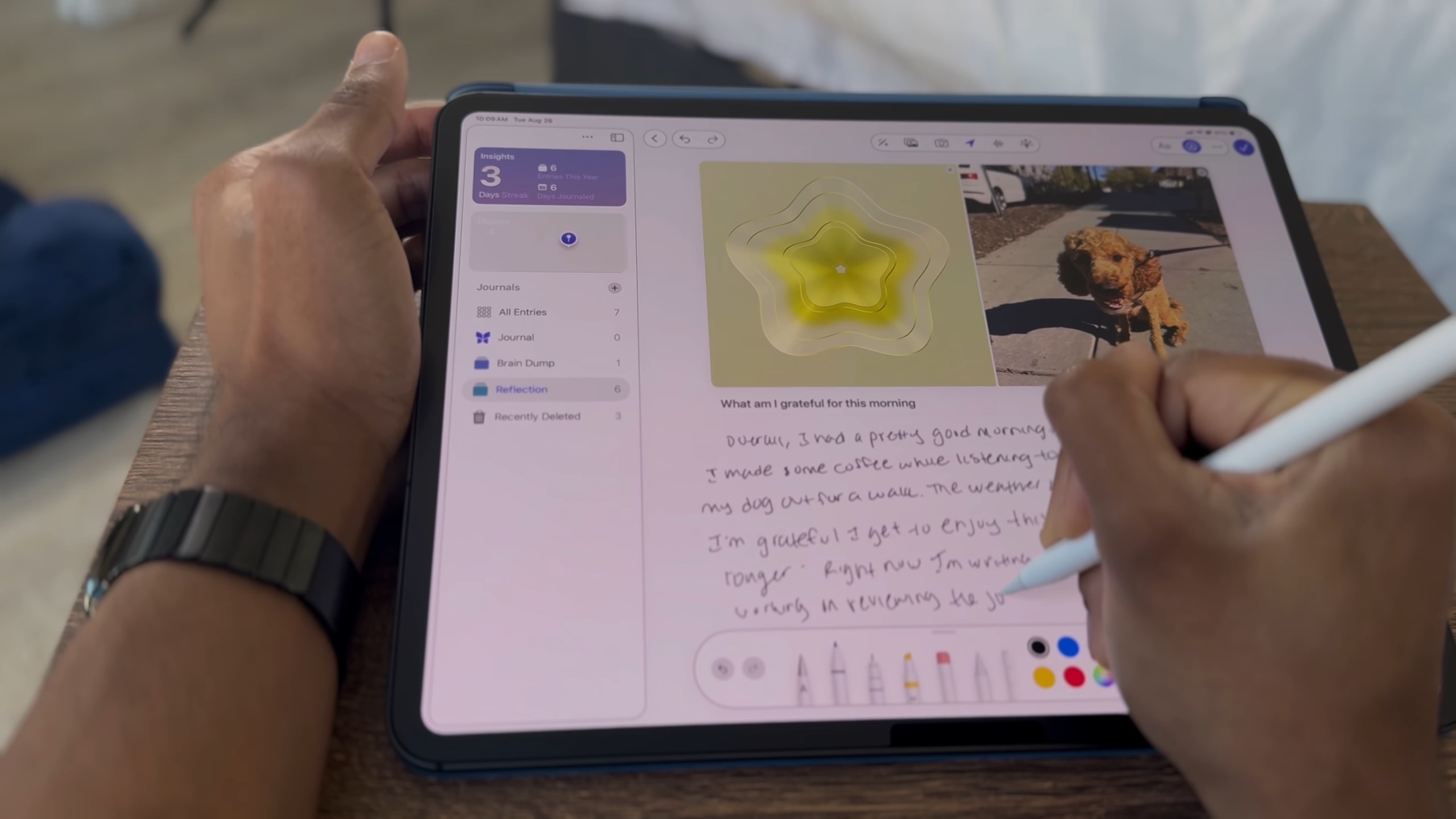
What distinguishes this app is its intelligence in understanding the context of your day. It offers you suggestions based on the photos you’ve taken, the places you’ve visited, or even the workouts you’ve done. But let’s talk about my favorite features that make the app indispensable for any true Apple user:
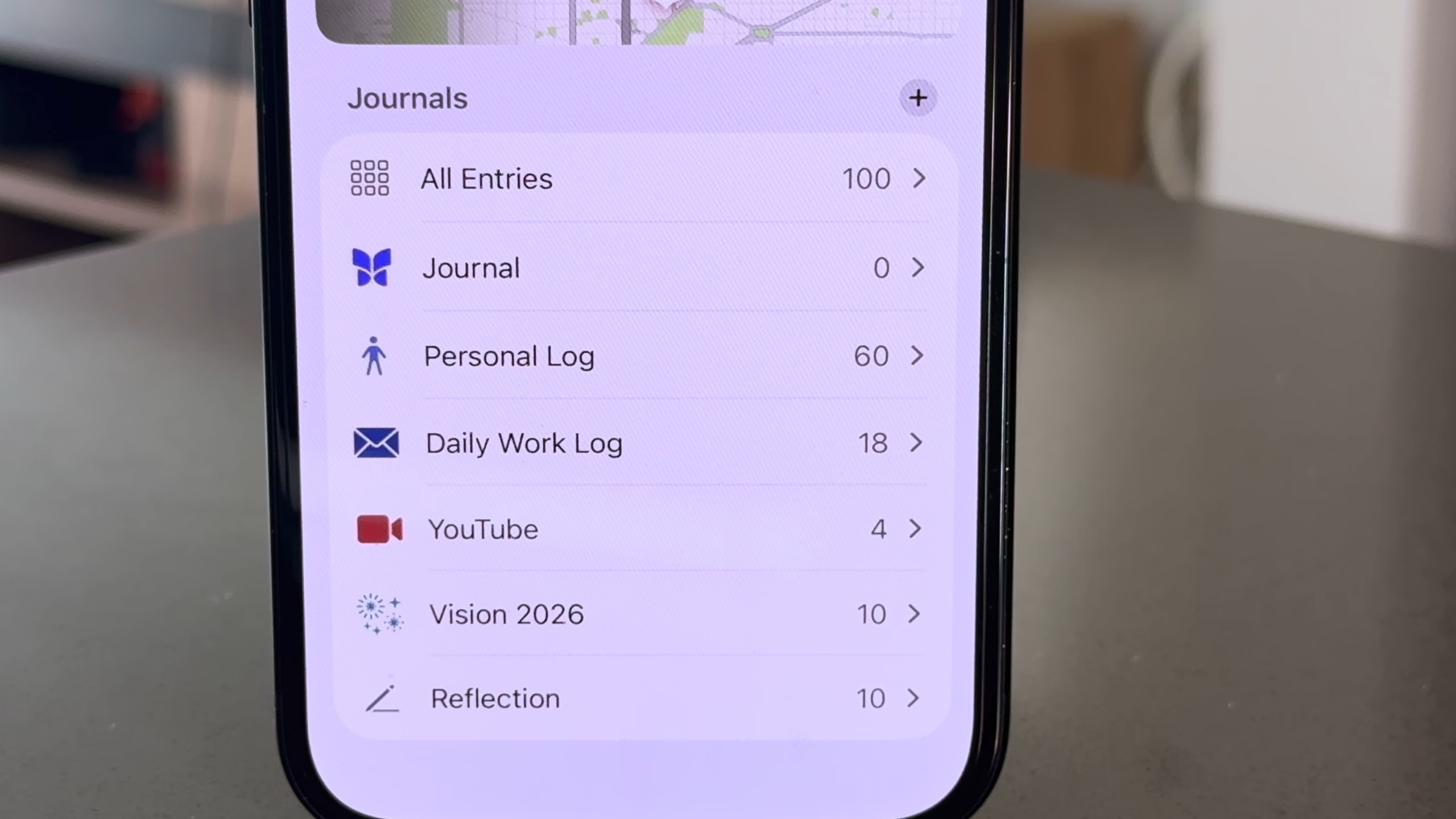
- Automatic Dating: Every entry gets an automatic timestamp, helping you track your progress and goals over time effortlessly.
- Multiple Journals: You can separate your professional life from your personal reflections by creating separate logs, ensuring clarity and focus.
- Superior Privacy Protection: Here is the fun part; you can lock your journals using Face ID or Touch ID. Now you can write whatever you want without fear of “nosy” friends!
- Apple Pencil Support: For fans of handwriting or drawing, the app provides a wonderful sensory experience that merges the digital past with the technical present.
How to smartly integrate journaling into your daily routine?
Consistency is the secret to reaping the rewards of journaling. Start your morning by defining your goals and priorities in the app; this programs your mind to focus. During the day, don’t hesitate to jot down fleeting thoughts or quick notes before they evaporate in the hustle of work. In the evening, make the app a space to clear your mind, and review what you have accomplished to sleep with peace of mind.
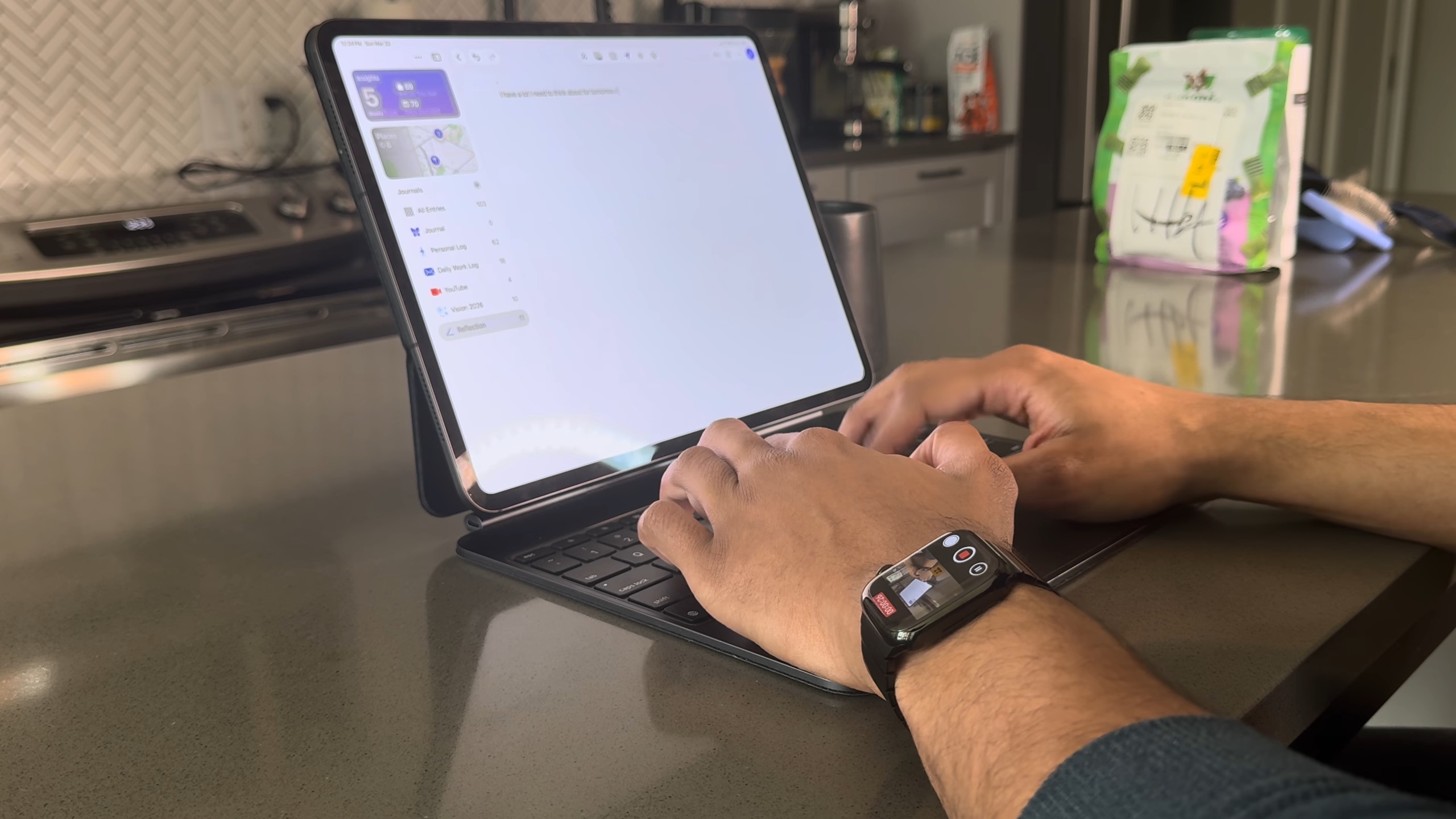
The Journal app outperforms traditional logs with its ability to accommodate multimedia. You can add photos, audio recordings, or even charts that make your daily story more vivid. And since the app is constantly evolving, we expect to see custom templates in future updates, and perhaps broader user interface customizations to suit everyone’s taste.
Source:



Leave a Reply