Welcome to the era of “Mac for everyone”! Apple surprised us by launching the MacBook Neo, making it the cheapest option in the company’s laptop history, with a price gap of up to $500 compared to the Air. However, as you know, Apple doesn’t give away gifts for free; this massive saving comes with a long list of compromises that may make you think twice. Is the new device just an iPhone with a big screen and a keyboard, or is it the winning deal we’ve been waiting for? Let’s dive into the deep details and discover where those $500 went.
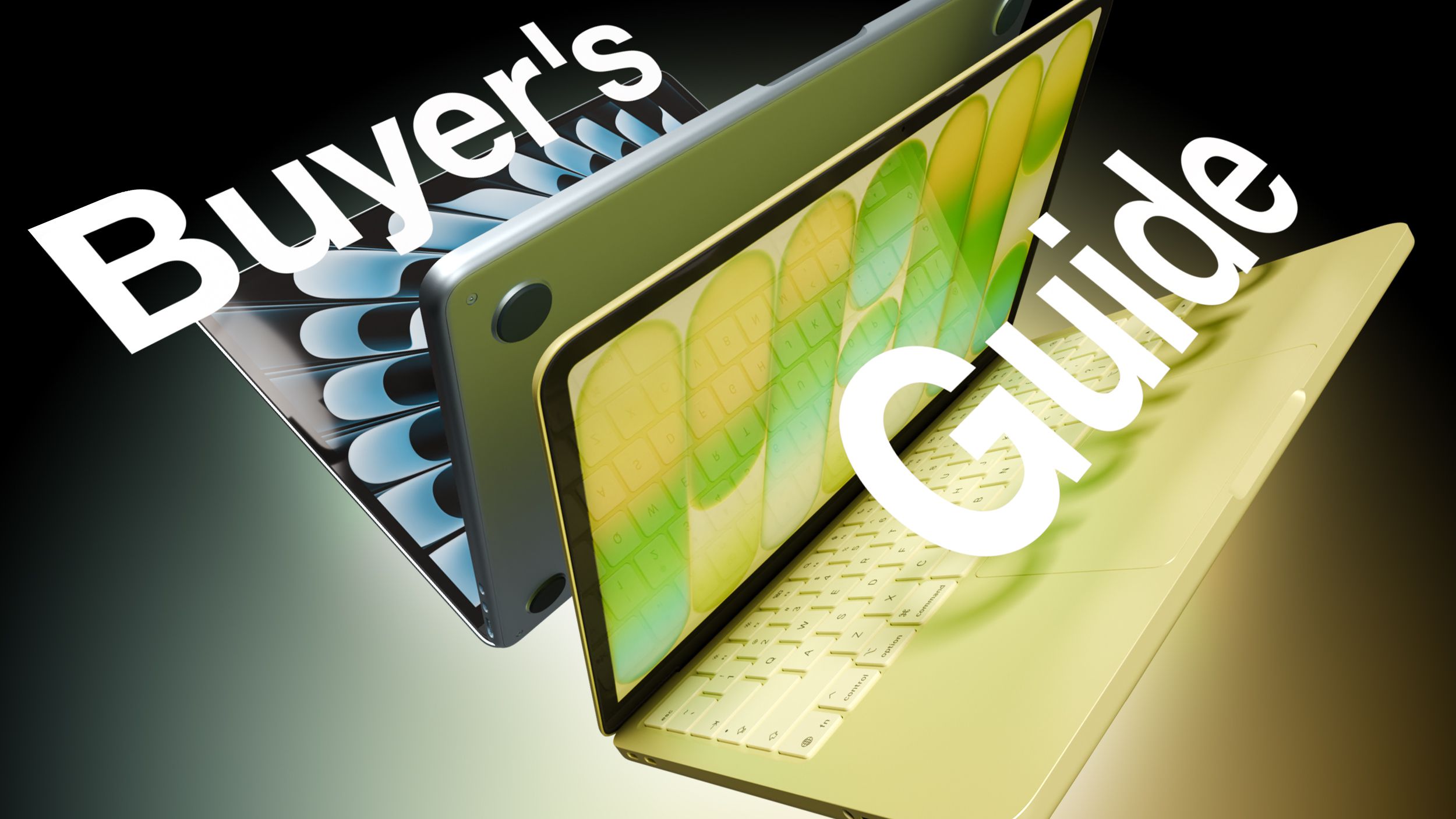
Design and Display: Same Size, Different Essence
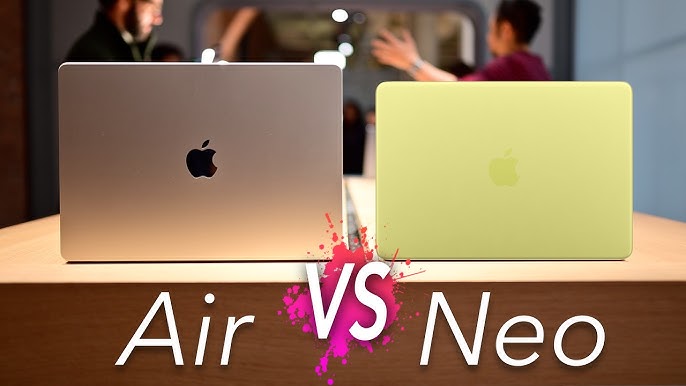
At first glance, you might think the two devices are twins, sharing the same weight (1.23 kg) and the same slim philosophy. But upon closer inspection, you’ll find that the MacBook Neo has slightly smaller dimensions due to its smaller 13‑inch screen, whereas the Air boasts a 13.6‑inch display with much thinner bezels, giving it a more modern look.
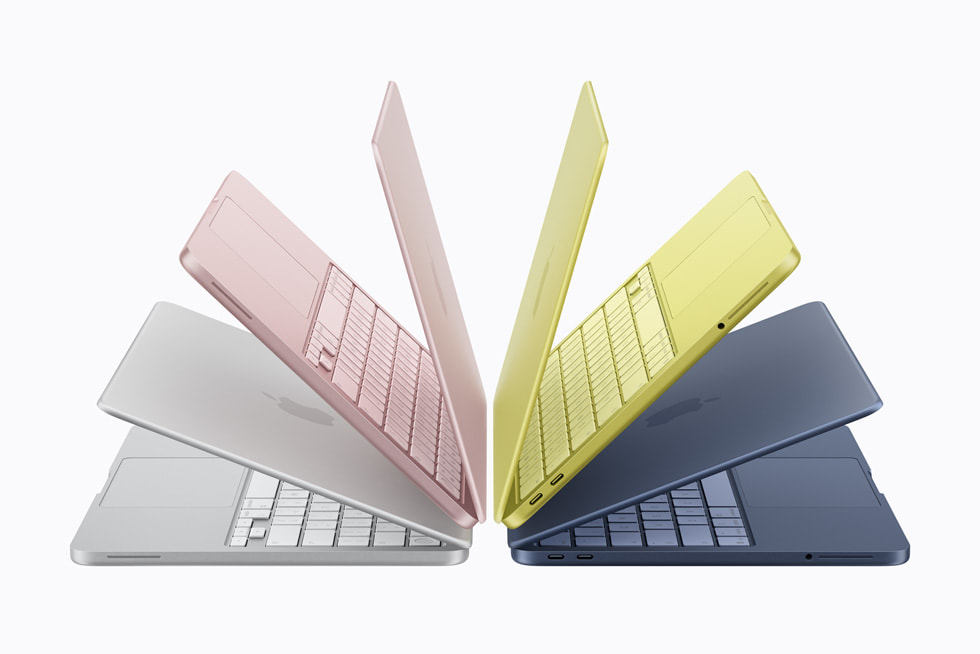
Both screens are Liquid Retina with 500 nits brightness, but the MacBook Air outshines with True Tone support and the wide P3 color gamut, making the viewing experience more vibrant and accurate. And if you love spacious displays, the Air is your only option, offering a 15‑inch model, whereas the Neo sticks to its single compact size.
Processor and Performance: iPhone Inside a Mac!
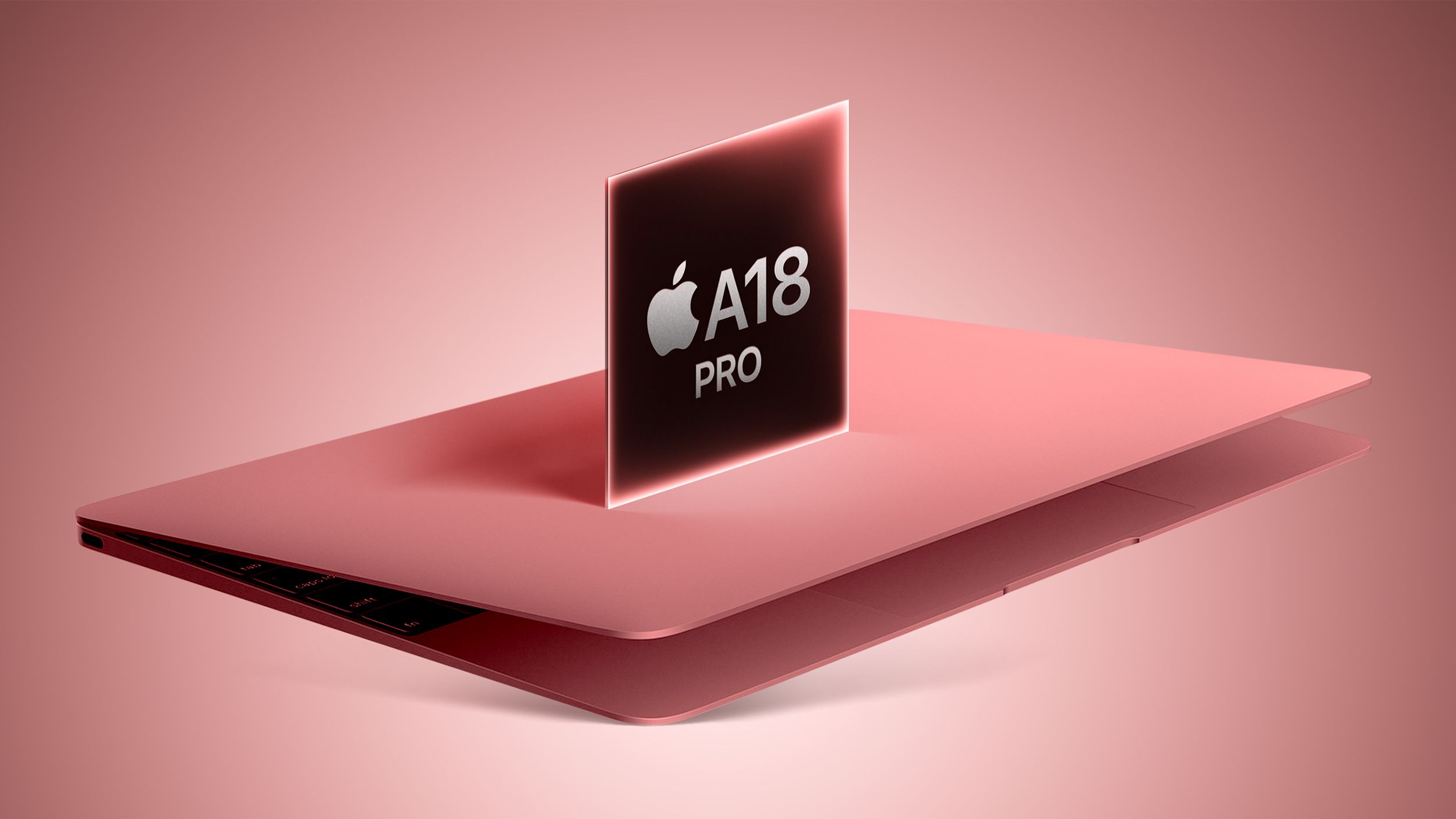
Here lies the biggest surprise: the MacBook Neo is the first Apple computer to run on an iPhone processor, specifically the A18 Pro chip. While its power is impressive in phones, it cannot match the performance beast M5 found in the Air. The M5 processor is 20 % faster in single‑thread tasks and a staggering 80 % faster in multi‑core workloads, plus it dominates graphics processing.
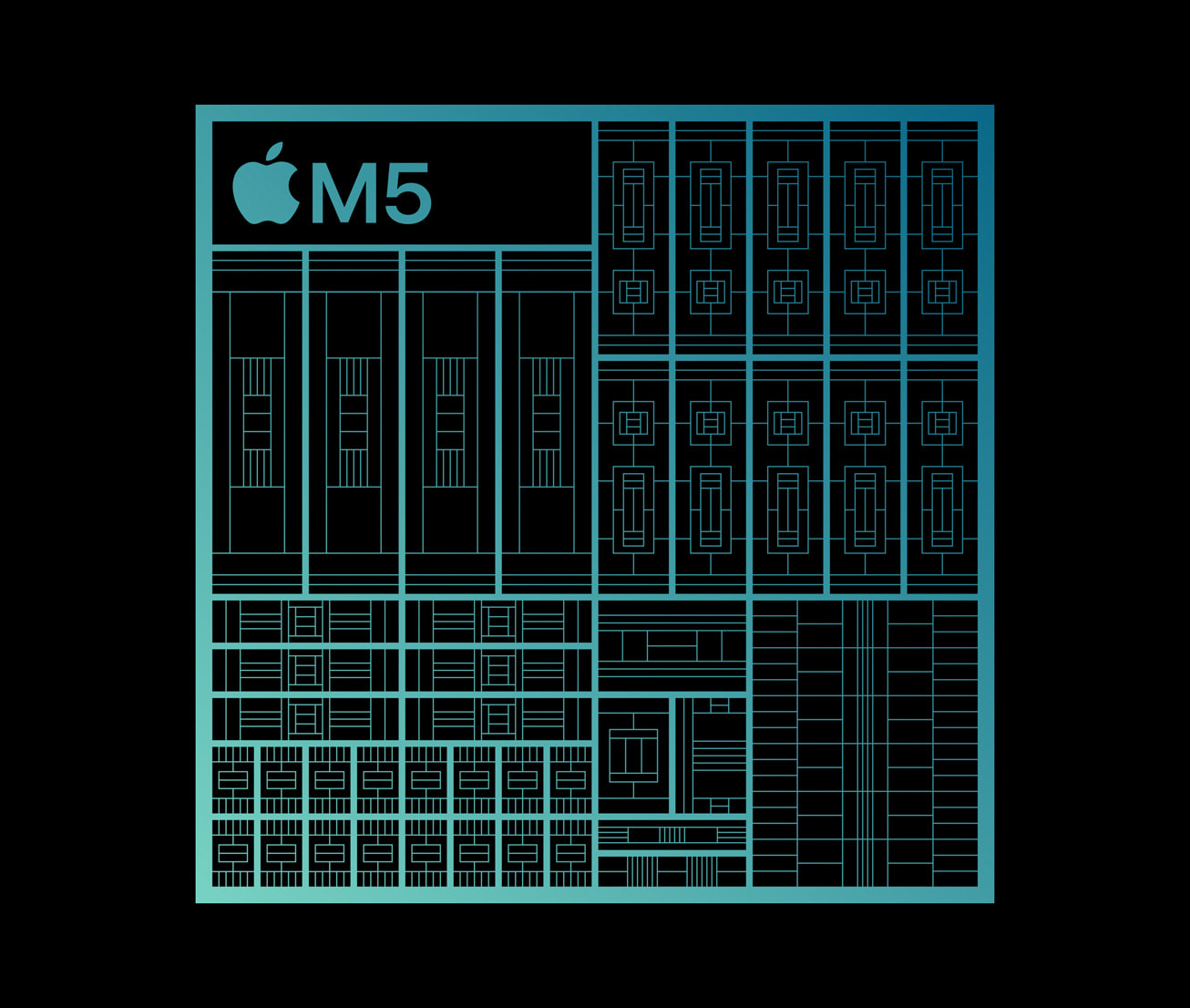
That’s not all—memory bandwidth in the Air reaches 153 GB/s compared to just 60 GB/s in the Neo. This means the Air handles heavy multitasking effortlessly, while the Neo may start to feel strained under demanding programming or design workloads.
Keyboard and Touch: Have We Gone Back to the Past?
To achieve that low price, Apple performed some harsh cuts in the input devices. The MacBook Neo comes with a non‑backlit Magic Keyboard! Yes, you read that right—you’ll need room lighting to type at night. The trackpad is mechanical rather than haptic, which may evoke a nostalgic (and perhaps annoying) feeling for longtime Apple users.
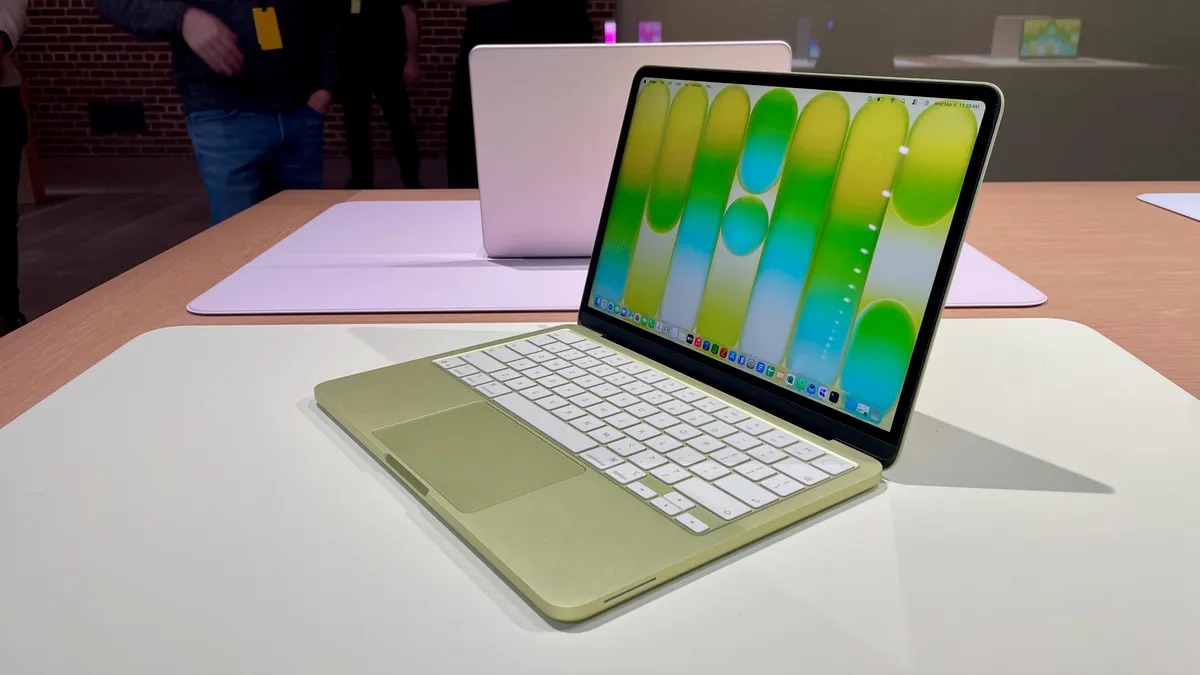
Even the Touch ID feature we took for granted is missing from the base Neo; you’d have to pay an extra $100 for the 512 GB version to get the fingerprint sensor. In contrast, the MacBook Air offers a complete experience with a backlit keyboard, fingerprint sensor, and a Force Touch trackpad that senses your pressure.
Ports and Battery: Speed Battle
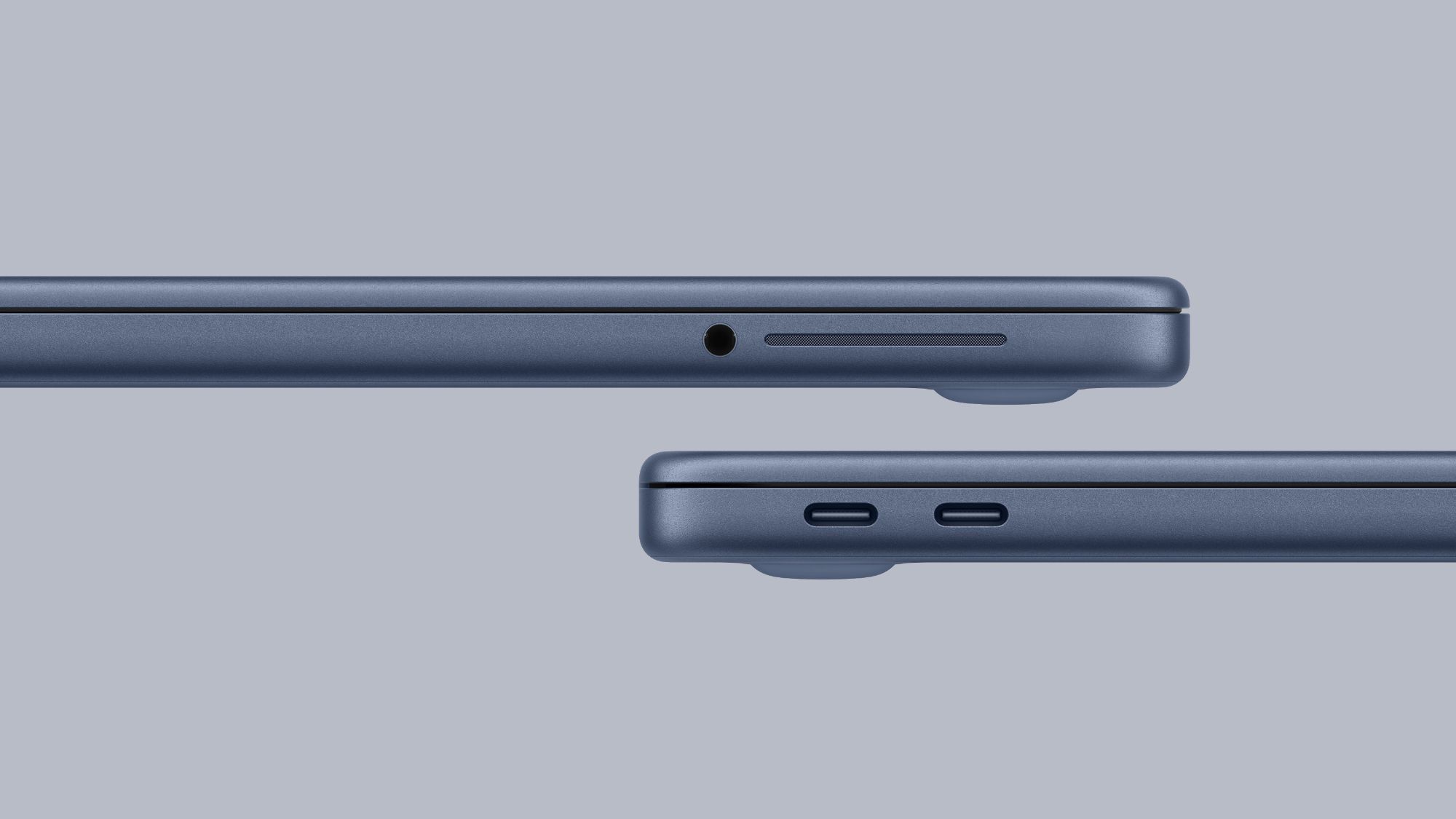
In the world of connections, the Neo settles for a 10‑Gbps USB 3 port and a very old USB 2 port, supporting a single 4K external display. The Air, on the other hand, boasts two 40‑Gbps Thunderbolt 4 ports, supports two external monitors, and includes a MagSafe 3 magnetic charging port that protects your device from drops if the cable is tugged.
The battery also leans toward the Air, giving you two extra hours of runtime, along with fast‑charging support that the Neo lacks. The budget device ships with only a 20‑W charger, whereas the Air can use chargers up to 70 W to replenish power in record time.
Source:


Leave a Reply