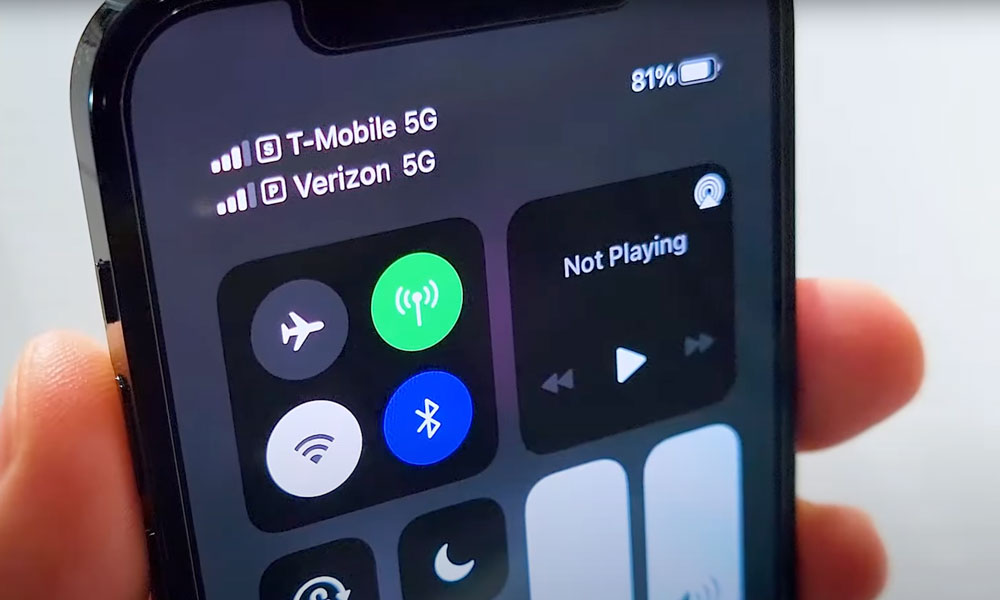
Most of us have relied on a single phone number for many years; it is the number registered with family and friends, used by banks, and provided to any app that requests a means of communication. However, confining your entire life to one number is no longer an ideal choice today; the more your number spreads across various databases, the more you lose control over your privacy. Fortunately, the iPhone easily supports dual SIMs via eSIM technology, making obtaining an additional number a practical solution for organizing your life and protecting your data.
Maintaining the Privacy of Your Primary Number
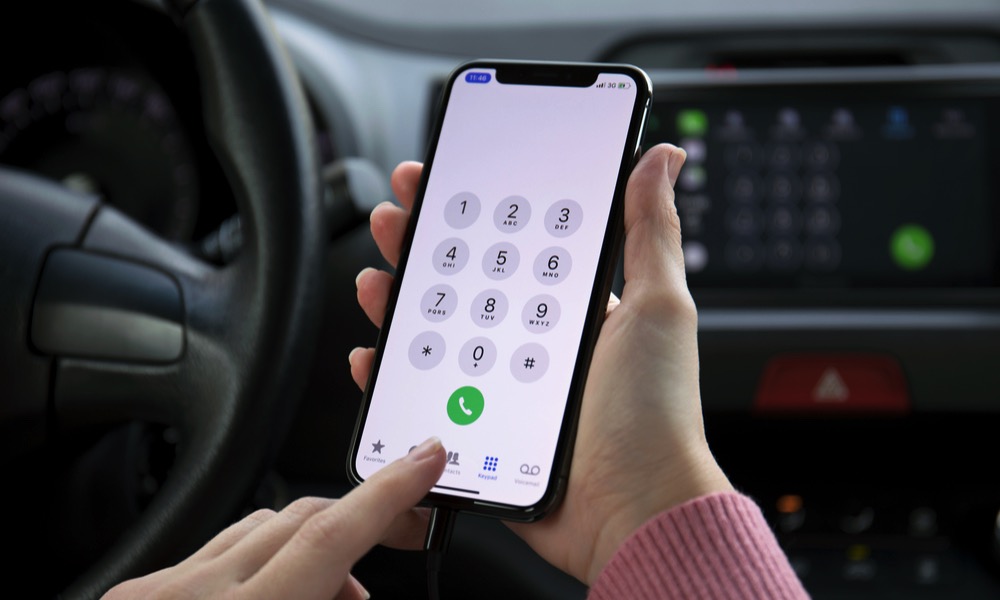
Think about how many times a store or website has asked you to share your phone number just to complete a simple transaction. Often, that data remains stored on those companies’ servers for many years without your knowledge.
Having a second number gives you an excellent line of defense, as you can reserve your primary number for those closest to you and use the secondary number for registering for services or communicating with strangers, which significantly limits the spread of your personal data.
Completely Separating Work from Your Personal Life
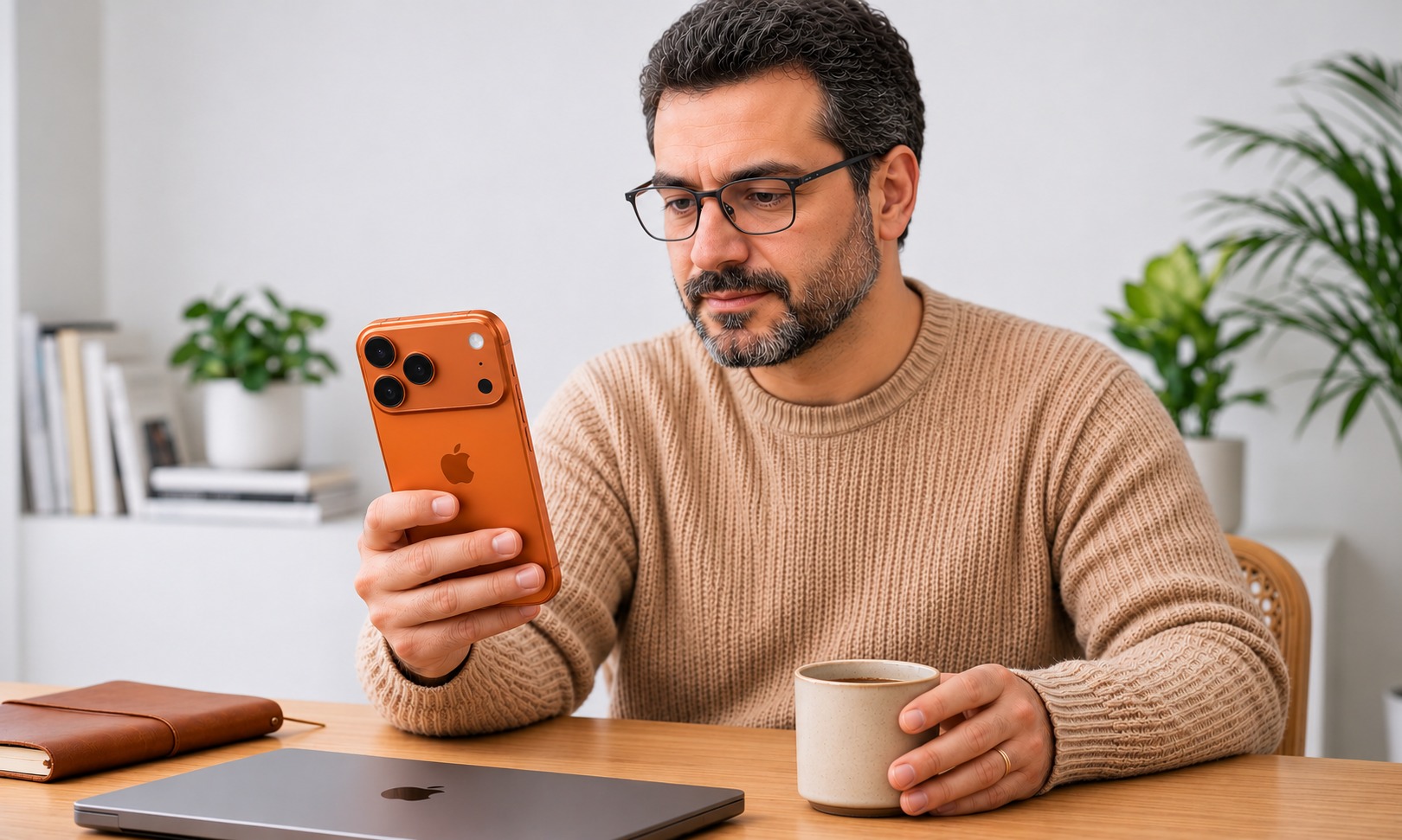
If you manage your business via iPhone, it is easy for client communications to intrude on your rest time or moments with your family on the weekend without warning.
With two separate lines, you can set a Focus mode that automatically stops work line notifications outside of business hours and diverts calls to voicemail. You can also assign a specific line to each contact to ensure your calls to clients always go out from your work number.
Reducing Spam Calls and Scam Campaigns
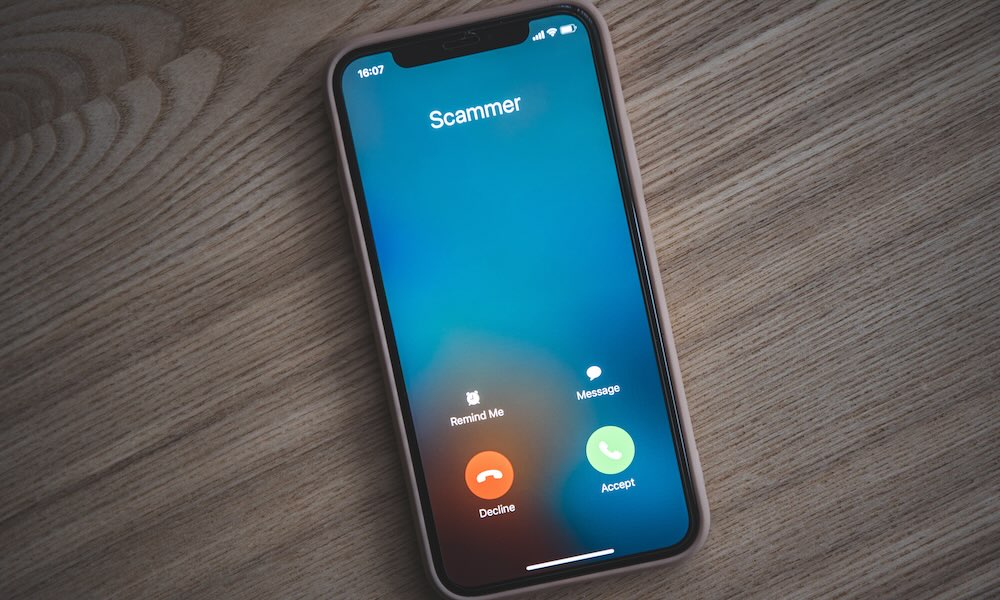
The leakage of numbers into marketing lists means the constant, annoying arrival of unwanted calls on a daily basis.
When you use a secondary number to register for offers and with companies, you isolate that chaos from your important primary line. The biggest advantage is that if the nuisance increases on the secondary number, you can change it easily without losing the ability for people to reach you on your main number.
An Alternative Network When You Lose Coverage
Even the best telecommunications companies may face unexpected outages or areas with weak coverage while traveling or moving on highways.
Activating a second SIM from a different network operator provides you with an immediate alternative to stay connected. You can enable the automatic switching feature by going to Settings, then Cellular, then Cellular Data, and selecting “Allow Cellular Data Switching,” so the iPhone can switch to the stronger network on its own.
Protecting Bank Accounts from Fraud Attacks
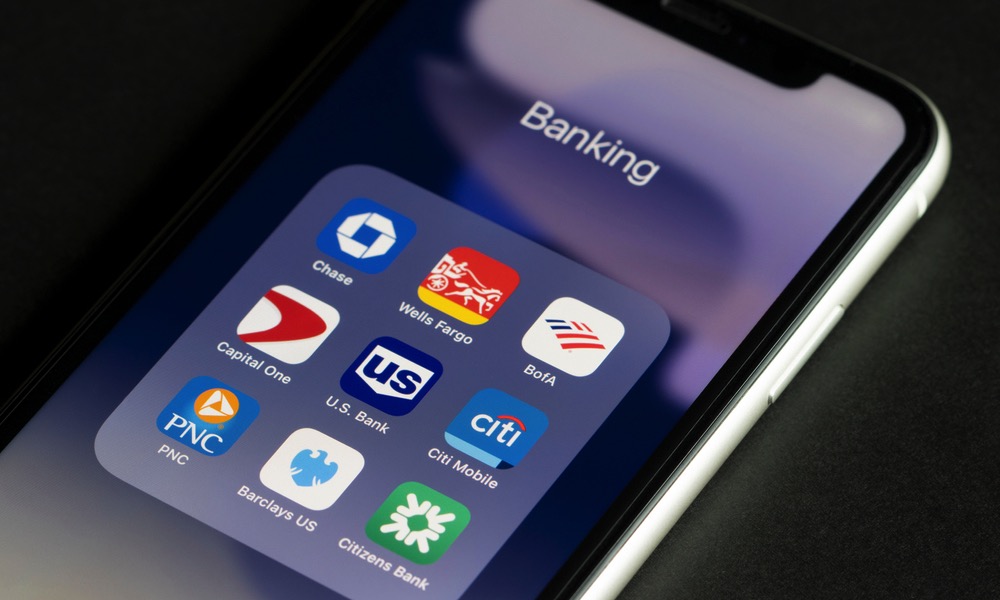
Most sensitive platforms rely on a phone number to send two-factor authentication codes via text messages, making phone numbers a primary target for SIM swapping attacks.
The smart solution is to designate a private, secret number that you do not share with anyone to be linked only to your bank accounts and sensitive email, while leaving the other number for purchases and regular apps to reduce security risks.
Knowing the Importance of a Call Before Answering
The iOS system provides a small badge that appears on the incoming call screen to tell you immediately which line is receiving the call, whether it is your personal or work line.
This visual distinction allows you to make a quick decision without hesitation; if an unknown call comes in on your work line late at night, you can safely ignore it while fully knowing the nature of the caller.
Source:

Post Comment