At the beginning of the live stream for the WWDC26 developer conference, Craig Federighi, Apple’s Senior Vice President of Software Engineering, surprised us with an engaging talk about the philosophy driving the development of Apple’s software systems. He said: “We are always challenging ourselves to make our products more responsive, more reliable, and more fun to use. Instead of just introducing brand-new features, we take the features you already rely on and make them much better. Because we believe that the best operating systems are not built just on big breakthroughs, but are built on attention to the finest details.” He then handed the stage to his colleague Stacey Ford, Vice President of OS Program Management, who emphasized that attention to detail has always been in Apple’s DNA, and for this year, the teams focused on refining interfaces and facilitating usability from the foundation to the visual interface. Within a few seconds, the big screen was filled with a giant board showcasing 264 small improvements and details in Apple’s upcoming systems.
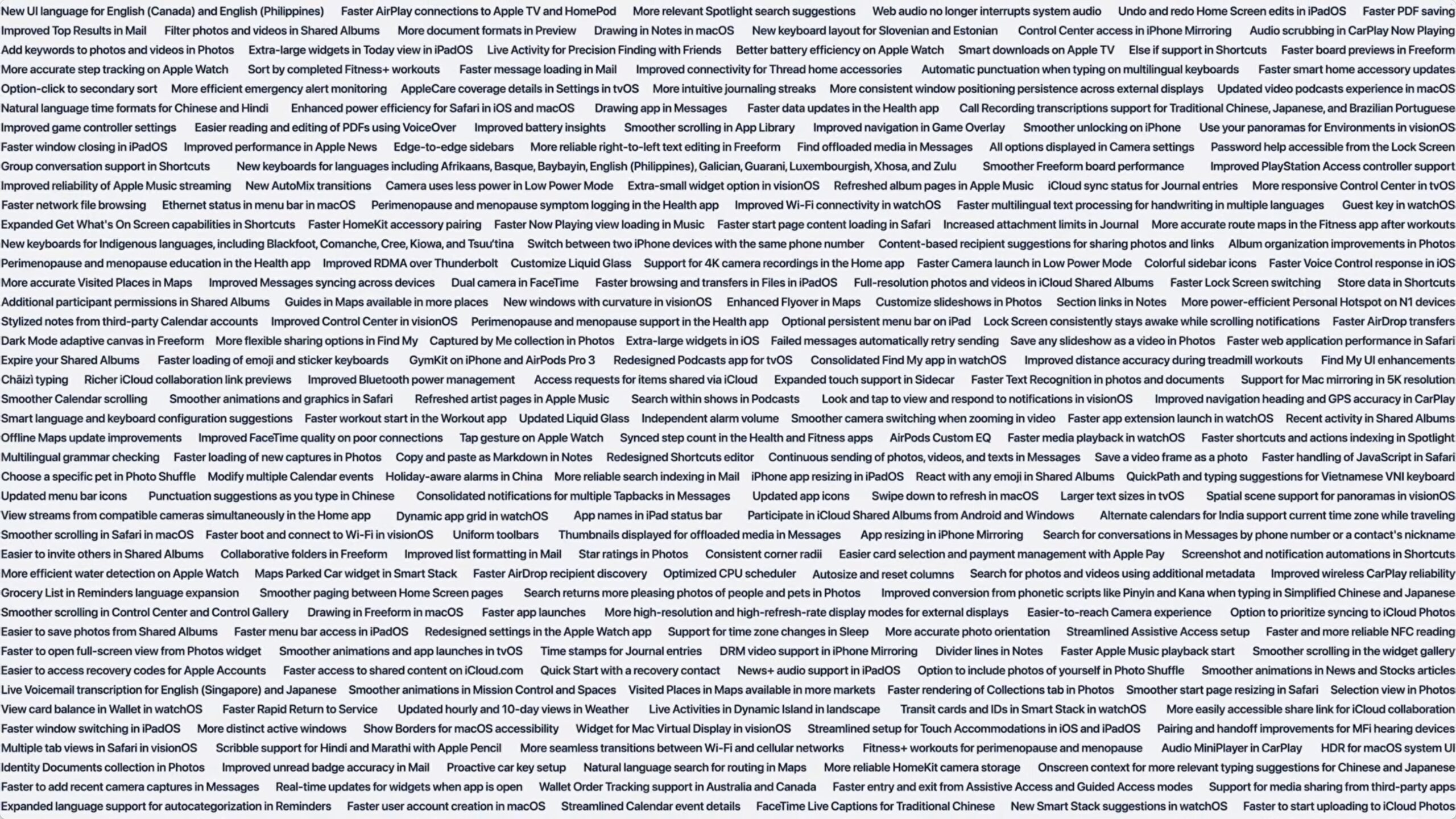
The Philosophy Behind the “Attention to Detail” Board
These small details might seem insignificant to those looking only for AI revolutions and flashy features, but for the daily user, these are the changes that make the real difference in the everyday experience. Here at Phonegram, we know full well that a fast, stable, and carefully polished system is far superior to one full of unstable experimental features. Since the billboard appeared for only a few seconds at the conference, we have broken down and categorized all 264 of these features and improvements so you can browse them and understand what awaits you in Apple’s upcoming updates.
Liquid Glass System and the New Generation of macOS 27 Golden Gate
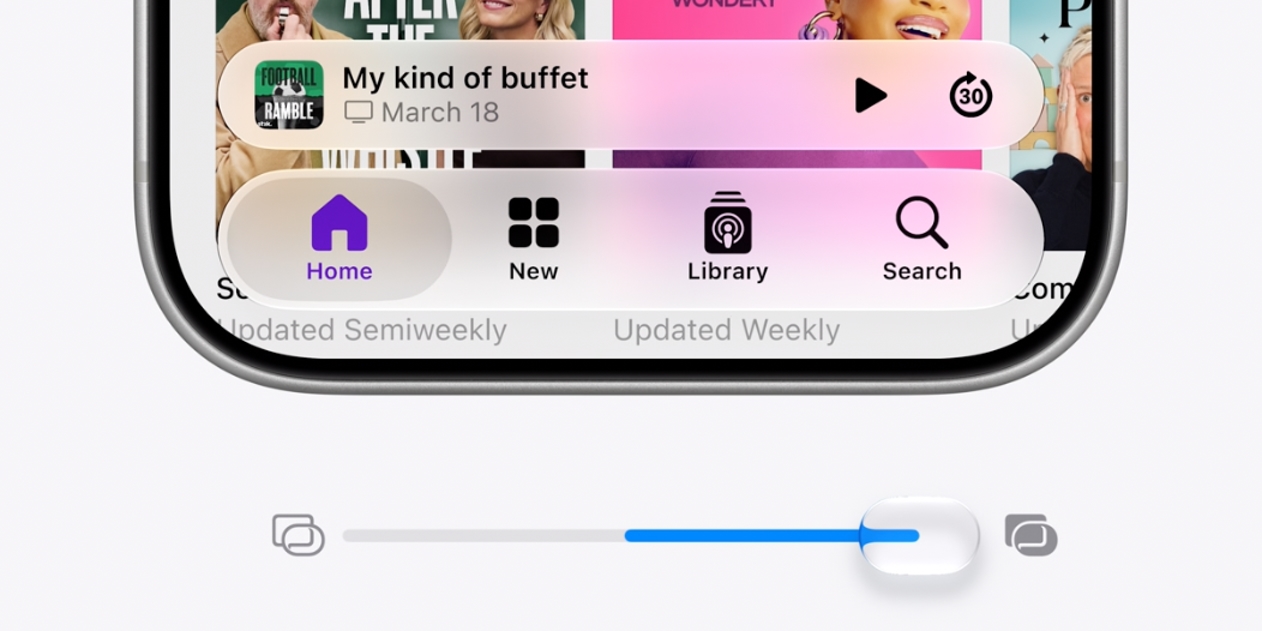
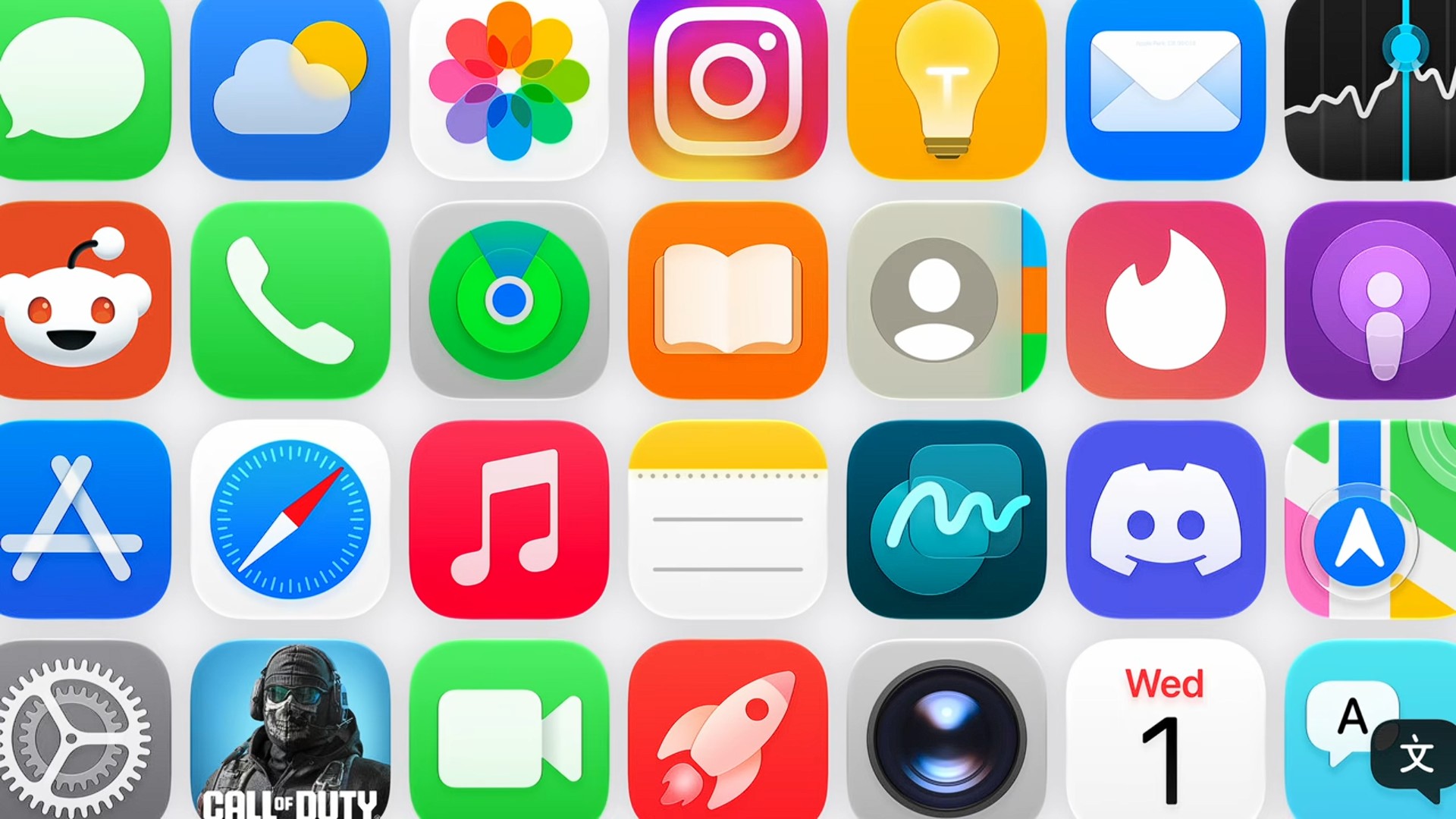
We start with the new Liquid Glass interface, which received a comprehensive update with full customization capabilities and updated app icons to give the system a more vibrant and flexible look. As for the new macOS 27 Golden Gate, Apple focused on solving the age-old problems facing professional users, and the most notable changes are as follows:
- Window position stability and consistency when using multiple external displays.
- Support for Mac emulation at resolutions up to 5K.
- Providing more high-resolution and high-refresh-rate options for external displays.
- Edge-to-edge extended sidebars and unified toolbars.
- Consistent corner design and colorful sidebar icons to add a vibrant and cheerful aesthetic touch.
- Ability to automatically resize and reset columns (a feature Mail app users have long awaited!).
- Smoother animations in the Mission Control and Spaces window management system.
- Swipe down to refresh feature and High Dynamic Range (HDR) support for the entire system interface.
A Leap in the iPhone and iPad Interface: iOS 27 and iPadOS 27
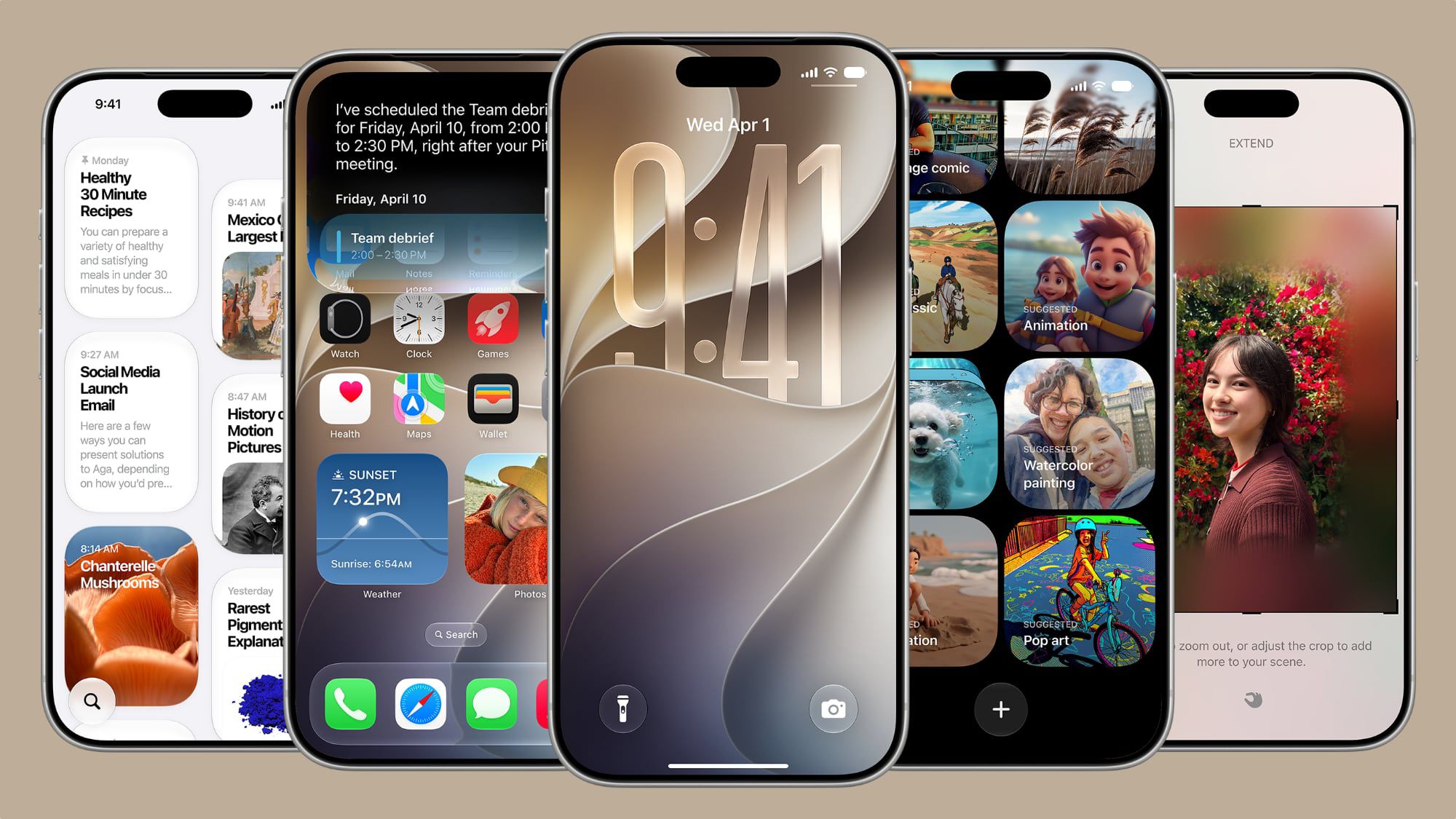
iOS 27 brought a wonderful set of improvements aimed at making the iPhone system faster and more flexible, especially widgets and interactive activities:
- Providing extra-large widgets and updating their data instantly upon opening the app.
- Ability to adjust the alarm volume completely independently of the system volume (a long-awaited feature!).
- Support for Live Activities in the Dynamic Island in landscape mode.
- The process of unlocking and switching between lock screens has become smoother, faster, and without any noticeable lag.
- The lock screen remains active and awake while browsing and reading notifications.
- Faster performance and greater reliability for the NFC chip reader.
As for the iPad and iPadOS 27, Apple focused on increasing productivity and bringing it one step closer to the flexible and complete Mac experience:
- Ability to display the menu bar permanently as an optional setting on the iPad.
- Ability to resize iPhone apps to fit the iPad screen better and more practically.
- Displaying app names in the status bar to facilitate navigation and identify the active app.
- Much faster file browsing and transferring within the default Files app.
- Undo and redo for home screen modifications to prevent accidental errors.
- Expanded touch support and responsiveness when using the Sidecar second screen feature.
Wearables and Smart Home: Apple Watch, Vision Pro, and Apple TV
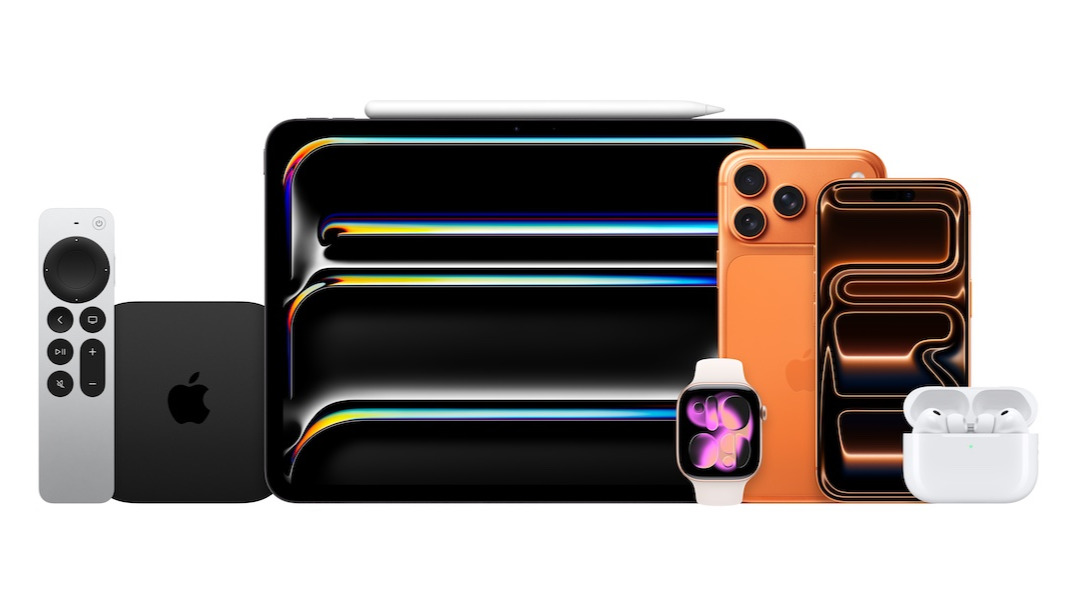
Apple did not exclude its other devices from these magical touches; the watchOS 27 system received much better battery efficiency, improvements to the dynamic app grid, higher step-tracking accuracy, as well as the ability to view your card balances in the Wallet app directly from your wrist, and more efficient and reliable water detection to prevent accidental damage.
The visionOS 27 system for Vision Pro now supports using panoramic photos and 3D scenes as enchanting virtual environments, in addition to multi-tab support in Safari, and the ability to look and tap to interact with notifications easily. As for tvOS 27, it received a faster and more responsive control center, and smart downloads that ensure smooth playback of your favorite content without interruption.
A Revolution in Camera, Photos, and Shared Albums
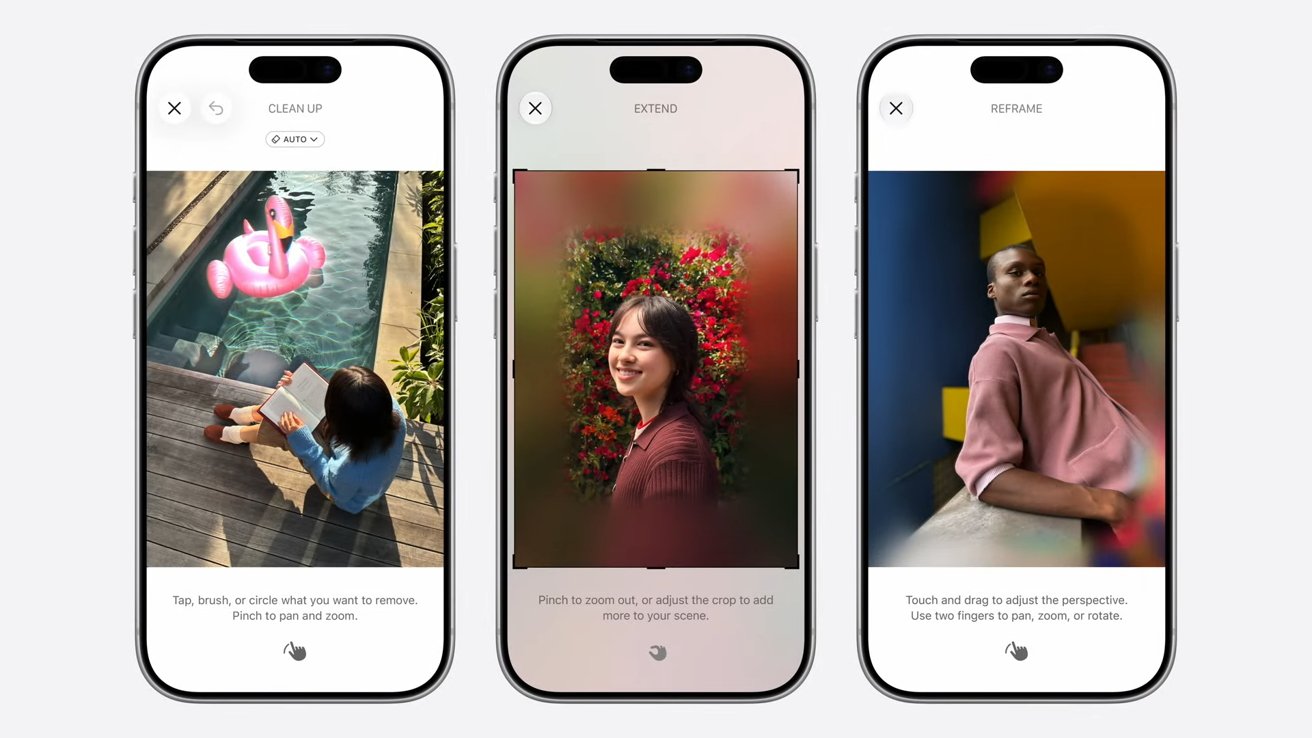
Capturing and sharing photos received the lion’s share of hidden improvements. The camera now starts and operates with less effort and lower power consumption in low-power mode, and zooming and switching between lenses in video has become ultra-smooth. In the Photos app, you will finally be able to add keywords and rate your shots with stars to make them easier to access later instead of manual, random searching.
- Photo search now understands complex metadata and returns amazing results for photos of people and pets.
- The iCloud Shared Albums feature received an amazing upgrade that allows sharing photos in full resolution, and even allows users from Android and Windows platforms to participate and interact with the albums!
- Ability to set an expiration date for shared albums to provide security, privacy, and protection for your private memories.
- Save any frame within a video as a separate photo with a single click to capture perfect moments with extreme precision.
Daily Apps: Messages, Mail, Safari, and Maps
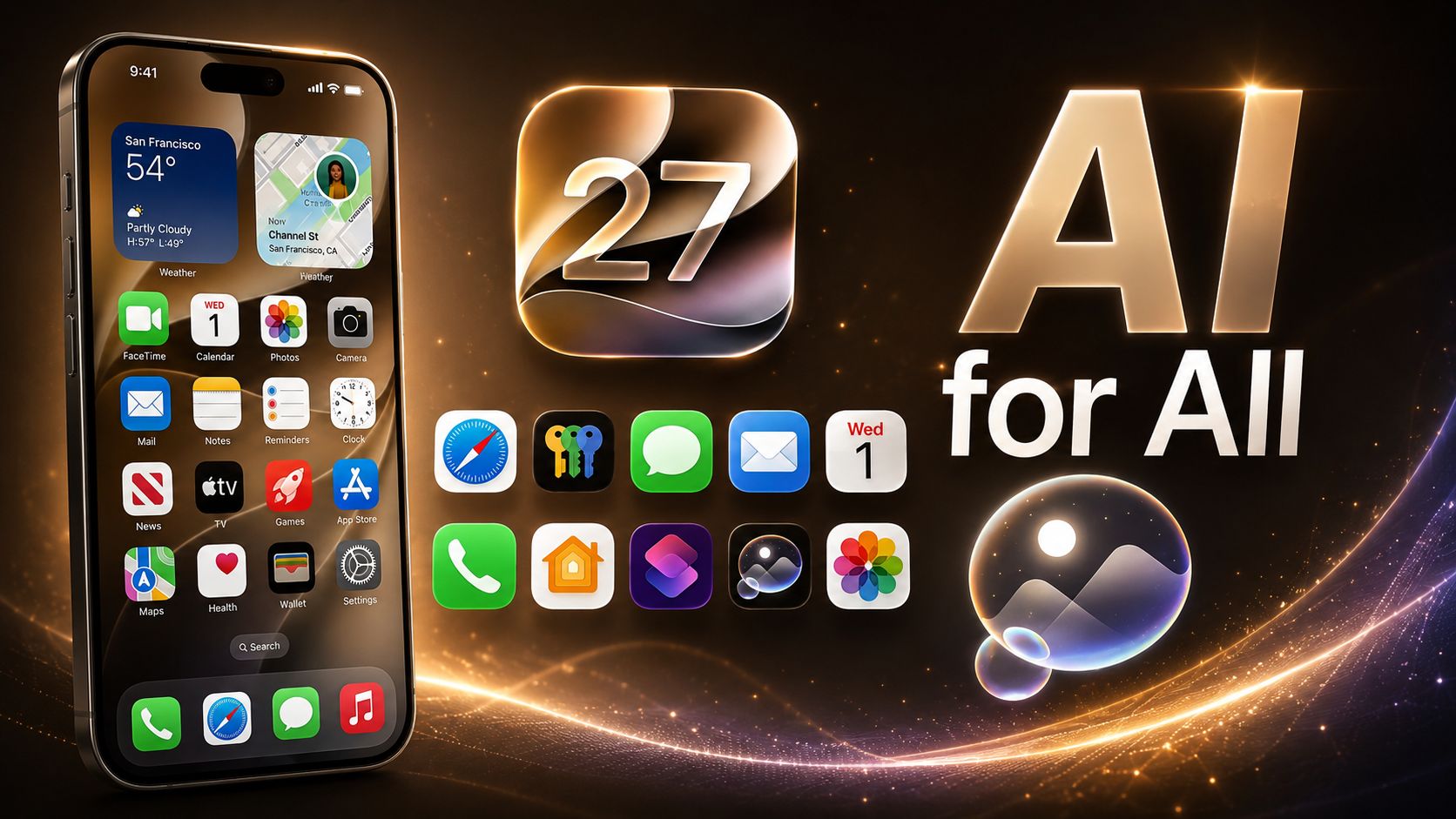
The daily communication and browsing experience has become more cohesive and powerful; the Messages app now supports a full drawing board, fully improved synchronization across all your devices, and an automatic retry feature for messages that failed to send without any intervention from you. In Safari, Apple developed the JavaScript processing engine to be faster and ensured that system audio is not interrupted by web media.
Maps and Mail also received search improvements; Maps now supports natural language search to find routes, and the Mail app sorts “Top Results” faster and more accurately with more reliable search indexing that ensures you never miss an email, no matter how old it is.
Productivity Features, Health, and New Language Boards
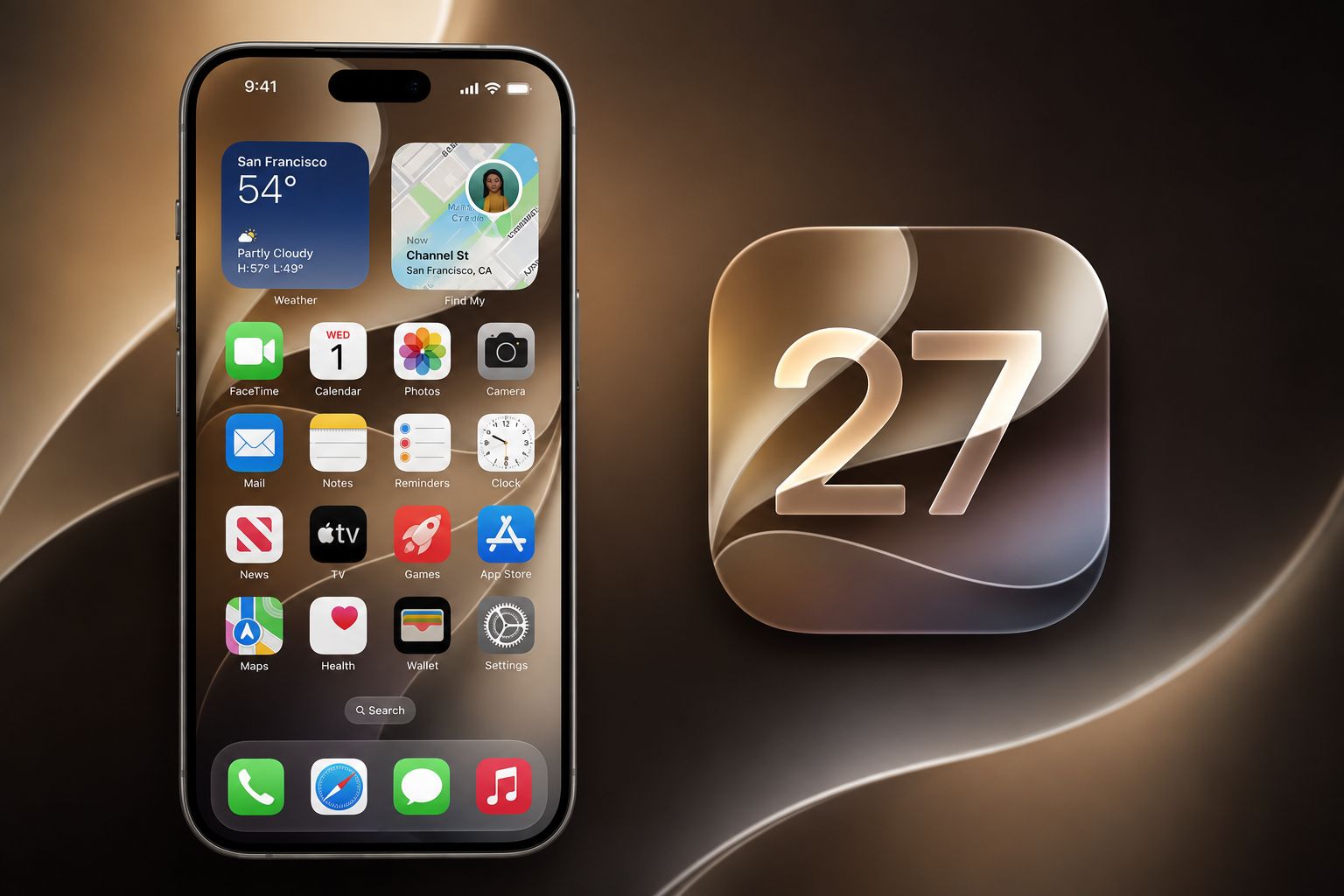
Even Quick Notes got their share, as you can now write and draw notes on the Mac, and copy and paste text as Markdown format ready for immediate publishing. As for the keyboard and languages, it witnessed a huge improvement supporting multi-language grammar checking and automatic punctuation suggestions while typing quickly on multi-language keyboards.
The Health app brought comprehensive support and detailed educational research for women’s health and perimenopause symptoms, with faster vital data updates and improved step synchronization between the Health and Fitness apps instantly and continuously to ensure the accuracy of your daily health information.
Source:
Leave a Reply