It has been nearly a full week since Apple unveiled its new systems at the WWDC2026 developer conference. Throughout these days, we at Phonegram have been putting iOS 27, iPadOS 27, and macOS 27 under the microscope of intensive testing to see what Apple is offering its users. The most important news everyone was waiting for is the birth of the new smart assistant, Siri AI, after years of struggling with the old version that barely understood us. Are we witnessing a real revolution that puts Apple back at the top of the AI race, or is it just cosmetic changes and a flashy interface? Let’s dive into the exciting details of this experience.

Siri AI: Have we said goodbye to the traditional stupidity of Apple’s assistant?
The new Siri AI assistant comes with capabilities we have long dreamed of; it is now capable of professional text translation, writing emails, explaining and debugging code, and summarizing long articles and files in an amazing way. The new assistant is now able to manage ongoing conversations with a deeper understanding of the user’s personal context, which represents a significant leap compared to the past.
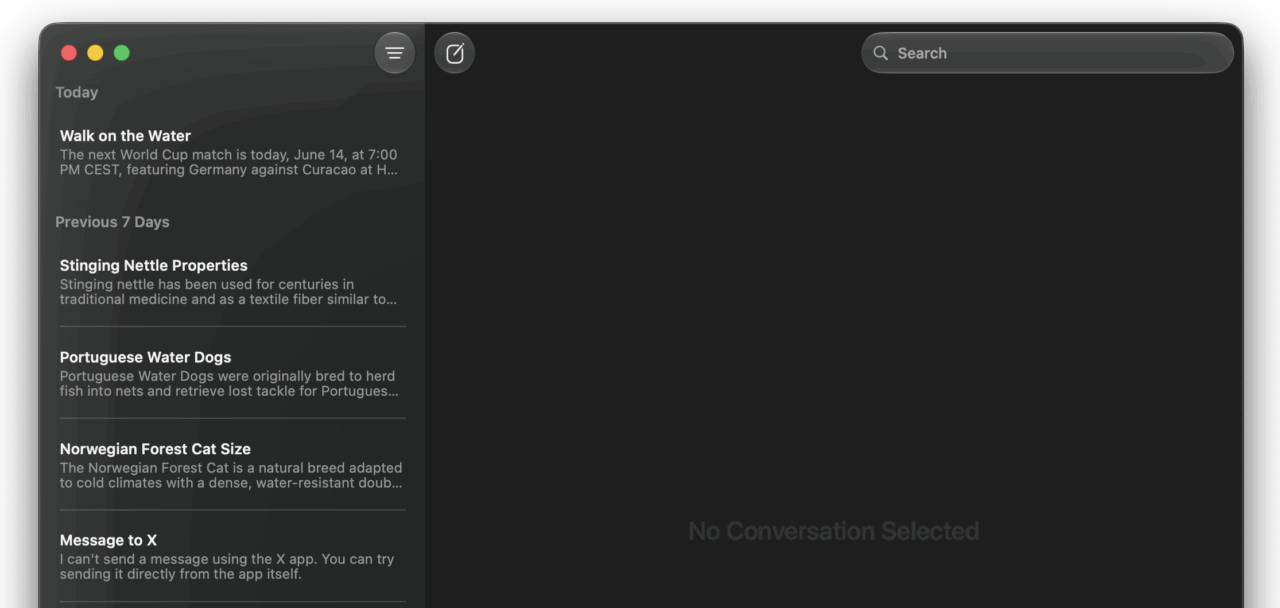
However, to be fair, we are still in the first Beta 1 version, which means there are some technical obstacles; the assistant sometimes loses connection to Apple’s servers, and the current interface still looks very simple compared to big competitors like ChatGPT and Claude. The biggest feature we are eagerly waiting for—Siri’s awareness of what is happening on the screen and the ability to act as a fully integrated smart agent across apps—is not yet complete at this stage, but the promising foundations are undoubtedly there, and we will see them mature soon.
Generative AI Power: Camera Features and Image Expansion
One of the most fun and impactful features in the iOS 27 beta lies within the Camera app. Now, you can take photos with impressive 3D effects, or take advantage of generative AI to expand captured scenes. Imagine you took a photo and the scene felt too tight; all you have to do is virtually step back and let Apple’s AI generate and build the rest of the background that is supposed to be there!
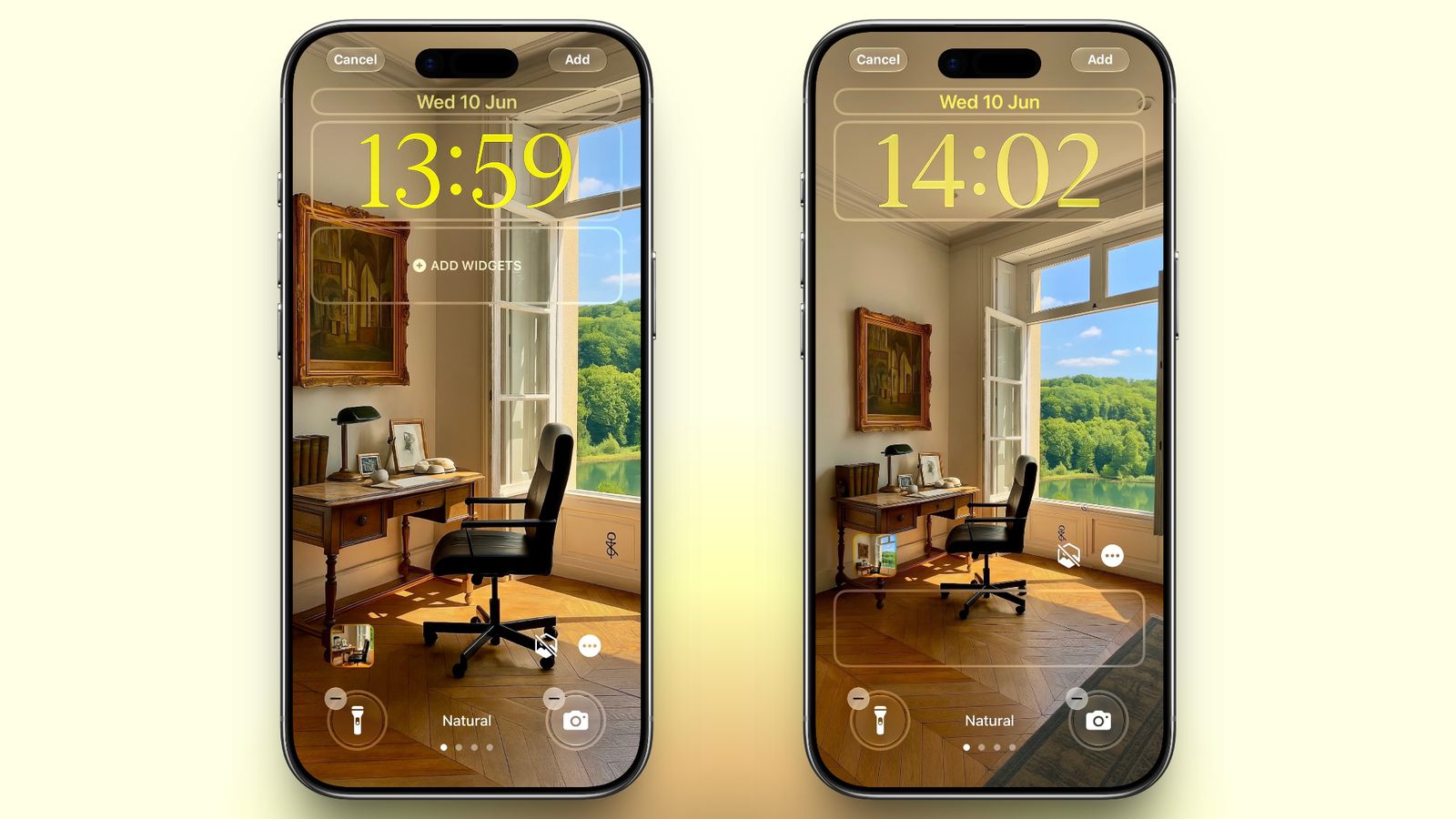
The results were excellent and close to expectations, given the massive progress Apple’s language models have made in image processing and reality simulation. In addition, the new editing tools allow you to remove unwanted elements from photos with a single touch, and adjust the framing of shots smoothly and professionally.
The iPad Pro wakes up from its slumber with iPadOS 27
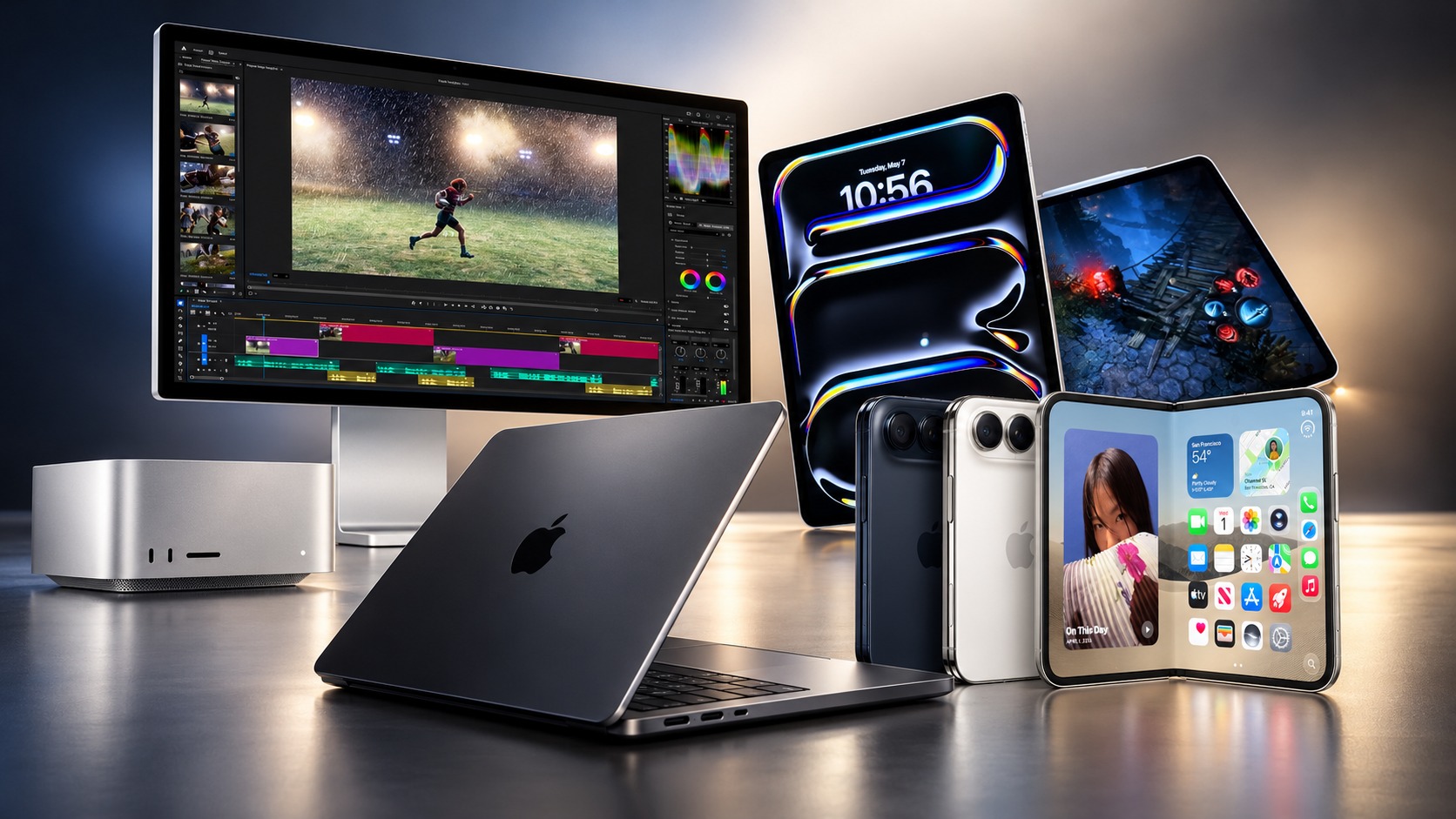
We have long criticized Apple for cramming its super-devices, like the iPad Pro, with powerful processors and massive RAM of up to 16GB into a limited-capability operating system that does not utilize its hardware optimally. But with iPadOS 27 beta 1, it seems the American giant has finally started listening to the demands of professionals.
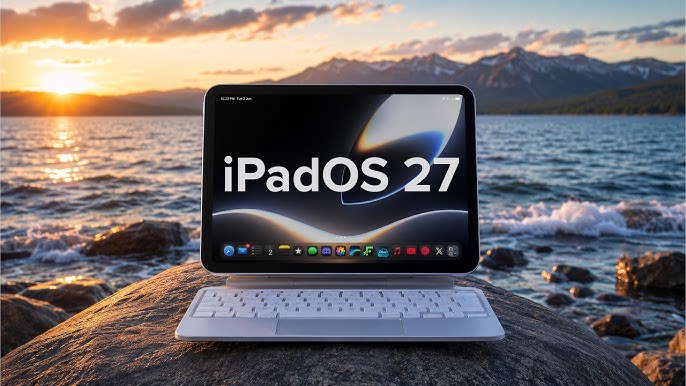
The system finally seems to be utilizing the power of the iPad Pro hardware; performance is surprisingly stable, and age-old problems like Safari browser tabs closing suddenly in the background or the keyboard stopping responding within blogging platforms have been radically addressed. Apple has improved the core kernel of the system to make it more mature and capable of competition and productivity, moving steadily closer to the flexibility of the macOS system.
Top features of iOS 27 and macOS 27: Do we recommend installing?
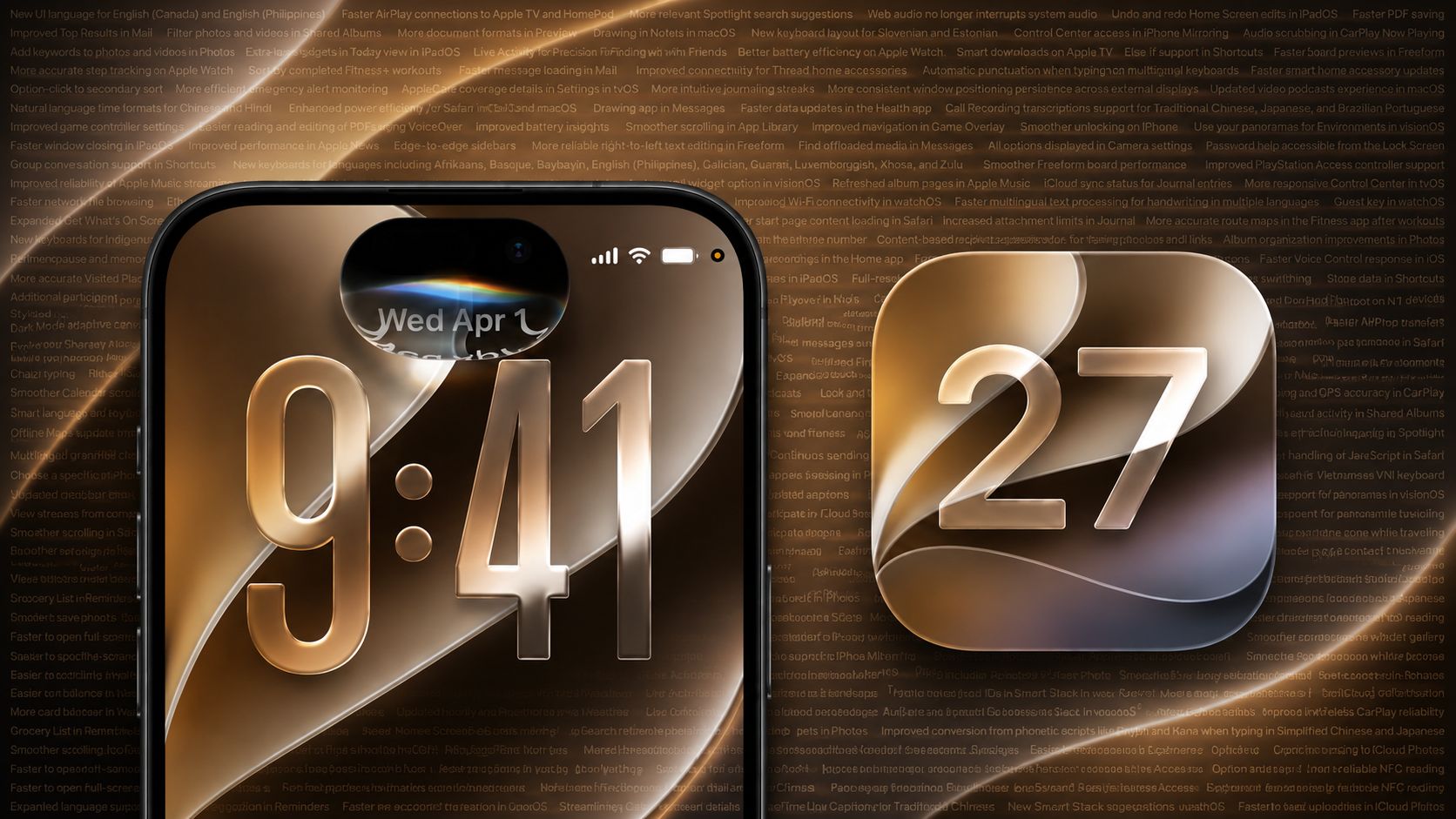
Alongside Siri AI and the visual improvements based on the wonderful Liquid Glass design, which gives icons sharper contrast and fully adjustable transparency, the iOS 27 update and the new macOS 27 brought a package of very practical and smart features that matter to the daily user:
- An automatic and smart switching system for passwords that have been compromised to ensure the security of your accounts.
- Sending smart alerts immediately when prices of goods change or stock becomes available on shopping sites via the Safari browser.
- Sharing bills and splitting accounts instantly and smoothly just by taking a photo of the paper bill.
- Comprehensive visual improvements including sharper icons, a unified toolbar, and extended sidebars on the Mac.
As for performance and battery life, although power consumption may increase slightly in the first hours after installation due to the intensive file indexing processes the system performs to feed the AI, the overall system stability in this first beta is very encouraging. We did not encounter sudden system crashes, making these updates one of the most stable beta versions in recent years.
Source:
Leave a Reply