Apple has highlighted AI features and major visual changes, and some essential apps have received their share of attention and development. At the forefront of these is the “Find My” app on the iPhone, which has received a set of smart and practical features that will make the experience of tracking devices and sharing locations with friends and family more flexible and private than ever before.
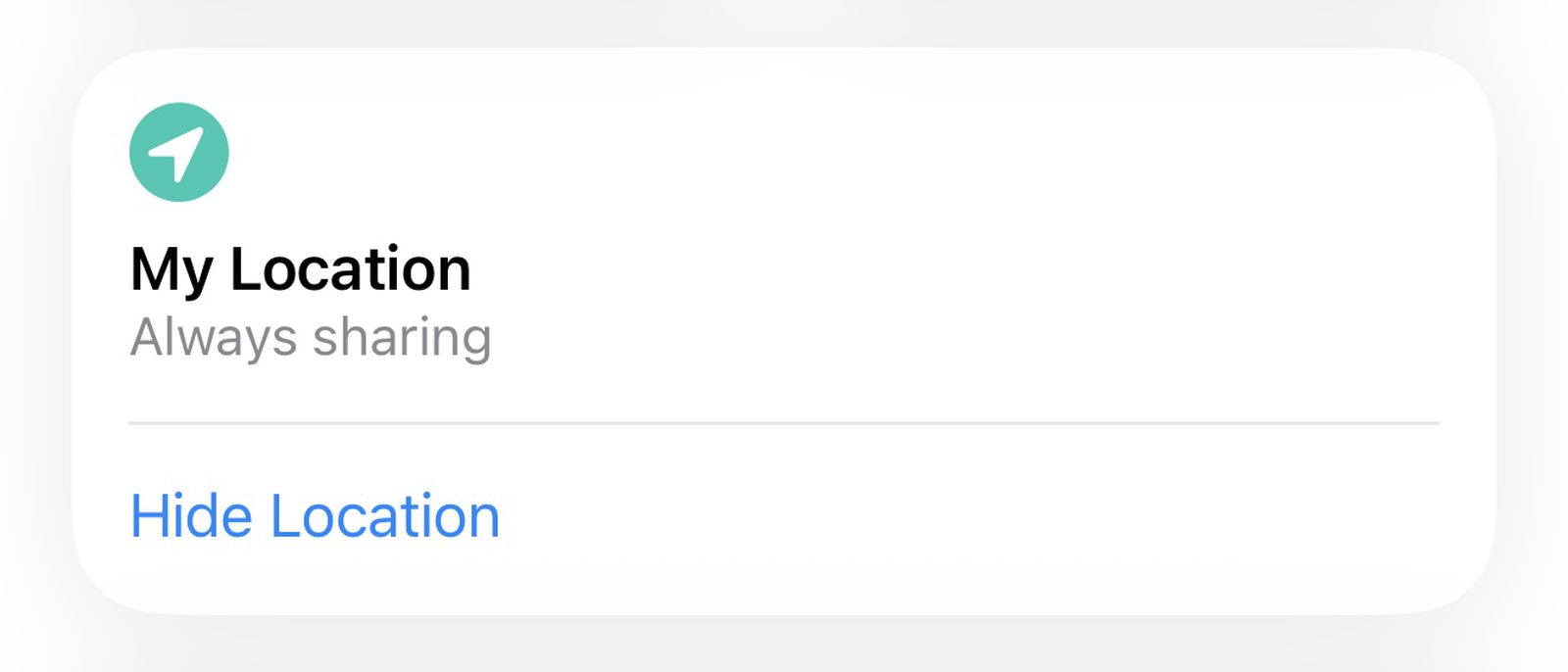
Hide Location: The controversial “surprise party” feature!
The most prominent and widely discussed feature in this update is the “Hide Location” option. This feature allows you to temporarily and secretly stop sharing your geographic location with specific people until the end of the day, without the other party receiving any notification or alert indicating that you have hidden your location.
The funny part is Apple’s official justification for this feature; the company stated that it added it for situations like planning “surprise birthday parties” to avoid spoiling the surprise! Of course, this justification sparked a wave of mockery and humorous comments among users on social media, as some considered—with a lot of winks and nudges—that it could be used for entirely different purposes, far removed from birthday cakes and balloons!
Customizing location sharing durations with extreme precision
In the current iOS 26, when you decide to share your location with a friend, you are limited to only three predefined time options: sharing for one hour, until the end of the day, or continuous sharing indefinitely. But with the new iOS 27 update, Apple has decided to give users full control and limitless flexibility.
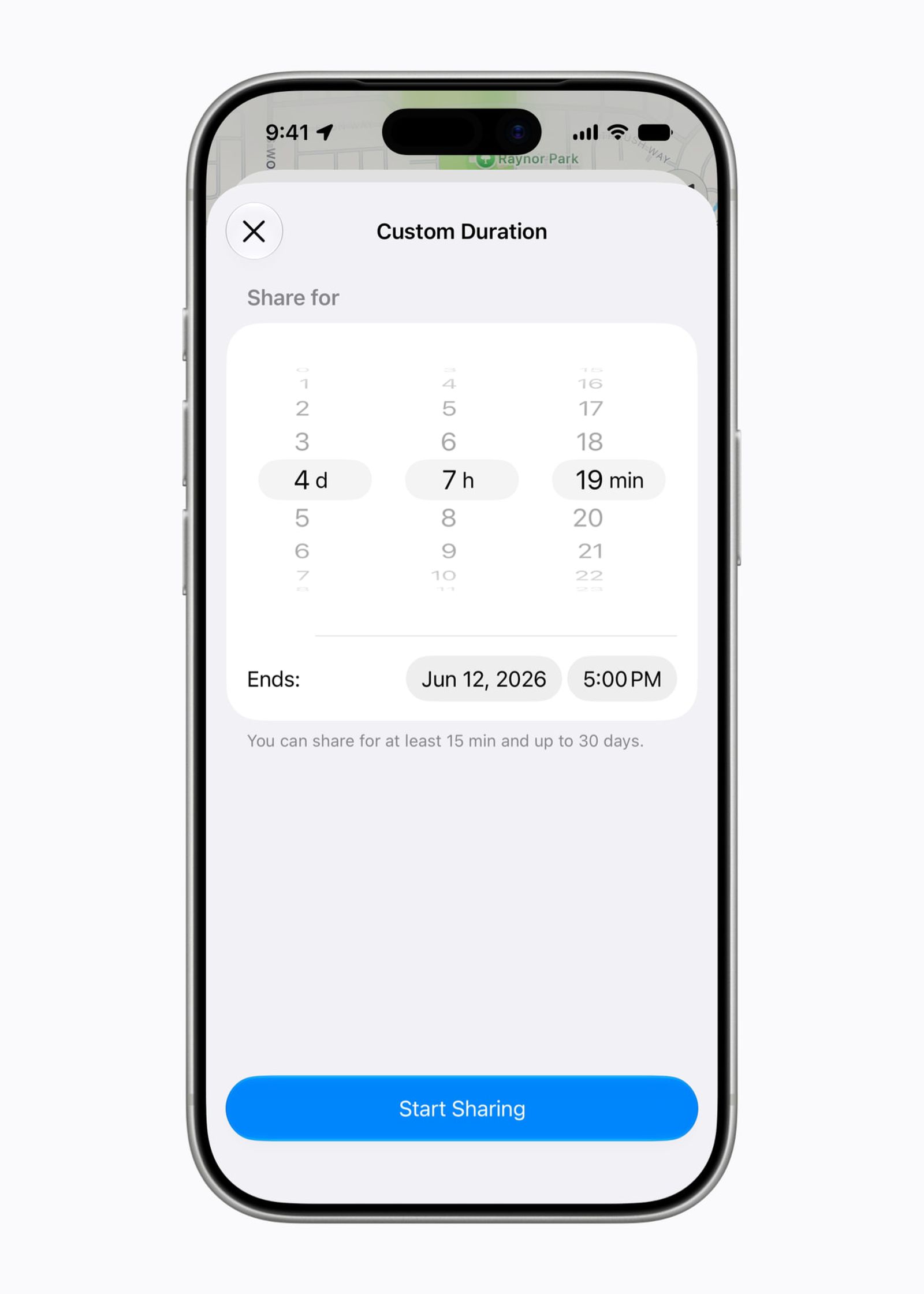
Now, you can set a custom time period for sharing your location, starting from 15 minutes up to 30 days. You can set days, hours, and minutes precisely, or even set a specific date and time for your geographic location broadcast to end automatically, giving you peace of mind and full control over your privacy without worrying about forgetting to stop sharing later.
Landscape Mode: Paving the way for a foldable iPhone Ultra?
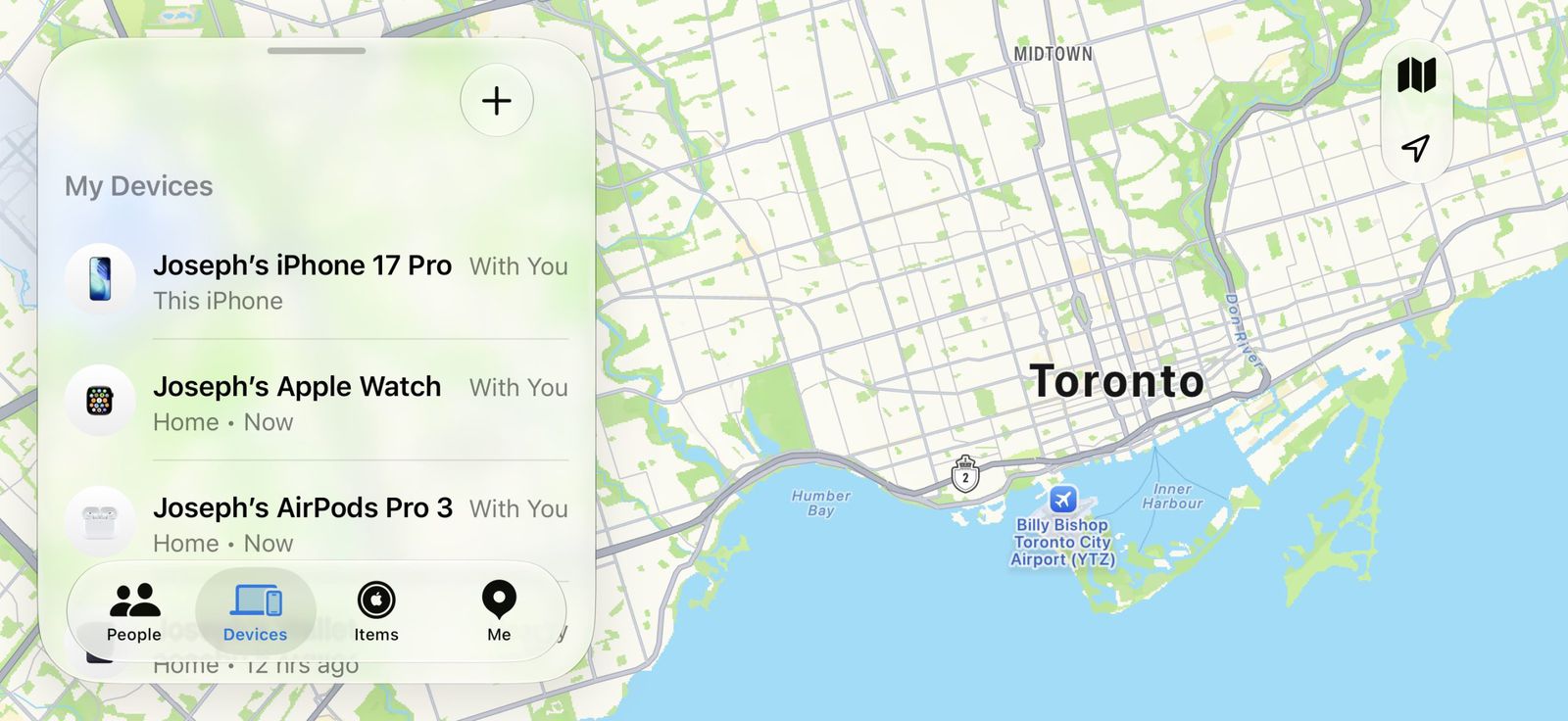
iOS 27 brings support for Landscape Mode to a larger number of built-in Apple apps, and the “Find My” app was one of those that received this update. Although Landscape Mode is already available in apps like Apple Maps, Calendar, Files, and Notes, expanding its scope to include additional apps reflects Apple’s growing interest in landscape usage of the phone.
Analysts and observers believe that this simple change may not just be a passing improvement, but could be a preparatory step and a way of setting the stage for the launch of the anticipated “iPhone Ultra,” which rumors suggest could be Apple’s first foldable iPhone. Having apps that support Landscape Mode excellently and comfortably will be essential for the success of such a large-screen device.
To enable Landscape Mode and view the Find My app map in landscape, all you have to do is rotate your iPhone sideways, while ensuring, of course, that “Portrait Orientation Lock” is turned off in the Control Center.
Source:
Leave a Reply