If you are struggling to keep up with your prayers on time, the new update to the Ela-Salaty app offers a fantastic solution. It locks your apps during prayer time, and until you open the apps, there is a Raka’ah counter. This means you must pray, or you won’t be able to use your device. But don’t worry… the Ela-Salaty app guides you without being a nuisance. How about we show you how to enable this new feature?
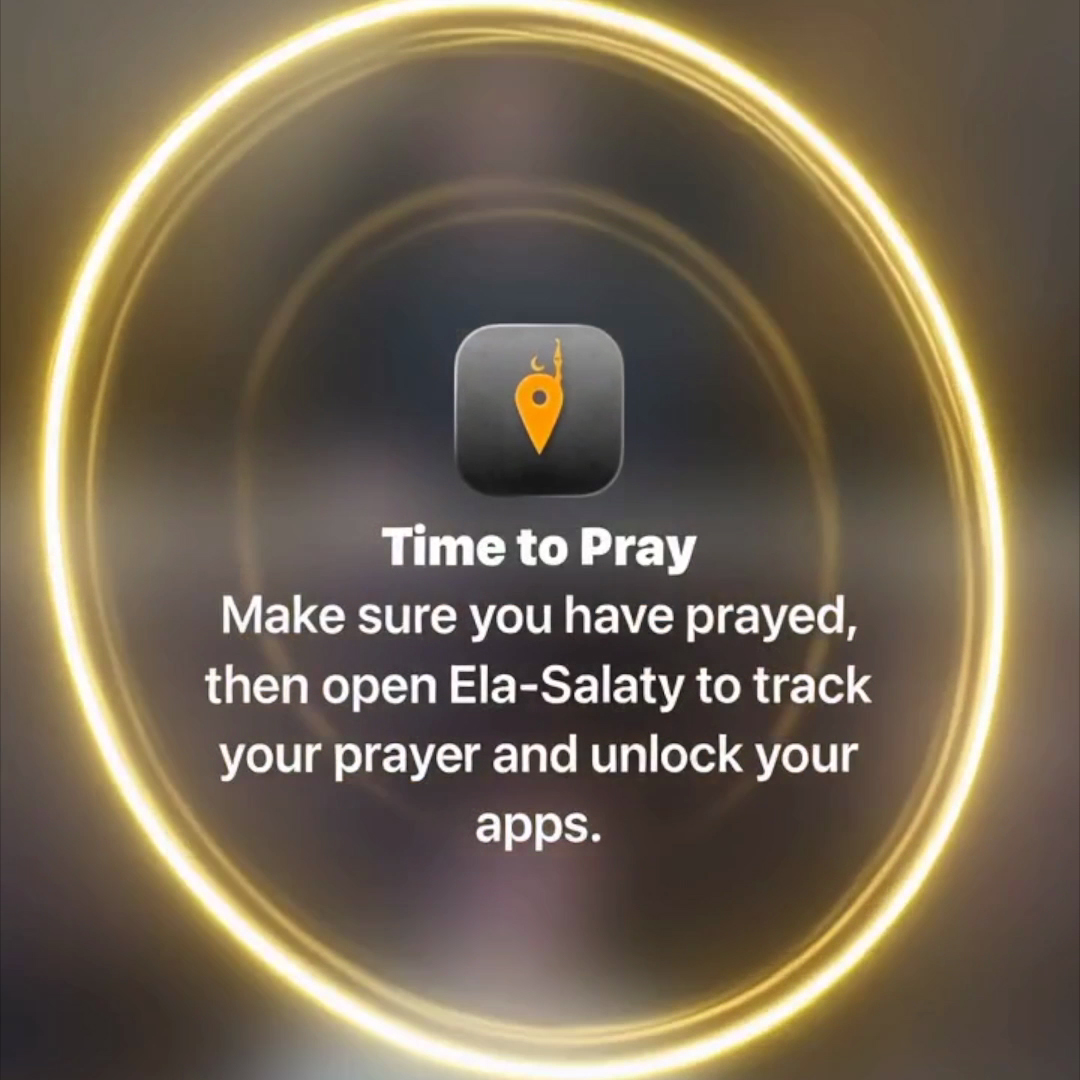
Ela-Salaty App Update 9.0


First, make sure you have the latest update of the Ela-Salaty app. These features are free, so it doesn’t matter if you don’t have the Pro version. We just want to help you keep up with your prayers on time, and you will, God willing.
When you open the new update of the Ela-Salaty app, you will find on the prayer times screen that you can now track your prayers and mark them as performed.
This feature is for those who forget whether they have performed the prayer or not. There is also a dedicated widget for this, so even if you don’t want to open the app, you can do this directly from your device’s screen.
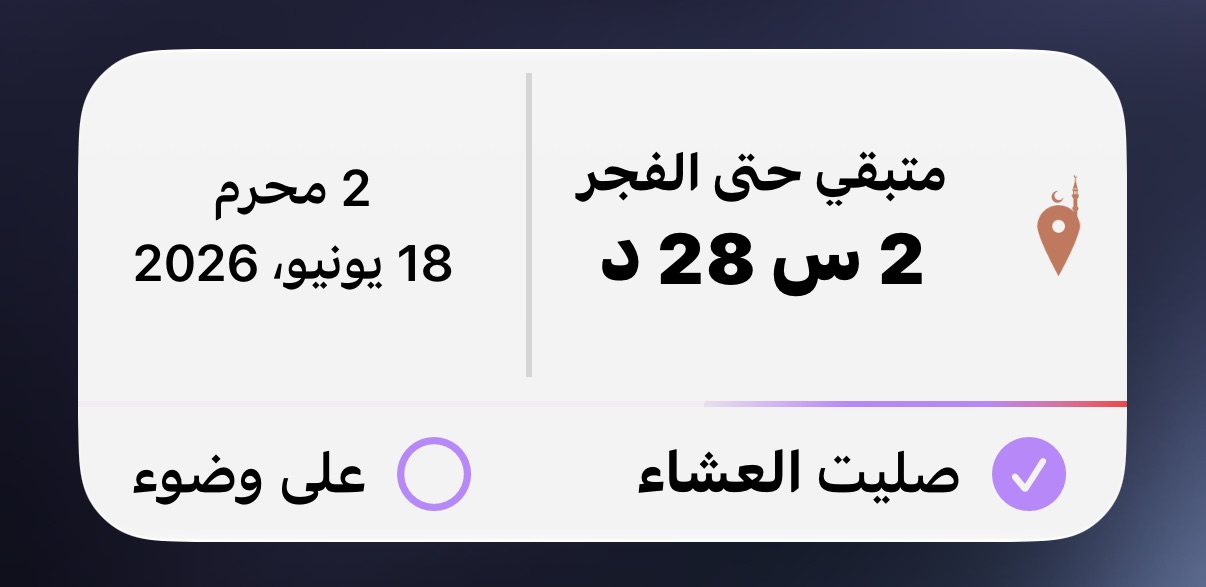
Prayer Screen Time Activation Feature
From the same prayer times screen, you will find a button to activate the Prayer Screen Time. This feature will lock your apps at a time you specify in the settings—immediately at prayer time, or ten minutes or half an hour later; you are in control.
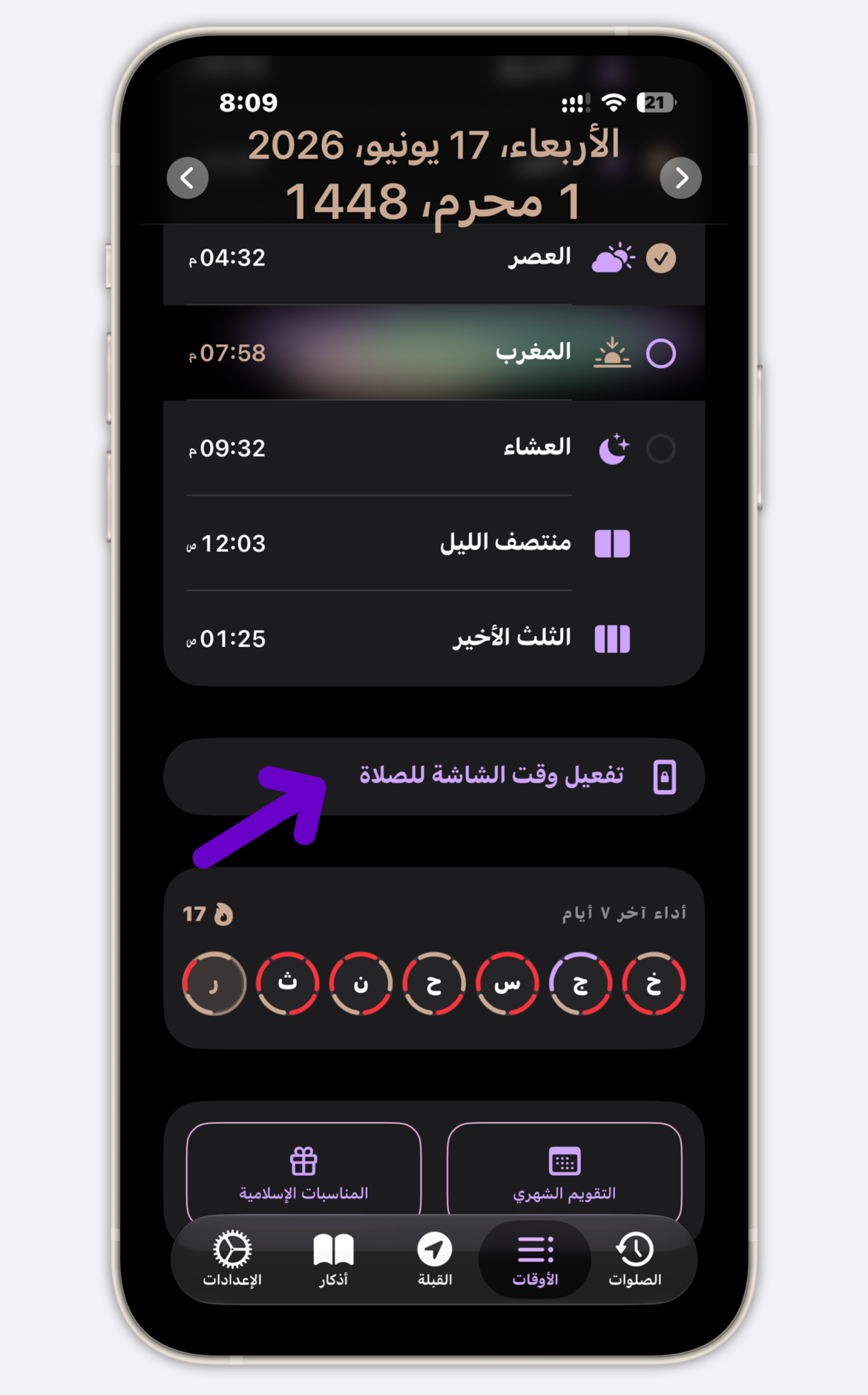
After pressing the button, screens for setting up this feature will appear.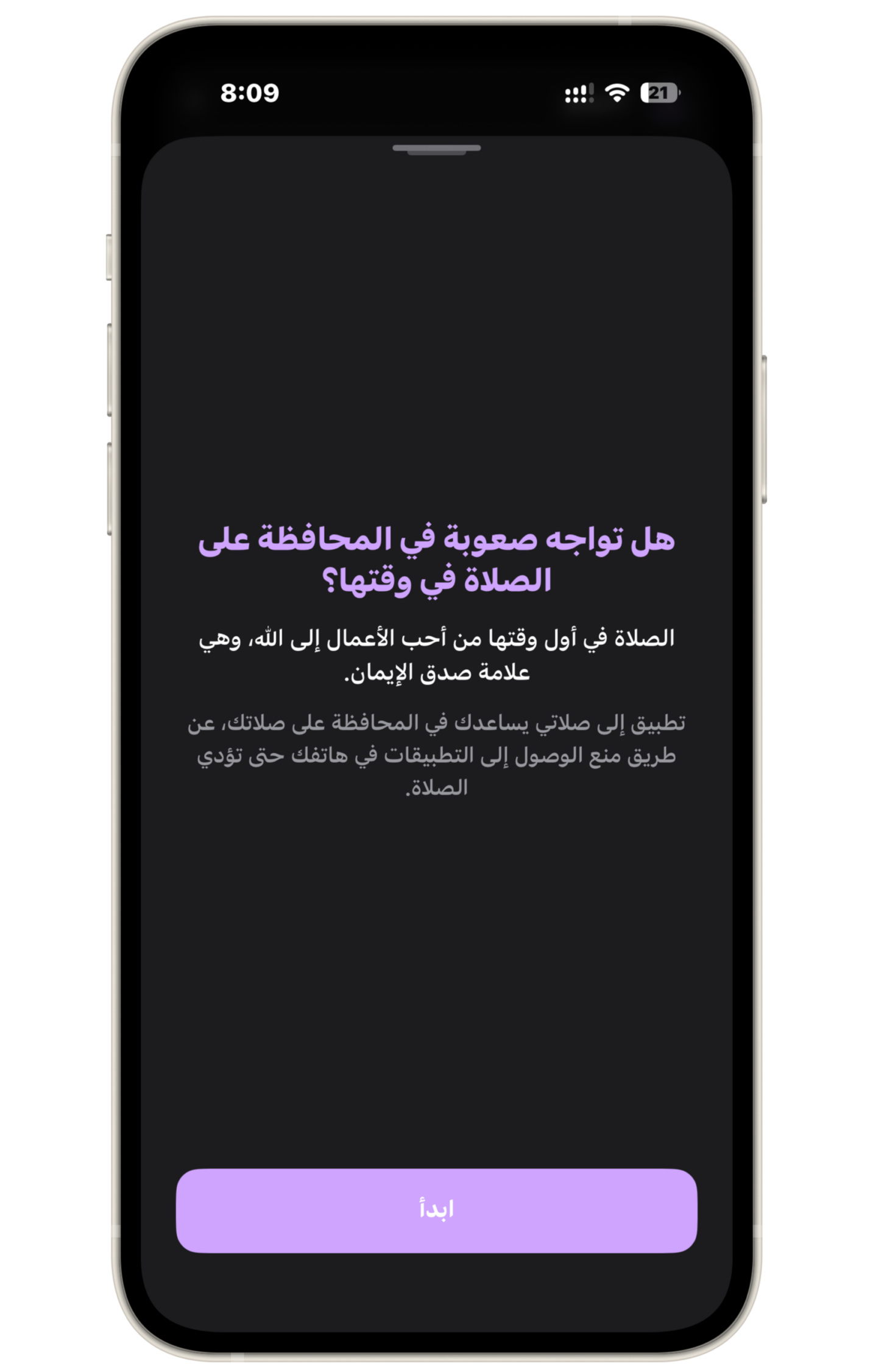
All you have to do is start, and the screen time control permission will appear; grant the permission.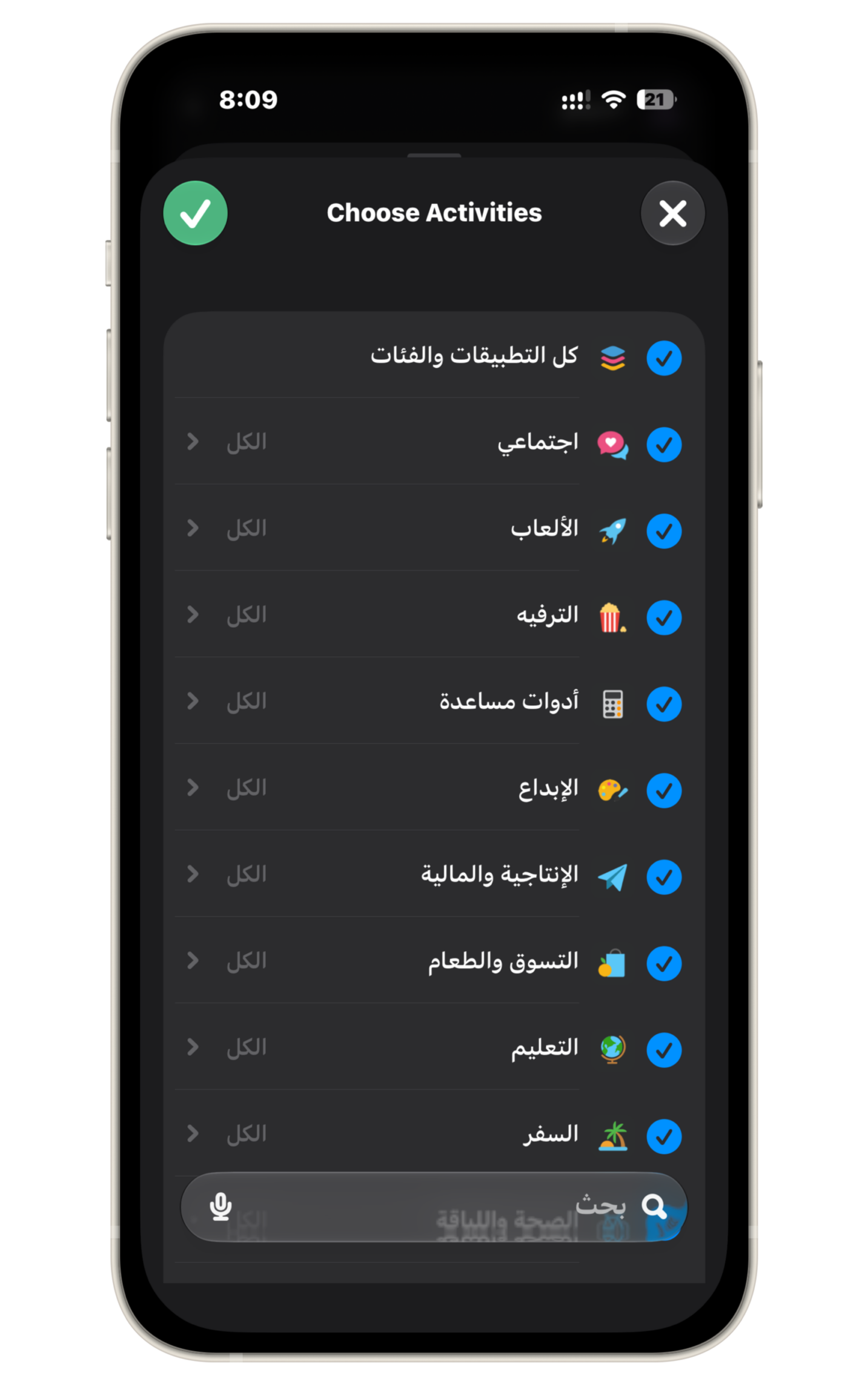
When asked which apps you would like to lock, select all apps and categories.
Now you are ready, and at prayer time or the time you specified, all apps will lock. Even if you are browsing TikTok or Instagram, no matter what you are doing, this screen will appear…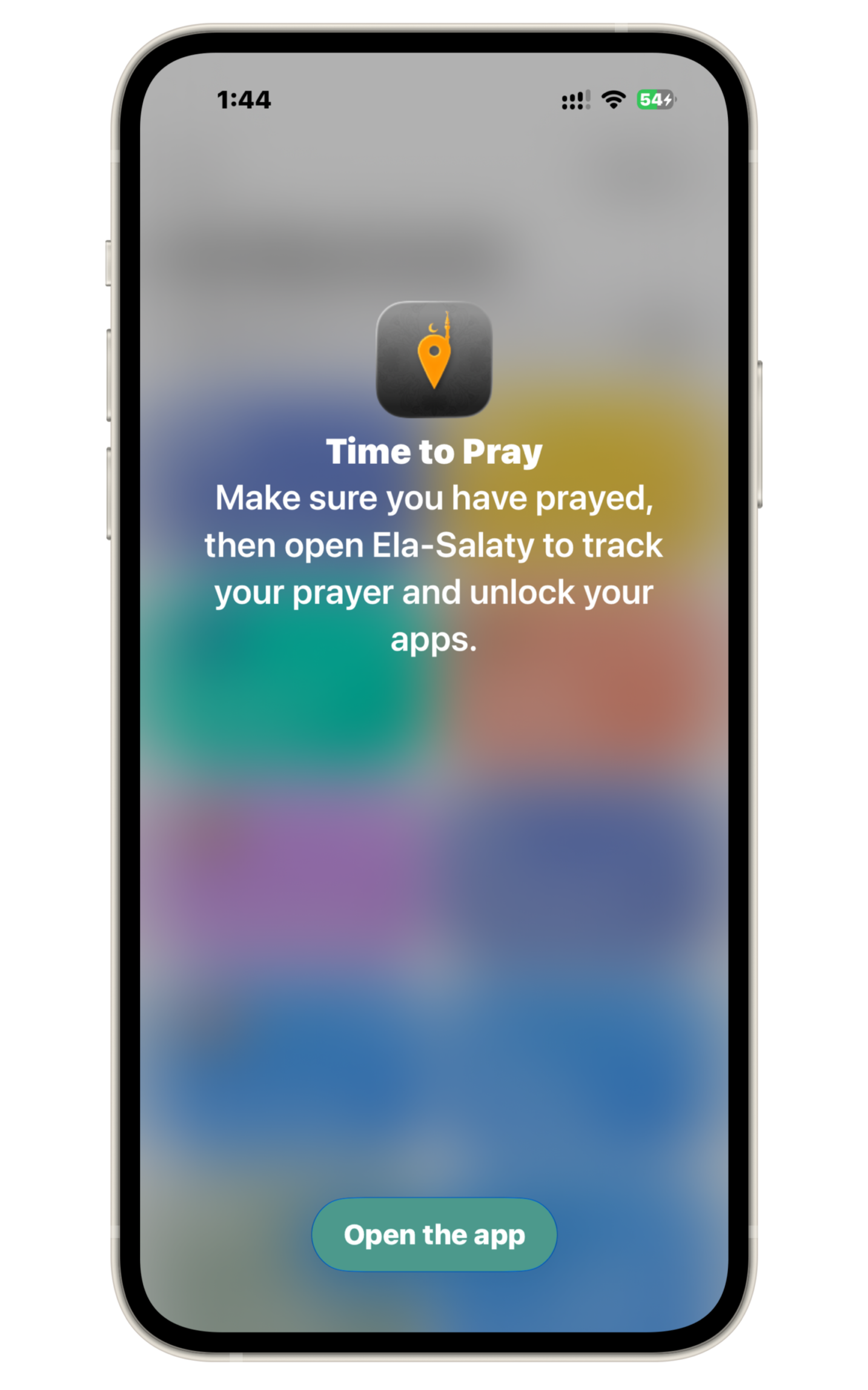 When you open the Ela-Salaty app, a screen will appear asking you—and God is your witness—have you prayed?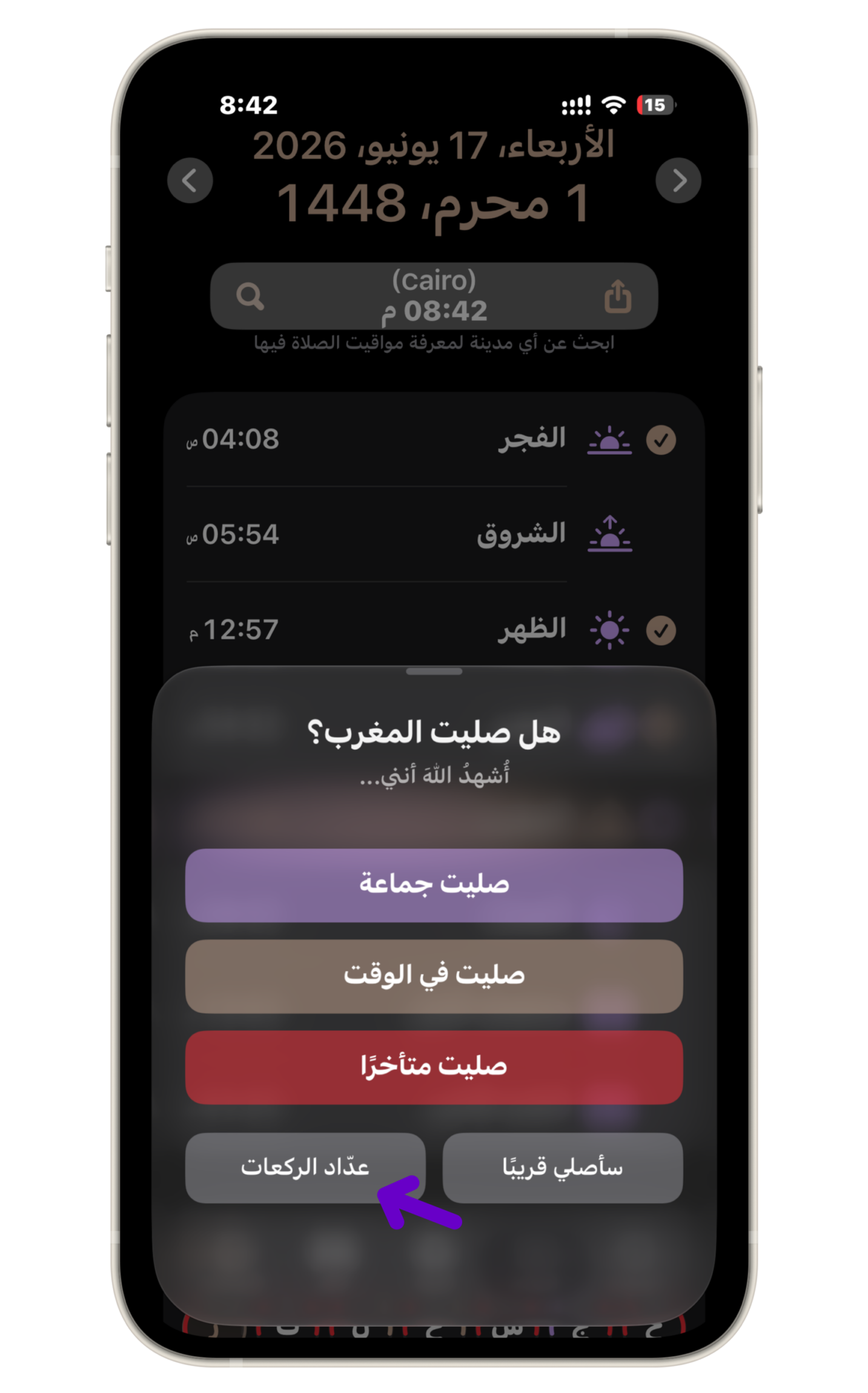
If you want to use the new Raka’ah counter feature, you can press the Raka’ah counter button, and for the first time only, screens will appear to tell you about this feature.
Raka’ah Counter
You might think that the Raka’ah counter inside the Ela-Salaty app is like any similar feature in any other app. In truth, the Ela-Salaty app uses very complex technologies to reach a truly unique experience, and the first and last goal is not to distract you while you pray.
The Ela-Salaty app uses the laser sensor in the front camera, which is why it is the only app that works with great smoothness, does not distract you during prayer, and works even in total darkness.
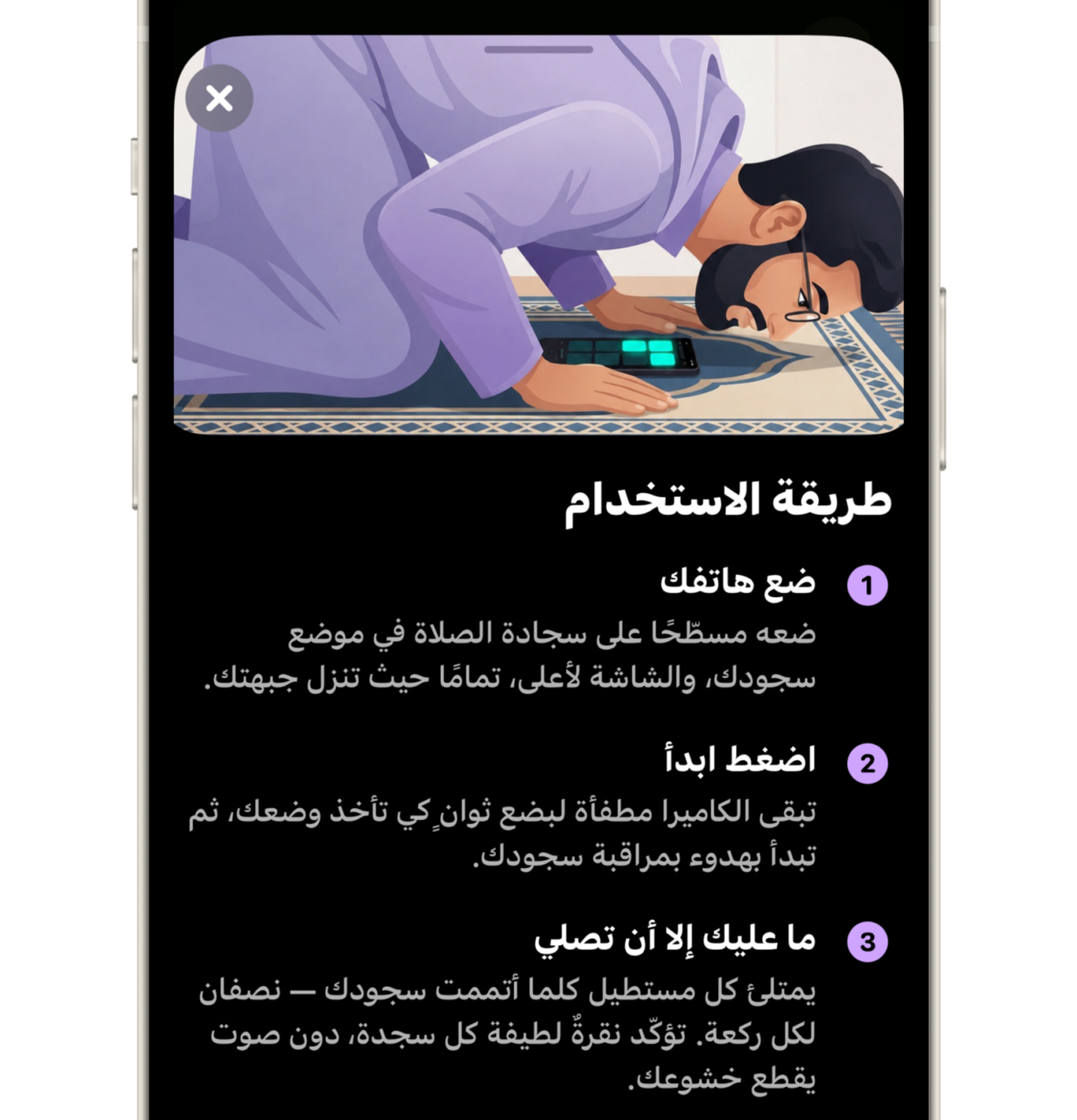
All you have to do is place the phone on the prayer mat so that it is facing your chest during prostration. The laser measures the distance between the phone and you, and if it finds that the distance is close for a certain amount of time, it will count a prostration.
If you want to test this feature by pretending to pray, it will not work for you, because there are mathematical calculations designed to work with the natural way of praying.
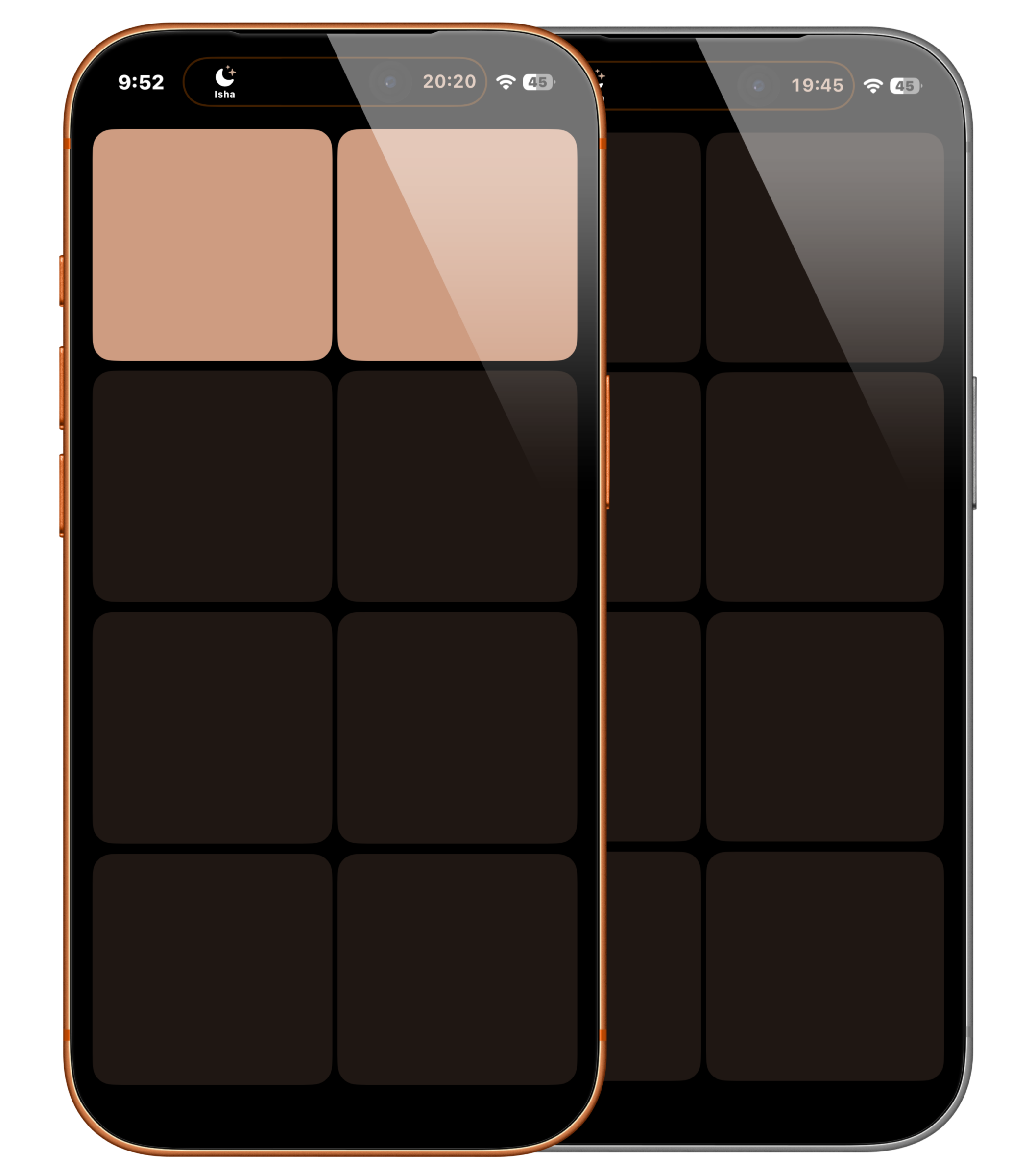
When you prostrate, you will find only pale-colored squares; you will not find text, and you will not find anything. This is intentional so that you are never distracted by the phone. The color of the square will change upon the first prostration, and the one next to it upon the second, and so on until you finish your prayer.
The great thing about this feature is that it works smoothly and with amazing accuracy, to the point that after getting used to it, you will realize that you don’t need to monitor it to know if it counted the prostration for you or not, and you will completely ignore your phone.
After completing the prayer, the prayer time will be calculated for you, the app lock will be lifted, and you can repeat the same thing with the next prayer.
Upcoming Updates, God Willing
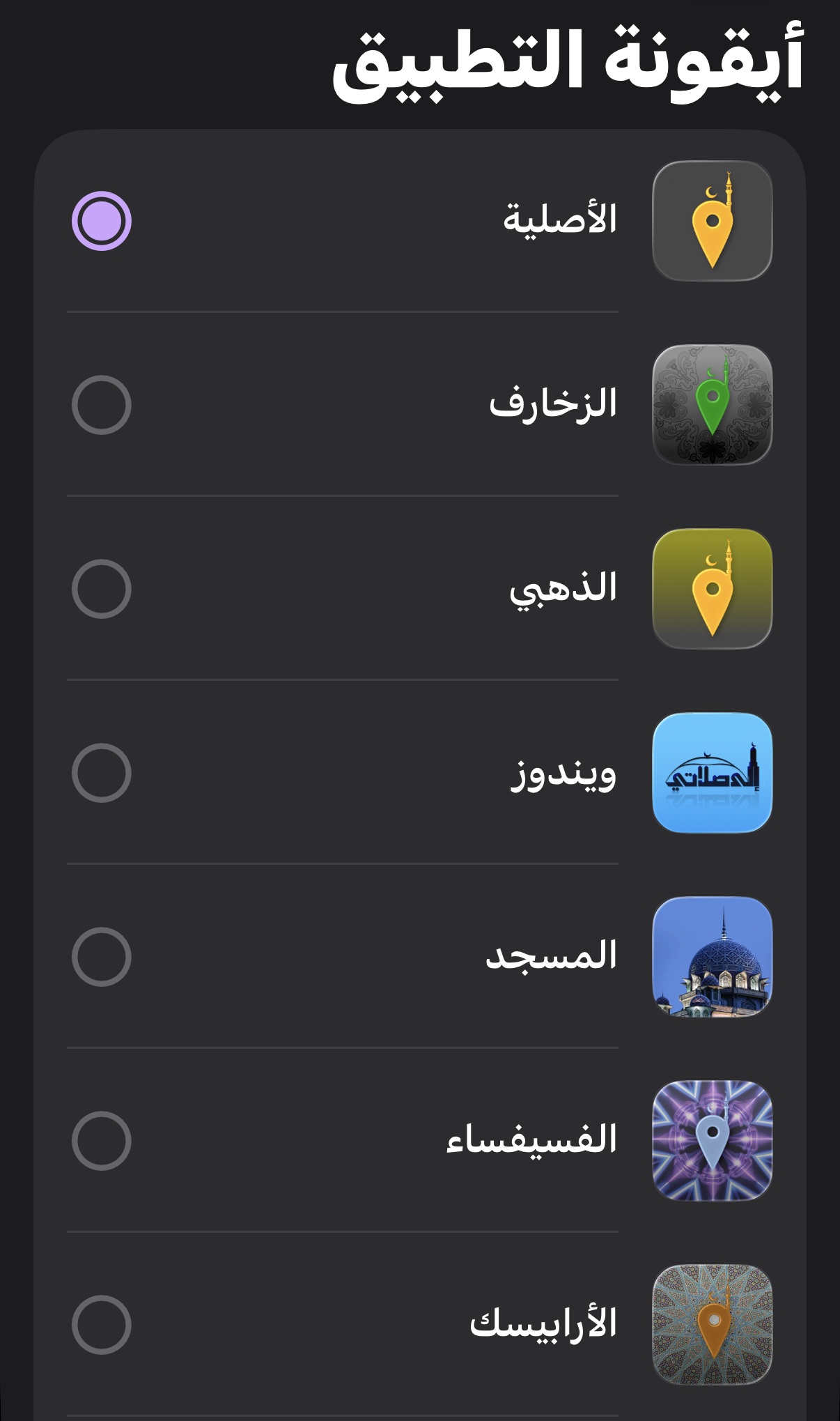
We have ideas for developing these features and adding more useful ones. Of course, if you can subscribe to the Pro version, it will help in developing more features and making them free like this one. As a thank you, you will be able to change the app icon; you can even use the icon of the first version of Ela-Salaty on Windows for the iPhone app.
Leave a Reply