If you are a long-time Snapchat user, your “Memories” section is surely overflowing with thousands of photos and videos documenting the most beautiful moments of your life. But what happens when you decide to keep this collection of memories directly on your iPhone? You will quickly discover that Snapchat allows you to export your data in a ZIP file containing a JSON file, only to find yourself at a dead end: there is no way to transfer these photos and videos directly to the Photos app while preserving their original dates and locations.
The Dilemma of Exporting Snapchat Memories to iPhone


Imagine you have over 5,000 photos and videos on Snapchat, and you try to download them manually one by one! This impossible process could take days of grueling effort. Even worse, when saved using traditional methods, all photos will appear with today’s date and without geolocation information, completely ruining the chronological order of your album and causing your 2018 memories to get mixed up with today’s photos.
This is where the idea for the SC Memories Importer app came from, which we developed ourselves to solve this fundamental problem in a smart and efficient way, allowing you to import all your memories with the push of a button and without any complications.
A Smart Solution at the Push of a Button: Key App Features
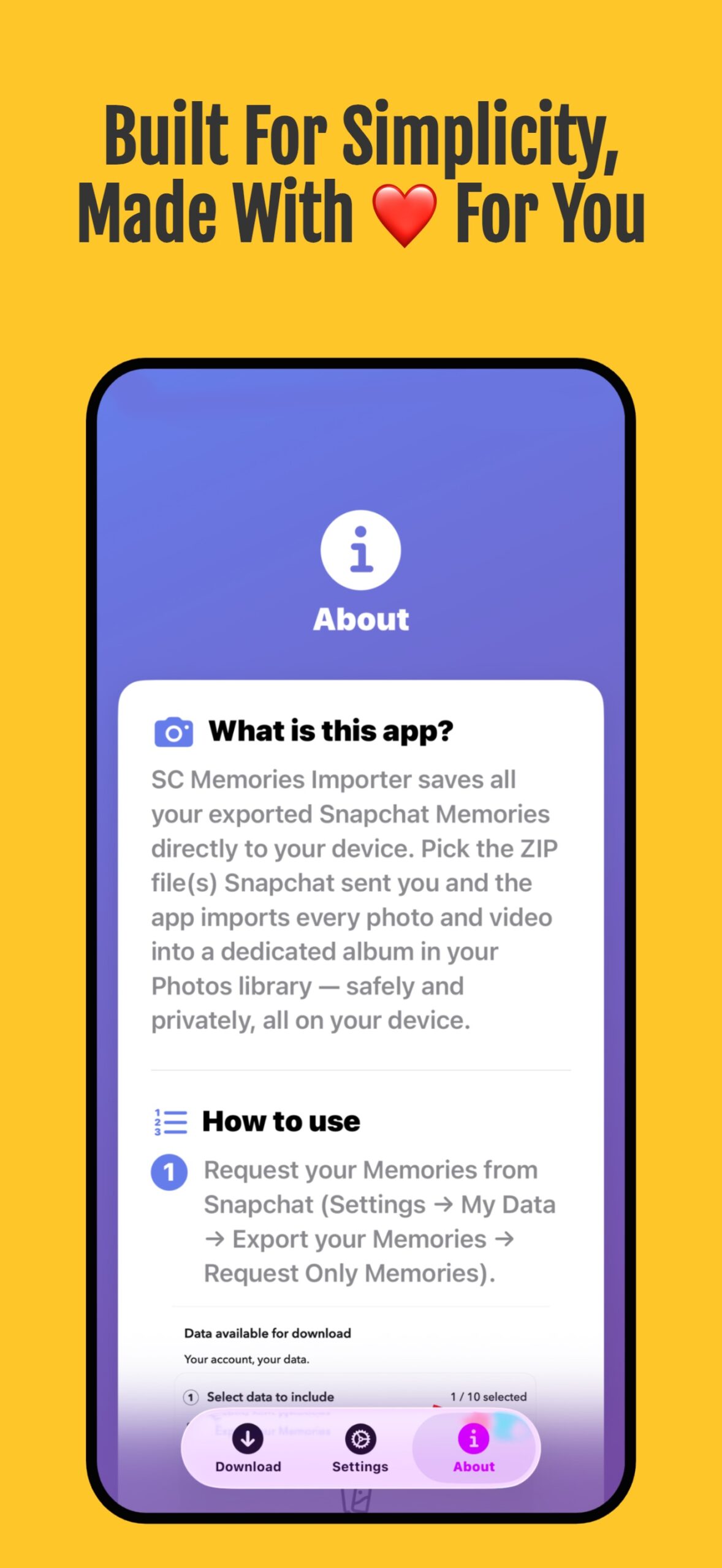
The SC Memories Importer app offers a set of powerful tools that make the process of transferring photos and videos smooth and reliable:
- Comprehensive Batch Importing: The ability to save your entire history on Snapchat, even if it contains thousands of photos and videos, with a single tap.
- Full Preservation of Chronology and Location: The app maintains original dates and metadata, so a photo you took in 2018 appears in exactly the right place within your timeline.
- Direct ZIP File Support: No need to unzip files manually; just select your Snapchat data ZIP file, and the app will handle the rest.
- Multiple ZIP File Support: When Snapchat splits your large library into several ZIP files, you can select them all at once to import them.
- Smart Organization: The app creates a special album named SC_Memories within the Photos app, keeping your gallery organized and clean.
Privacy First and Full Storage Control
We all know the importance of privacy when it comes to personal photos. For this reason, the SC Memories Importer app works entirely locally on your iPhone. The app does not require a login, does not connect to external servers, and does not upload your data anywhere; your photos move directly from the exported file to your phone’s library with complete security.
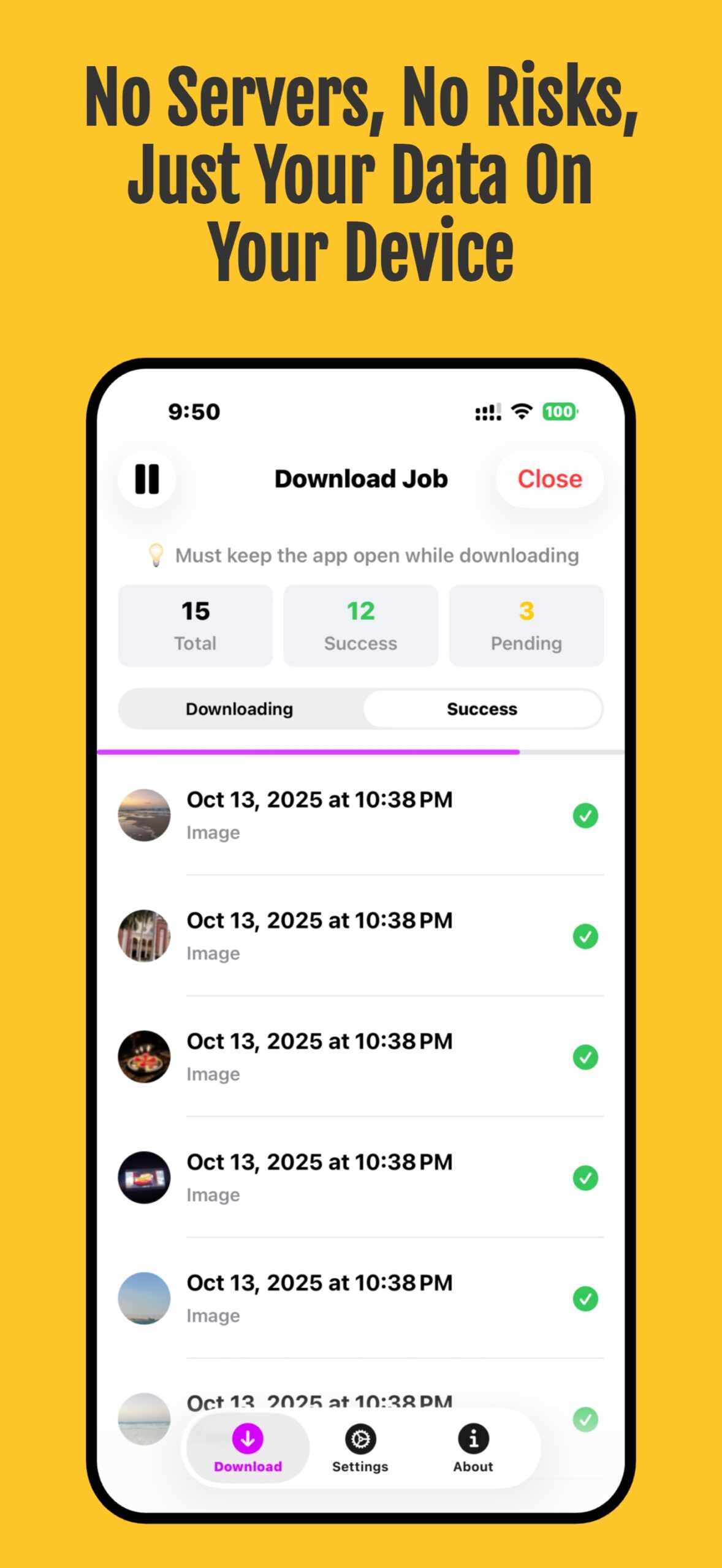
Additionally, the app includes advanced options for space management and control, such as the ability to filter by date range (e.g., importing only photos from a 2023 trip), viewing a preview of the required space before starting, and the option to save directly to iCloud Drive or the Files app to save your internal phone storage if it is full.
How to Use the App to Restore Your Memories?
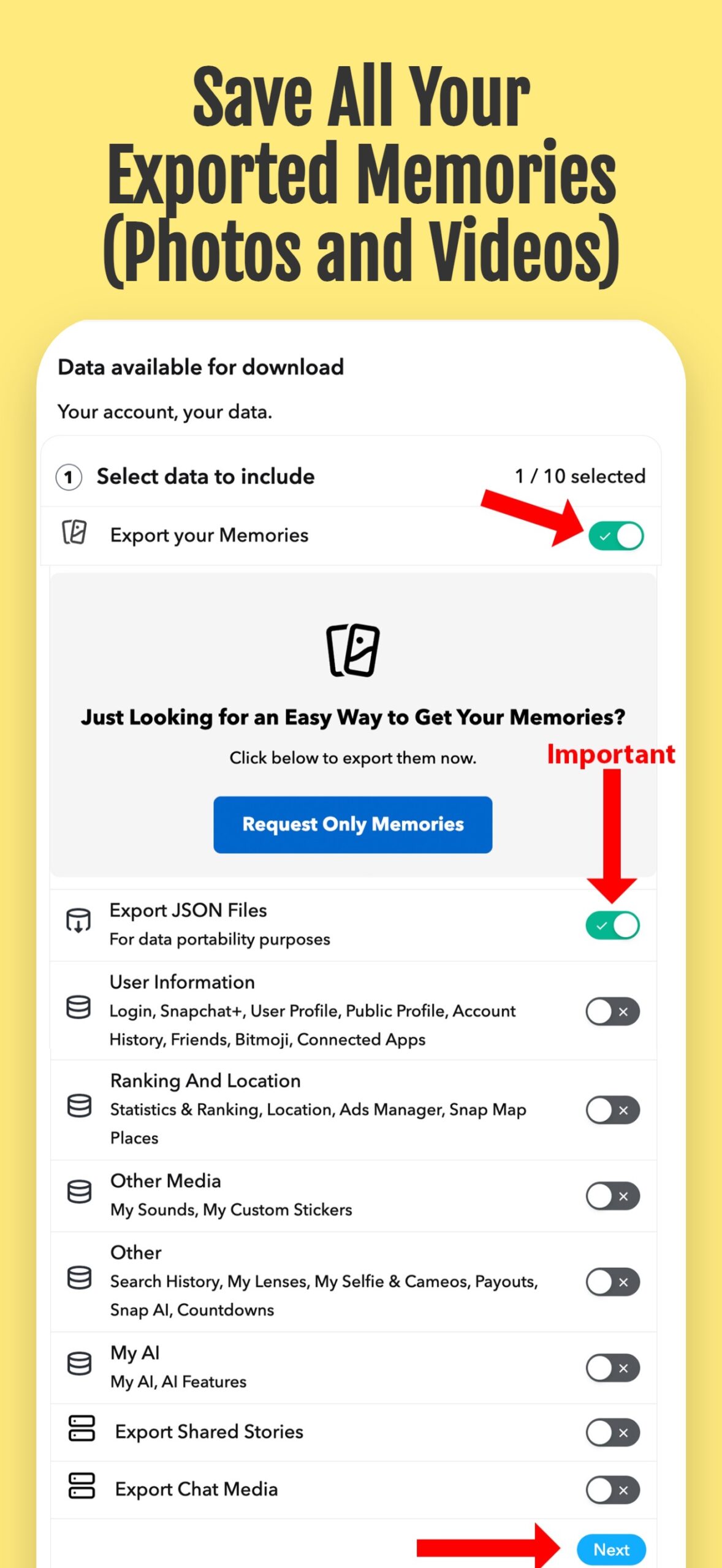
The process is easier than you imagine and is done in simple steps:
- 1. Request your data export from the Snapchat app or website.
- 2. After Snapchat prepares the file, download the ZIP file to your device.
- 3. Open the SC Memories Importer app and select the ZIP file or the memories_history.json file.
- 4. Tap the import and download option to watch your memories return to their rightful place in your photo library.
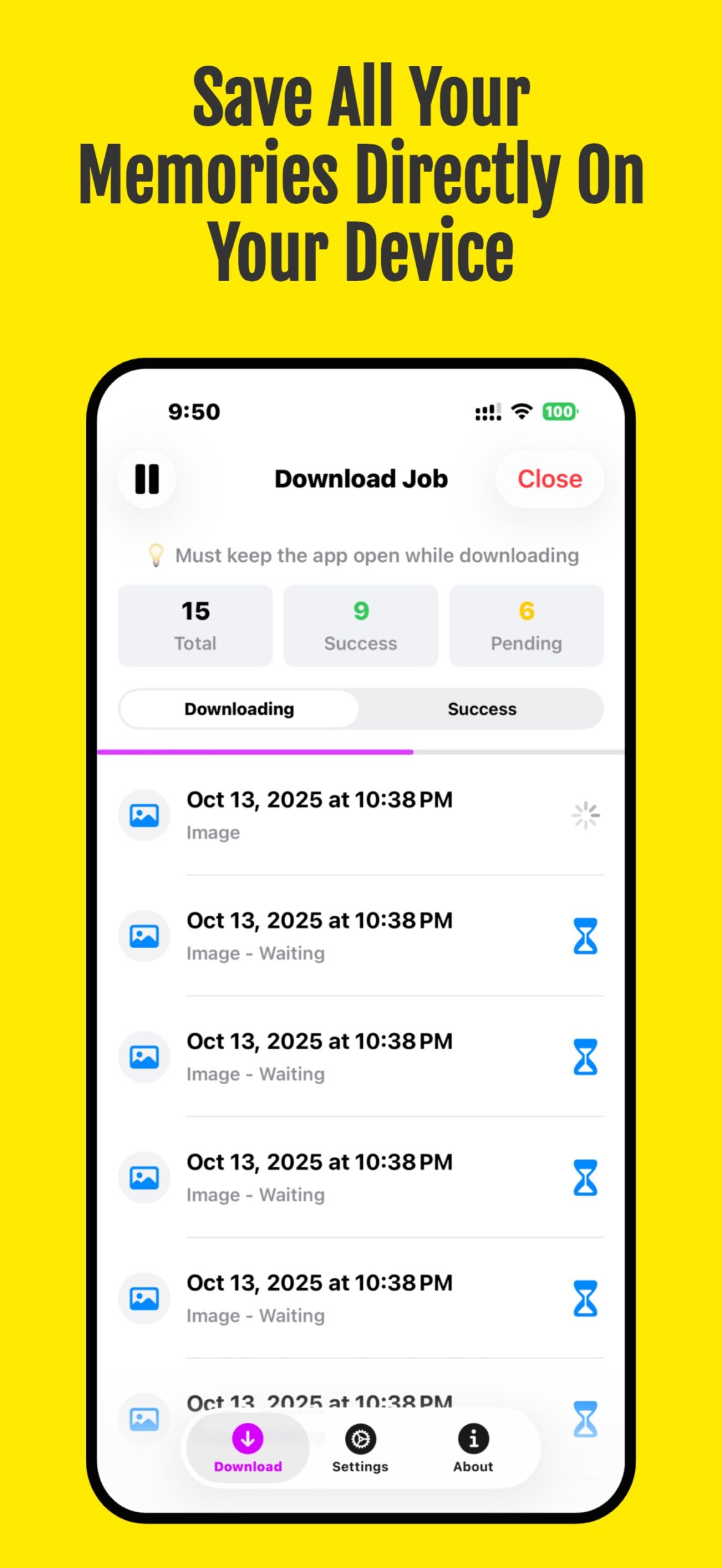
The app is available for a free trial, with a one-time upgrade option to get unlimited imports of all your memories without annoying monthly subscriptions.
Source:


Leave a Reply