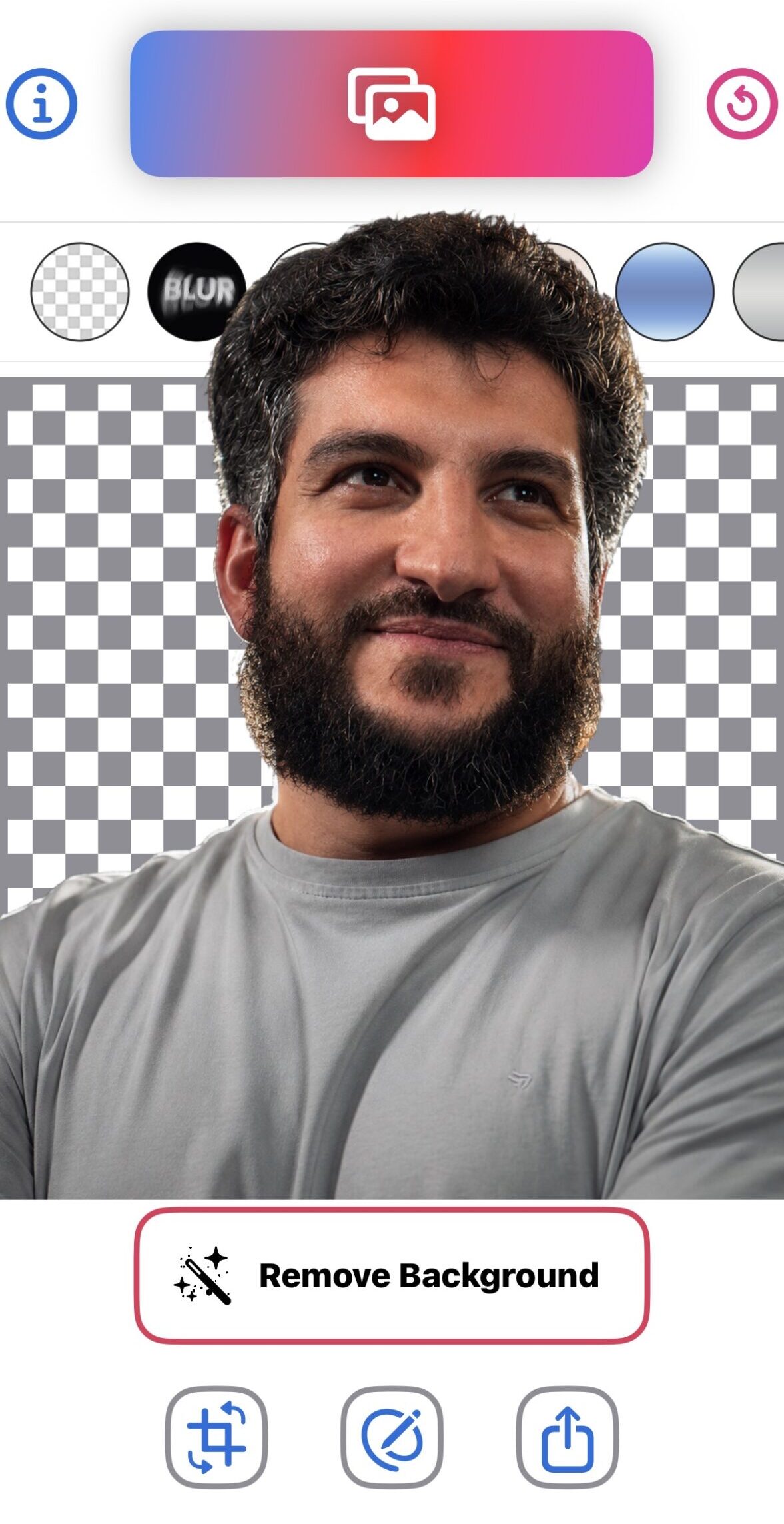
How many times have you uploaded a personal photo, ID card, or a picture of a loved one to a popular photo editing app, only to be surprised that the image processing happens “in the cloud”? The problem isn’t the result, but where those images go! The BG Remover AI app comes to change this equation entirely by offering a fully local processing experience powered by artificial intelligence, without the need for an internet connection. This ensures your photos always remain inside your iPhone, in complete safety.


Privacy at the Forefront: No photo uploads and no external servers
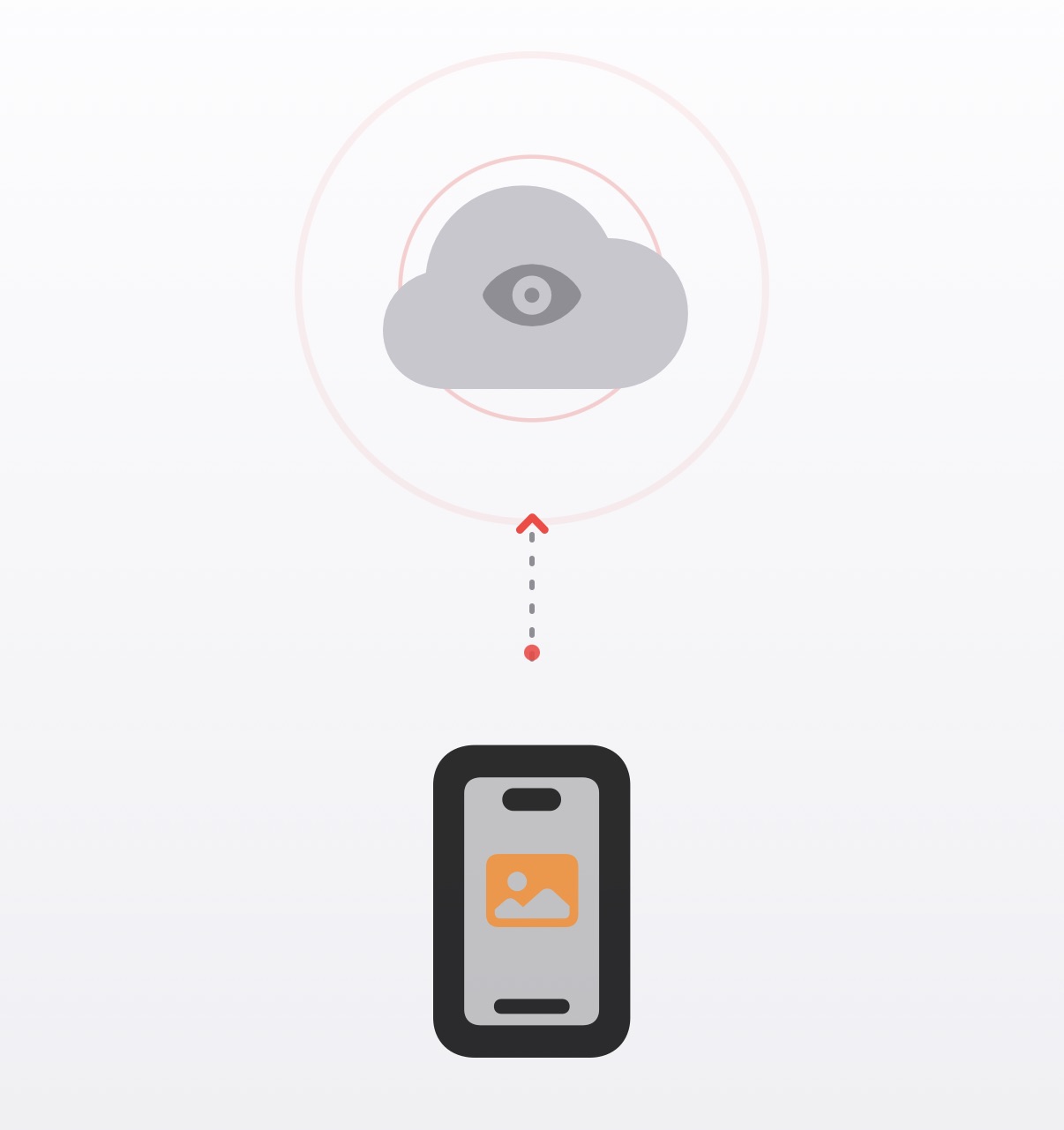
Most photo editing and background removal apps upload your files to servers you have no control over, putting your family’s privacy and personal documents at risk. But with the BG Remover AI app, the situation is completely different; all processing—from background removal and resolution enhancement to adding depth effects—happens directly on your iPhone, 100% locally.
This means the app works efficiently even if you are in Airplane Mode, and it contains no annoying ads or hidden tracking software, making it the perfect choice for users who are concerned about protecting their personal data.
An app like this should be on your device, to use with photos you need to protect and ensure no one else sees.
Smart features and professional effects with one click
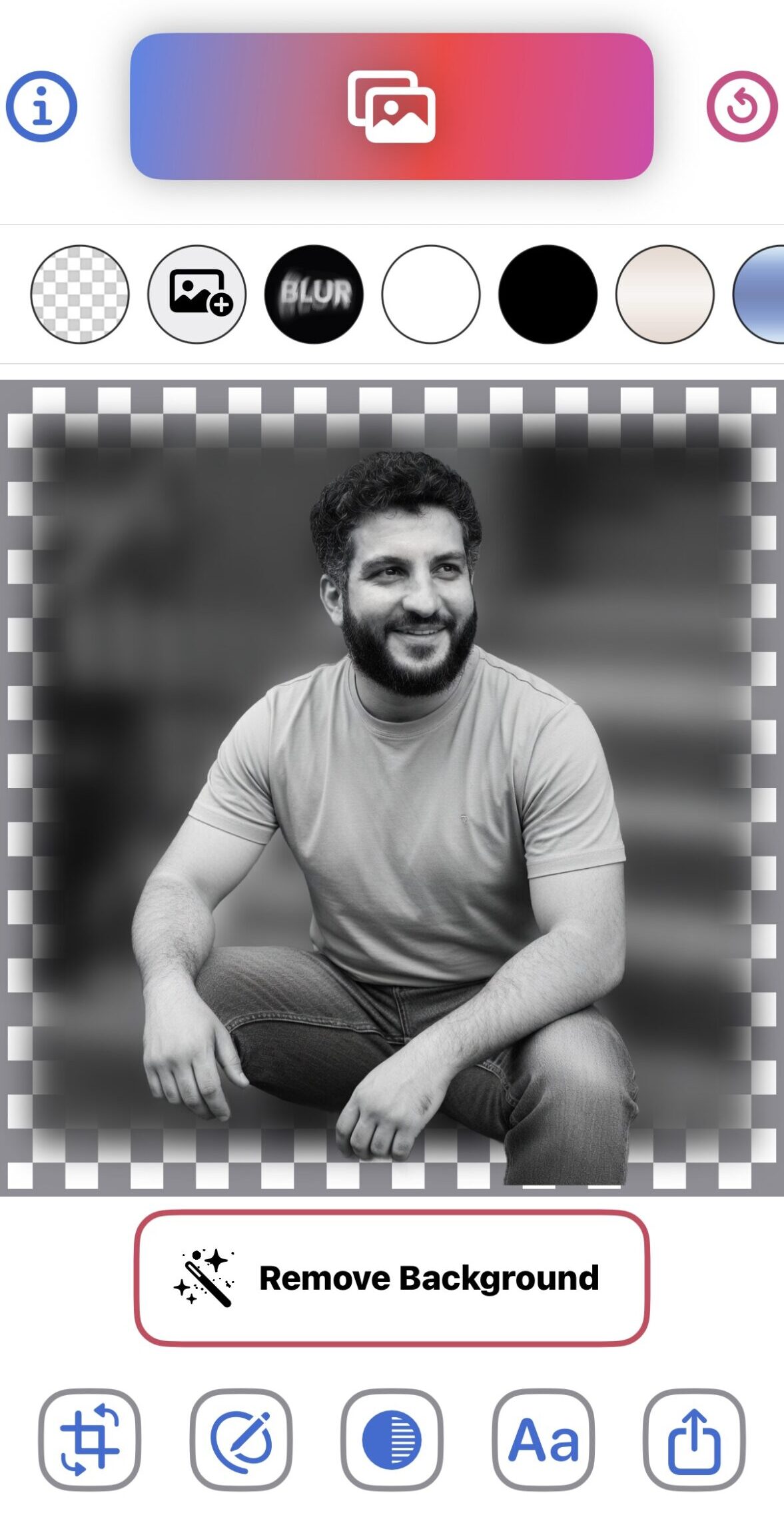
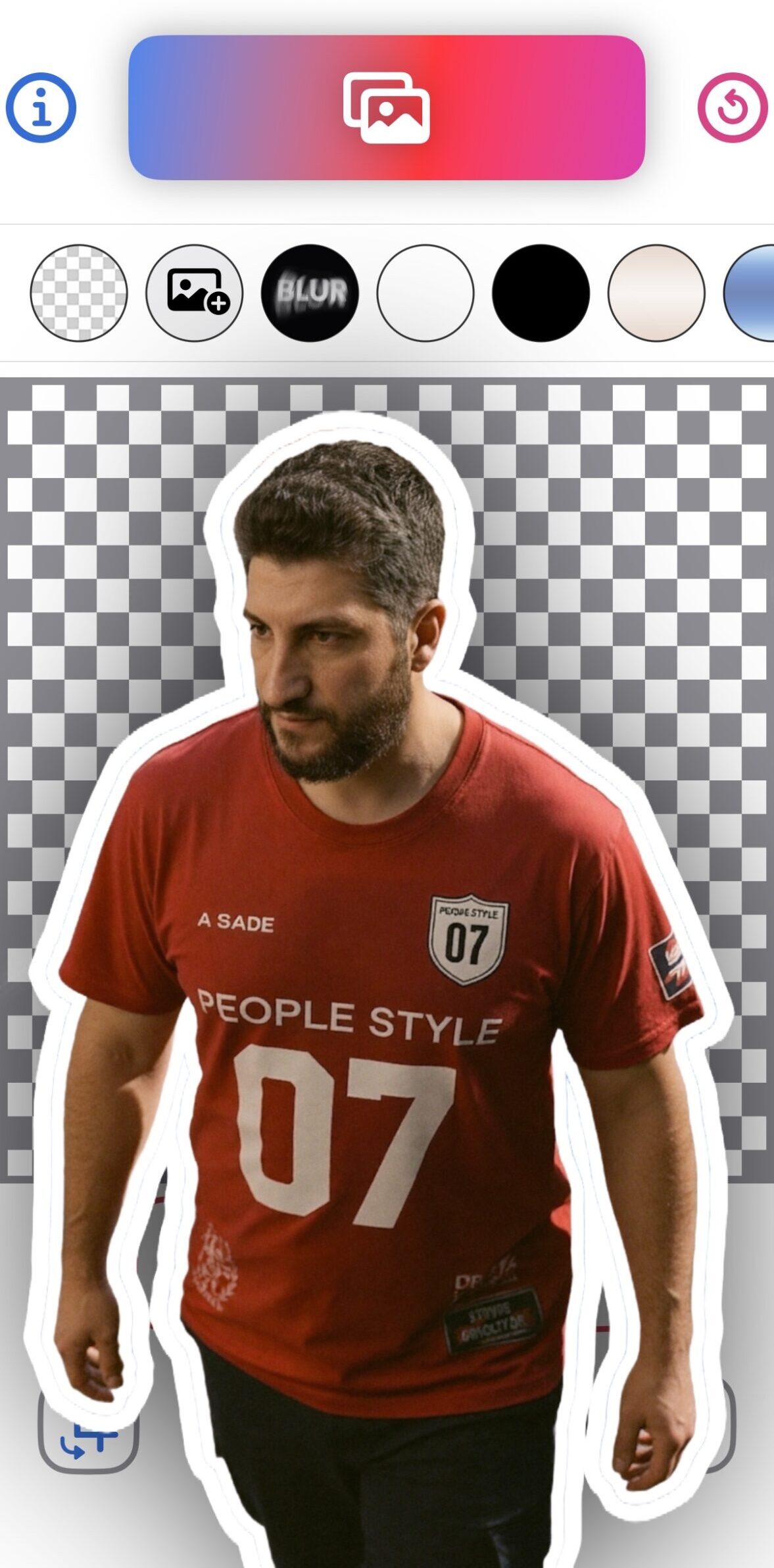
The app offers an arsenal of tools that make photo editing accessible to everyone without the need for complex design skills. Thanks to the AI engine, you can automatically detect and isolate people, animals, plants, and objects with extreme precision to get transparent PNG images ready for use in stickers and designs.
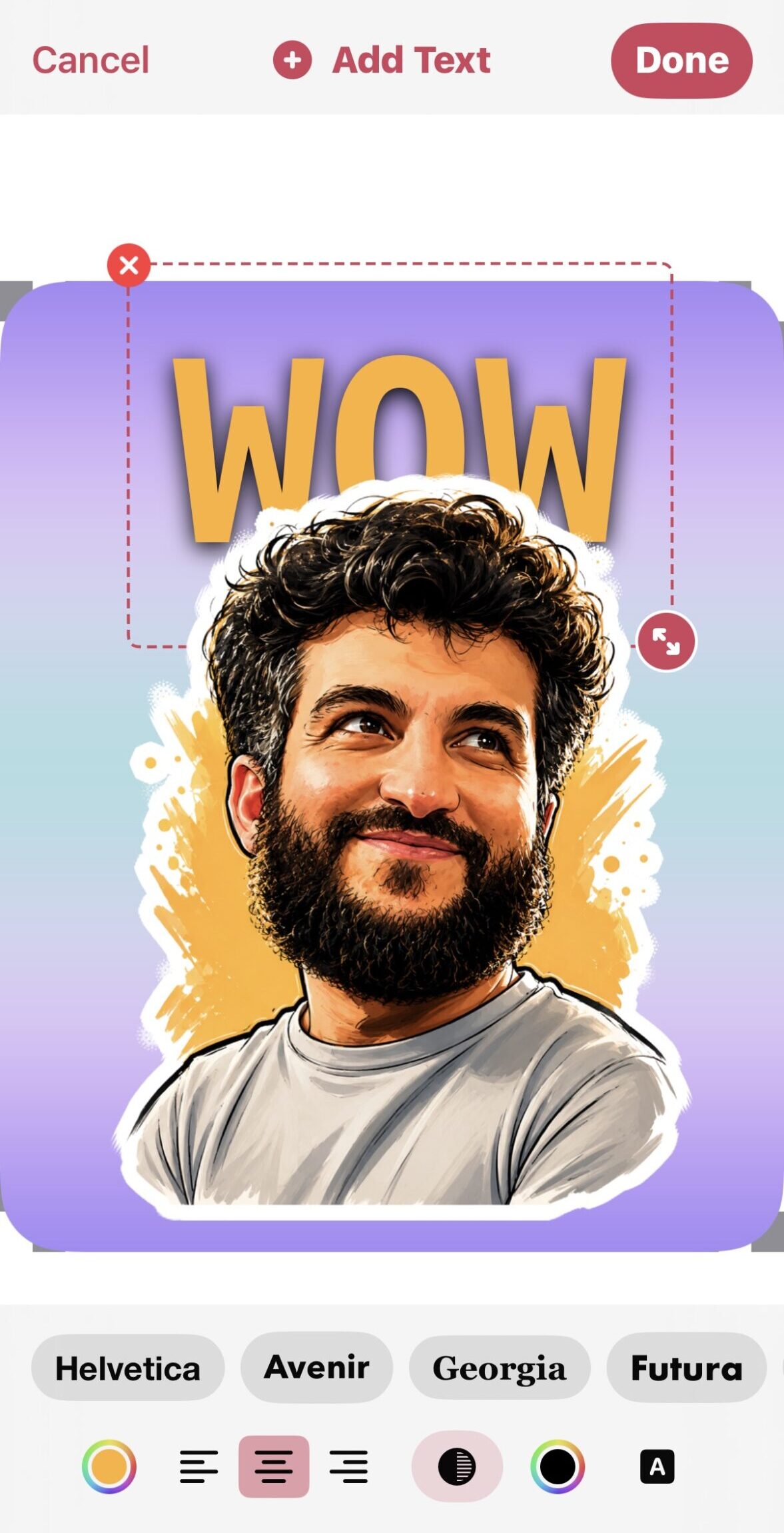
It doesn’t stop at background removal; the app also provides the following features:
- Enhance photos to 4K resolution: Thanks to local AI algorithms, you can turn old, blurry, or low-resolution photos into sharp, clear images in just seconds.
- Depth Text Effect: The popular feature on social media platforms, where you can write text and pass it behind the isolated person or object in a professional and attractive way.
- Full creative control over backgrounds: You can replace the background with a solid color, blur it, or choose a custom background from the app’s ready-made library or your own photo album.
Complete rebuild and lightning speed in version 2.0
You might have had the app before, but this is a massive update; the app has been completely rebuilt from scratch to run natively, taking advantage of your device’s full processing power. The result is lightning-fast image processing and higher precision in edge isolation without any complexity or cluttered interfaces.
The app has received a fantastic rating of 4.8 out of 5 stars in the App Store and has been widely praised by users who expressed their appreciation for the developer’s respect for their privacy and the absence of annoying ads or mandatory subscriptions.
Compatibility and accessibility
The app requires iOS 17.0 or later for iPhone, and iPadOS 17.0 or later for iPad. It supports Arabic, English, and four other languages, and is available for free download with the option to purchase the full Lifetime version for $9.99 or via an optional subscription for $0.99.
Source:
Leave a Reply