Apple fans and tech enthusiasts around the world are eagerly awaiting Apple’s Worldwide Developers Conference (WWDC26) tomorrow, where Apple will unveil the future of its operating systems and upcoming revolutionary features. This year, all eyes are on the “Apple Intelligence” platform, which is expected to redefine the user experience, in addition to the highly anticipated reveal of a smarter and more powerful version of the personal assistant Siri, and many exciting visual updates for macOS and the updated Camera app. Whether you are following the event from the comfort of your couch, sneakily at work, or are lucky enough to attend the event in person at Apple Park, we have prepared this comprehensive guide to walk you through all the ways and options to follow the live stream of the keynote step-by-step.
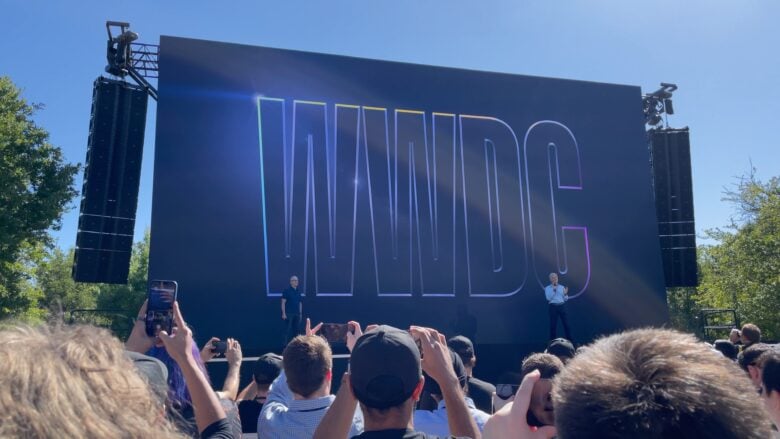
When does the live stream start?
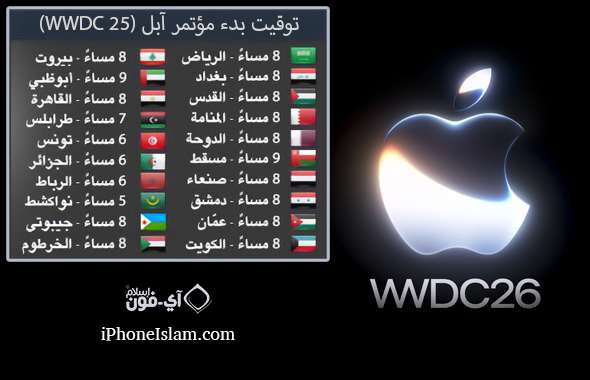
The conference officially kicks off on Monday, June 8, 2026, at 10:00 AM Pacific Time. Here are the corresponding times in some of our Arab and global capitals to ensure you don’t miss the start:
- 8:00 PM Mecca and Cairo time.
- 9:00 PM Dubai time.
- 5:00 PM Greenwich Mean Time (GMT).
To follow the live stream of the event from anywhere, you can choose between several platforms provided by Apple for an enjoyable and stable viewing experience.
Official Apple Website: The best experience via computer
The classic and most accurate way to watch the event is to head directly to Apple’s official website (apple.com). As the conference date approaches, you will find that the live stream will take over the main page of the site for easy access with a single click.
Later, Apple makes the video available on its events page (apple.com/apple-events) to enable users to re-watch at any time, in addition to providing direct links via the Podcast app that allow you to download the entire event to watch offline.
Live stream via YouTube: The comprehensive solution for all platforms
If you are looking for absolute flexibility that ensures you can work on any device or operating system, Apple’s official YouTube channel is the most prominent choice. Apple has already created the live stream page in advance, allowing you to add the event to your calendar and enable notifications to receive an alert as soon as the stream starts next Monday.
YouTube also represents a great safety valve; if the Apple website experiences massive pressure and a temporary outage, the YouTube stream will continue to work perfectly. It is only worth noting that the YouTube stream may be a few seconds behind the official stream, so some prefer to keep both options open for quick switching between them.
Apple Developer App: Best for Apple devices and Vision Pro
If you own an iPhone, iPad, Mac, or Vision Pro headset, the Apple Developer app gives you the best possible streaming experience. The app is completely free and does not require a paid subscription to the developer program to use. The app provides excellent and stable streaming quality that outperforms traditional browsers, which may suffer from sudden crashes.
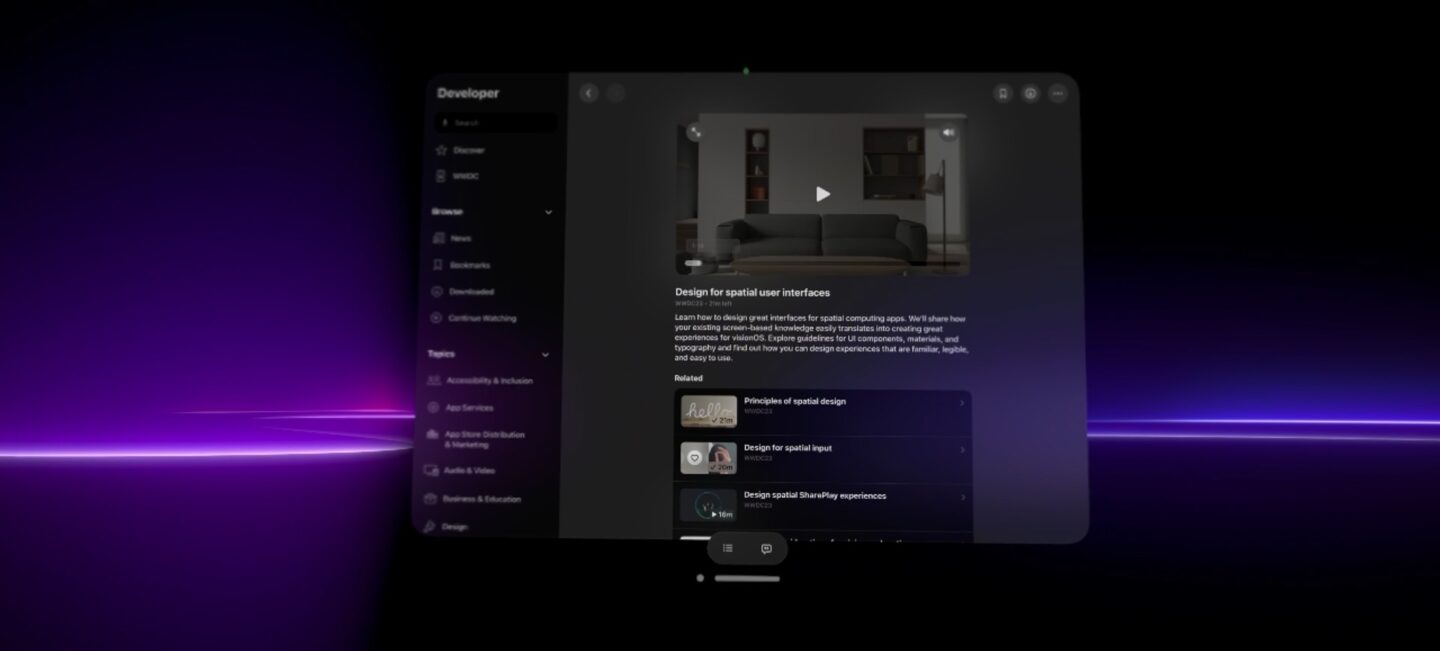
In addition, the app will be your main gateway throughout the week to follow the deep and detailed technical sessions that explain how to implement new software and features and apply them practically. And if you are a Vision Pro user, you will be able to watch the event within stunning virtual environments that add a unique futuristic touch to the viewing experience.
Apple TV app on big screens
To watch the event with family and friends on a full screen with a cinematic atmosphere, you can rely on the Apple TV app. This option is not limited to those who own an actual Apple TV device; you can download the app on any smart screen that supports modern operating systems from Samsung, LG, Sony, and Vizio, in addition to popular streaming devices like Roku and Amazon Fire TV Stick, and even home gaming consoles like PlayStation and Xbox.
Source:


Leave a Reply