Often, operating system updates come packed with flashy new features, but they can leave you with the feeling that the device has become a bit heavier, or cause issues with battery life, overheating, and so on. However, with iOS 27, Apple has decided to focus seriously on restoring vitality and smoothness to iPhone devices, starting from animations and transitions to AirDrop transfer speeds. The good news is that these improvements are not just numbers; you will notice them yourself in daily use on all supported phones, including older iPhone 11 devices.
Faster app launching and smarter processor management
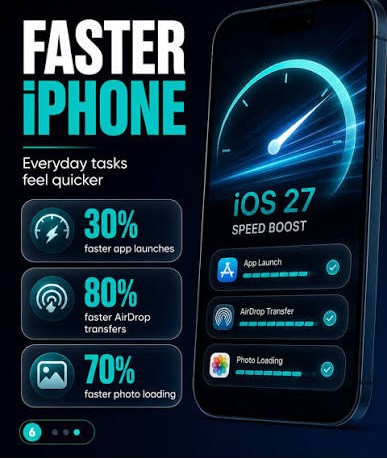
Opening apps in iOS 27 is now up to 30% faster compared to previous versions, and this improvement applies to both official Apple apps and third-party apps alike. When you open dozens of apps daily, shaving off fractions of a second each time gives you an immediate sense of system smoothness and snappy responsiveness. Apple conducted its speed tests using an iPhone 11 Pro Max, comparing iOS 26.4.2 and iOS 27.
The secret behind this lightness lies in the restructuring of the CPU Scheduler, which is responsible for distributing processor resources among various tasks. Apple has optimized this mechanism to handle heavy processes with higher efficiency. Impressively, Apple has extended this improvement to older devices starting from the iPhone 11, debunking the common notion that new updates slow down older phones.
Seamless network switching and deeper search indexing
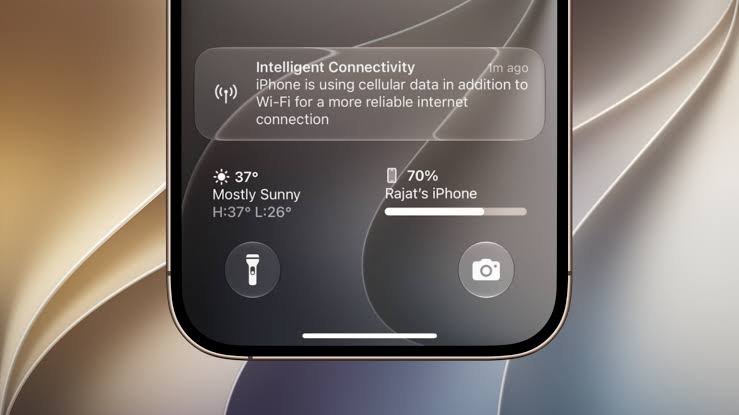
How many times have you walked out of your house and lost your internet connection for a few seconds while the phone switched from Wi-Fi to cellular data? In iOS 27, iPhones have become smarter at managing the transition between Wi-Fi and cellular networks, significantly reducing interruptions to ensure your phone always stays connected to the best network without annoyance.
Additionally, Apple has rebuilt the system’s indexing and search infrastructure. Search features in Spotlight, the Photos app, and Mail have become faster and more accurate, with the index being constantly updated throughout the day. Specifically in the Mail app, a new sorting system has been introduced that shows the top 5 most relevant results for your search instead of just sorting messages chronologically.
Super-fast photos and frustration-free messaging
When you take a photo and head straight to the Photos app to preview or edit it, you will no longer have to wait for the image to clear up. Apple confirms that loading photos and videos in the photo library is now up to 70% faster, a result tested on a massive library containing over 50,000 items. Selecting photos within the Messages app has also become faster and more responsive.
In the iMessage app, the days of the frustrating red exclamation mark when a message fails to send are over; the phone will automatically retry sending. Furthermore, the conversation will not stop while uploading large photos or videos on a weak connection; instead, an independent progress bar will appear for each file while you can continue writing and sending text messages freely.
The improvements didn’t stop there; they also included the Camera app, which now opens much faster when Low Power Mode is enabled, while reducing power consumption during camera use in this mode.
Keyboard responsiveness, battery, and productivity improvements
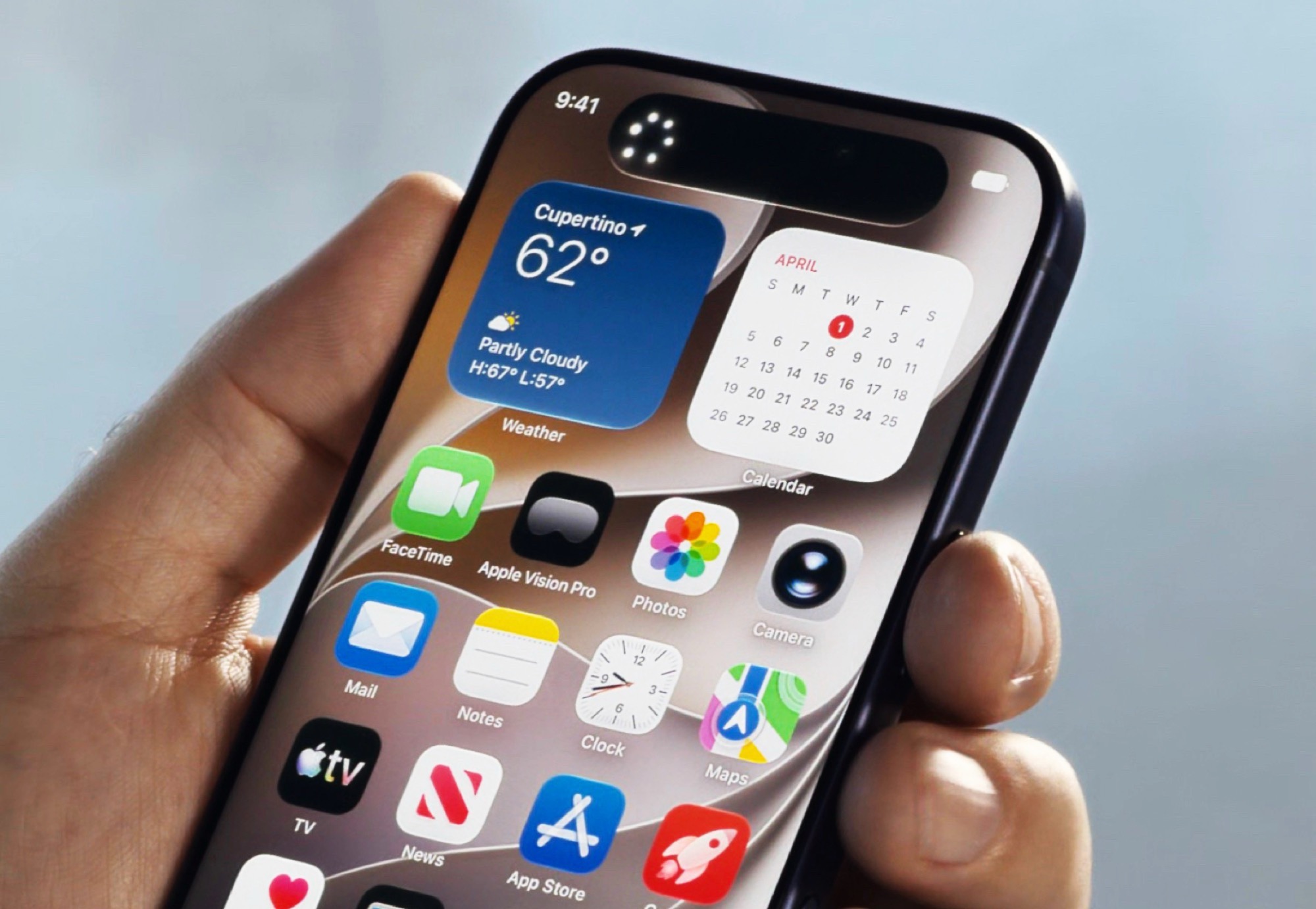
The keyboard is the element we use most daily, and in iOS 27, Apple fixed the slight lag when opening the emoji and stickers panel, so they appear instantly without any delay. A bug with Mail Badges was also addressed so that unread message counts are accurate instead of showing incorrect numbers.
As for wireless connectivity, Apple has significantly improved Bluetooth power management, reducing battery consumption when connected to AirPods, Apple Watch, CarPlay, or external speakers.
Other excellent additional improvements you will also notice include:
- Accelerating AirDrop data transfers by up to 80% with faster discovery of nearby devices.
- Text recognition in photos and documents is now much faster.
- Increased Safari browser energy efficiency and faster web app speeds.
- Greater smoothness when unlocking, navigating between home screen pages, App Library, and Control Center.
- The lock screen no longer enters sleep mode while scrolling through notifications.
- Increased reliability and stability of wireless CarPlay.
Source:

Post Comment