Apple has surprised the tech community by launching an entirely new model to join its flagship laptop family: the MacBook Pro with a PROLED XDR display, standing side-by-side with the traditional MacBook Pro model. Although both devices share the same superior silicon power of the M5 Pro and M5 Max chips, the differences between them go far beyond just a new display name. We are looking at a true re-engineering of the external design, a historic entry into the world of touchscreens, and smart features that redefine the experience of working on macOS. So, what are the precise details that separate the two versions? And why did Apple set a price difference of $400? We review every difference with accuracy and detail.
Design and Dimensions: Notable Agility and the Return of the Iconic Logo

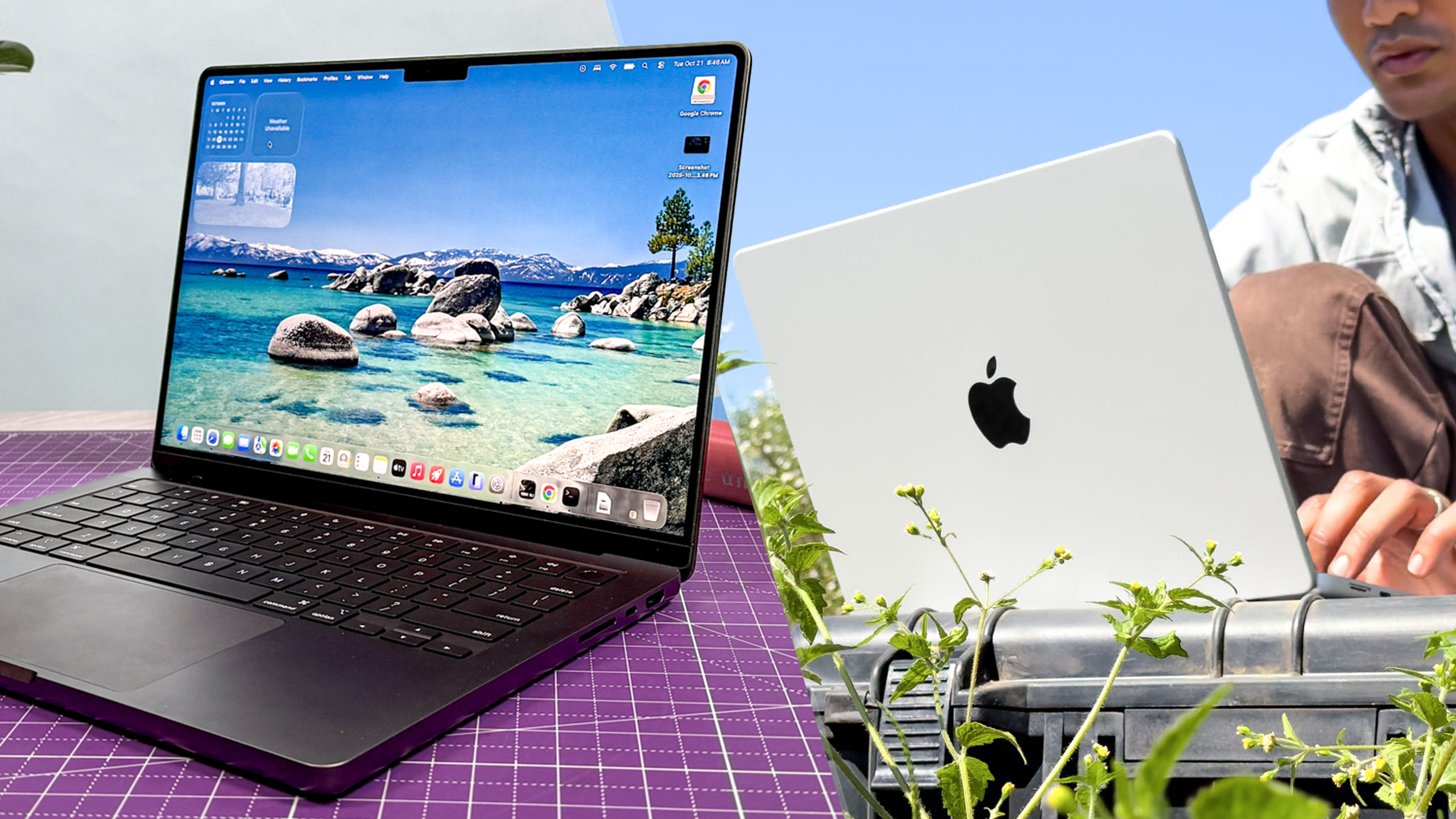
The MacBook Pro with PROLED XDR display receives its first comprehensive industrial redesign for the MacBook Pro series since 2021. The new design philosophy focuses on giving the device a more agile and thinner body, with a noticeably reduced weight that you will feel the moment you pick it up. Perhaps the most delightful emotional surprise for long-time Apple fans is the return of the glowing Apple logo on the back of the display, that iconic visual touch that distinguished Mac devices for many years before it disappeared.
The improvements didn’t stop at the exterior; Apple developed an entirely new display hinge that provides superior stability and optimal vibration resistance—an engineering necessity imposed by the new touch feature so the screen doesn’t wobble with every finger tap. Regarding size and weight, the 14-inch model features a 14.2-inch display in both versions, while the 16-inch PROLED XDR model offers a slightly larger area of 16.3 inches compared to 16.2 inches in the standard version.
The agility is clearly evident when looking at the numbers:
- The 14-inch PROLED XDR model weighs 3.0 lbs and is 0.59 inches thick, compared to 3.5 lbs and 0.61 inches for the standard model.
- The 16-inch PROLED XDR model weighs 4.0 lbs and is 0.63 inches thick, compared to 4.7 lbs and 0.66 inches for the standard model.
Although the difference in dimensions seems slight on paper, the weight reduction of nearly a full pound in the larger version represents a fundamental difference for every professional who carries their device daily.
Display and Dynamic Island: The Tandem OLED and Touch Revolution
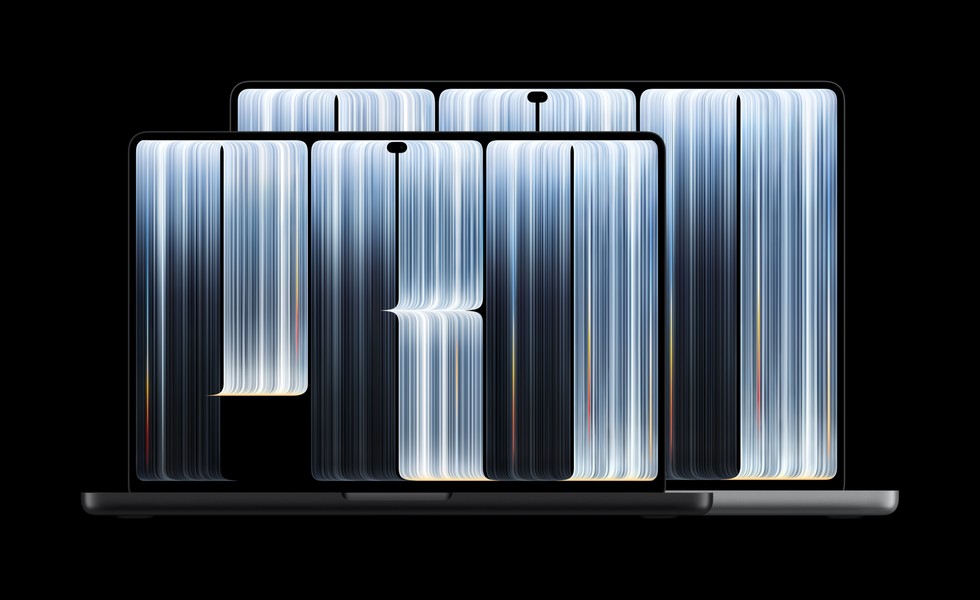
The display is the true star behind this designation; Apple has equipped the device with a Tandem OLED panel with two OLED layers, which the company describes as the best laptop display in the world. This technology offers infinite black depth and extremely realistic color accuracy, with a massive jump in peak brightness to reach 2,000 nits compared to 1,600 nits in the standard Mini-LED display. It also added full support for the Adobe RGB color gamut along with a wide range of standard reference modes aimed at video editors and colorists.
The most significant historic shift lies in the display’s support for touch for the first time in Mac history, backed by deep improvements in macOS 27 that make the user interface more responsive and flexible to direct gestures. Now, you no longer have to hesitate between the trackpad and touching the screen directly while browsing, drawing, or managing professional tasks.
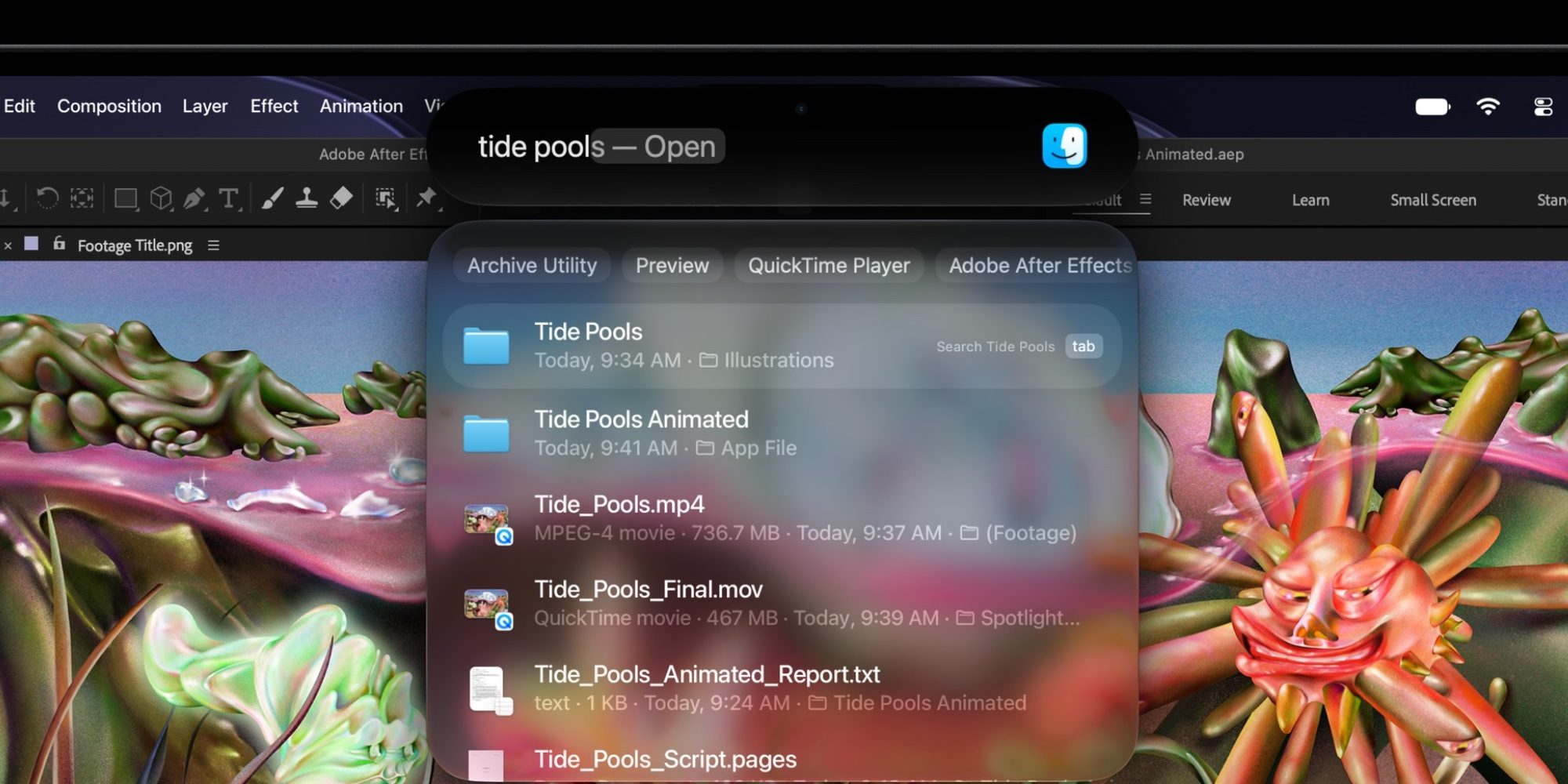
Goodbye to the traditional notch! It has been replaced by the familiar Dynamic Island, becoming a vital hub for interaction within the system. The Dynamic Island now displays Live Activities, transforms into an interactive space for the advanced Spotlight search feature, and handles smart Siri notifications powered by AI, visually integrating system functions at the top of the screen in a delightful harmony.
Performance, Memory, and Storage: Identical Hardware and 16TB Option
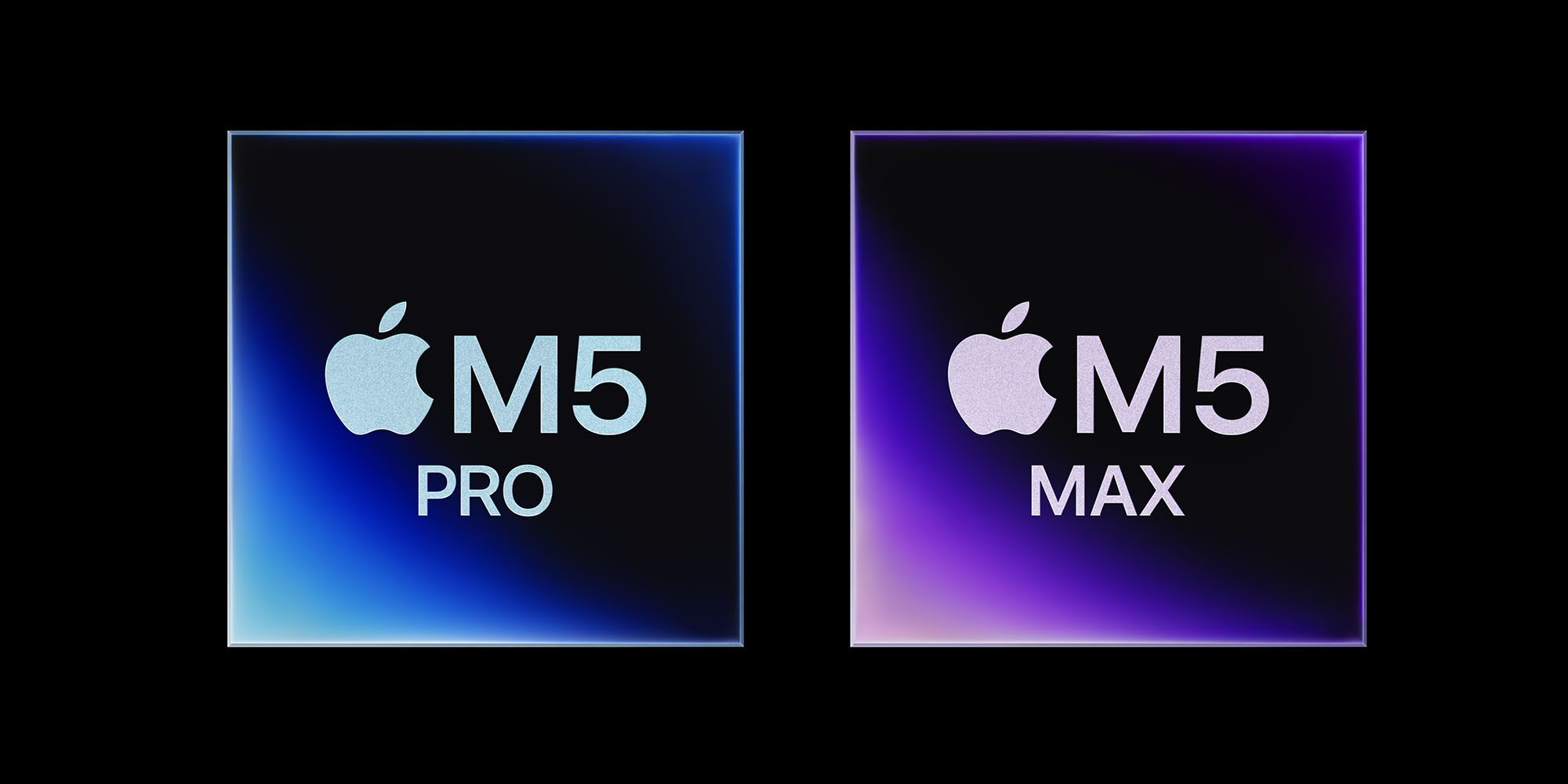
In terms of raw processing, there is no distinction between the two devices; both models rely on the same super-powered Apple M5 Pro and M5 Max chips with Fusion architecture and high-performance cores. Theoretically, you will get the same computing power and graphics processing capabilities in both devices, with anticipation for real-world tests to see if the thinner chassis will positively or negatively affect cooling and sustained performance under high pressure.
Unified memory options are completely identical between the two models:
- M5 Pro models start with 24GB of memory, with options to upgrade to 48GB or 64GB.
- M5 Max models start with 36GB of memory, reaching 48GB, 64GB, or even 128GB.
As for storage capacity, M5 Pro models retain the same options from 1TB up to 4TB. However, the biggest development appears in the M5 Max model with the PROLED XDR display, where Apple has introduced a giant storage option reaching 16TB, exceeding the previous limit of 8TB—an exclusive option aimed at filmmakers and big data professionals who do not accept any compromises.
Battery and Charging: Absolute Stability in Energy Efficiency
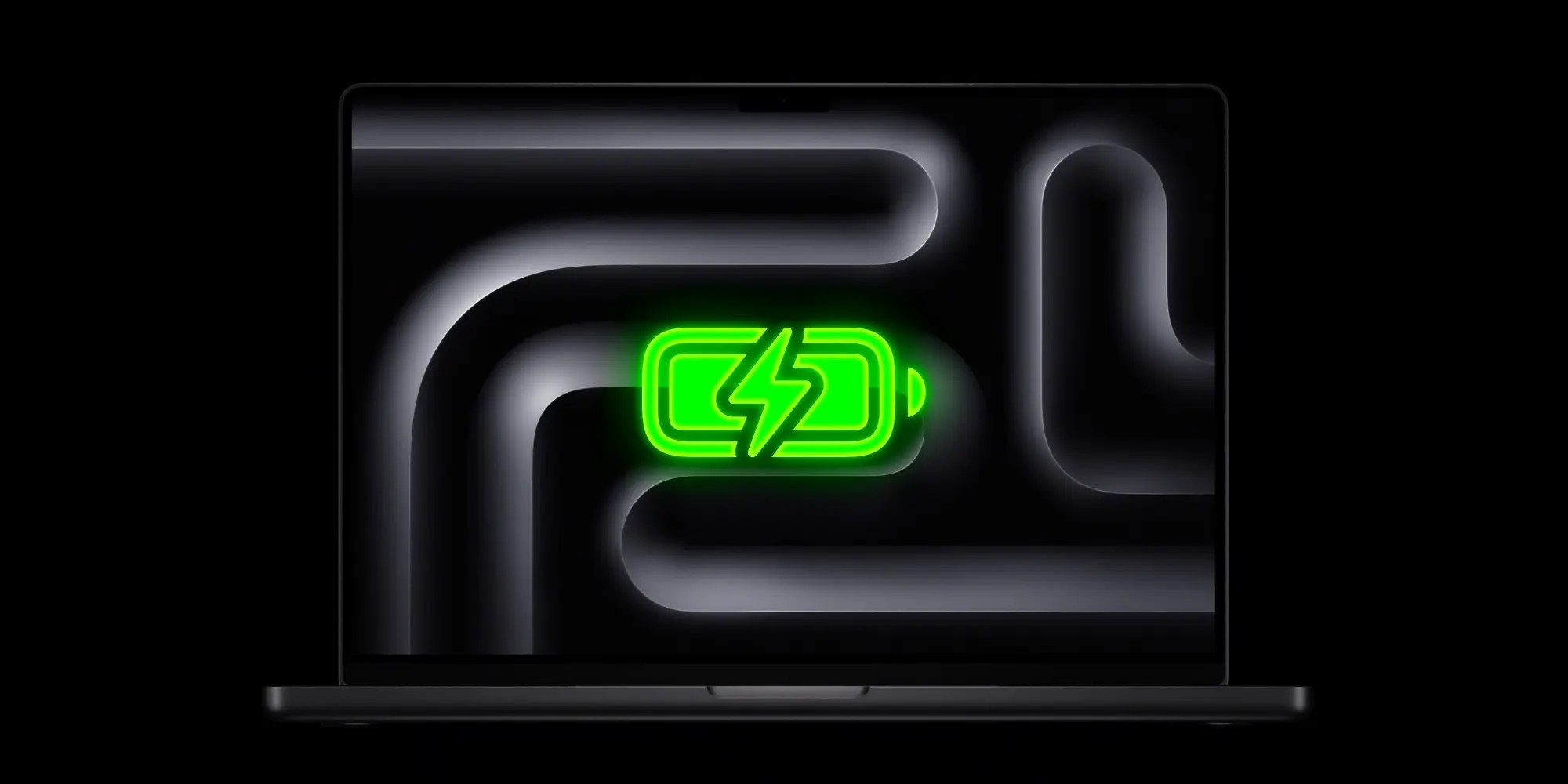
Although brighter displays and touch support usually devour battery power greedily, Apple has succeeded in maintaining the same amazing standard endurance levels for both models without any regression. This means that the efficiency of Tandem OLED technology and the harmony of the M5 chip have managed to compensate for any additional consumption resulting from panel brightness and touch technologies.
The epic usage hours are distributed as follows:
- 14-inch model: Up to 22 hours with the M5 Pro chip, or 20 hours with the M5 Max chip.
- 16-inch model: Up to 24 hours with the M5 Pro chip, or 22 hours with the M5 Max chip.
- All models support fast charging, giving you a 50% battery charge in just 30 minutes via compatible power adapters.
Camera and Audio: Smart Engineering for Touch and a Closed Listening Experience

All versions contain the same 12MP Center Stage camera with Desk View, 1080p recording, and advanced computational image processing. But since you will be touching the PROLED XDR screen with your finger constantly, Apple added an exclusive feature called Advanced Video Stabilization. This feature aims to ensure your image remains perfectly steady and free of any annoying vibration during video calls, even if you are interacting with the screen by tapping repeatedly while talking.
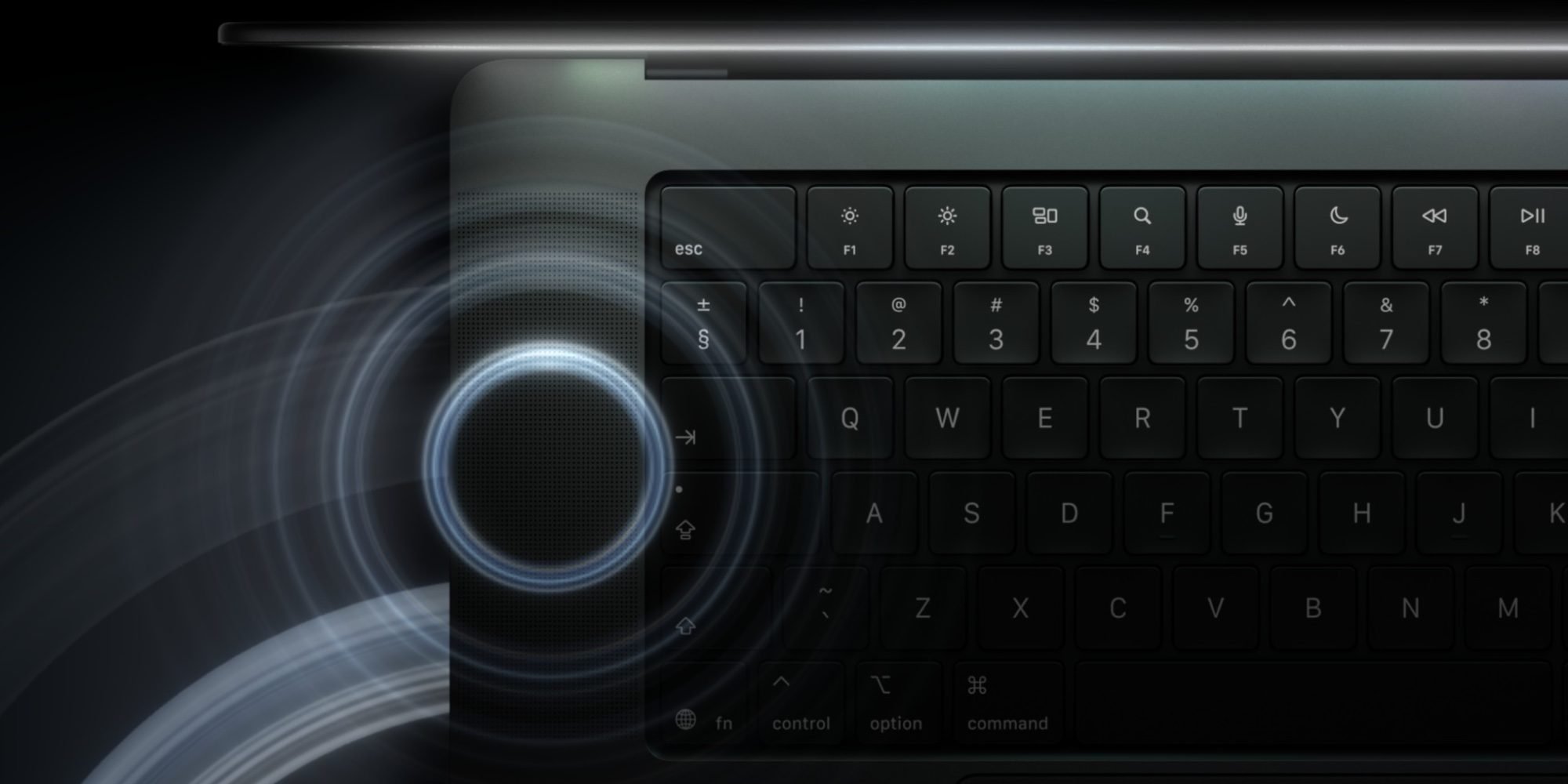
Regarding audio, the 6-speaker sound system has been re-engineered for the woofers, giving the device 50% deeper bass, with tweeters that distribute sound with exceptional clarity. The unprecedented feature here is the custom audio calibration when the lid is closed; if you are working while the device is closed and connected to an external monitor, the system will automatically adjust frequencies to provide you with a luxurious surround sound experience that defies the closed position of the device.
Ports and Connectivity: Professional Upgrade with Genlock Support
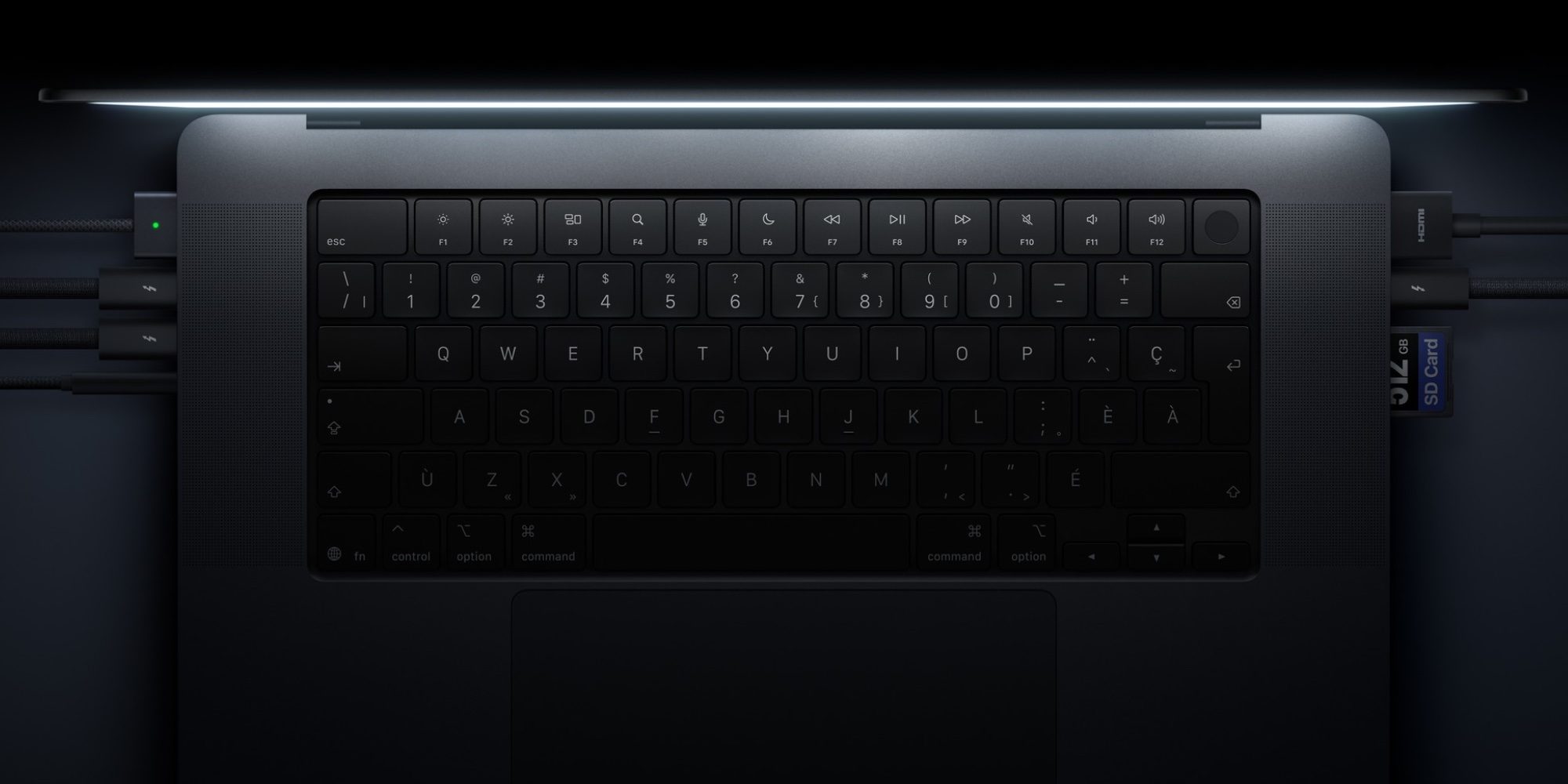
Fortunately, Apple has learned the lesson and will not return to depriving professionals of their vital ports. The MacBook Pro with PROLED XDR display shares the same full array of ports with the standard model, including an SDXC card slot, HDMI port, 3.5mm headphone jack, MagSafe 3 charging port, and three ultra-fast Thunderbolt 5 ports that support data transfer up to 120Gb/s, the USB 4 protocol, charging, and connecting external displays.
However, Apple added a subtle and important upgrade for television and cinematic production environments in the PROLED XDR model: support for Genlock technology via Thunderbolt 5 ports, allowing for frame synchronization and multiple video sources with extreme precision that meets the standards of professional broadcast studios and complex visual production professionals.
Pricing and Evaluation: Is the $400 Difference Worth It?

All these groundbreaking updates come for a fixed price increase of $400 compared to the standard model. The 14-inch MacBook Pro with PROLED XDR display starts at $2,899 compared to $2,499 for the regular version, while the 16-inch model starts at $3,399 compared to $2,999 for the regular version.
If you weigh the equation objectively, for the extra $400 you get a stunning Tandem OLED display with higher brightness and wider colors, touch support with macOS 27 improvements, the Dynamic Island instead of the notch, a lighter design with the return of the glowing Apple logo, deeper speakers, smart camera stabilization, and a storage capacity option of up to 16TB. For the professional audience and content creators, this integrated package makes the upgrade a definitely worthwhile investment.
Source:

Post Comment