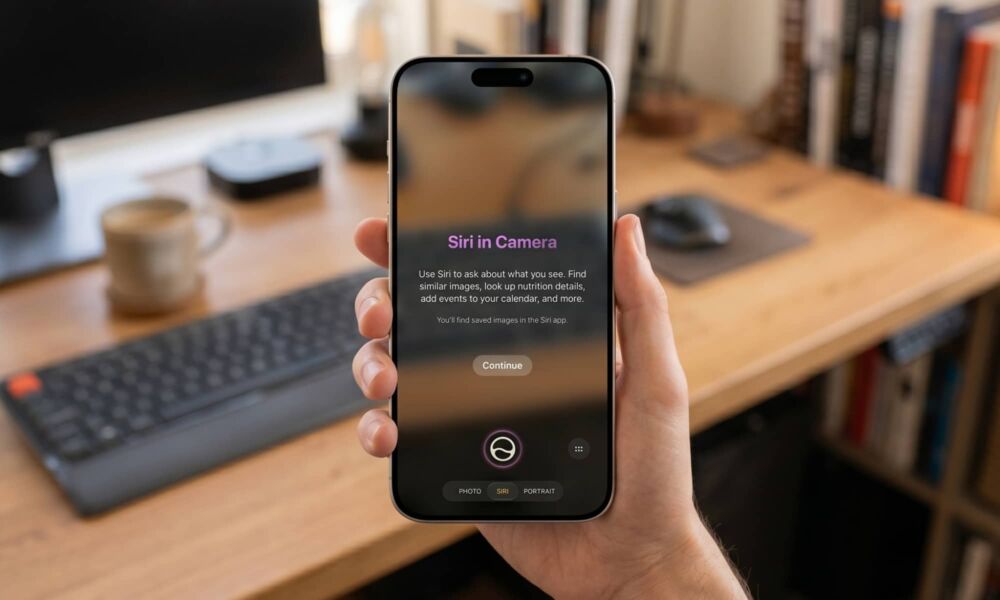
With every major operating system update, the arena fills with rumors and expectations, both accurate and inaccurate. In iOS 27, there was a major rumor claiming we would get a fully customizable camera app, but it seems Apple decided to postpone or abandon this idea entirely. Instead, Apple shifted its focus toward integrating AI features more deeply into the camera, leading us to find that the Visual Intelligence feature has finally found its true and logical home within the native camera app under the name “Siri in Camera”.
The evolution and logical transformation of Visual Intelligence
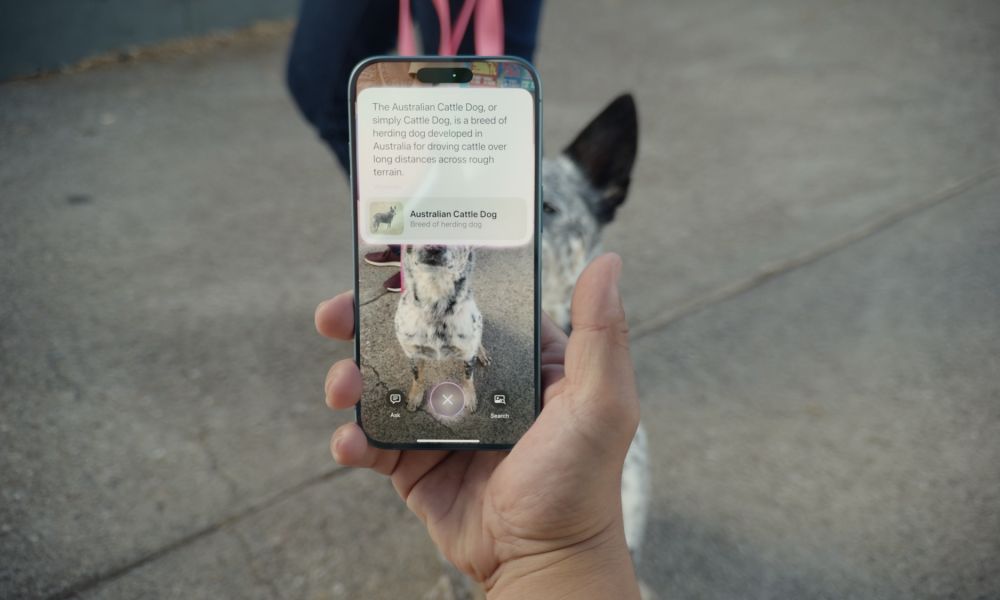
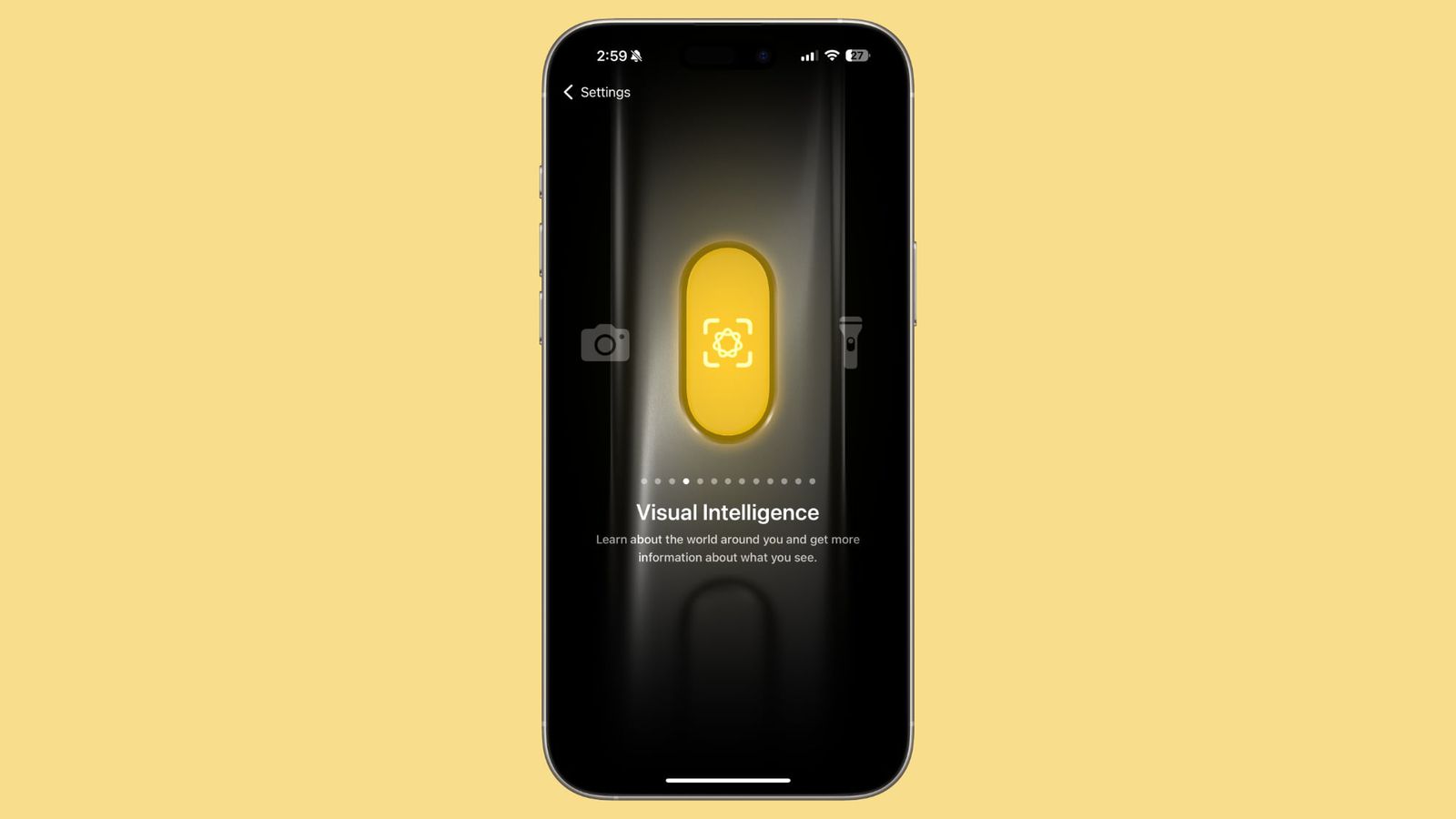
When Apple first introduced the Visual Intelligence feature with the iPhone 16, the feature felt intrusive or inconsistently added. It was initially exclusive to those phones thanks to the Camera Control button, then later expanded to include the Action button and Control Center to reach the iPhone 15 Pro and iPhone 15 Pro Max. However, switching between the actual camera app and the Visual Intelligence feature caused confusion for users; a wrong press could land you in visual recognition mode with no easy way to return other than closing the phone or exiting completely.
Now in iOS 27, Apple has upgraded the feature to become an integral part of the new AI-powered Siri personal assistant environment, giving it a formal and professional character that aligns with the modern system interface.
The new Siri mode in the camera: How does it work?
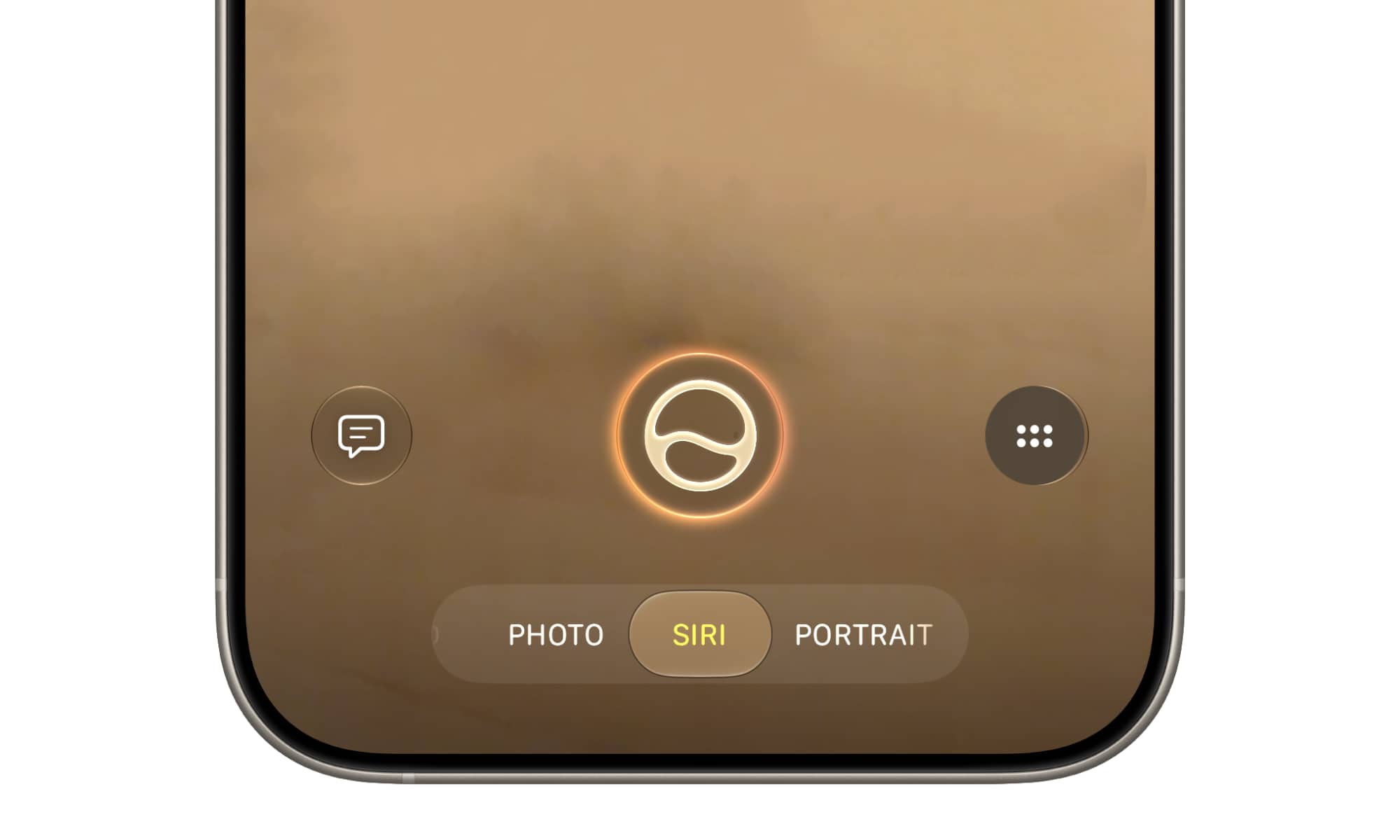
Once you activate the new smart assistant and clear the waiting list, you will notice the appearance of a new shooting mode called “Siri” inside the camera app, located specifically between the “Photo” and “Portrait” modes. This mode eliminates the need for separate apps; once you switch to it, the camera interface will transform to look similar to the previous Visual Intelligence tool, but with the iconic Siri logo adorning the capture button.
This step also solves the age-old problem of the Camera Control button. Now, whether you perform a short or long press, the unified camera app will always open, with the only difference being the default mode it starts in. And if you enter Siri mode by mistake, all you have to do is swipe your finger to return to the normal shooting mode without needing to exit the app.
More than just a traditional search engine
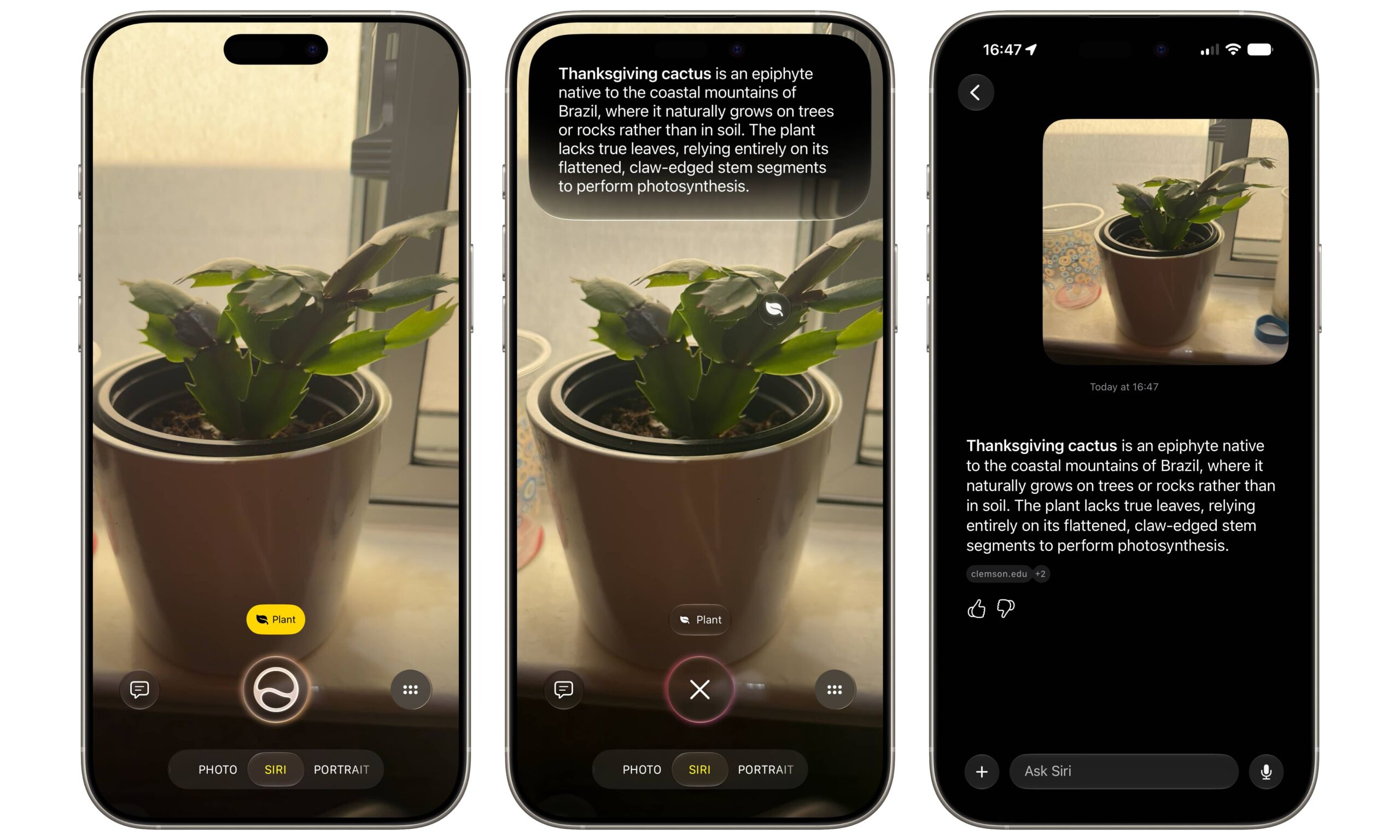
The new integration with Siri is not limited to just the appearance. Previously, the feature relied on sending requests to external services like ChatGPT, but now, the “Ask” button communicates directly with Siri, which in turn has transformed into a fully intelligent chatbot. Everything you capture and ask about will automatically become part of an ongoing conversation within the Siri app, allowing you to refer back to your search history and identify plants, read laundry labels, or even find out nutritional information for different dishes (a great new feature in iOS 27).
Additionally, Apple has upgraded the search feature to include third-party apps via the App Intents framework introduced previously. In the first beta version, we have already begun to see promising integration with popular apps like QuickBooks for recording invoices, HelloFresh for identifying recipes, and Pinterest for discovering visual patterns and designs.
Source:

Leave a Reply