You might think your location remains a secret that no one knows as long as you don’t share it yourself, but the iPhone might reveal your location in ways you wouldn’t expect! It doesn’t stop at turning on GPS or a maps app; there are other means that can make accessing your location possible without you even realizing it. Worse yet, it is possible to track you and know your location even when your phone is turned off. Starting to feel worried? There is no need, because in this article, we will go through a comprehensive guide explaining 6 ways your location might be revealed through your iPhone, and how to protect your privacy and prevent tracking.
Social Media

Your social media accounts, such as Facebook, X (formerly Twitter), and Instagram, may reveal more details than you expect, ranging from the places you visit and the people you interact with, to your daily activity. The photos and videos you post can help pinpoint your location through street landmarks or business names, even if you don’t mention the place yourself. Not only that, but photos your friends post of you can also reveal important details about your location. This type of tracking is known as Open Source Intelligence (OSINT).
To limit this, delete old accounts you no longer use and review the information visible to the public on your accounts. When sharing a photo from the Photos app on your iPhone, open the “Options” menu and turn off the “Location” toggle to remove location data associated with the photo before sending it. However, remember that this does not hide landmarks visible within the photo, such as street signs and business names.
Websites and Advertisers
Websites can determine your location through your IP address, and they can also collect information about your interests, preferences, purchases, and browsing habits. Data brokers may then aggregate this information from multiple sites to build detailed user profiles.
You can reduce the amount of data you reveal by using a privacy-focused browser like Safari or Onion, search engines like DuckDuckGo and Ecosia, and relying on a trusted VPN service. Don’t forget to use Apple’s “Hide My Email” service. These tools can reduce the ability to link your activity across websites, protect your email address and contact data, and help you browse anonymously and securely.
Apps Installed on iPhone
Any app installed on your phone can request access to your location, whether to find the nearest branch of a service or for reasons that may not be clear. If the app retains this data and uses it as part of your personalized advertising profile, it may reach data brokers capable of analyzing user movements, such as Gravy Analytics, which provided a tool to identify any geographic location and view the history of all phones that visited that place. The company suffered a breach in 2024, and its database was stolen. Experts found that a large portion of the company’s data came from popular apps like Candy Crush, Tinder, and thousands of others.
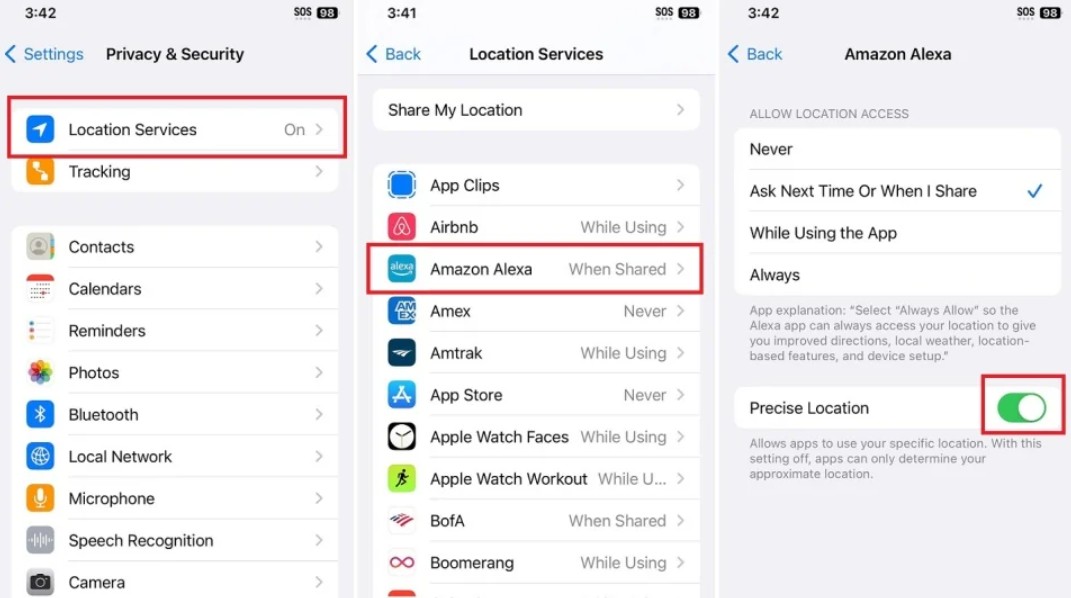
To prevent access to your location, you need to review app permissions by going to Settings > Privacy & Security > Location Services. You will find a list of apps that have requested access to your location, and you can set the permission level for each, choosing “Never” for apps that do not actually need to know your location. You can also review system settings at the bottom of the list and disable “App Clips” and “Significant Locations” if you do not need them.
GPS and Wi-Fi Networks

The iPhone can track GPS satellites and use their signals to determine the phone’s location. This feature falls under a system Apple calls “Location Services.” However, this system does not rely solely on satellites. Apple maintains a database of previously connected Wi-Fi networks and knows the geographic location of each. When your iPhone detects a nearby Wi-Fi network, it automatically compares its signal to its database to determine the phone’s current location, even when not connected to that network. While location data is exclusive to Apple and is not disclosed to any other party except by court order, turning off this type of precise tracking is very important.
You can turn off Location Services entirely by going to Settings > Privacy & Security > Location Services. However, be aware that disabling Location Services will affect many essential phone functions, such as identifying cell towers to ensure signal quality or finding your iPhone if it is lost.
Cellular Network Towers
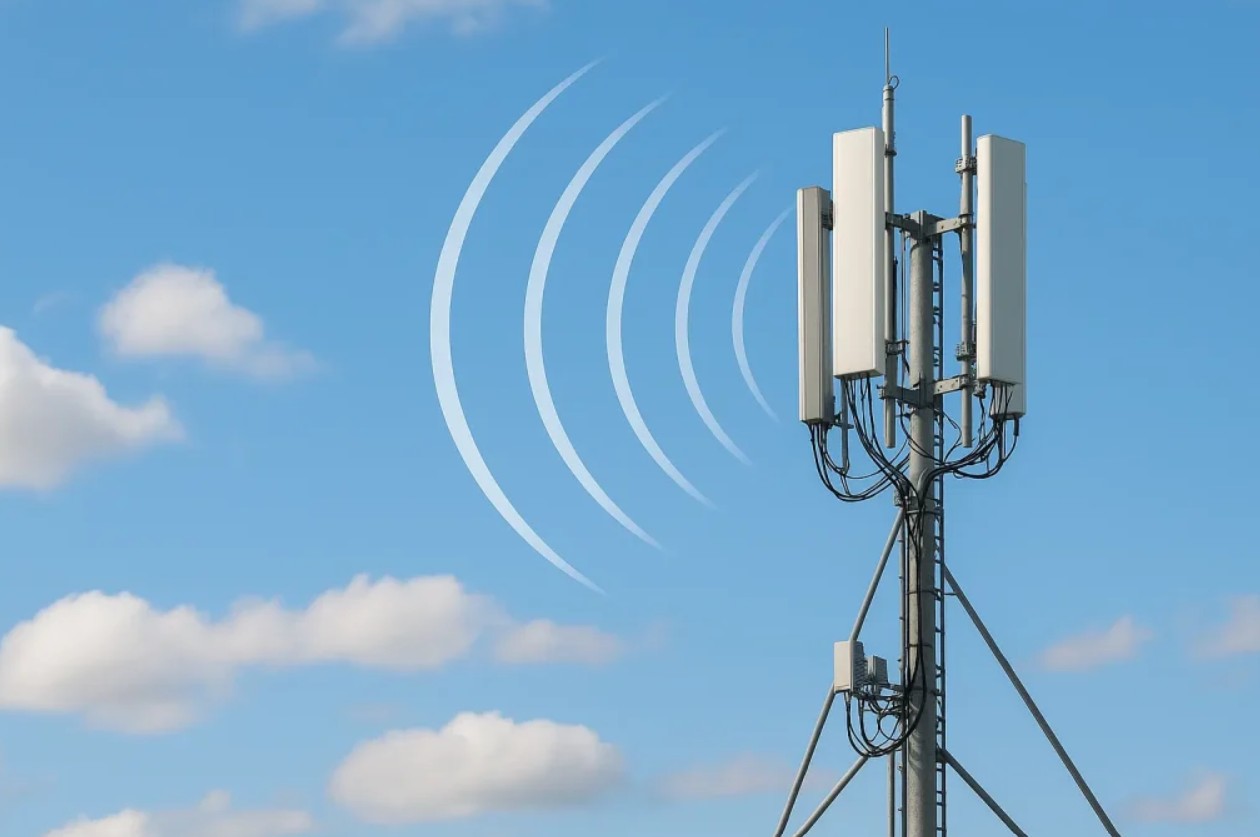
When an iPhone connects to a mobile network, the network identifies the nearby towers. The service provider can estimate the device’s location by comparing the arrival time of signals from several towers, then using this information to determine its range. The accuracy of this method varies depending on tower density. It may be more accurate in crowded cities, while providing a less specific estimate in areas with fewer towers. Nevertheless, it may be sufficient to help emergency services reach you when you make a distress call. Of course, this information is exclusive to Apple and is not disclosed to any other party except by court order.
However, if you use an eSIM, you can disable the phone line from Settings > Cellular, then turn off “Turn On This Line.” If you have a physical SIM card, you can remove it from your device by ejecting the card tray and placing it in a safe place. Doing so will disable your phone’s ability to function as a phone, as it will lose connection to the cellular network and cellular data, but it simultaneously prevents cell towers from tracking your location. (This is a method used by criminals to prevent law enforcement agencies from tracking them and knowing their whereabouts.)
Find My Network
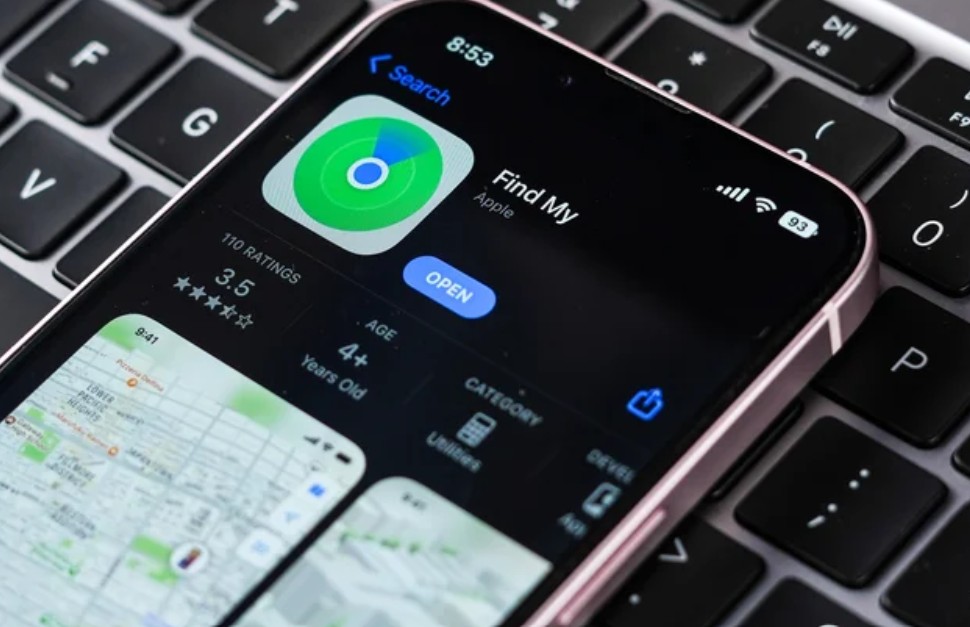
Did you know that it is possible to locate an iPhone even after it is turned off through the Find My network? This is because it emits low-energy signals even when powered down. This is where Bluetooth on nearby devices comes into play; devices connected to the Find My network can pick up low-energy Bluetooth signals emitted by other devices, then help update their locations and send them to the network without needing a direct connection between them. This is why users can know the location of their iPhone even after it is lost or stolen.
If you want to disable the Find My network, go to your Apple account settings, then Find My, and turn off both “Find My network” and “Send Last Location.” By doing so, you will protect your privacy and prevent any attempt to determine your location.
Can iPhone tracking be prevented completely?
Finally, the previous methods show that determining the location of an iPhone does not rely on GPS alone; it can happen through photos, apps, websites, communication networks, and nearby devices. However, reducing tracking opportunities requires balancing privacy with the functions you need daily. Therefore, experts believe that turning off the Find My network and turning off the phone are the most effective ways to limit the possibility of your location being known, but then the iPhone would be useless to you. Thus, another solution would be to disable Wi-Fi, eSIM, Bluetooth, Location Services, and the Find My network, which would leave only some basic functions, such as photography, note-taking, and music playback, while you would not be able to access the internet, cellular services, messaging, or use any other means of communication.
Did you know that the iPhone could determine your location in all these ways? Let us know in the comments!
Source:


Post Comment