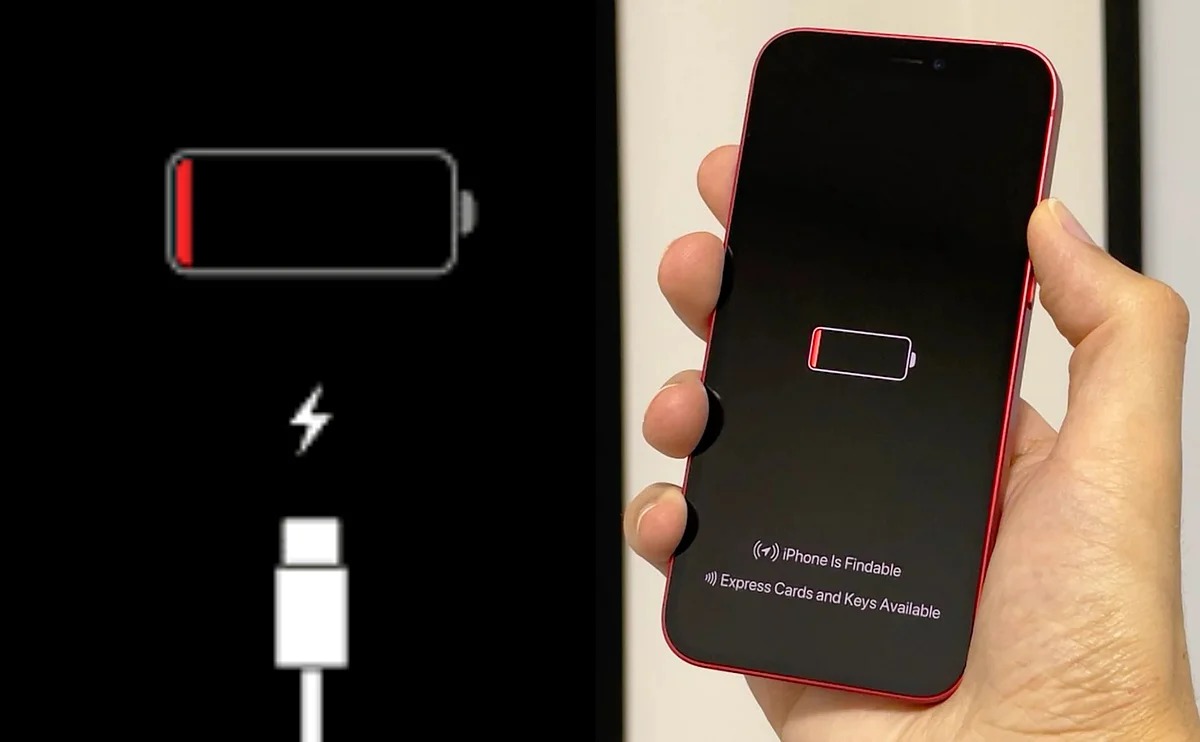
We all chase that rosy dream: a battery that lasts forever. We buy mobile phones to use them on the go, and the longer the time between charges, the more valuable the device becomes in our eyes. However, no matter how high your battery capacity is, that inevitable moment will come when the percentage hits zero. The real problem isn’t the battery running out, but the nightmare some iPhone 17 users are currently facing; the device refuses to come back to life, even after being plugged into a charger for long periods.
A Silent, Unresponsive Black Screen
The story began to surface when tech editor Benjamin Mayo shared his frustrating experience with the new iPhone 17 Air. Mayo recounts that his phone’s battery drained completely, so he plugged it into power, expecting the usual Apple logo to appear within seconds. But nothing happened. Minutes passed, and the device remained just a piece of glass and metal showing no reaction, as if it had never been connected to a charger at all.
Mayo didn’t just stand by; he tried to perform a “Hardware Reset” by quickly pressing the volume up button, then volume down, and then holding the side power button. This magic move, which usually saves iPhones from the most severe software bugs, failed completely this time, and the phone remained in a deep slumber from which it did not want to wake.
Not an Isolated Case.. Forums Are Heating Up
It later turned out that what happened to Mayo wasn’t just personal bad luck. By searching technical support forums, strings of long discussions appeared from users of various iPhone 17 models complaining about the same phenomenon. One thread recorded over 144 comments in a short time, most of which confirm the problem occurring with them or people they know. This momentum clearly indicates that there is some flaw lurking in the batteries of Apple’s latest generation of phones.
Interestingly, some users, just like me, have been using the iPhone 17 Pro Max since its launch and haven’t faced this problem. Perhaps it’s because we simply don’t let our phones reach the point of total death, or perhaps it’s a problem linked to specific batches. And speaking of complaints, I have been suffering from a slow Face ID recently, but that’s another conversation we’ll save for another day!
How to Bring an iPhone 17 Back to Life? Innovative Solutions
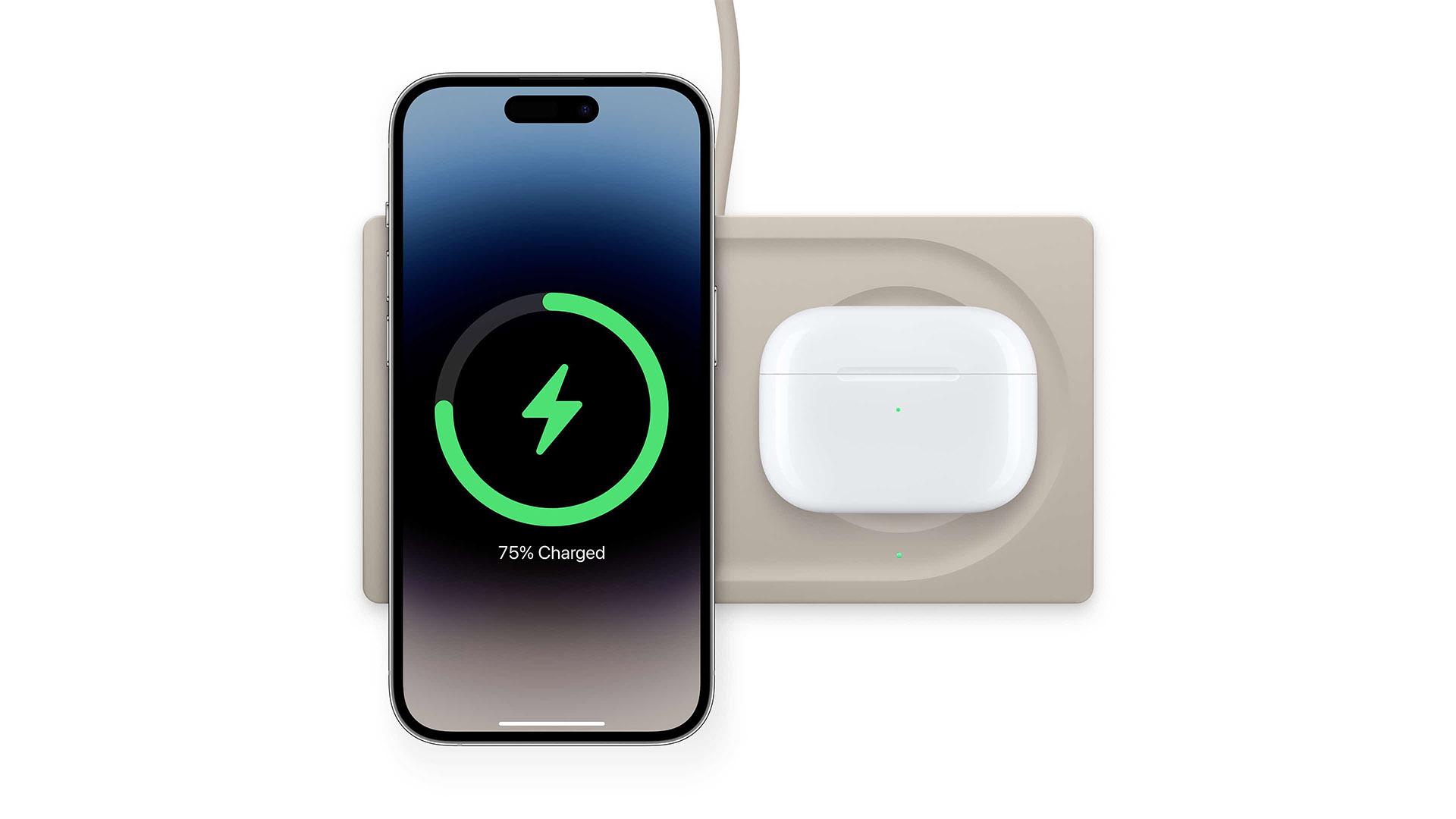
Fortunately, human innovation (or sometimes desperation) led users to some workarounds. The most strange and successful solution is to abandon wired charging entirely. Mayo discovered that as soon as he placed the iPhone 17 Air on a MagSafe wireless charger, the device immediately began to respond and returned to work as if nothing had happened. It seems the wireless charging circuit is capable of “waking up” the system in a way that wired charging cannot in this situation.
Other users found their solution in patience; some reported that leaving the phone connected to the wired charger for a period ranging from 30 minutes to 3 full hours without interruption might eventually lead to signs of life. Some also succeeded in forcing the phone into DFU mode by connecting it to a Mac or PC and following a combination of button presses, which might stimulate the device to respond to the electrical current.
Source:

Leave a Reply