It seems Apple has finally decided to do some “spring cleaning” in the Mac App Store, but this time, the cleaning targeted our beloved office applications. If you are looking for the traditional versions of Pages, Numbers, and Keynote, you may notice they have completely disappeared from the search interface, replaced by new versions compatible with the “Creator Studio” subscription. This move reflects Apple’s clear desire to unify its software ecosystem and link it to its new services, which increasingly rely on artificial intelligence and monthly subscription models.
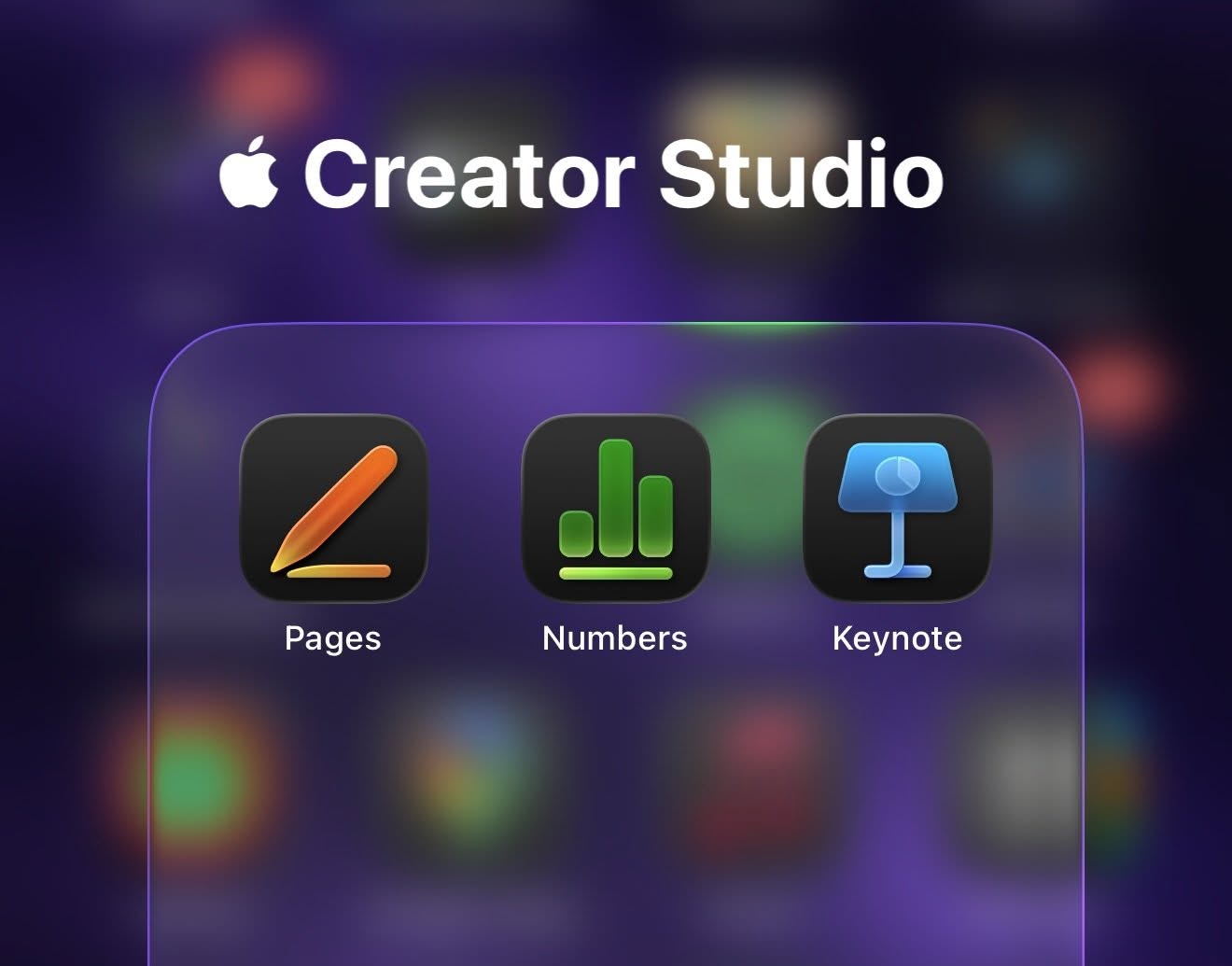
Unifying the experience under the “Creator Studio” umbrella
When Apple first introduced the “Creator Studio” service, it quickly updated its apps on iOS and iPadOS to be compatible with this new system. On the Mac, however, the situation was slightly different and perhaps confusing for some; Apple left the old versions alongside the new ones that carry different icons and support subscriptions. You could download Final Cut Pro or Pages in their old standalone versions, or choose the newer versions that operate on a subscription basis.
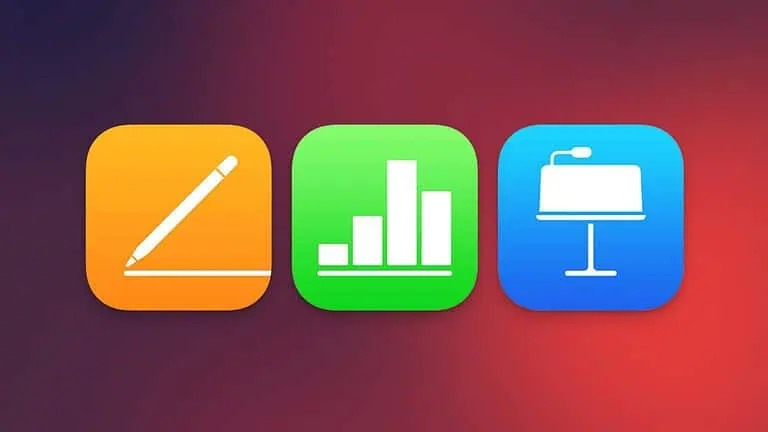
Now, Apple has settled the debate and decided to remove those legacy versions of the famous productivity trio: Pages, Numbers, and Keynote. The goal of this move is to simplify the store and ensure everyone is using the latest versions that represent the company’s future vision, which relies on deep cloud integration and AI tools that have begun to permeate every corner of Apple’s systems.
Will I have to pay for these apps now?
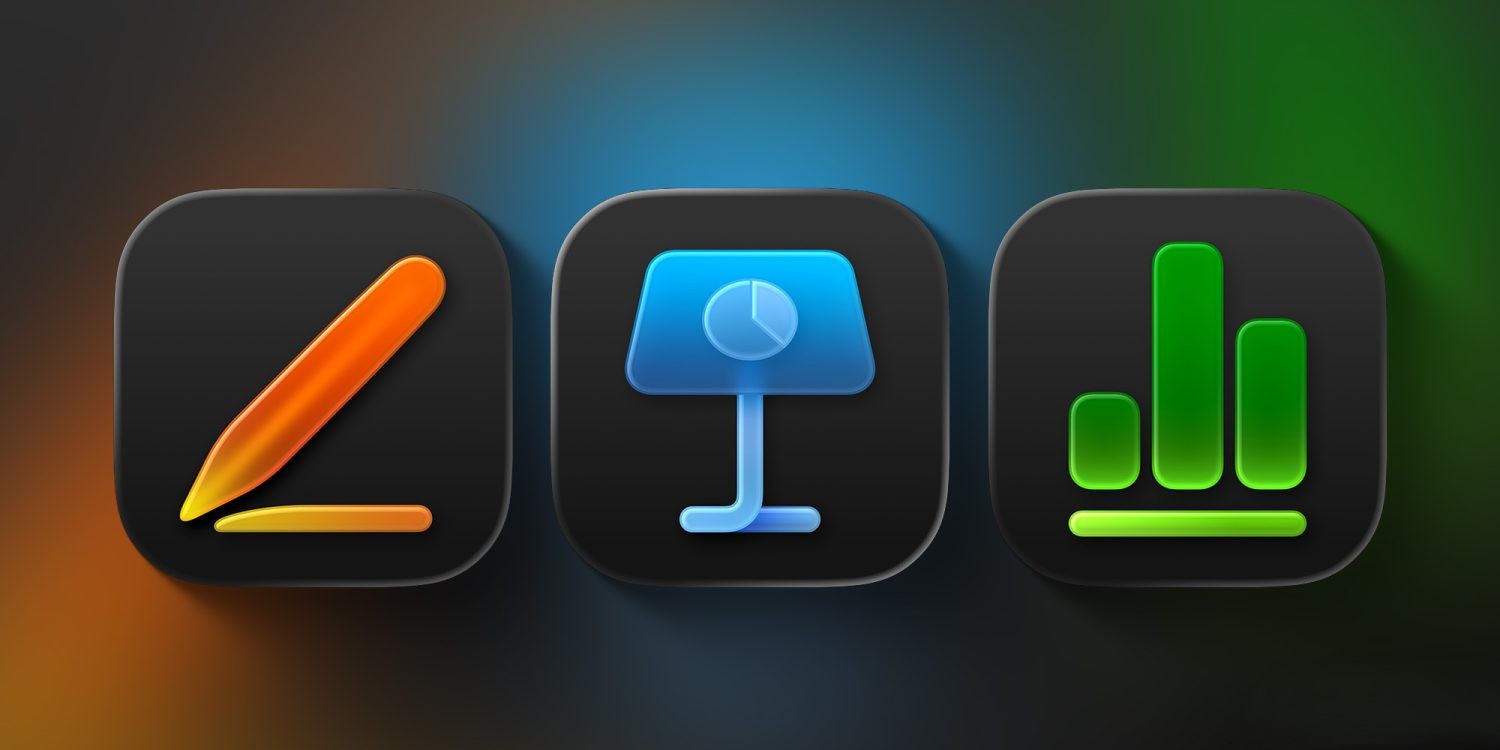
However, there is always a “but” with Apple; these new apps won’t leave you alone, but will continue to remind you of the benefits of subscribing to the “Creator Studio” service. This subscription will unlock features you won’t find in the free version, such as access to a massive library of professional templates and advanced AI-powered capabilities that help you draft text or analyze data faster and smarter. It is Apple’s way of telling you that the app is free, but “professional creativity” has its price.
What if I want to stick with the old versions?
If you have previously downloaded the old versions and still want to use them, you can still find them in your purchase history within the Mac App Store by clicking on your profile picture in the bottom corner. However, you should know that these versions have officially entered the retirement phase; this means they will not receive any future updates or new features, and it is only a matter of time before you face compatibility issues with upcoming macOS releases.
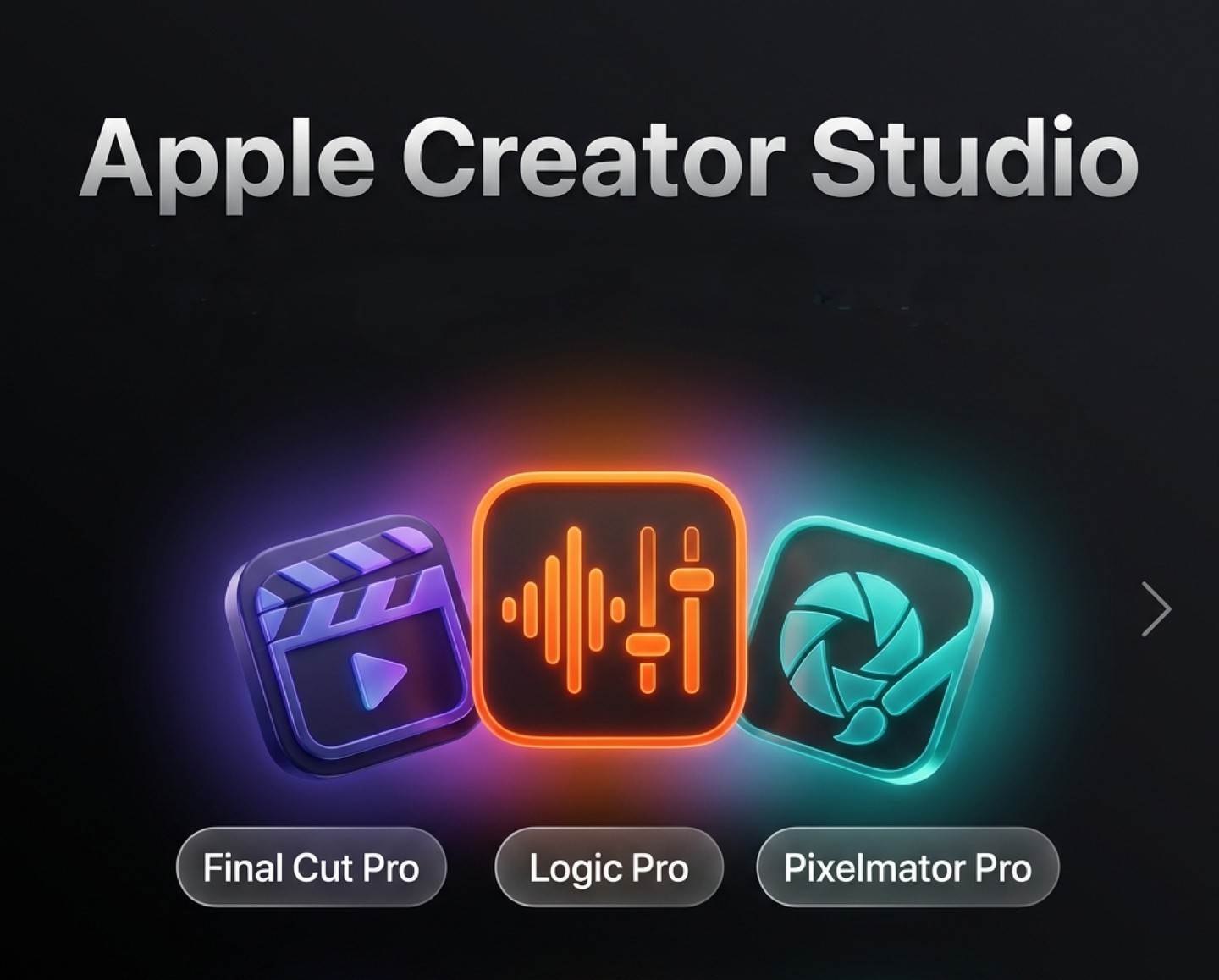
As for professional applications like Final Cut Pro, Logic Pro, and Pixelmator Pro, Apple still provides them with both one-time purchase and subscription options for now. It seems Apple realizes that the professional audience still prefers to own their tools, but the general trend clearly indicates that the future in Cupertino is “subscriptions first.”
Source:



Leave a Reply