Remember Astropad? Those creative minds who turned the iPad into a professional drawing tablet are back today with something completely different. They have launched the Workbench app for Mac, and it is not just another remote control app; they describe it as “the remote desktop designed for the AI era.” It seems that controlling your computer from your bed is no longer enough; now you can do it with greater intelligence and immense power in the palm of your hand.
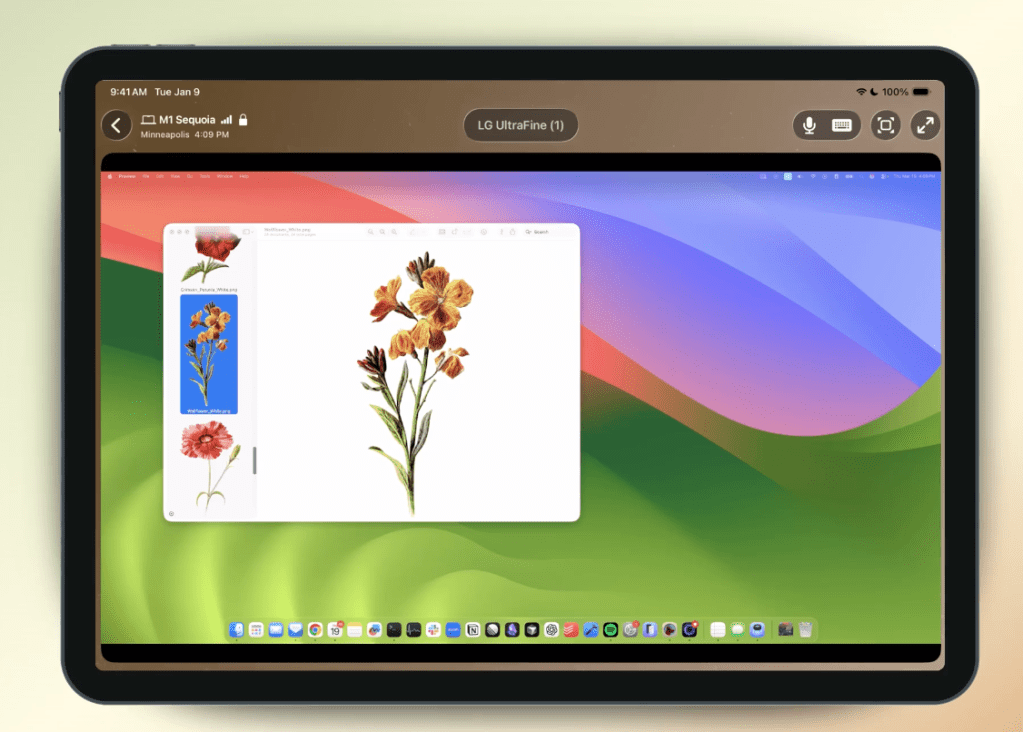
A new way to access your Mac via iPhone and iPad
Workbench includes native apps for Mac, iPhone, and iPad. Astropad prides itself on offering fast, high-quality streaming with support for Retina displays, giving you highly accurate visuals that are almost indistinguishable from sitting in front of the actual screen. It is not just about viewing; it extends to full interaction with your device from anywhere.
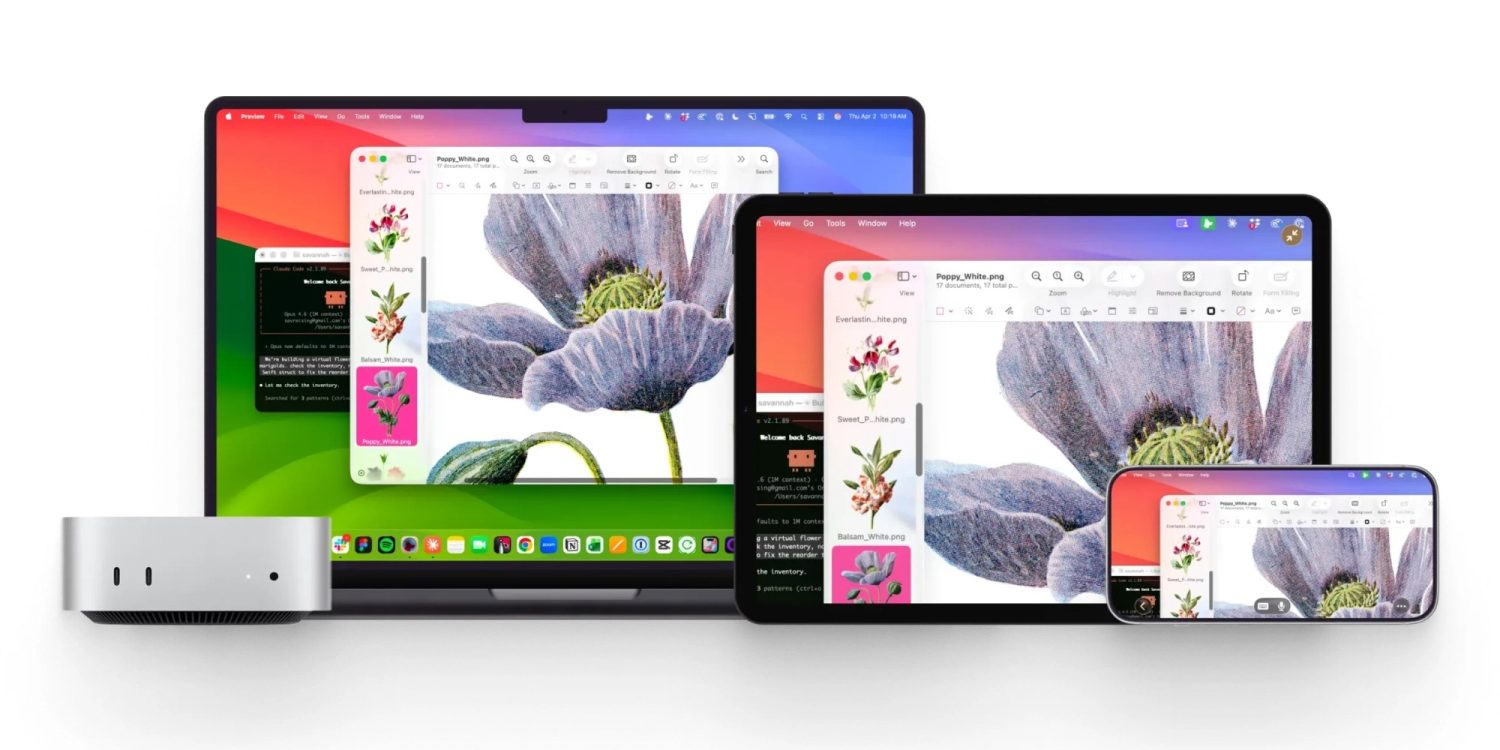
The app supports voice input for control, allowing you to dictate commands and prompts from your mobile device directly to your Mac. This is very useful if you are dealing with AI tools and need to write long prompts without needing a physical keyboard, although the app also fully supports keyboard and shortcuts.
Smart design for AI workflows
Workbench combines multiple Mac screens into one that fits the resolution of the mobile device you are using to control it. It also provides a Mini-map view as a quick way to navigate across large desktops, a feature that owners of giant screens who sometimes feel lost will love.
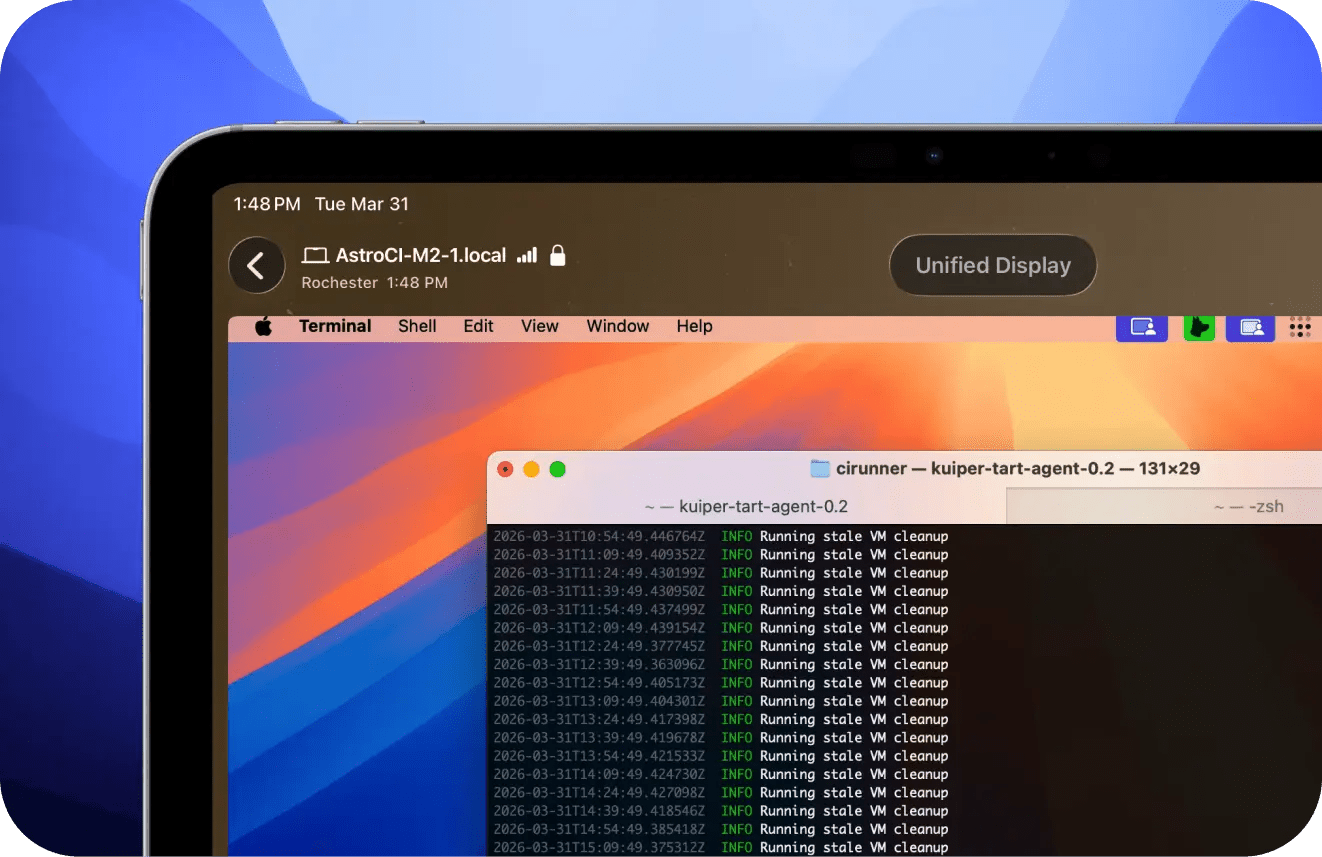
The app was designed specifically with AI workflows in mind. Imagine you left your Mac processing huge amounts of data or running AI agents and went for a walk; you can now use Workbench to monitor what is happening, give new commands, and ensure everything is going well while you sip your coffee outside.
Liquid Engine: The secret behind the speed
What sets Workbench apart from other remote desktop solutions is Astropad’s Liquid engine. This is the same technology that powers their famous products like Luna Display and Astropad Studio, known for its exceptional speed and unparalleled clarity. Using this technology means less latency and a much smoother experience.
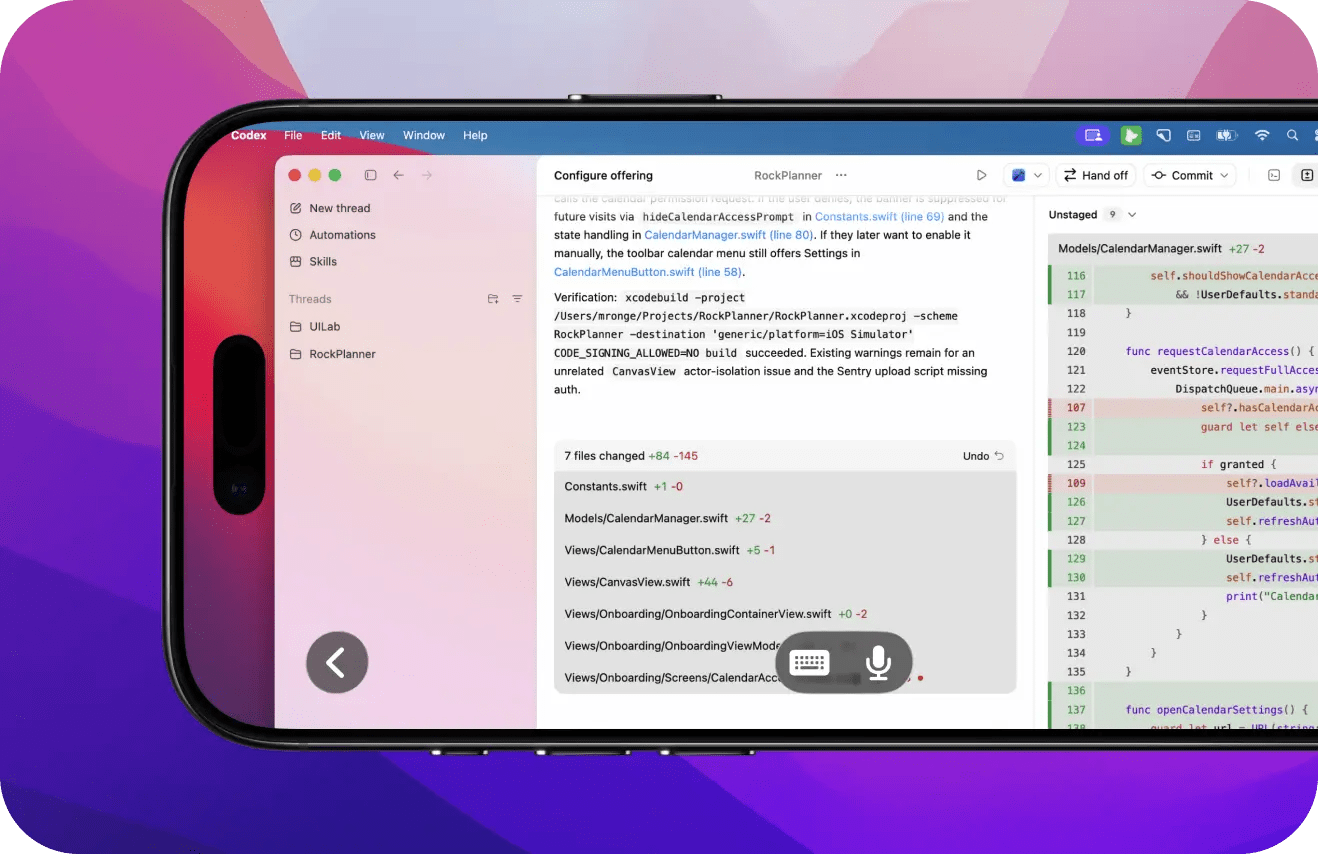
For security, Workbench uses end-to-end encryption (AES-256) to ensure your privacy. The app requires iOS 26 and macOS 15 or later to work. Although it supports Macs running Intel processors, the company strongly recommends using Macs with Apple Silicon processors for the best possible performance.
Pricing and free trial
Workbench is available to try with a Mac for free for 20 minutes daily, which is enough for a quick look or to perform an urgent task. If you need a permanent and unlimited connection, the cost is $10 per month or $50 per year.
Source:


Leave a Reply