As is customary with every major operating system launch, the joy of exploring new features and interfaces is rarely complete without the appearance of some hidden software glitches that somehow slip past the radar of beta testing. Just two weeks after the global release of iOS 27 to users, Apple has moved quickly to patch vulnerabilities and resolve emerging issues, officially releasing the iOS 27.0.1 update for all compatible iPhones to set things right.
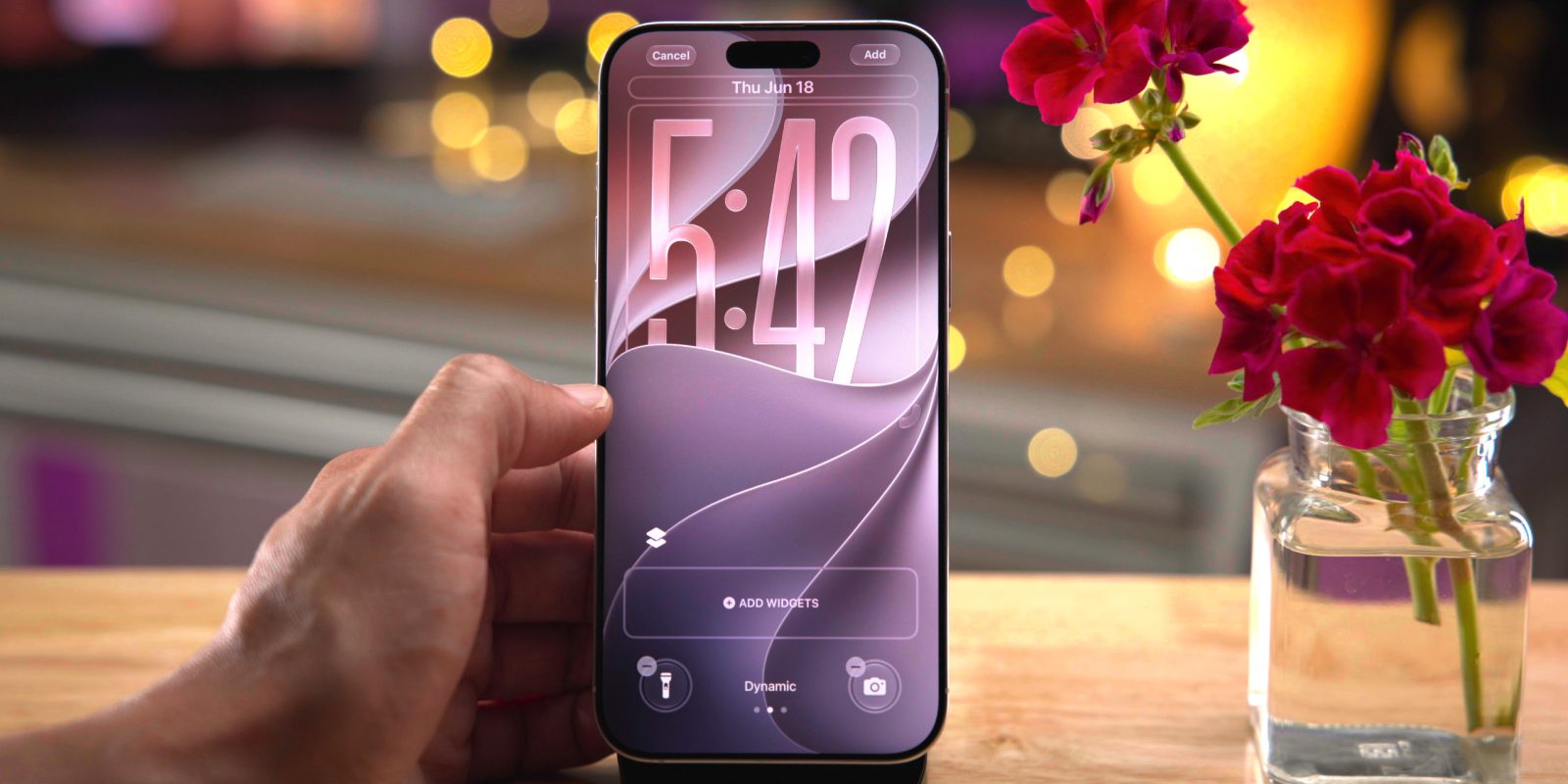
Critical fixes for the iPhone 18 Pro family

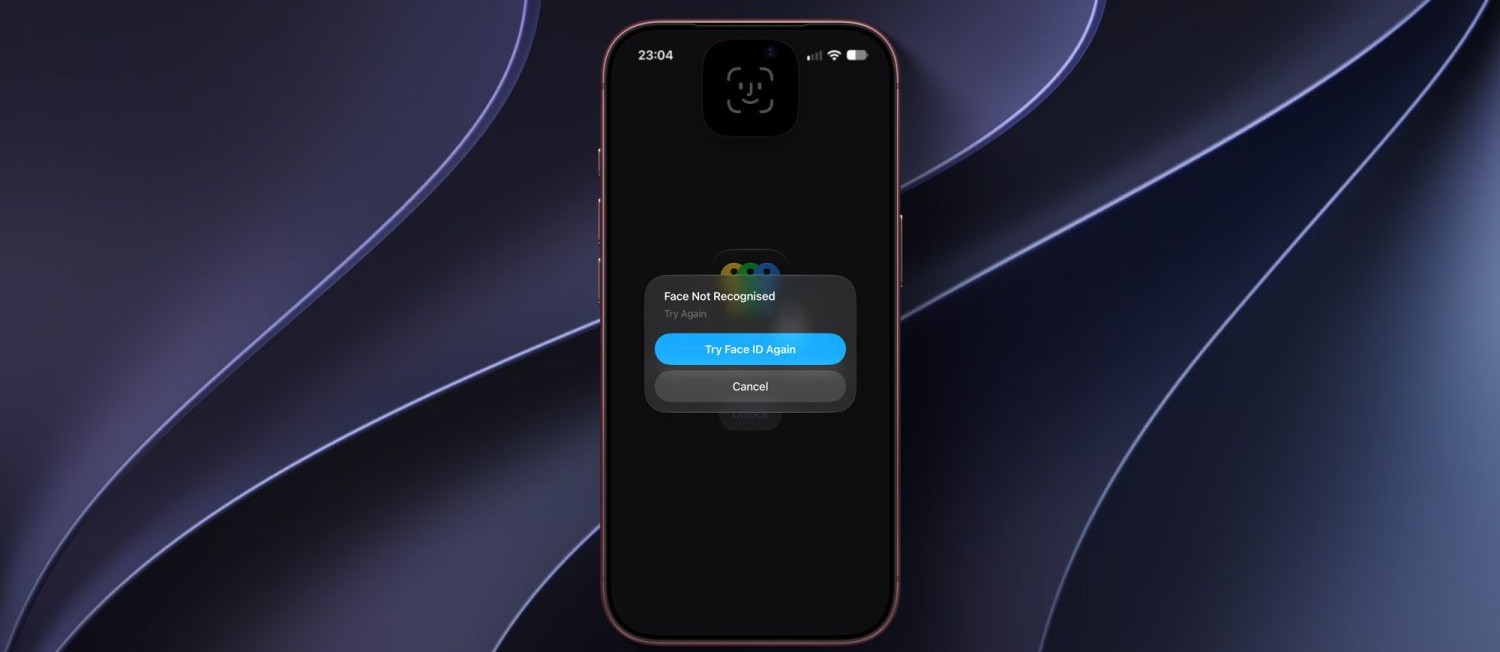
It seems that the lion’s share of this minor update came in response to complaints from owners of the latest flagship category, specifically the iPhone 18 Pro and iPhone 18 Pro Max. Over the past few days, some users reported a strange and highly annoying glitch where the phone would suddenly restart when Face ID failed to verify the user—certainly a frustrating experience for a flagship device from which you expect complete smoothness. Apple has kept its promise and completely fixed this bug in this release.
The fixes for the Pro category were not limited to that; users had also observed color artifacts and strange gradients on photos taken at 2x zoom under certain lighting conditions with an f/1.48 aperture on a limited number of iPhone 18 Pro and Pro Max devices.

Here is another image of the problem:
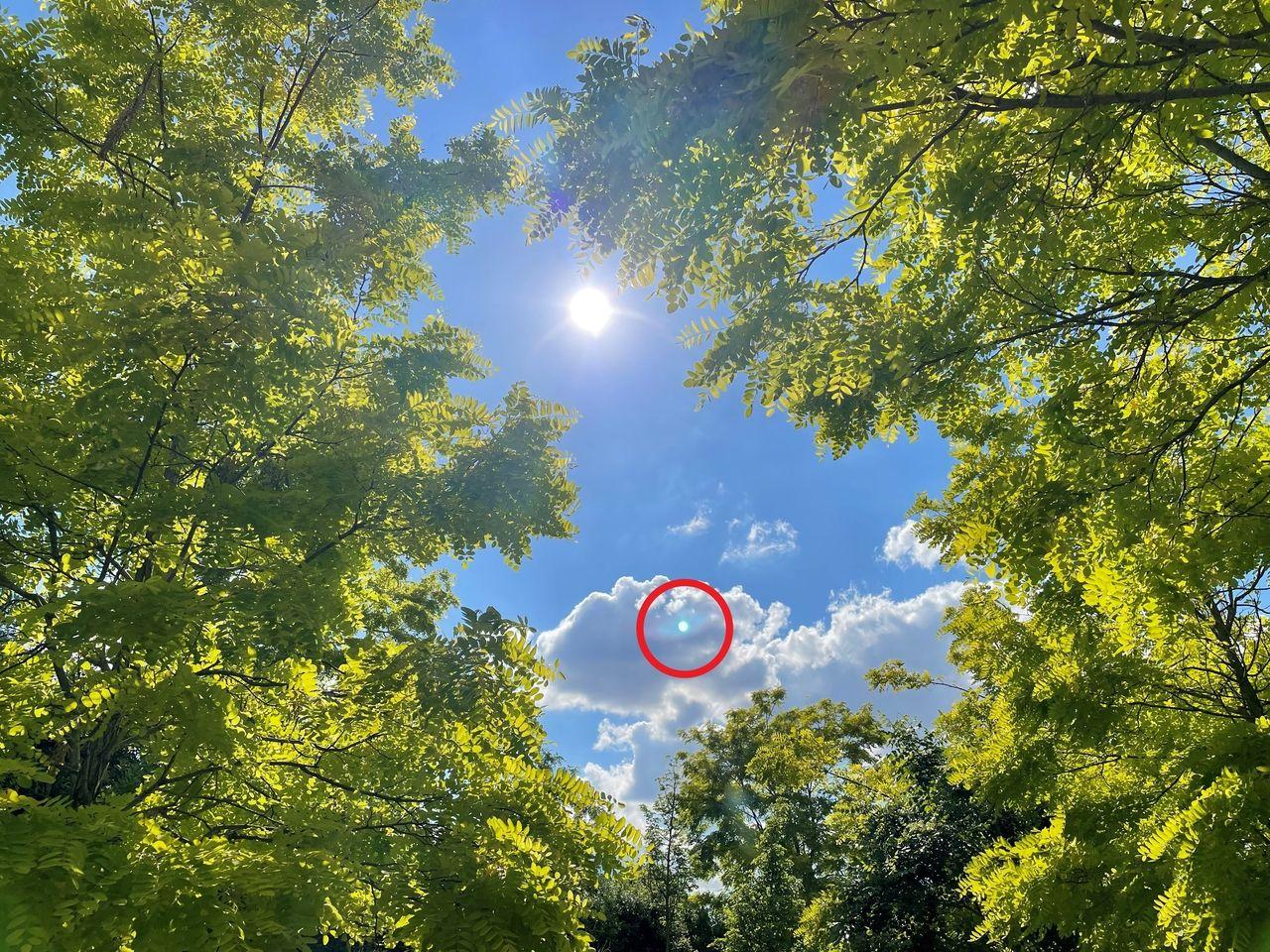
This update has returned image processing to its normal path and eliminated this visual issue without requiring any manual steps from the user.
Screen freeze fix and updates for iPad and Apple Watch
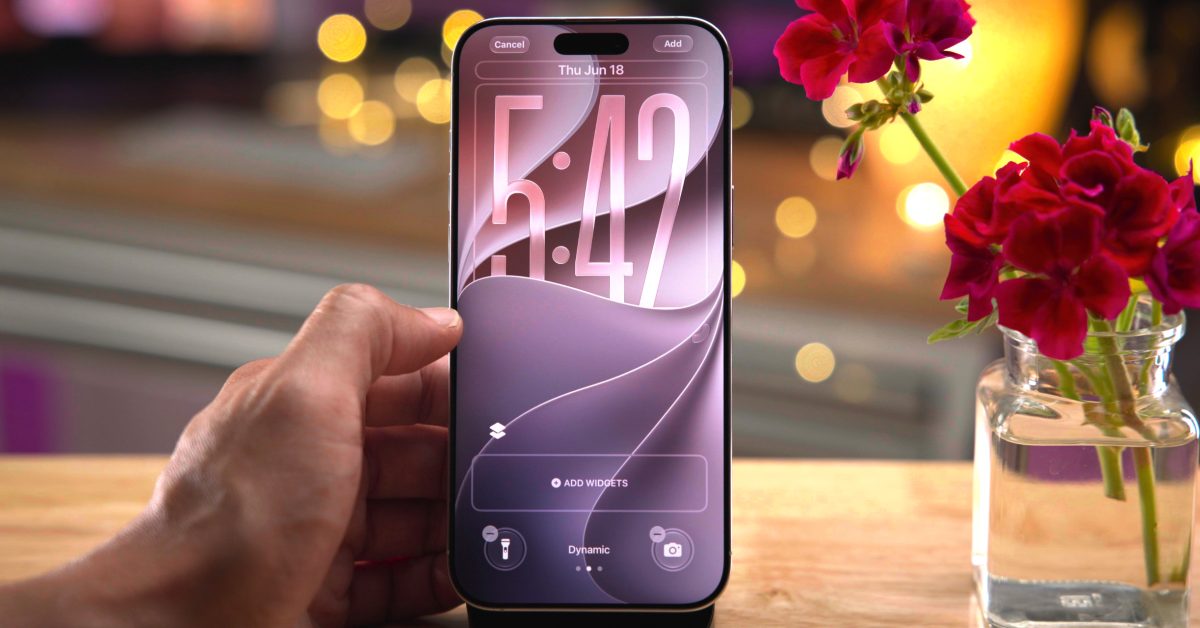
As for the rest of the iPhone models, they did not go empty-handed; the update included a fix for a touch issue affecting all devices, where the screen would freeze and stop responding to touch when attempting to open the Notification Center and Control Center at the same time—a quick gesture a user might perform spontaneously, causing the entire interface to hang.
In parallel with the iPhone update, Apple also released the iPadOS 27.0.1 update for iPads, noting briefly in the release notes that it provides bug fixes and system improvements. Although the official changelog does not always list every precise adjustment behind the scenes, such emergency updates often carry fixes for undisclosed stability issues. The update is available for immediate installation for all users by going to Settings, then General, then Software Update.
Source:



Leave a Reply