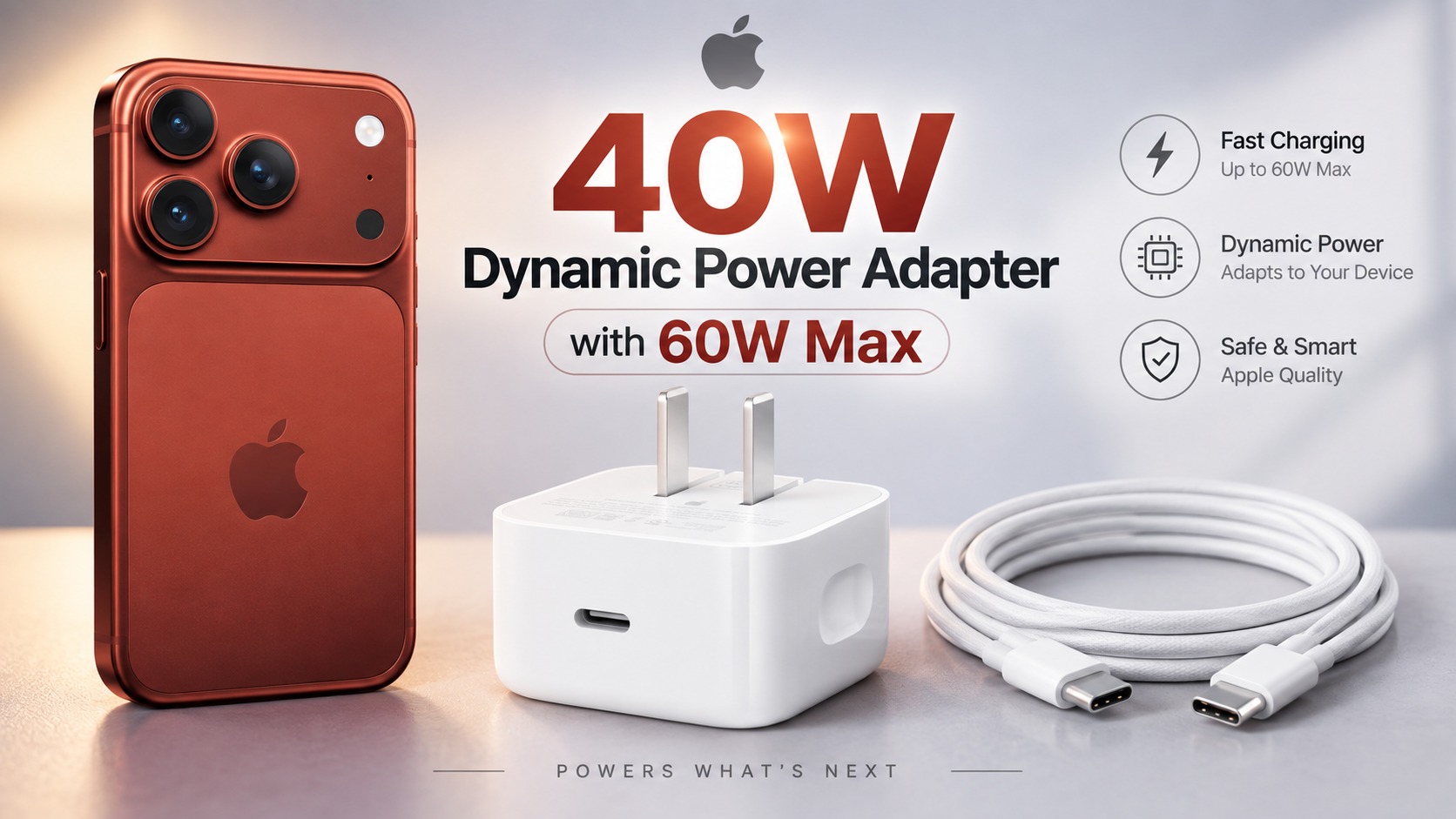
Apple has announced a long-awaited leap in wired charging speed with the iPhone 18 Pro and iPhone 18 Pro Max, as both phones can now reach a 50% charge in just about 15 minutes. However, as Apple has always accustomed us, there are precise technical details behind these flashy numbers; it is not just about plugging in any charger with a high number on its box. It requires a perfectly compatible combination of a USB-C charger that supports the USB PD 3.1 protocol with AVS technology and a capacity of at least 60W, along with a suitable charging cable. The pleasant and unexpected surprise is that Apple’s current 40W dynamic power adapter already meets all these requirements without the need to buy expensive alternatives.
The 15-Minute Secret: Look for AVS Technology, Not Just Wattage Numbers
To achieve the 15-minute promise, iPhone 18 Pro phones require a power adapter that supports the USB Power Delivery 3.1 standard or later, equipped with Adjustable Voltage Supply (AVS) technology. This technology allows the charger and the phone to continuously and flexibly adjust voltage and heat levels during the charging process, ensuring maximum power flow safely without exhausting the battery.
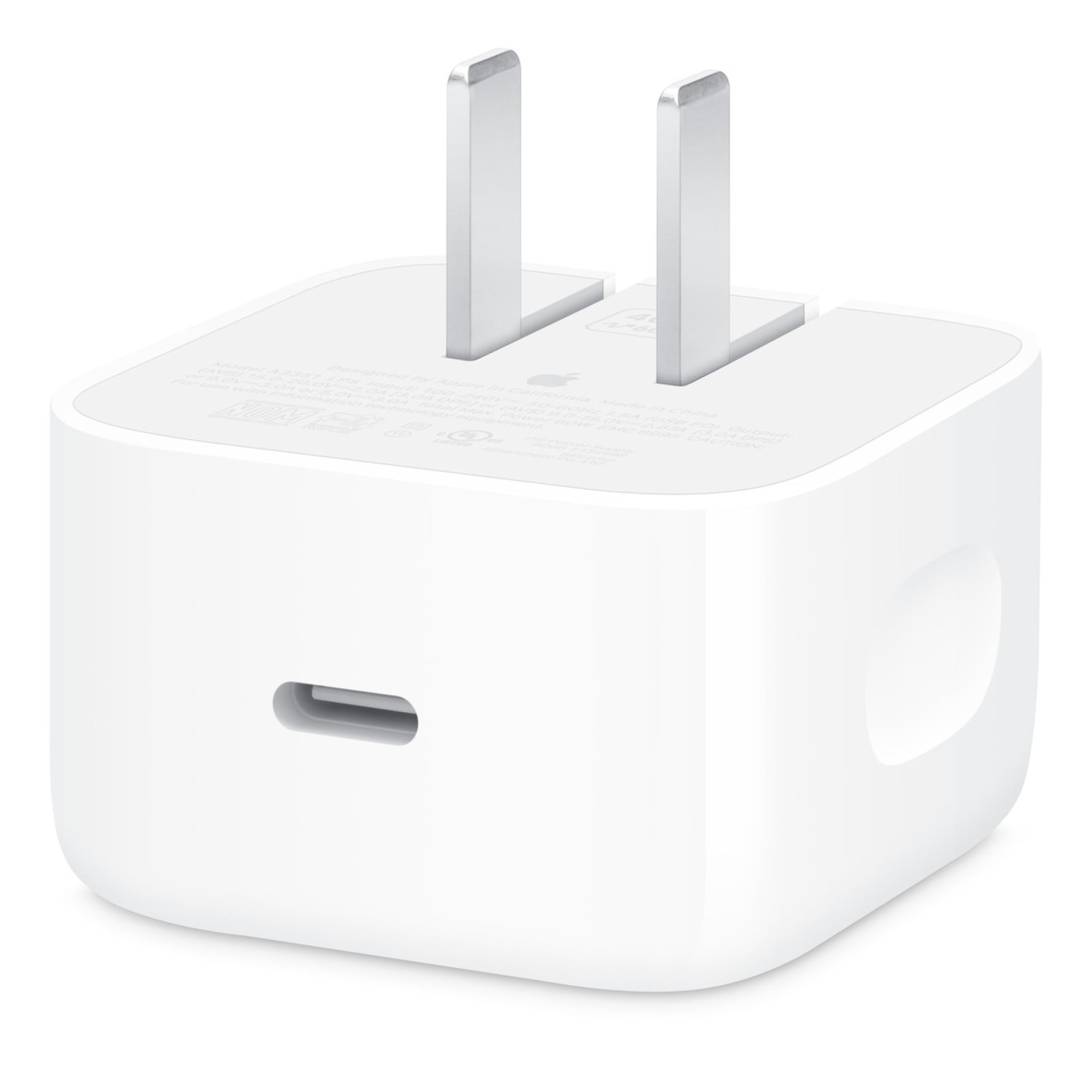
Here lies the irony in Apple’s charger, named “40W Dynamic Power Adapter with 60W Max” (model A3351, officially priced at $39). Although the product name starts with the number 40W, it is precisely the charger Apple relied on in its official tests, thanks to its support for AVS technology and its ability to provide up to 60W dynamically when the phone needs it. So, if you already own this charger, there is absolutely no need to replace it with another one just because a higher number is written on its packaging.
When looking for alternative chargers from third-party companies, be sure to check the specifications carefully: the charger must support the USB PD 3.1 standard, AVS technology, and provide at least 60W from the port connected directly to the phone. Also, remember that multi-port chargers redistribute their power when more than one device is connected, which may reduce the power reaching your phone without you noticing.
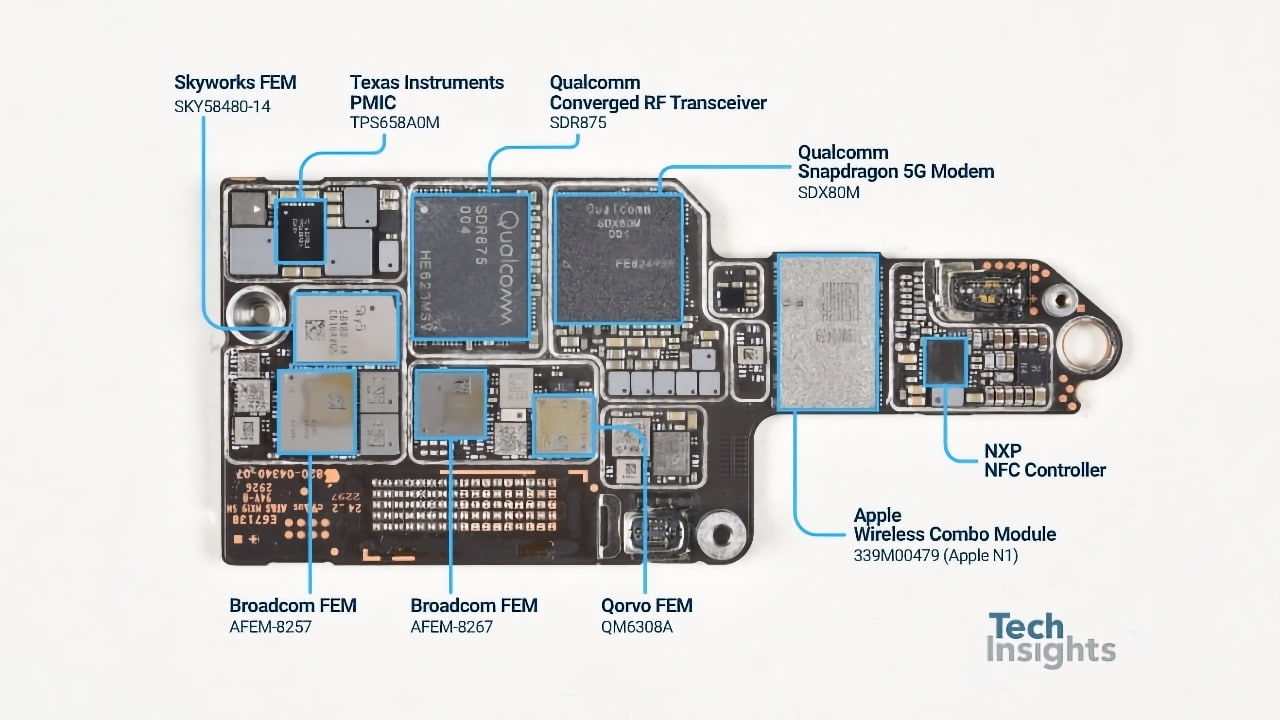
Internal examinations and teardowns show that the motherboard design and power distribution have been carefully optimized to accommodate this high power flow without compromising battery health or causing thermal throttling, making strict compliance with AVS standards an indispensable technical necessity for the safety of the internal hardware.
USB-C Cable Requirements: Do You Need a Super Cable?
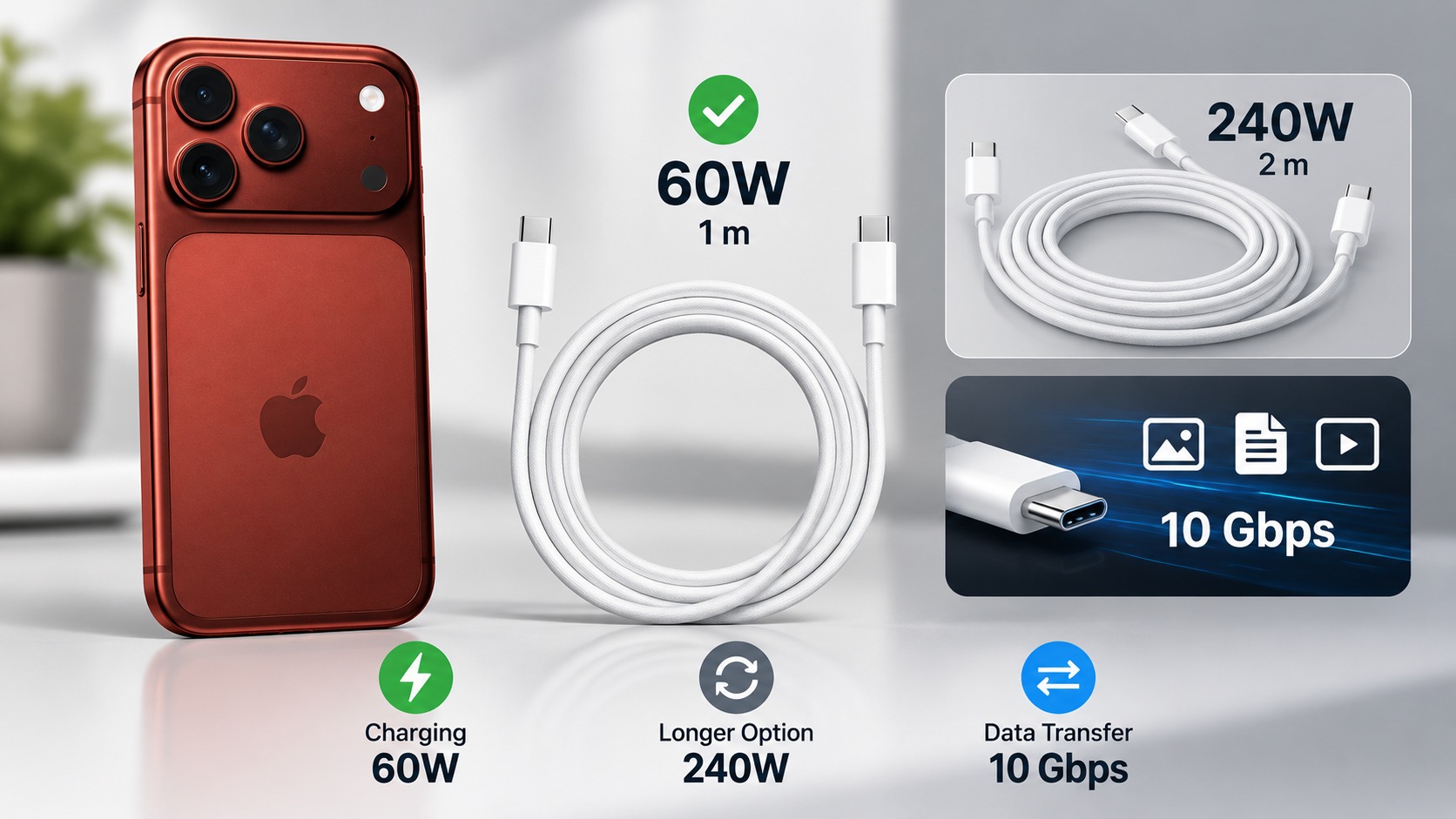
The positive side here is that you do not need to buy special or complex cables; the 1-meter cable included in the iPhone 18 Pro box supports 60W, which is the same cable Apple used in its standard tests. If you need a replacement or spare cable, the official Apple 60W USB-C cable meets the requirements perfectly.
Apple also offers a 2-meter 240W cable option for those who want more room to move, but that high electrical capacity will not make the iPhone charge faster than the specified time. You should also always distinguish between charging speed and data transfer speed; Pro phones support data transfer speeds of up to 10Gbps via the USB 3 port, but this requires a dedicated data cable, as the 60W capacity of a charging cable does not necessarily mean it can transfer large files at super speeds.
Wireless Charging via MagSafe: Different Calculations and Specific Speeds
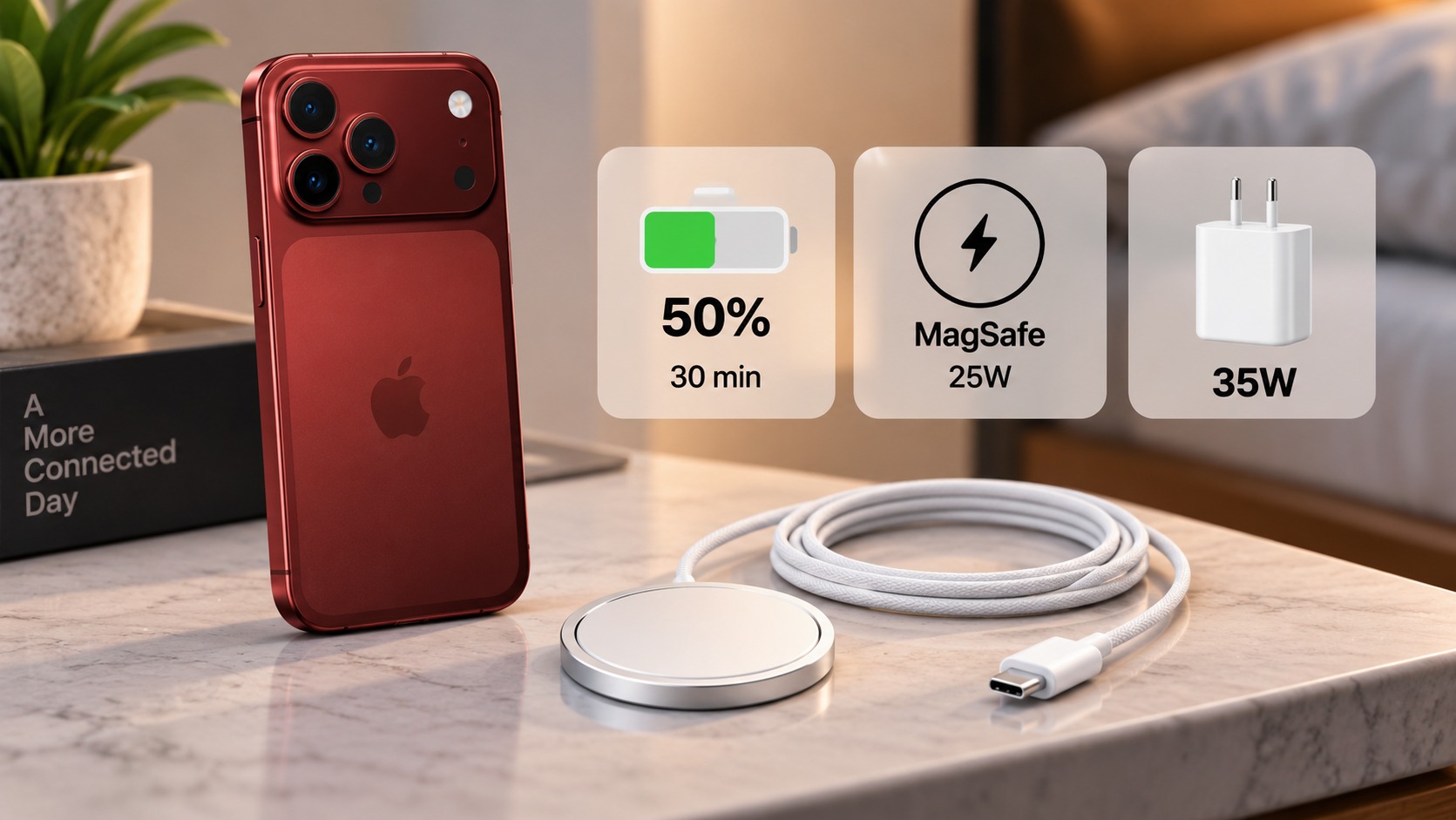
If you prefer the convenience of wireless charging on your desk or nightstand, Apple confirms that the iPhone 18 Pro and iPhone 18 Pro Max can be charged wirelessly to 50% in about 30 minutes using a compatible MagSafe charger and a power adapter with at least 35W. Apple conducted its tests using a certified MagSafe charger (model A3502 at 1 meter or A3503 at 2 meters) connected to the same A3351 dynamic power adapter.
The phones support wireless charging via MagSafe as well as the Qi2 standard at up to 25W, which is the received wireless power rate, while the 35W figure represents the required wall charger capacity to compensate for power loss and reach the announced 30-minute time. If you are considering an external Qi2 charger, check its certification and compliance with power requirements before purchasing.
This combination makes wireless charging pads a great option for those who prefer to charge their phones and accessories in one place all day without having to deal with the clutter of wires, while maintaining enough speed for normal activities.
What Do Charging Numbers Really Mean in Daily Life?
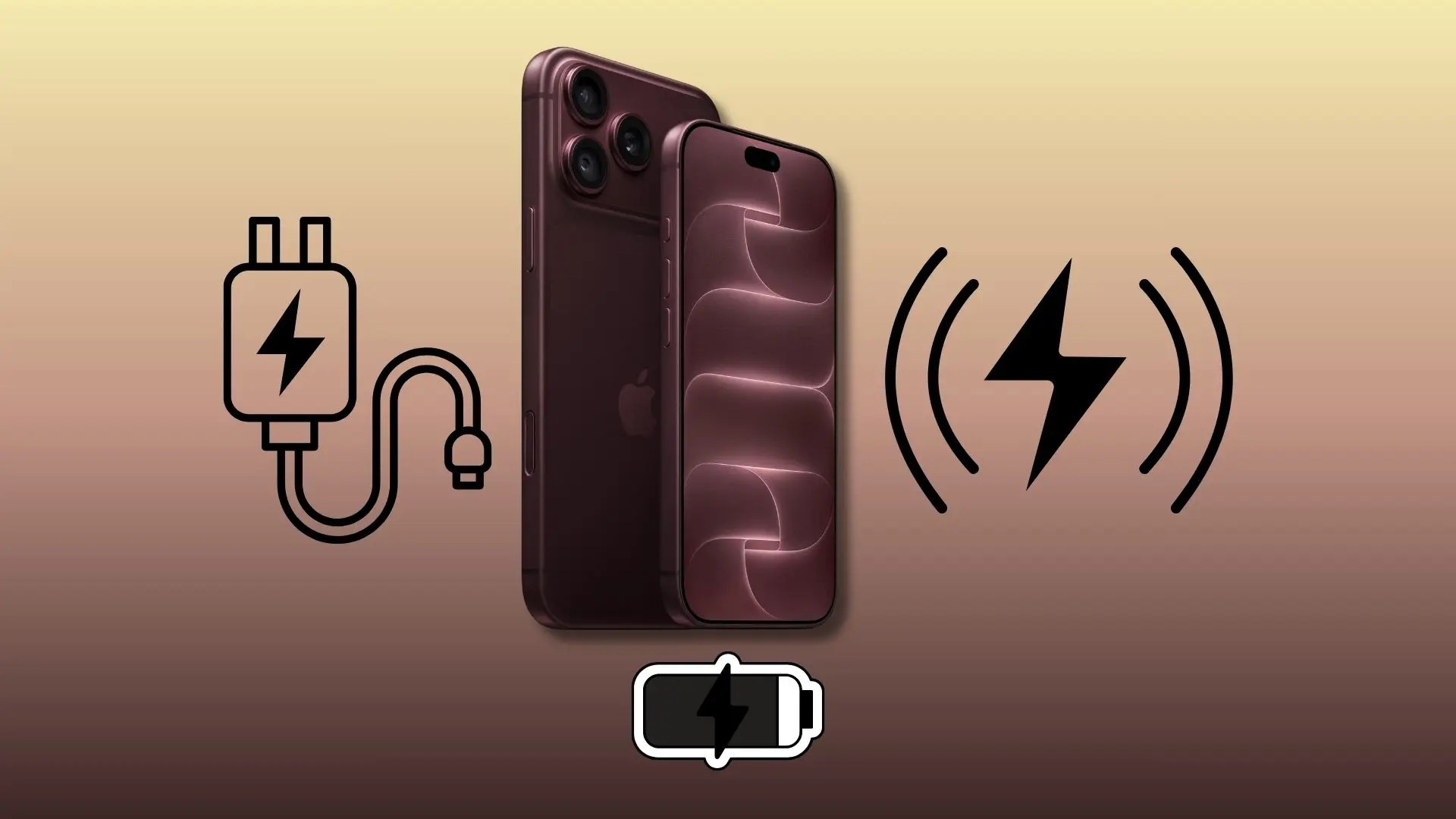
The announced numbers (15 minutes wired and 30 minutes wireless) apply to both models: iPhone 18 Pro and iPhone 18 Pro Max, and were measured on completely drained devices starting from the moment the Apple logo appears during boot-up. These times may vary in daily use depending on the ambient temperature, phone activity during charging, and the quality of the charger used.
More importantly, realize that these numbers are intended to reach only half the battery capacity, not a full charge; the phones do not continue at the same rocket-speed charging rate until 100%, as the speed gradually slows down in the second half to protect battery cells and extend their lifespan. Therefore, charging 50% in 15 minutes does not mean at all that the phone will reach 100% in 30 minutes.
This super speed in the first 15 minutes is designed specifically for emergency situations and intensive use; such as photographers and content creators who consume phone power quickly at shooting locations and need a quick dose of power to last them the rest of the day, or when you discover that your phone is about to run out just minutes before you head out.
As for long daily production sessions or normal office use, your old USB-C compatible chargers will still perform their task excellently during sleep or office work, with no urgent need to replace them unless those fifteen minutes make a real difference in your daily schedule.
Comparison Table of Fast Charging Requirements for iPhone 18 Pro
To summarize all these complex standards and make the purchasing decision easy and clear, here is a table that accurately explains the requirements for each charging method on the iPhone 18 Pro and iPhone 18 Pro Max:
| Feature | Wired Charging via USB-C | Wireless Charging via MagSafe |
|---|---|---|
| Official Fast Charging Rate | Up to 50% in about 15 minutes | Up to 50% in about 30 minutes |
| Power Adapter Requirements | 60W capacity or higher, USB PD 3.1 protocol with AVS support | 35W capacity or higher to achieve the announced time |
| Cable or Charging Pad Requirements | USB-C cable supporting at least 60W capacity | Compatible MagSafe charger (e.g., Apple models A3502 or A3503) |
| Charger Used in Official Apple Tests | Apple 40W Dynamic Power Adapter with 60W Max (model A3351) | Apple 40W Dynamic Power Adapter with 60W Max (model A3351) |
If your goal is to achieve the shortest possible charging time to save you in critical moments, wired charging via USB-C with a 60W adapter that supports the AVS standard is the optimal choice, and the Apple dynamic charger is a direct and guaranteed option. If the priority is desk and bedside convenience without dealing with cables, the MagSafe charger with a 35W power adapter provides the desired balance between smoothness and performance.
Source:

Post Comment