Users have long faced the dilemma of carrying more than one iPhone at a time, whether to switch between a work phone and a personal phone, or the desire to leave a large phone behind and use a lighter one on the weekend without losing connectivity. In the iOS 27 update, Apple introduces a long-awaited, ingenious solution via the “iPhone Handoff” feature, which relies on the eSIM. This feature allows you to run your same phone number on two iPhones and switch between them seamlessly, so the number is active and ready to use on the phone you are holding in your hand and actually using.
What is the iPhone Handoff feature and how does it work?
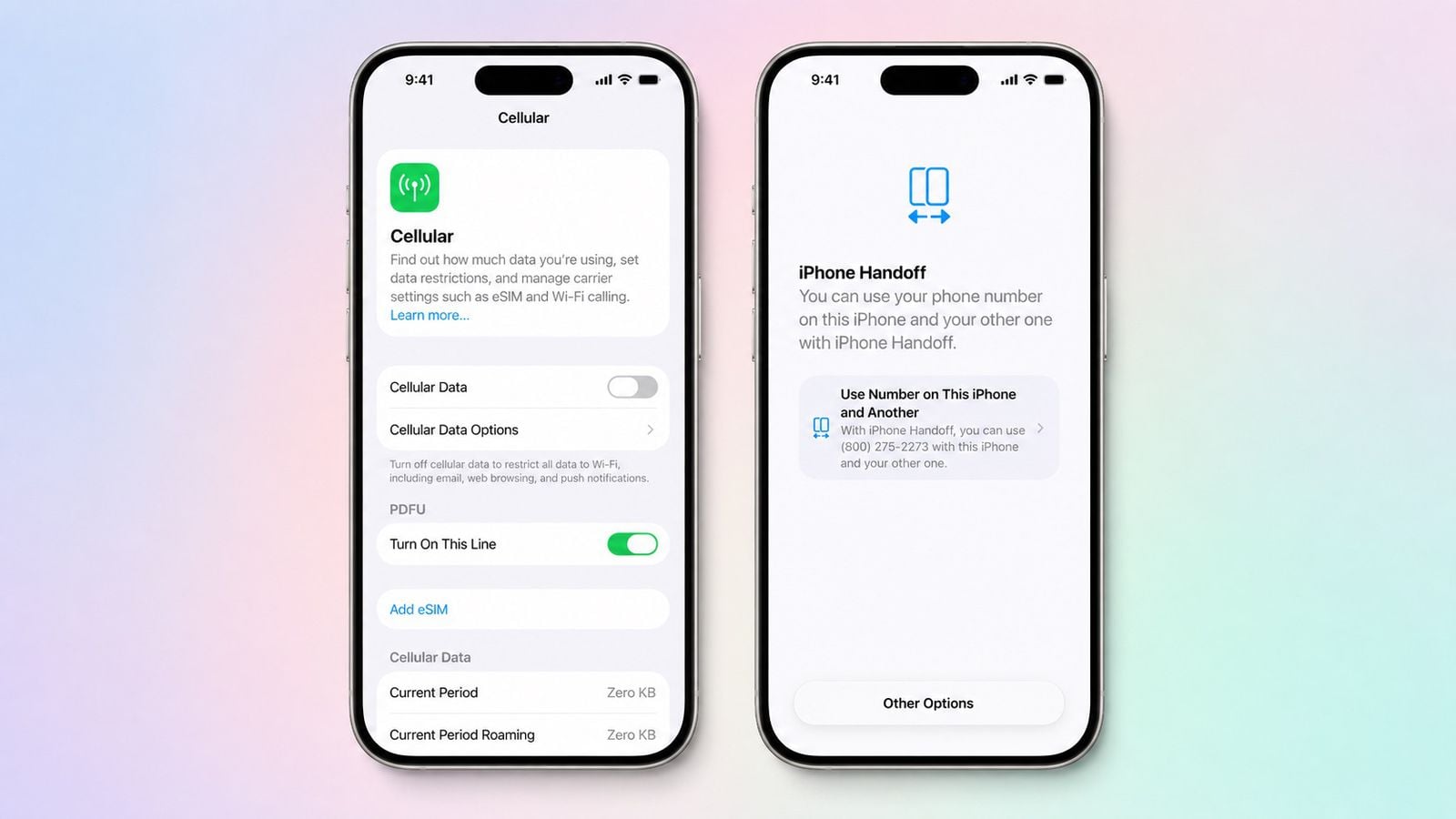
The new iPhone Handoff feature differs from the traditional Handoff feature we know in the Apple ecosystem, which is limited to following up on tasks and opening apps between Mac, iPad, and iPhone. Here, we are talking about a complete transfer of cellular and phone connectivity; the feature allows you to use the same number on two iPhones, but without the line being active on both phones at the same time like independent lines; instead, it moves automatically to the phone you pick up and start using.
Once you switch between the two phones, your phone calls, voicemail, and messages of all types—including iMessage, SMS, MMS, and RCS protocols—as well as your location in the Find My app, move to the active iPhone. You will immediately notice a confirmation notification appearing on the screen stating “Switched to this iPhone.”
As for other data linked to iCloud, it will sync perfectly as usual between your devices. Third-party apps work on both phones, noting that some sensitive apps, such as banking apps, may require you to log in again or approve access from your other device as a preventive security measure.
What are the prerequisites for running the feature?
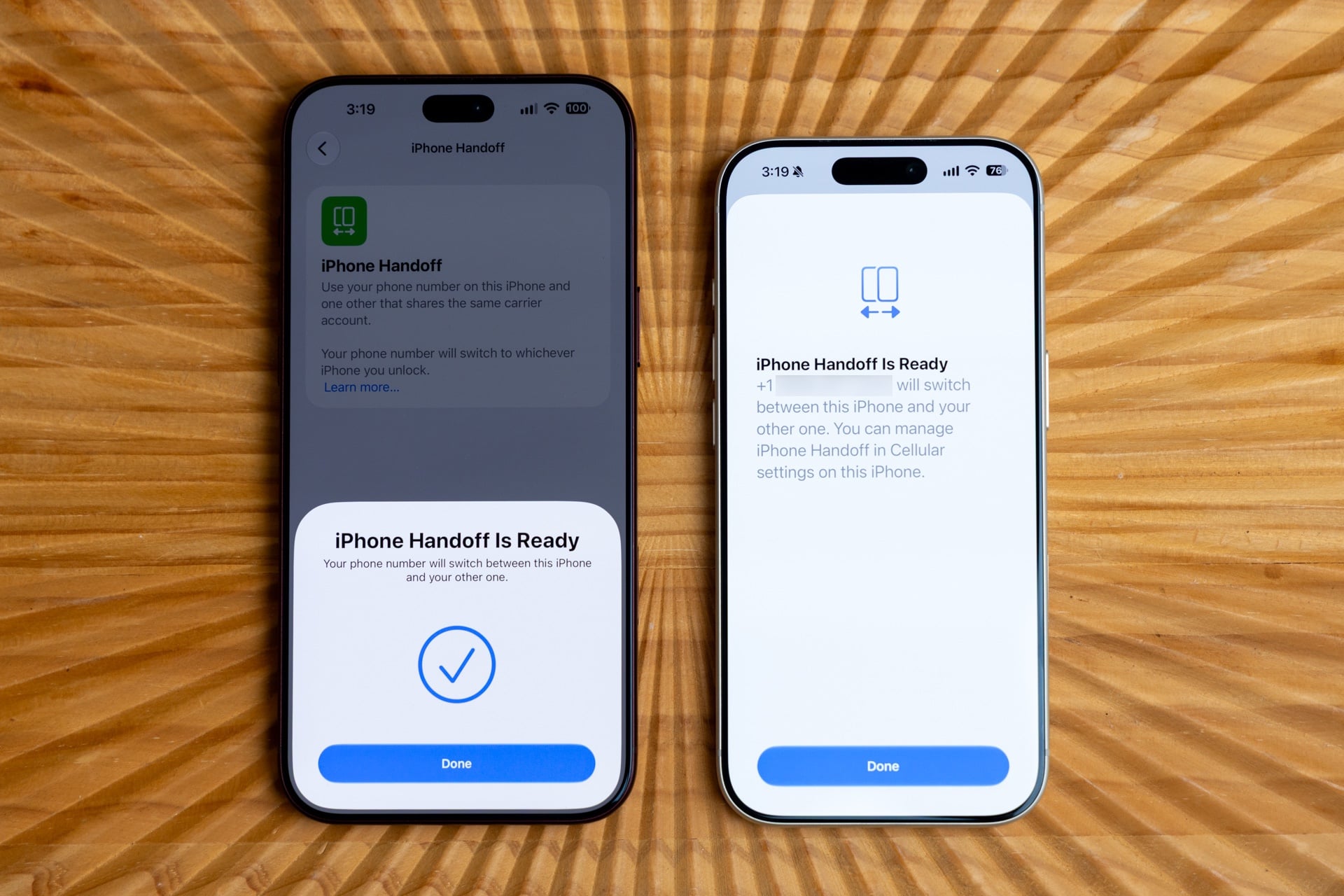
To be able to take advantage of the iPhone Handoff feature, Apple has set a set of simple criteria that ensure data synchronization and security reliably between the two phones:
- Both phones must be running iOS 27 or later.
- Both phones must be connected to the same Wi-Fi network during initial activation.
- Sign in with the same Apple Account on both devices.
- Enable the Messages in iCloud sync option.
- Sign in to FaceTime and iMessage with the same account used.
It is worth noting that the feature also supports phones using Dual SIM, provided that both eSIMs are issued by carriers that support the iPhone Handoff feature. Each SIM is set up separately, and once completed, both SIMs will transfer together simultaneously as soon as you unlock the iPhone you wish to use.
How to set up and activate iPhone Handoff step-by-step
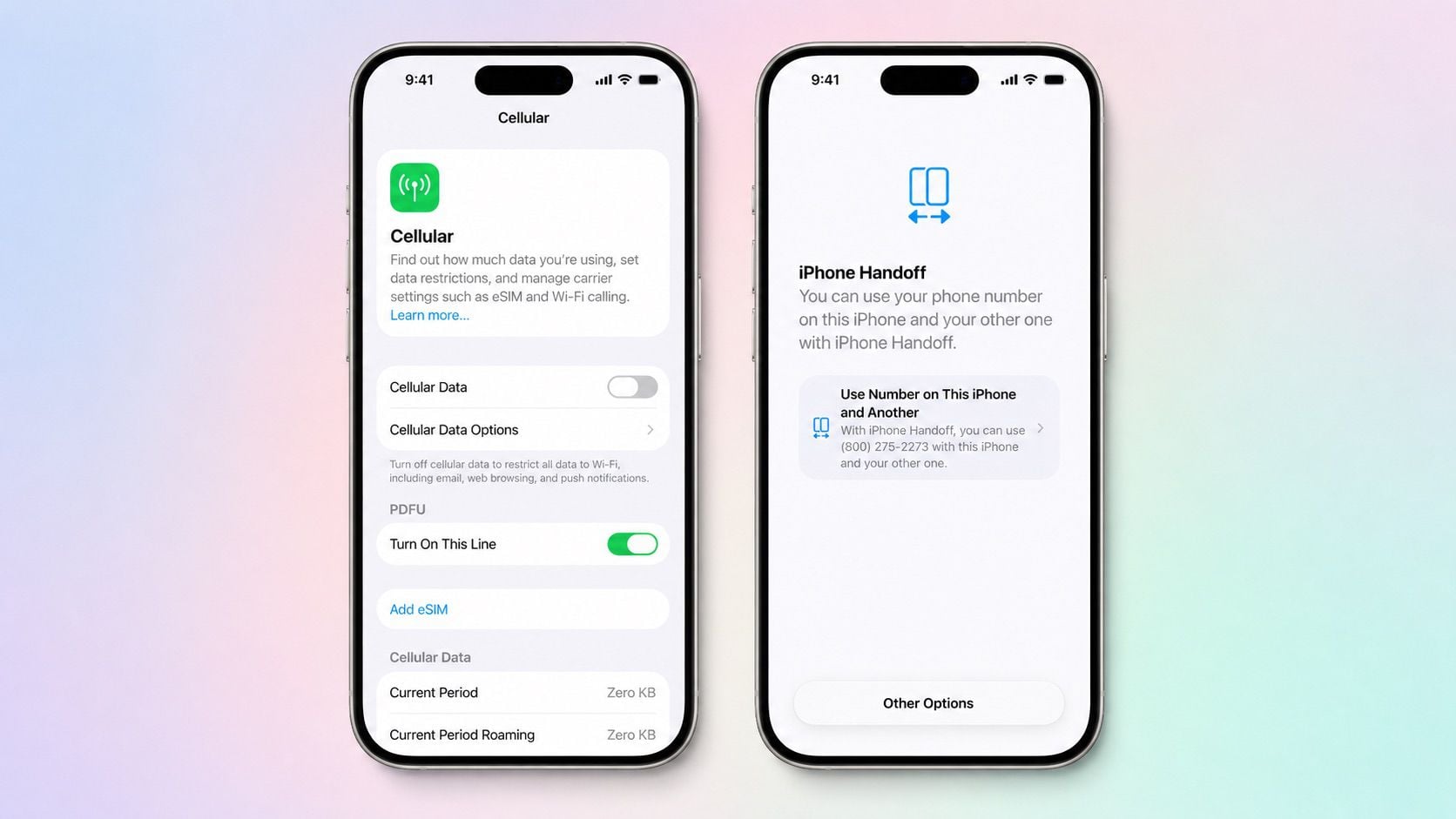
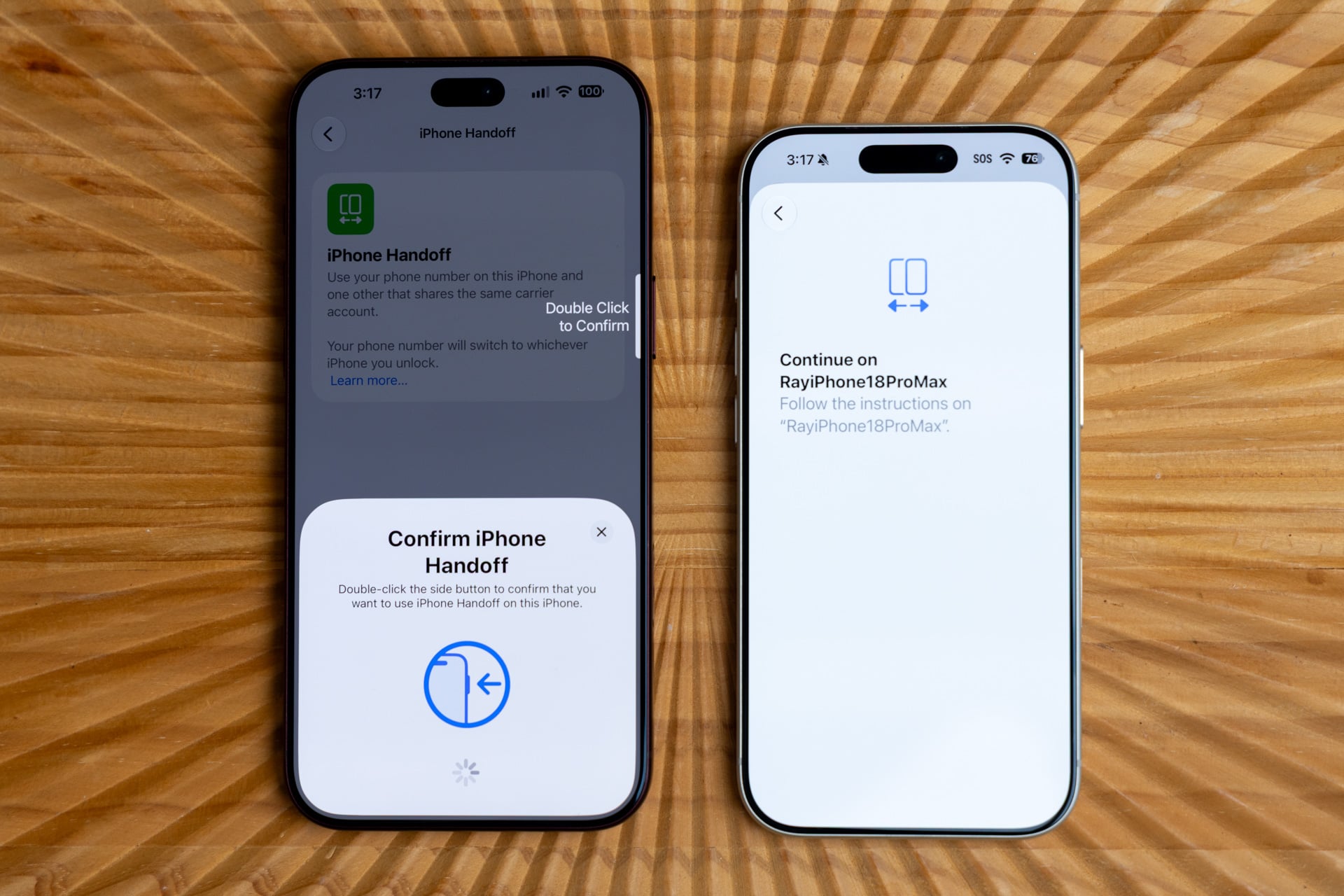
Apple has made the setup experience very intuitive; if you are setting up a new iPhone, a “Set Up Cellular” screen will appear, and all you have to do is choose “Use Number on This iPhone and Another,” then follow the simple instructions that appear on both phone screens.
If your devices are already running and in use, you can easily activate the feature through the following steps:
- Open the Settings app on the additional iPhone you want to link.
- Go to the Cellular section.
- Tap Set Up Cellular or Add eSIM.
- Choose Use Number on This iPhone and Another.
- Follow the on-screen prompts to identify your primary device (the one you rely on most of the time) and the secondary device.
After the installation process is finished, you will not need to enter any settings again; as soon as you unlock either phone via Face ID or passcode, your phone number will automatically transfer and become active on that device in the blink of an eye.
Supported carriers and subscription cost
Since the feature requires deep integration with cellular network infrastructure, its availability depends on carrier support. Currently, T-Mobile has officially launched the feature in the United States for a nominal monthly subscription of $5, while Deutsche Telekom offers it in Germany for €6.95 per month for plans that do not include a multi-SIM, while it is available for free within MagentaMobil L and XL plans.
Verizon in the US and EE in the UK have announced their intention to launch support for the feature later this year, while AT&T remains silent so far, pointing to existing eSIM transfer and activation options instead of adopting the new feature immediately. Other companies around the world have not yet announced their pricing plans.
Key points and warnings to know before using
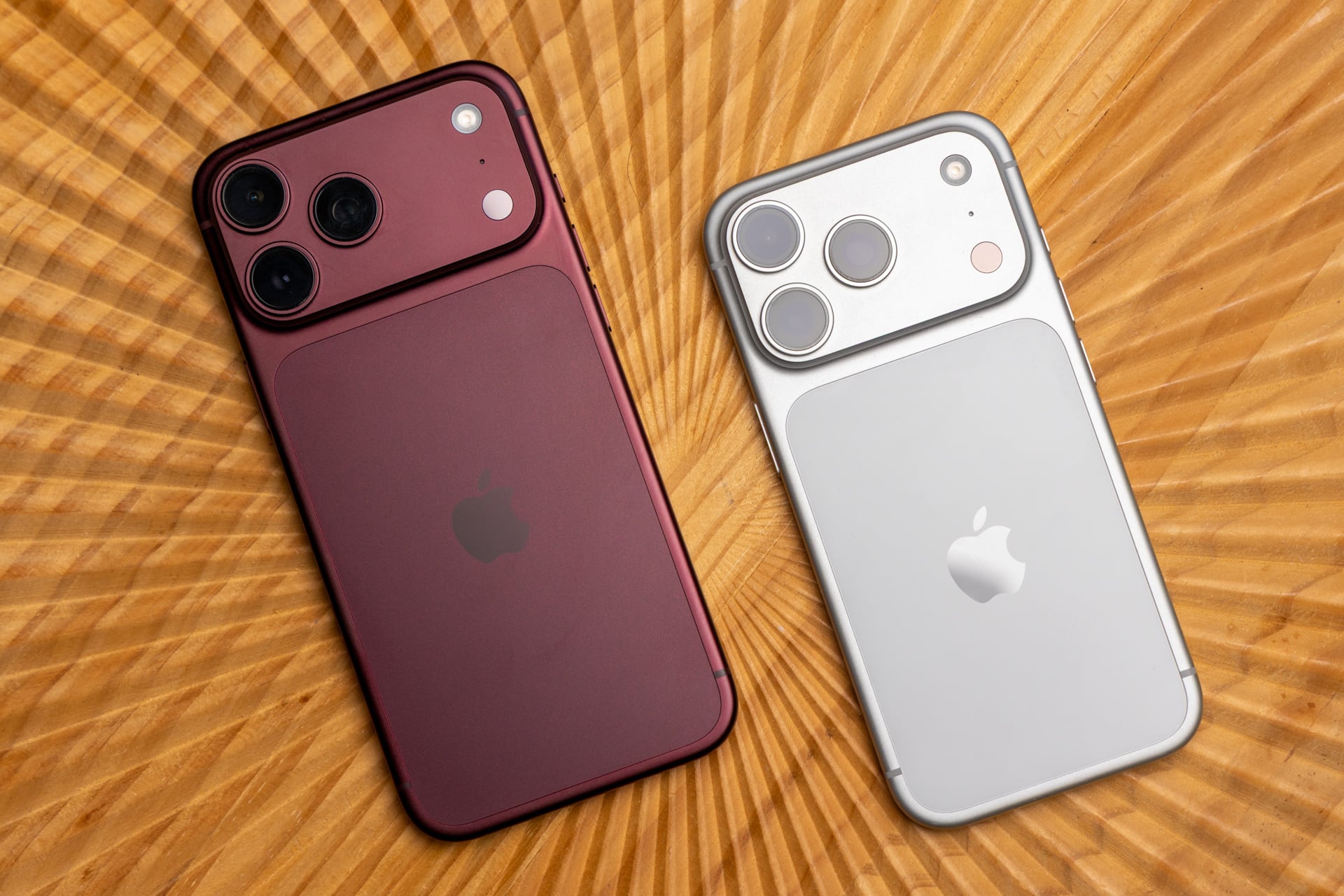
Despite the technical brilliance of the iPhone Handoff feature, there are important details to keep in mind to ensure a surprise-free experience. The first of these details concerns the Apple Watch; the watch will not automatically change its pairing when your phone number moves from one device to another, so you must keep your watch paired with the iPhone you intend to use primarily most of the time.
The same applies to the Apple Wallet app; some digital cards, IDs, and transit passes may be limited to working on only one device at a time for security reasons. Also, managing your cellular SIM account with the network operator and some services like call forwarding and caller ID will remain directly linked to your primary iPhone, not the secondary one.
If you decide to replace one of the phones with a new device, you will need to transfer the eSIM via the Cellular options in Settings while placing the two devices next to each other, while the SIM will be automatically deactivated on the old phone. If you want to cancel the use of the feature permanently, simply deleting the eSIM from the settings is not enough; you must contact the carrier directly to cancel the service from your monthly subscription to avoid continued billing.
Source:

Leave a Reply