The idea of a magical app that can extend your phone’s battery life with a single tap has always been highly appealing, whether you use an iPhone, iPad, or even a laptop. However, as surprising as it may seem to some, these apps are not as useful as they are promoted in flashy advertisements. On the contrary, a battery-saving app might actually cause more power drain, or worse, it could be a front for malware designed to steal your data. So, why do we still fall into the trap of these apps despite technological advancements?
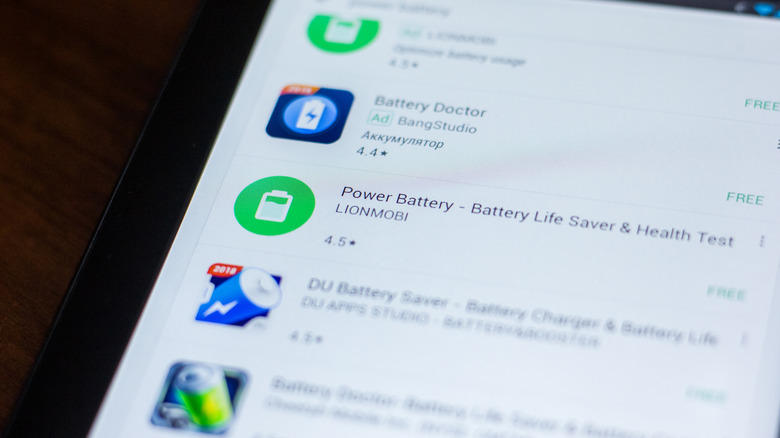
Why might these apps make things worse?
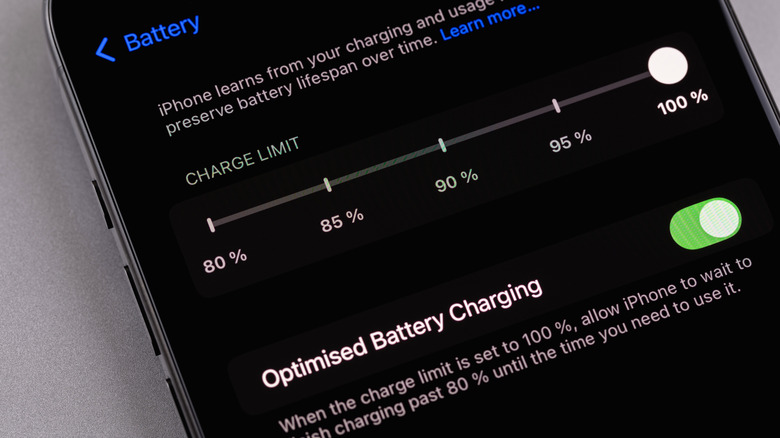
To begin with, you must realize that modern smartphones, especially iPhones, come equipped with a wide range of built-in optimization tools specifically designed to extend battery life. These tools intelligently monitor activity and limit anything unnecessary, from network usage to background apps. Features like “Optimized Battery Charging” learn your daily usage pattern to reduce chemical battery aging; these are features rooted in the operating system itself that no third-party app can outperform.
When you install a third-party battery-saving app, it is simply trying to perform the same tasks the system is already doing. This means you are sacrificing storage space and system resources for no real benefit. More dangerously, these apps may conflict with native system optimizations, leading to worse battery performance. Many of these apps forcibly terminate inactive processes, which offers no real benefit; it may actually increase battery drain because those processes will try to restart automatically, trapping the phone in a vicious cycle that exhausts the processor, RAM, and battery all at once.
Disabling unused features is the real solution
If battery-saving apps are just an illusion, what actually works? The answer is simple: leave the task to the operating system. iOS and Android systems are now more efficient than ever at managing their resources. Instead of relying on third-party apps, you can manually turn off “Background App Refresh” to reduce unnecessary activity. Also, disabling features you are not actively using, such as turning off Wi-Fi when using cellular data or turning off Bluetooth when not connected to any device, effectively reduces power consumption.
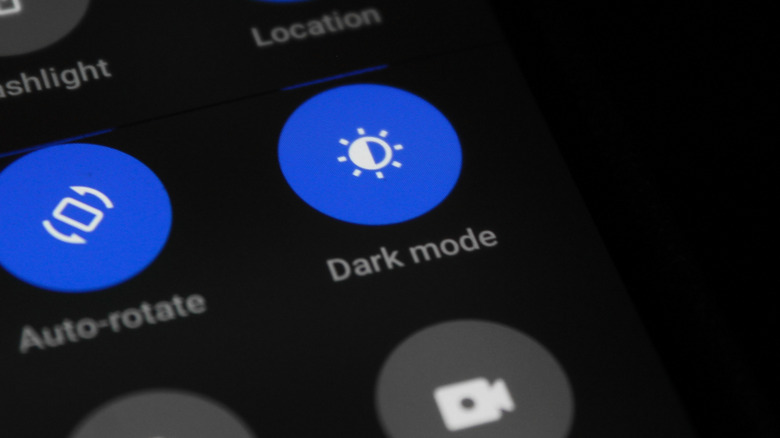
The phone screen is one of the most power-consuming components. Making simple adjustments like manually reducing brightness or enabling auto-brightness can make a big difference. Switching to “Dark Mode” also helps significantly, especially on iPhones with OLED screens, as bright white colors consume much more power than dark colors. And don’t forget to review location and microphone permissions; some apps access them in the background constantly, draining the battery silently.
Ultimately, these simple and smart changes will give you longer battery life compared to what most alleged saving apps offer. The only reason you might consider a third-party app is if you want deep technical statistics about battery health and charge cycles; however, most of this information is now clearly available within your iPhone settings without the need for any add-ons.
Source:

Leave a Reply