Competition in the world of artificial intelligence on computers is heating up like never before. While everyone awaits what Apple will offer with the upcoming macOS 27, Google has decided to take the initiative by integrating the new Gemini Spark tool into its dedicated Mac app, aiming to provide true automation or automatic control of files and daily tasks, bypassing the current limitations of the Siri smart assistant.
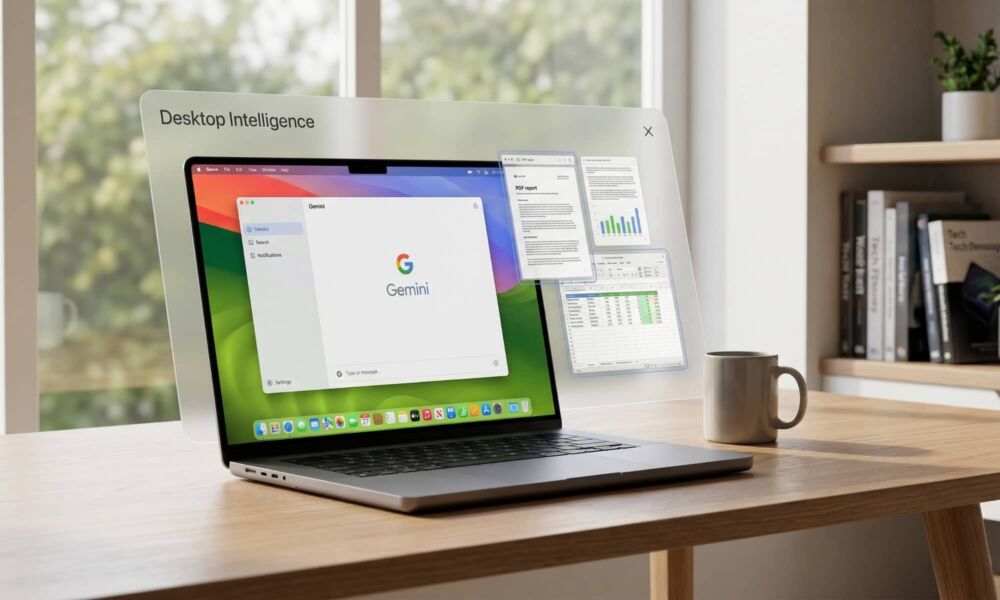
From a mere web interface to true desktop intelligence
Since the launch of the Gemini app for iPhone in late 2024, and its native arrival on Mac devices last April, the app lacked actual integration with the operating system. It was effectively just a sleek wrapper for the browser version, allowing for some shortcuts and simple screen reading, without any ability to interact directly with the desktop system.
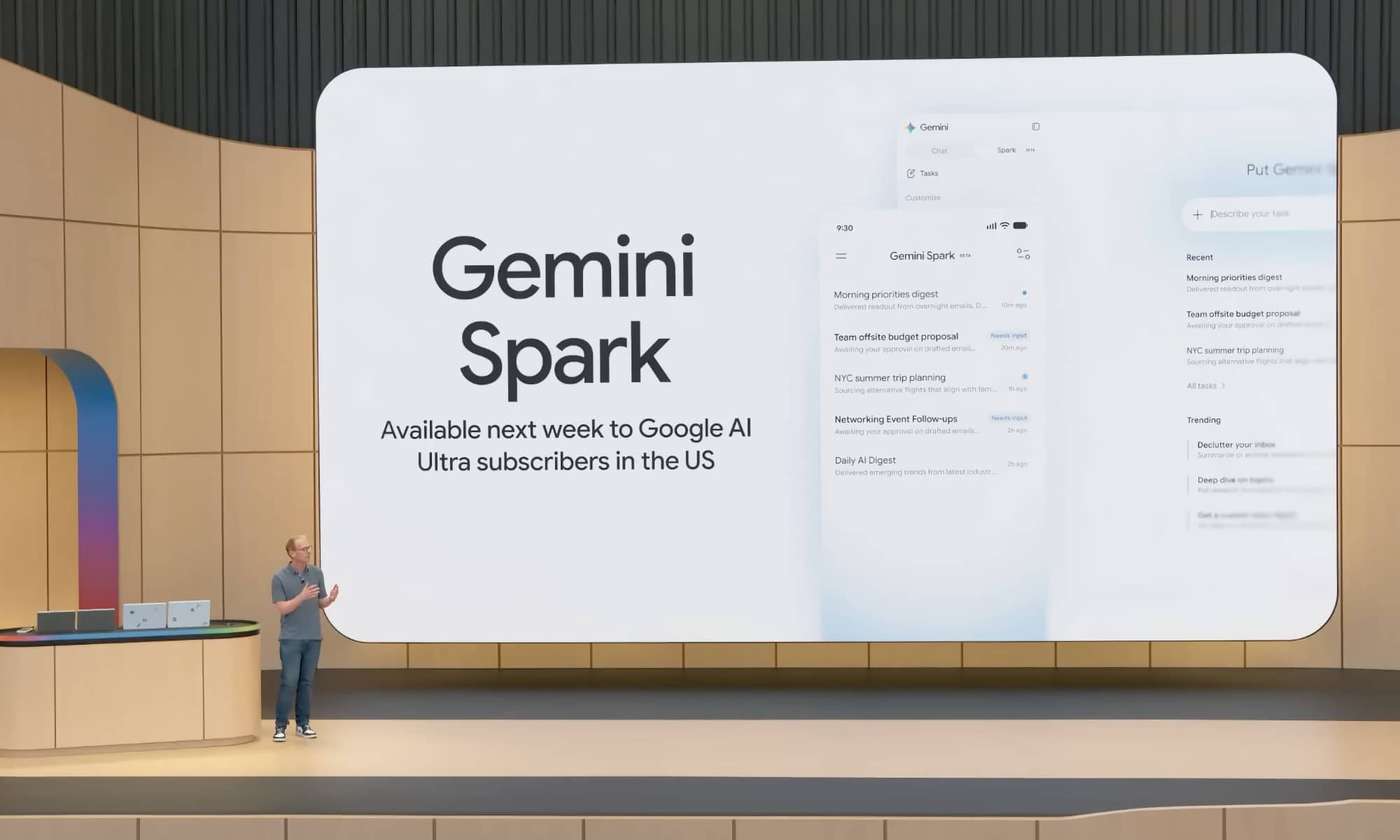
The Gemini Spark feature, unveiled by Google at the Google I/O developer conference, represents the mastermind of “Agentic AI.” By relying on Google’s powerful cloud infrastructure and structured APIs, this tool enables deep integration with office services like Gmail, Google Drive, and Calendar to execute sophisticated and interconnected workflows automatically.
How does Gemini Spark work on Mac?
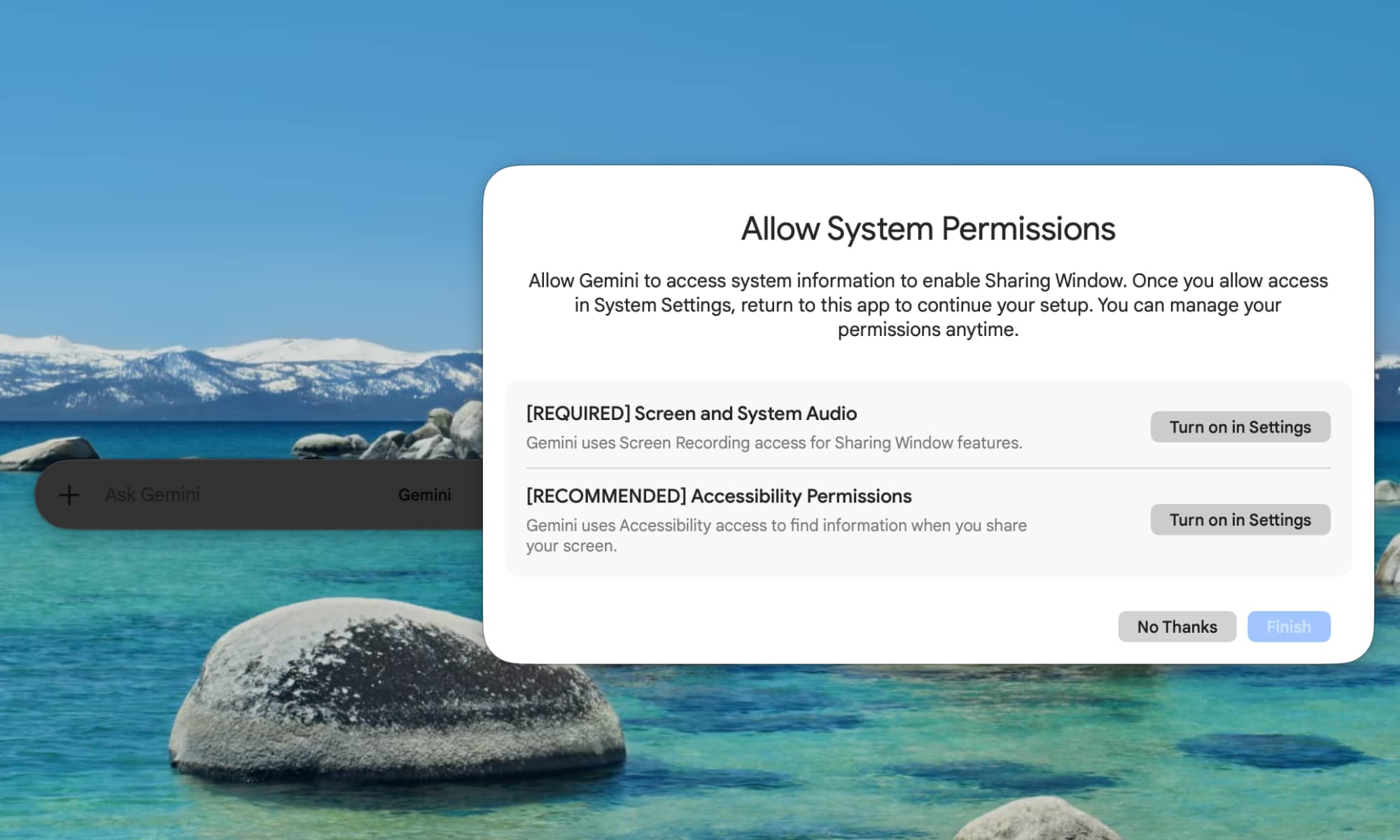
Thanks to the new update, the Gemini app on Mac can now penetrate your local file system—after receiving explicit security permission from you, of course. This authorization enables the automation of tasks that previously required a lot of time and effort, such as organizing a messy Downloads folder or extracting data from locally stored purchase invoices and converting them directly into an organized spreadsheet in Google Sheets.
What is truly exciting are Google’s future plans; it seeks to provide an update that allows users to run these tasks remotely via their iPhones. For example, you could ask your phone while on the go to search for a specific sales report on the Mac sitting on your desk, extract the total profits from it, and then send it via email without needing to go near your computer.
The beta fence and the high subscription cost

Despite all these impressive features, Google is placing a tight fence around Gemini Spark for now. The feature is still in its Beta stage and is exclusively available to Google AI Ultra subscribers over the age of 18 within the United States only. Additionally, subscribing to this plan requires paying a hefty $100 per month, which represents a significant barrier for general users, pending Google expanding the feature’s availability and pricing more affordably in the future.
Where do Apple and Siri stand in this exciting race?
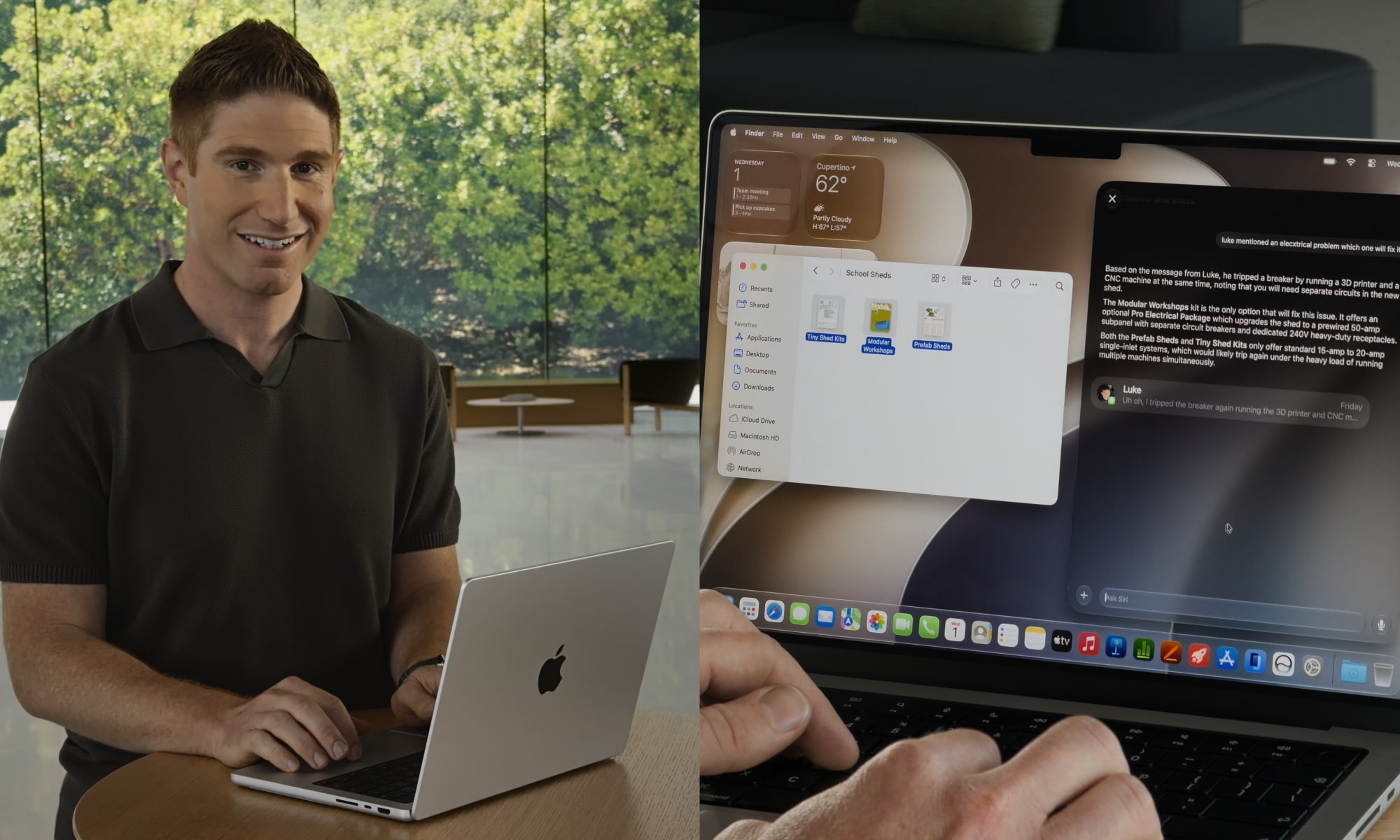
As Apple prepares to launch the macOS 27 Golden Gate operating system this fall, along with its upgraded Siri AI, it seems the company is starting from a lagging position in the field of Agentic AI. During the feature showcase at the Worldwide Developers Conference (WWDC), Apple demonstrated Siri’s ability to interact with files, but it relied on the user manually selecting the file and presenting it via the usual context menus.
Currently, Siri can be used to search for files, but it completely lacks the ability to manage or organize them autonomously and automatically. While some might prefer Apple’s cautious approach as it ensures privacy protection and prevents AI from tampering with personal files independently, reality forces Apple to accelerate the pace of its tool development to keep up with the technical leaps achieved by Google and other competing companies.
Source:


Leave a Reply