Most smartphone users try to minimize the time they spend waiting for their battery to finish charging, especially with the increasing reliance on phones for work, communication, and entertainment. This is why tips occasionally circulate claiming that enabling airplane mode while charging gives the battery an extra boost and fills it in less time. But is this trick effective? That is what we will find out in the following lines as we examine the reality of the impact of airplane mode on smartphone charging speed and when it might be useful.
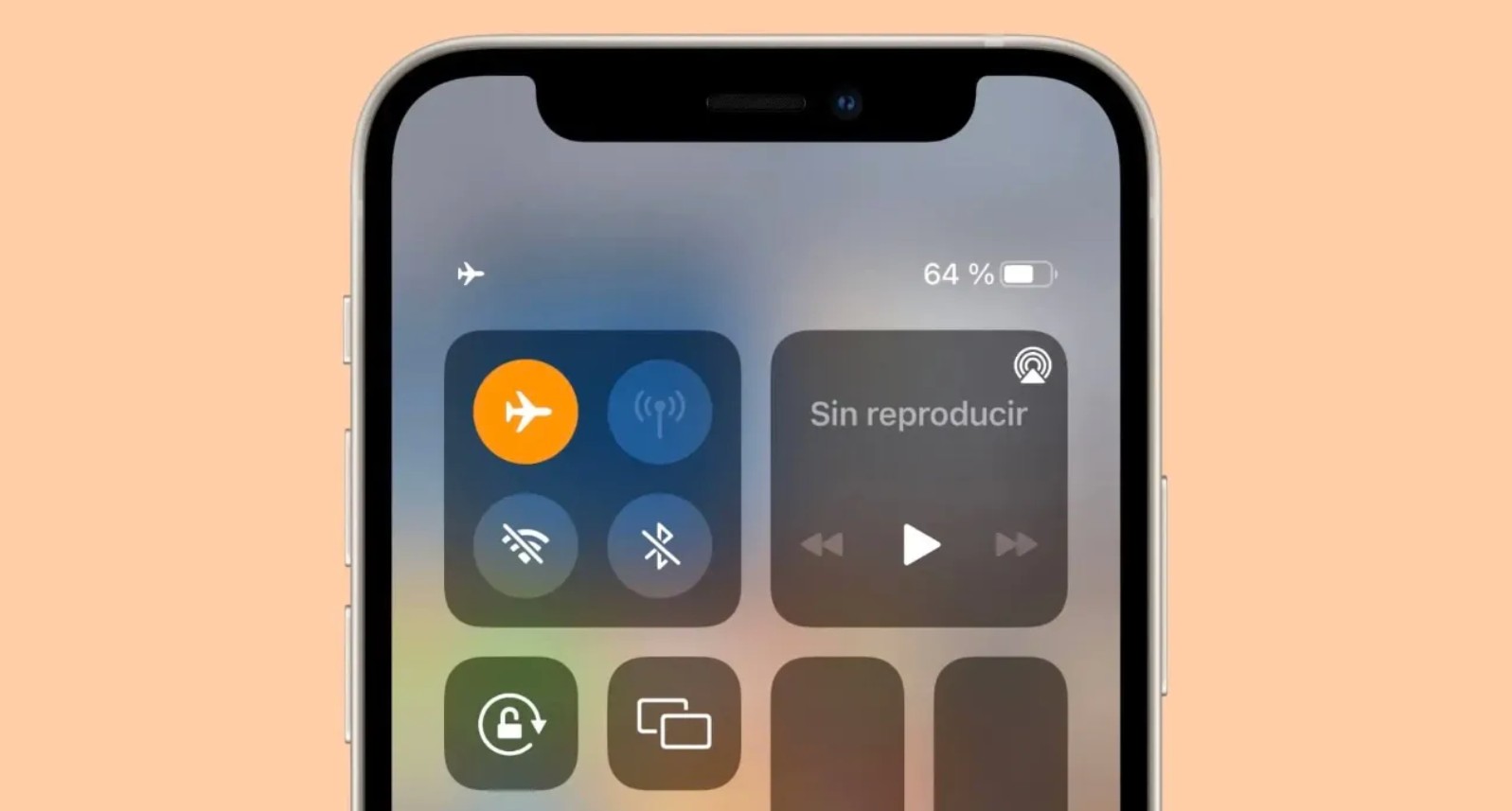
What happens when you turn on airplane mode?
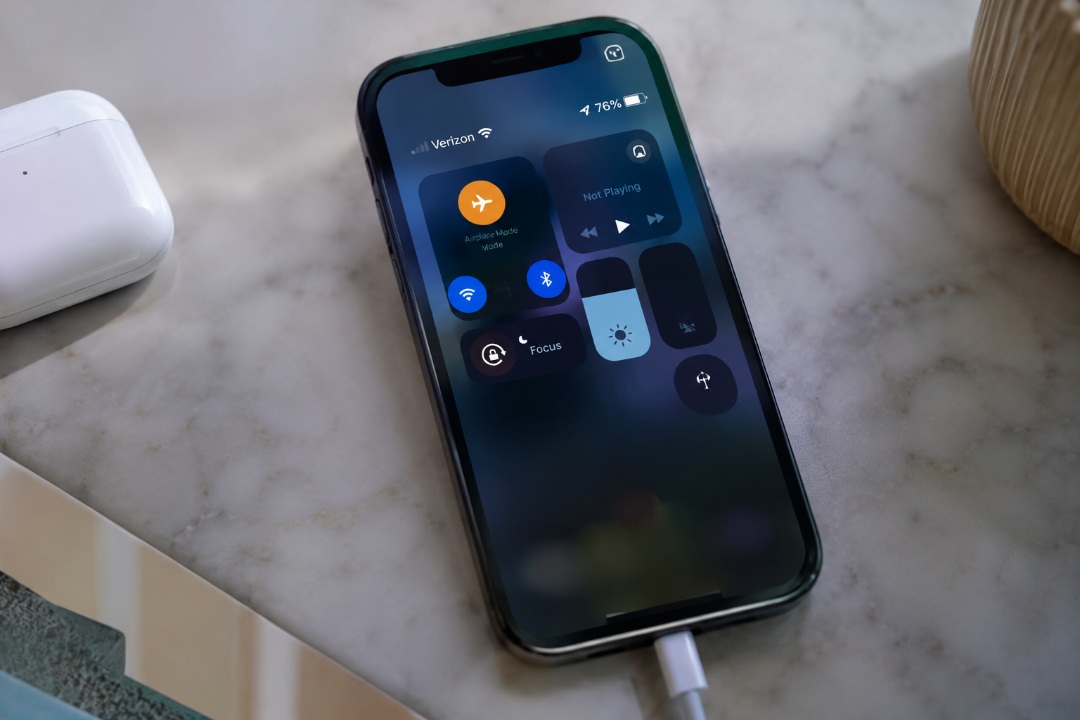
Airplane mode was primarily designed for use during flights, as it disables all wireless communications to prevent signal interference with aircraft systems. However, this feature also has another benefit, as it helps reduce battery consumption when you are away from a charger because the phone stops constantly searching for towers and networks. Nevertheless, the benefit of this feature while charging remains limited, especially with modern phones that have become more efficient at power management.
Does airplane mode speed up the charging process?
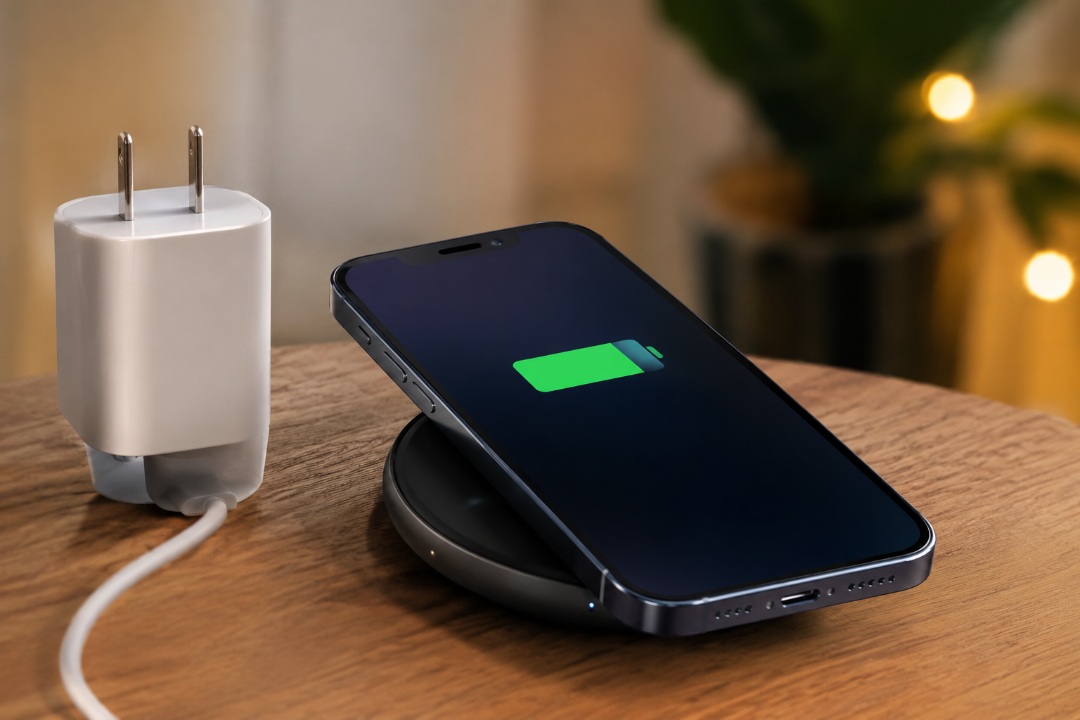
The answer is yes, but with a slight difference; tests have shown that using airplane mode only saves between 4 to 11 minutes of charging time. This applies to older models as well as newer, more efficient phones.
Enabling airplane mode causes the phone to stop running most wireless communication methods, which includes:
- Mobile network.
- Wi-Fi.
- Bluetooth.
- Receiving notifications and data over the internet.
Since the phone stops constantly searching for networks and receiving data, power consumption during charging decreases, allowing a larger portion of the power coming from the charger to be directed to the battery.
Why is airplane mode not the best option?

Although the phone charges slightly faster, the trade-off may not be practical for most users. Because when airplane mode is enabled, the following happens:
- You will not receive calls.
- You will not receive messages.
- Communication apps will stop working.
- Internet services will not work unless you manually re-enable Wi-Fi on some devices.
- Phone usage will be limited to offline functions.
Therefore, sacrificing all these functions for the sake of saving just a few minutes does not seem like a winning deal for most users.
How to charge your phone faster?
Instead of relying on airplane mode, there are steps that give you a real difference in charging speed. For example, use a charger that supports the maximum capacity of your phone, as not all phones come with a charger that takes advantage of the maximum charging speed supported by the device.
For instance, some phones do not include any power adapter in their box, such as the iPhone 17 series which supports wired charging up to 40 watts. Likewise, the iPhone Air, which supports 20-watt charging. Furthermore, some modern Samsung phones are sold without a charger in the box. Therefore, make sure to buy an original or certified charger that supports your phone’s maximum capacity.
Also, you should not neglect cable quality, because even with a fast charger, the cable might be the reason for slow charging. That is why it is recommended to use a USB-C to USB-C cable if the phone supports it, while avoiding cheap or damaged cables that may reduce charging efficiency.
As for if your phone supports the Qi2 standard, using a compatible wireless charger gives you better speed and higher stability compared to traditional wireless chargers.
Is it worth it?
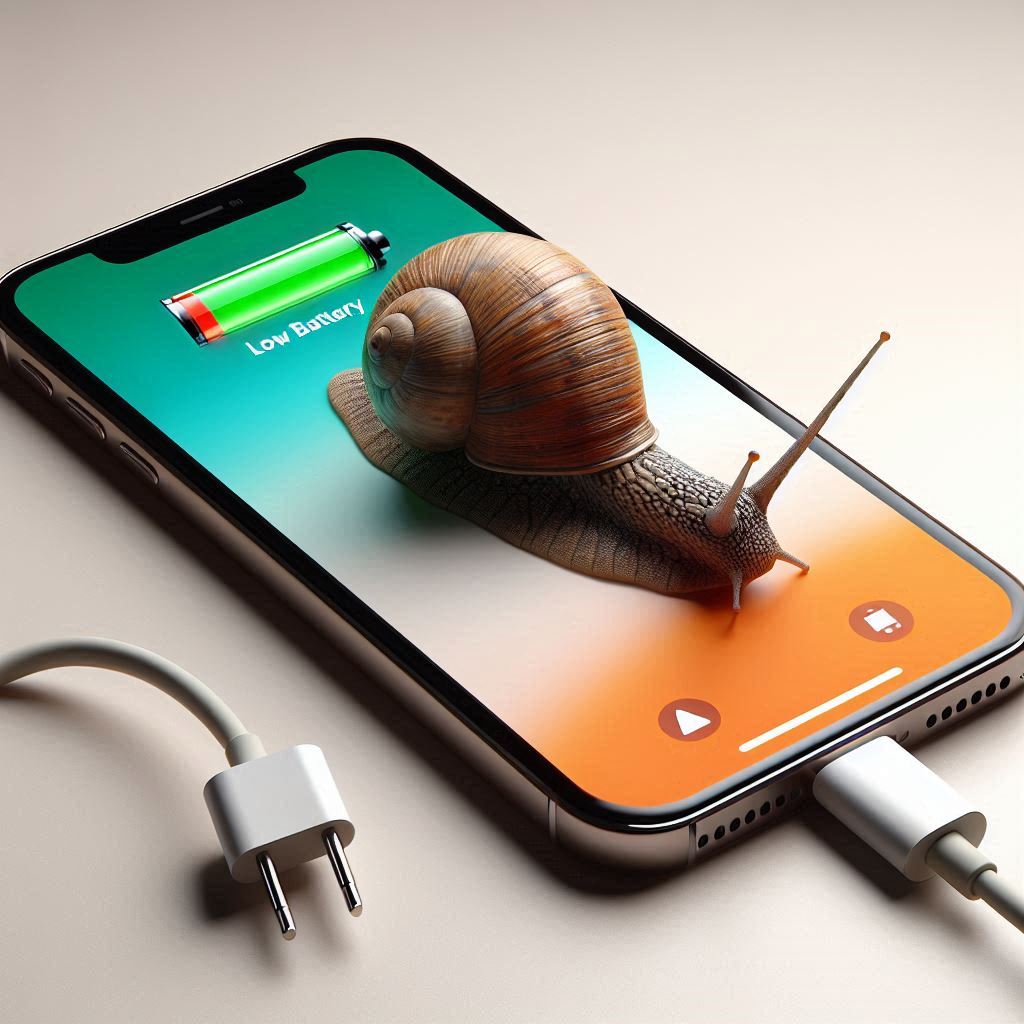
If you are in an emergency situation and need as much charge as possible within a few minutes, turning on airplane mode might be limitedly useful. As for daily use, investing in a fast charger, a good cable, and reducing phone usage while charging will give you much better results than relying on this trick, which only saves a slight difference in charging time.
In the end, airplane mode cannot be considered a magic way to speed up charging; it is just an option that may help in specific circumstances, while the quality of the charger and how you use the phone remain the most influential factors in the iPhone battery charging speed.
Have you tried charging your phone in airplane mode before? Share your experience in the comments!
Source:

Post Comment