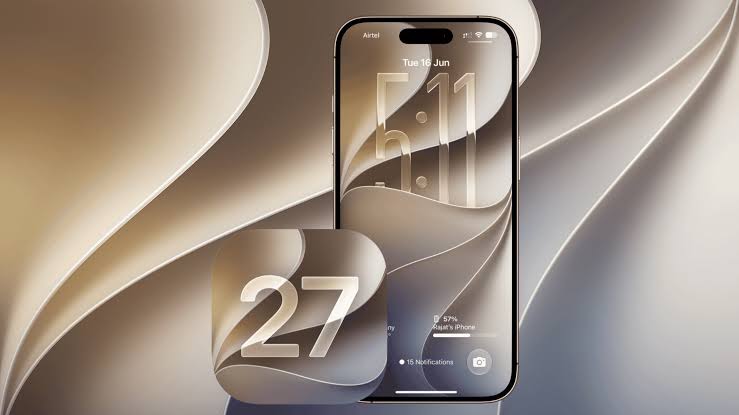
The moment an iPhone restarts after installing a new annual operating system update holds a special allure for Apple enthusiasts. After the installation is complete and the familiar welcome screen appears, the real exploration begins. iOS 27 brings a comprehensive set of improvements that directly impact daily device usage, but amidst this multitude of changes and details, users may wonder about the ideal starting point and the best features worth trying immediately. This guide highlights seven key features that will give you the best and fastest experience right after the update.
1. Redesign the home screen and freely rearrange icons
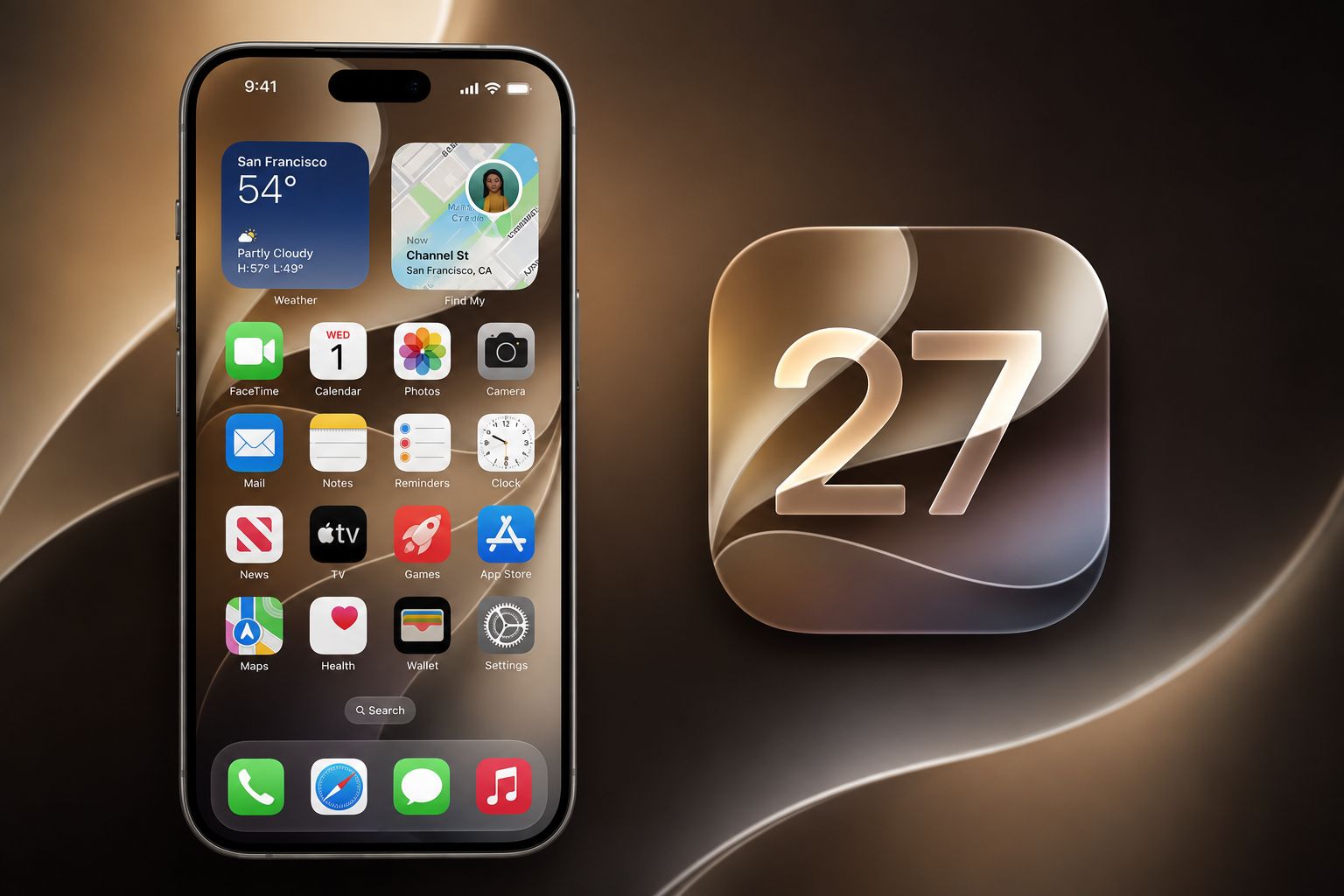
For decades, Apple enforced a rigid grid system that forced icons to be arranged sequentially from top to bottom, but with this update, you can finally place apps and widgets anywhere on the screen. This means you can leave blank spaces to showcase your favorite wallpaper details, or arrange icons at the bottom for easier one-handed access when using larger iPhone screens.
In addition to the freedom of arrangement, the system added advanced options for coloring icons and changing their appearance to perfectly match dark mode or a uniform color scheme of your own choosing, giving your device a unique visual appearance that reflects your own taste in an unprecedented way in the history of iOS systems.
2. A reconfigurable and expandable control center
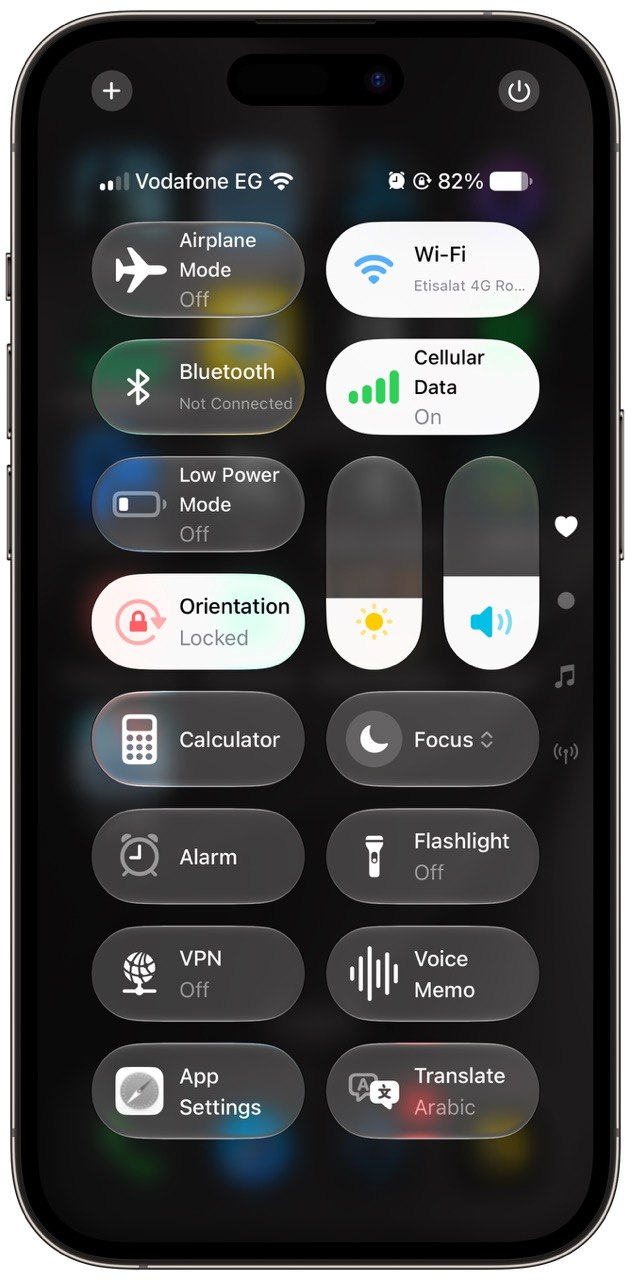
The Control Center is no longer just a static window with predefined buttons; it has transformed into a dynamic toolbar where you can customize every detail. The system now allows you to rearrange and resize controls with complete freedom, so you can enlarge frequently used buttons like the media player or contact shortcuts, and shrink less frequently used ones to save space.
Also new is the division of the control center into multiple groups or pages that are easy to scroll between vertically; one page is dedicated to media, another to smart home devices, and a third to advanced connectivity options, with the ability to integrate shortcuts to external applications directly to work without the need to open the application itself.
3. An interactive revolution in messaging and daily communication applications
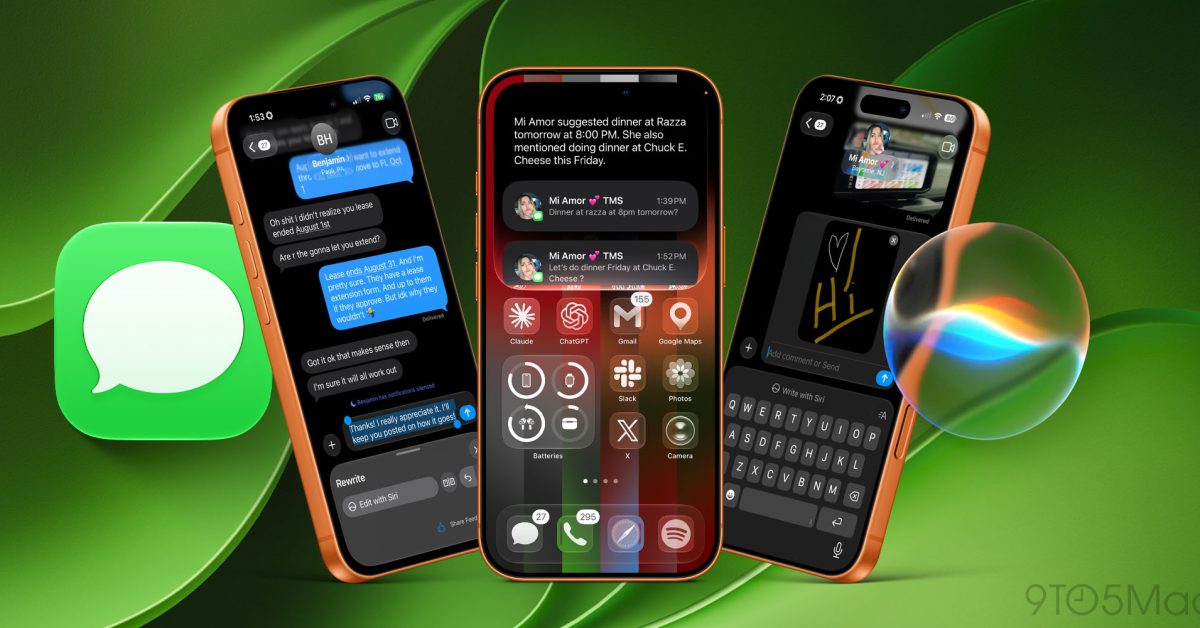
The Messages app has received a significant number of upgrades that make everyday conversations more dynamic and flexible. One of the first additions you'll notice is the message scheduling feature, which allows you to compose an important message and precisely schedule its delivery for later, whether it's a midnight greeting or a reminder during work hours.
Furthermore, quick interactions have become more varied so that you can interact with any emoji you want, in addition to animated text effects that make words shake or expand to express emotions in a playful way, along with expanded support for modern messaging protocols that ensure seamless exchange of high-resolution media with other platforms.
4. New layers of protection: Lock and completely hide apps
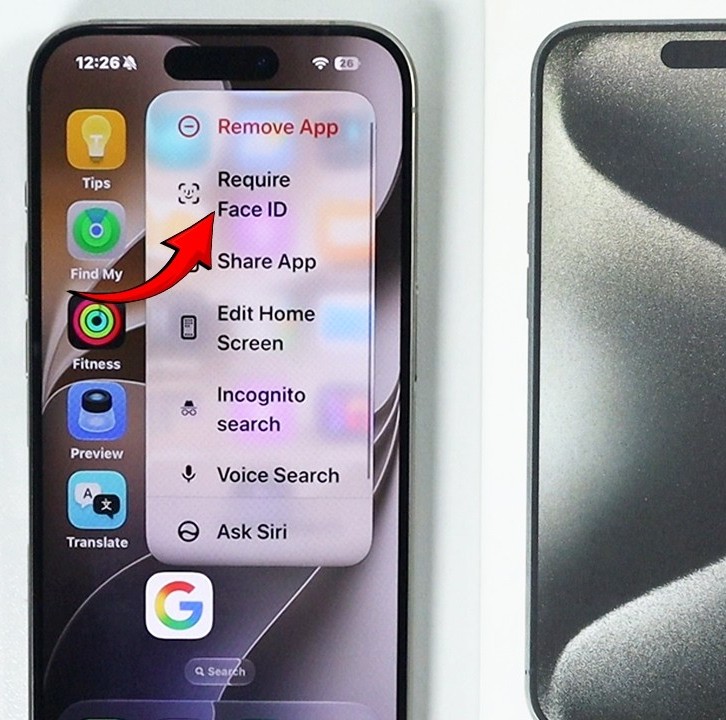
Apple continues to enhance privacy by offering users a long-awaited feature: locking any individual app using Face ID or a passcode. Once this lock is enabled, anyone who has your device will not be able to view the app's content or even see its notifications and previews on the general system screens.
The options don't stop at just locking; you can move any sensitive application to a private, hidden, and fully protected folder in the application library, where the application disappears from the home screen and search results completely, so you can enjoy complete peace of mind and absolute privacy for your personal and financial data.
5. Built-in artificial intelligence and smart writing tools
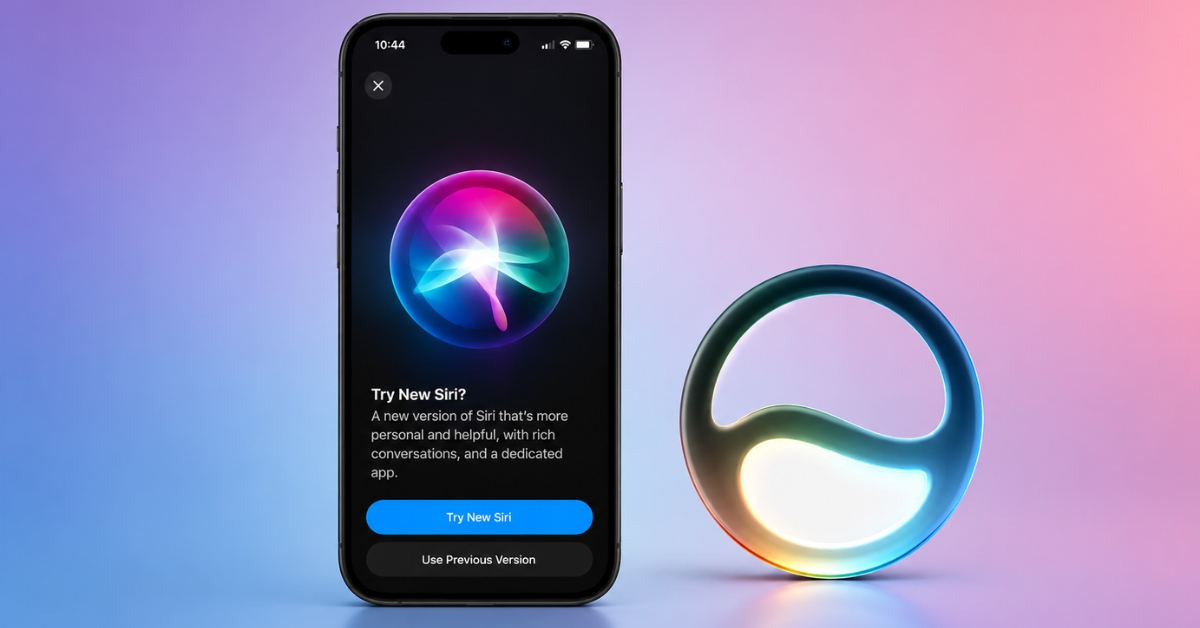
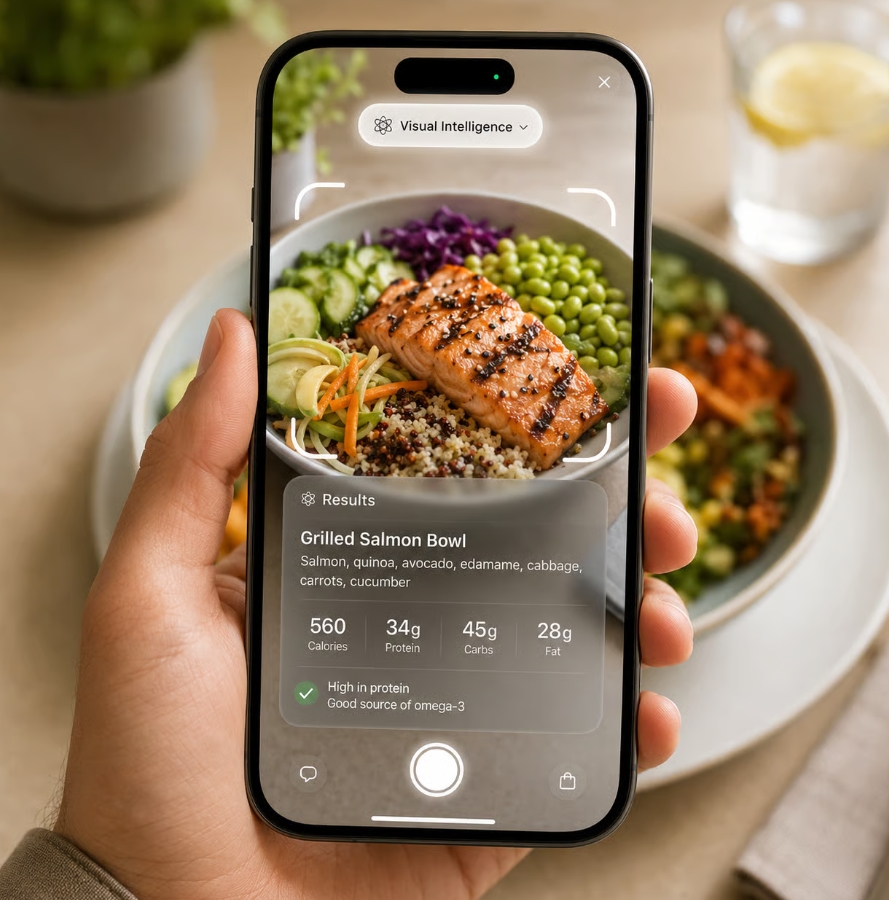
The artificial intelligence built into the system represents a qualitative leap in the way tasks are accomplished; the system can now summarize long articles and notes with a single click, as well as provide smart suggestions for rephrasing and proofreading texts across various core applications and writing boxes.
What distinguishes this system is that most complex operations are performed directly on the device's processor, which maintains response speed and ensures data confidentiality without the need to send your sensitive details to remote servers, so that the smart assistant is your true support in organizing your schedule and managing your daily priorities.
6. A unified image application and the magic of smart search.
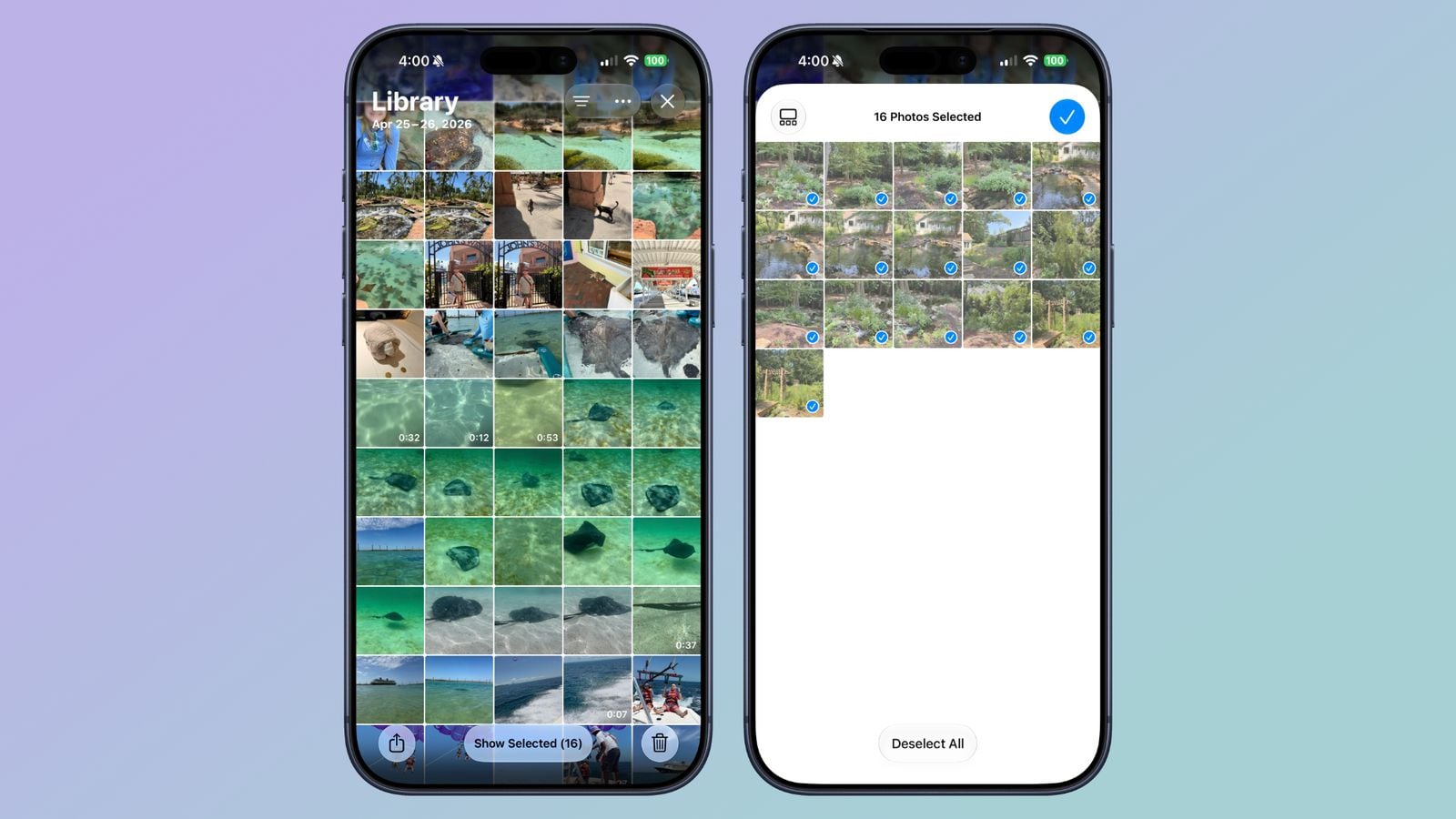
The Photos app has received the biggest redesign in its history; the system has gotten rid of traditional tabs in favor of a single, unified display interface that combines the latest photo grid with intelligently organized collections by days, trips, and your favorite people to make it easier to recall your best memories.
The search tool has also become more adept at understanding complex natural language phrases; you can write a precise description of what you are looking for in a particular scene, and the system will find it in fractions of a second. In addition, there are tools for easily removing unwanted elements from images with results that look natural and polished.
7. Advanced power management and charging cycle control
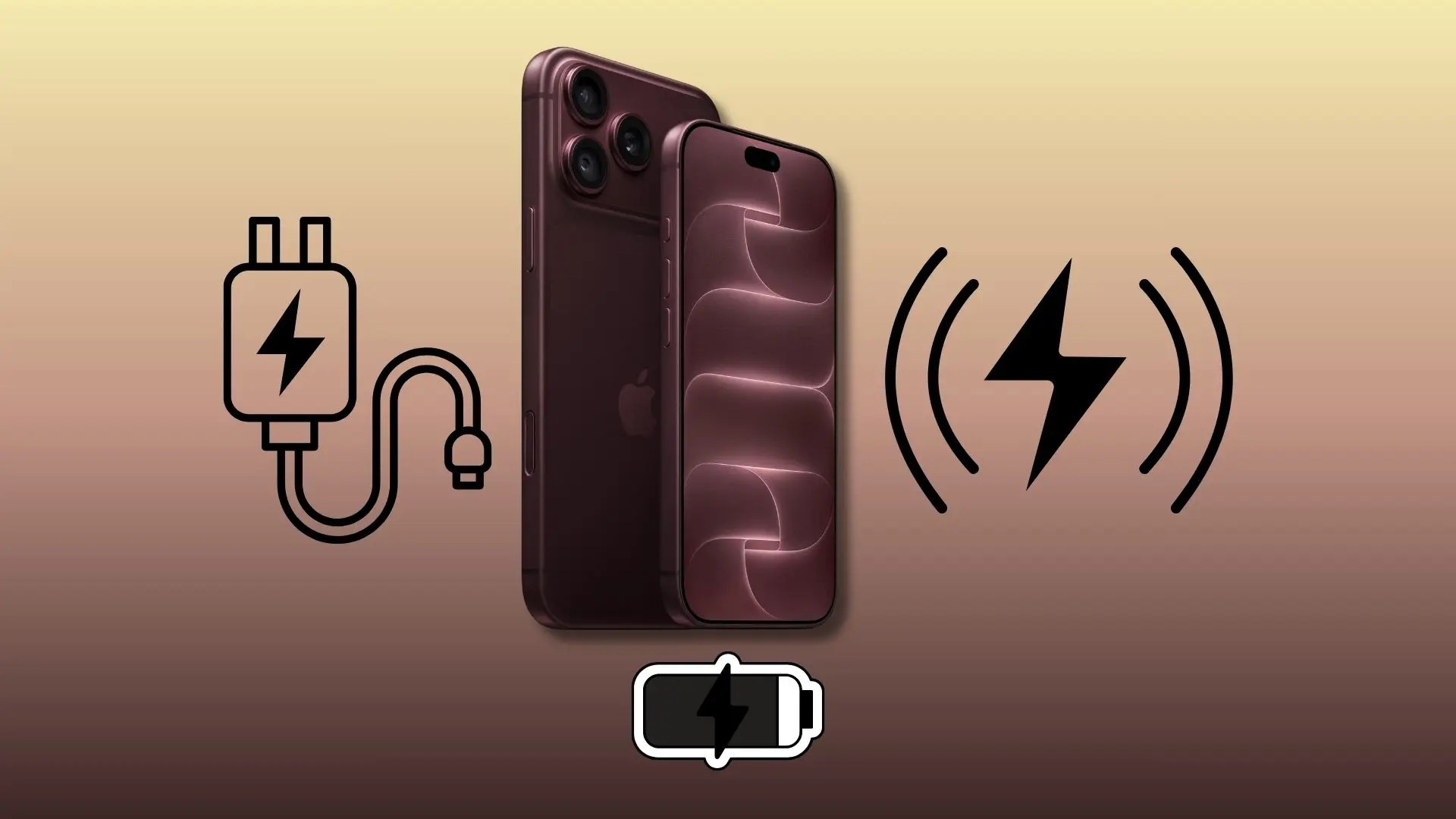
One of the most important things to check immediately after the update is the battery settings; the system now offers more precise charging management options to extend the lifespan of battery cells. You can now set daily charging limits to prevent your device from using up full charge cycles if it's plugged in for extended periods.
The system also provides intelligent analysis of background power consumption, identifying applications that are abnormally draining resources after the update, helping you adjust permissions and restore full stability to normal performance and battery life within a few days of installing the update.
Source:
Leave a response