With the implementation of winter time and the clocks being set back one hour in many countries around the world, Apple device users woke up expecting, as usual, that their smart devices would automatically adjust the time without any intervention. And indeed, the process was smooth on most devices, except for the Apple Watch, which decided to have its own surreal experience. Some users were surprised to find that the watch seemed to be operating in two different time zones simultaneously! As soon as you leave your wrist in the sleep mode, the always-on display shows the old time, and as soon as you raise your wrist to activate the screen, the hour hand jumps a full step backwards before your eyes, as if you were traveling through time.
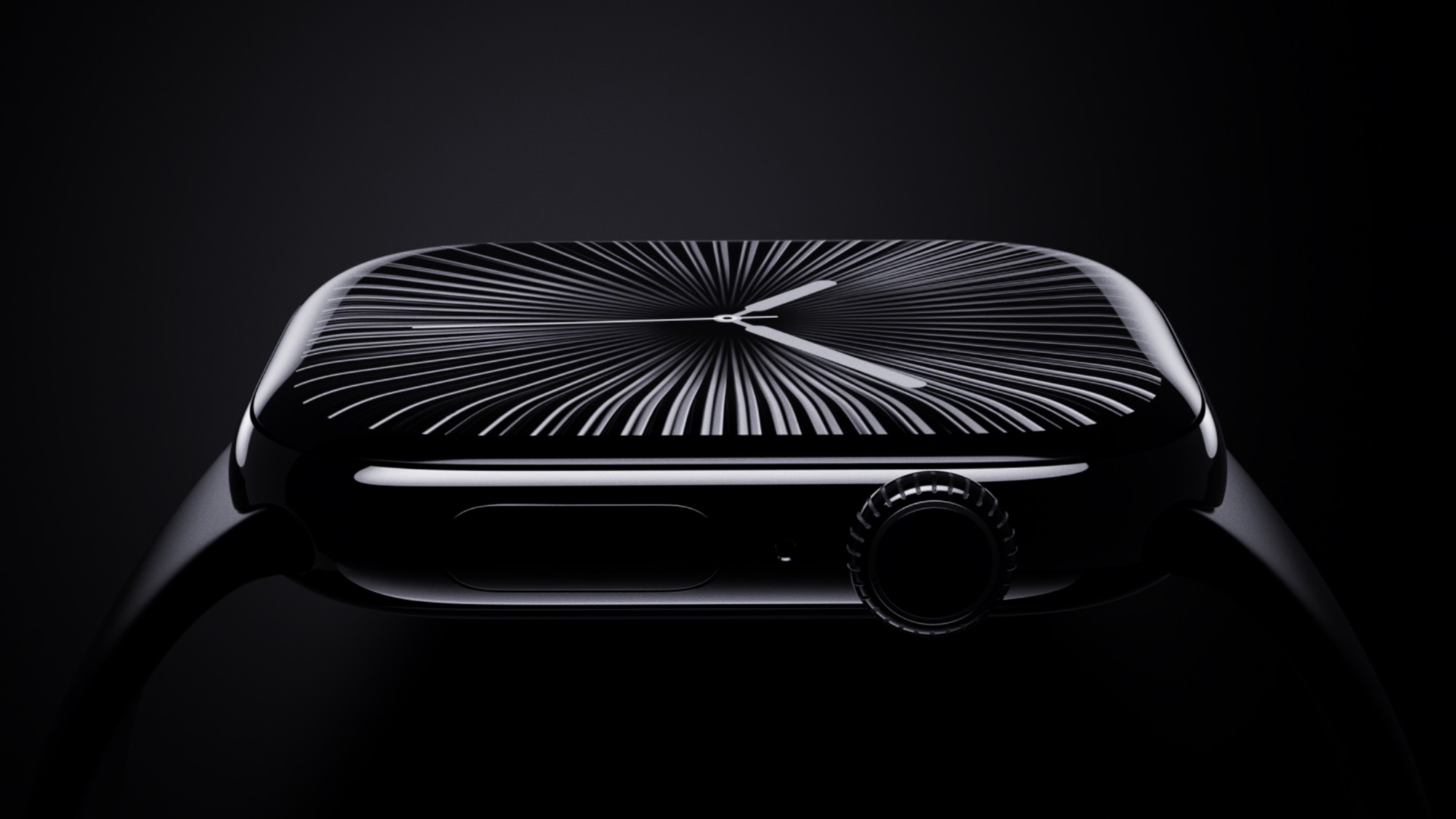
Time travel hands: What happened to the Apple Watch?
The strange glitch was spotted in watchOS updates, specifically for users of watches equipped with the Always On Display feature. The issue began when users noticed that in low-light mode, the watch face would retain the previous time before the time was adjusted. However, the moment the wrist was raised to activate the full display, the system would suddenly and confusingly adjust, causing the watch hand to regress a full hour.
Social media platforms and sites like Reddit and X were quickly flooded with amusing videos documenting this bizarre jump of the watch hands. Despite the strangeness of the scene, official Apple support documents were quick to reassure users, confirming that it was nothing more than a purely visual glitch in the idle display, meaning that the watch's internal time was perfectly accurate and that alarms, appointments, and scheduled reminders would not be affected by this fleeting visual error.
Easy steps to solve the problem and restore correct timing
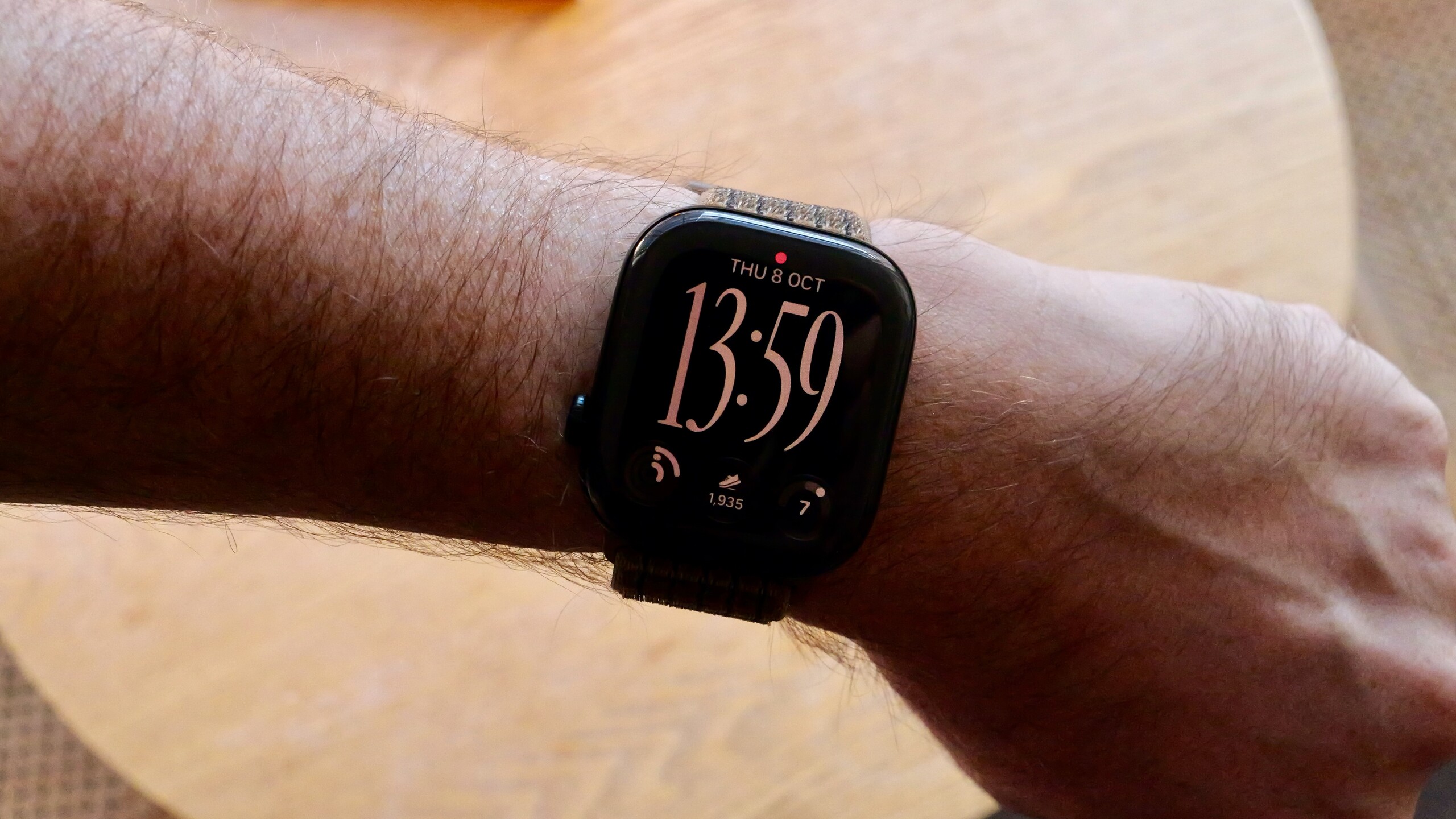
If you are among the users who have encountered this time disruption on their watch screen, there is no need to worry or wait for an upcoming system update from Apple, as the company has published an official guide that provides immediate and very simple solutions that take no more than a few seconds:
- Switching the clock face: The quickest and most effective solution is to swipe your finger across the watch screen to change the current interface to any other interface, then swipe again to return to your preferred interface; this step forces the system to immediately update the data on the idle screen and adjust the time.
- Restarting your Apple Watch: As usual, the magic solution to most technical problems works here as well; restarting the clock accurately resynchronizes all system elements and displays.
- Ignore it and leave it to time: Apple confirms that the problem will resolve itself automatically once midnight arrives following the time change, as the system automatically rebuilds its daily records.
This minor flaw opened an interesting window into the workings of the Apple Watch's always-on display; it proved in practice that it does not simply reduce the brightness and dim the current screen to save power, but relies on a separate display technology that retains temporary snapshots of data, which caused the old time to remain stored in standby mode.
The secret of the number 10:09 and Apple's usual touches
This brings us back to a subtle detail noticed by anyone who frequently changes their Apple Watch watch face: the new watch face sometimes displays at 10:09 for a fraction of a second before jumping to the actual time. This isn't a software accident; it's the officially adopted time in all Apple Watch marketing materials. It's a clever and subtle nod to the tradition of classic Swiss watchmakers who always set their advertisements to 10:10 to prominently display their logo. Apple chose to precede them by a minute, demonstrating, in its characteristic style, that it's always ahead of the curve.
Source:




2 comment