We often communicate with us about a way to recover deleted files, whether by mistake or that the device had a malfunction, so it was forced to re-download the system and then lost everything, and before we discovered an application, all other means were either impractical or very difficult.
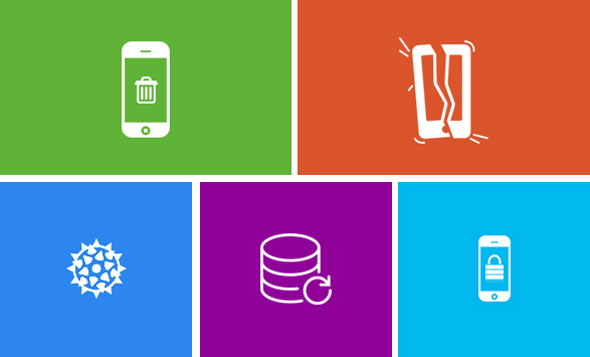
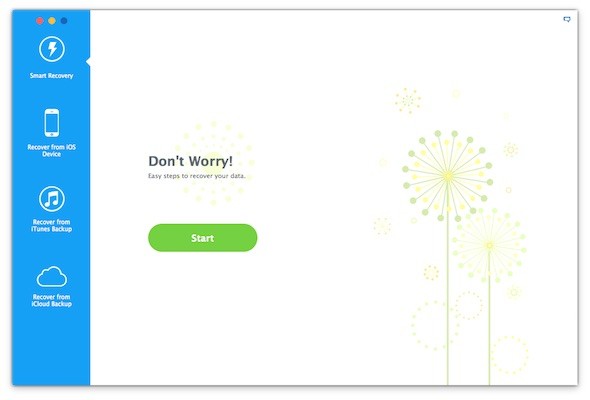
The advantage of the iMyFone D-Back program is that it is very simple and can be used by anyone, whether they are young or not fluent in English. When you open the program, you will see a screen that displays 4 options, and they are.
- Smart Restore
- This option gives you easy steps to recover any lost files, depending on their type
- Restore from iOS devices
- This option searches for files deleted from the phone directly
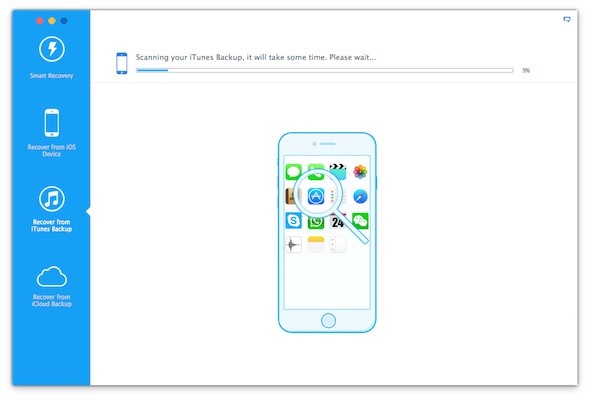
- Restore from iTunes backup
- This option searches the backup copy recorded on your computer.
- Restore from a cloud backup
- This option will search the backup recorded in Apple's iCloud cloud in case you are using automatic backups.
After selecting the appropriate option for you, click on Start
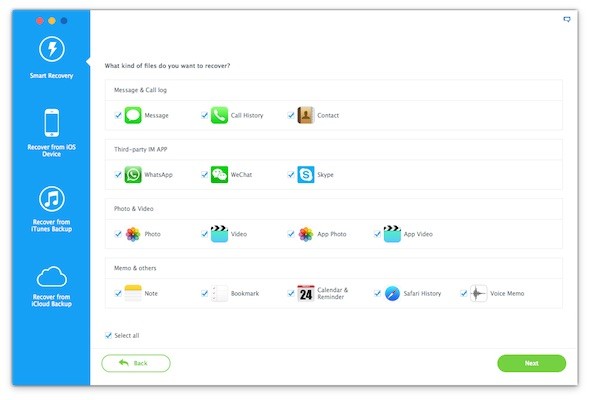
 Next step, the program will ask you what are you looking for? Have you lost a contact, message, WhatsApp chat, photo, or note? Choose the right one for you.
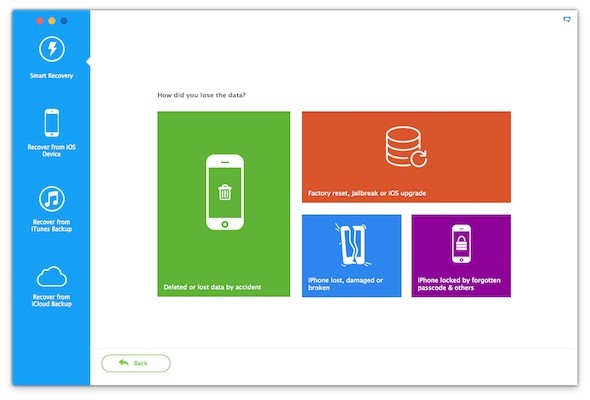
The next step (appears if you select Smart Restore) is to ask you how you lost the data you want to recover? Did you delete it, update your phone, or lose the iPhone? So choose the right one for you and your situation.
Now the program will start searching for the missing content
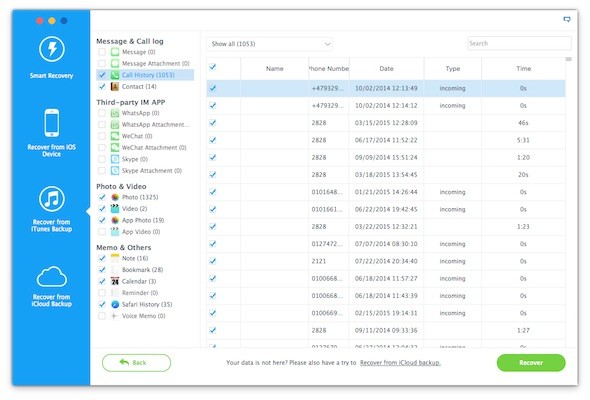
When the search is completed, the result will appear, divided according to classification, such as calls, messages, pictures, notes, favorite sites, and others. Find what you lost in it.
How do I know which search option is right for me?
1
Smart search: Choose this option if you do not know where the files are. Are they saved in the cloud, on the phone, or what? Something happened after you lost your data so here you can choose Smart Search.
2
Restore from phone: This option is the longest and is relatively better, as it searches for files on the device itself. Select it if you are not making backups.
3
Restore from iTunes backup: Choose this option only if you regularly take backup with iTunes and also remember carefully that the last backup was taken before data loss. Also, this option is useful if you want to perform a reformatting of your device, but you do not want to restore all the files of the backup copy because it causes a malfunction in your device.
4
Restore from cloud backup: Same idea as the previous option, but it is here for those who activate automatic backup using the cloud.
There is no doubt that this application is very useful, and if it is not useful now the time will come when it will be useful even when it is too late. Therefore, we contacted the company that made the application to obtain a special price, and the truth was the price was very high, $ 69.95, and we know of course that the prices of programs that recover data are high and the reason is that companies know that lost data may be more important than the user's money, as pictures and messages may contain memories not Is priceless.
After discussion, a price of $ 39.95 was offered, and this is the reduced price that the company gives to users in the seasons of sales. But they were informed by the number of our followers and that we want a special offer for us only. Indeed, the lowest possible price was agreed upon, with a reduction of $ 40 from the original price, and for a limited period, the price for followers of the iPhone Islam will be only $ 29.95
If you feel that you will need such an application on any given day, we think it is a suitable opportunity to purchase it with this offer.
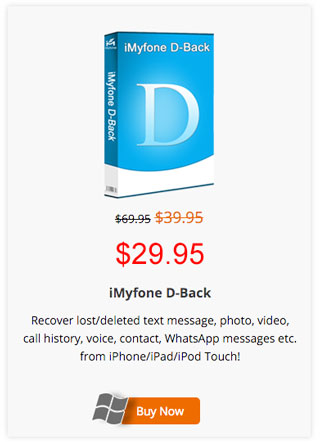
To buy a Windows version at this special price
Press here
To buy a Mac version at this special price
Press here
We are looking for useful programs for you, and we communicate with companies for days to bring you the best offers, but we are not responsible for these applications or technical support for them, this is the responsibility of the company from which you bought the application, and all are respectable companies that provide good service, but in the end the decision to buy from them is up to you. .
Like any technology that can be used for good and for bad, recovering deleted files also can be misused, and we have spoken more than once in more than one article about a way to delete your files, especially before selling your device or depositing it at maintenance stores in a safe manner, you can go back For this article.




111 comment