Apple launches a sub-update 14.4.1 for all devices that support iOS 14, and the strange thing is that it is a security update only, perhaps it is a serious problem until Apple releases a special sub-update although we have been waiting for the main update 14.5 for a while.

New in iOS 14.4.1 according to Apple ...
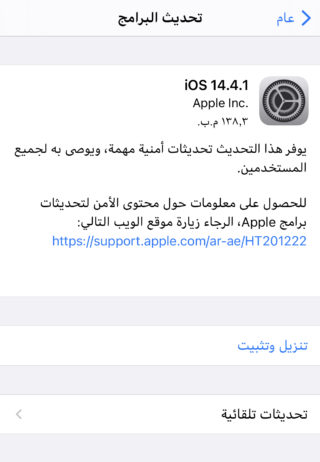
IOS 14.4.1 contains security fixes to fix a vulnerability in the WebKit bundle, and this update is recommended for all users.
Before updating, be sure to take a backup copy of the contents of your device, whether on the iCloud or the iTunes application
To update your device, take the following steps ...
1
Go to Settings -> General -> Software Update, it will show you that an update is available.
2
You can click on Learn more to view the update details.
3
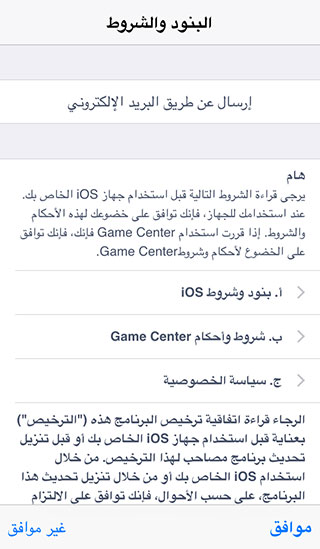
To download the update, you must connect to the Wi-Fi, and it is preferable to connect your device to the charger, then press the "Download and Install" button, and the terms and conditions will appear to you, then agree to them.
4
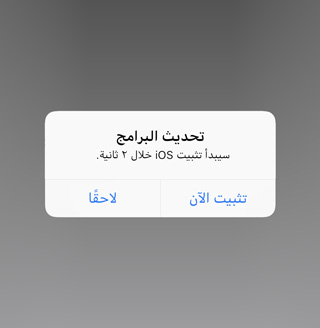
After the update is finished, the device will restart. After several steps, the update will be completed.



31 comment