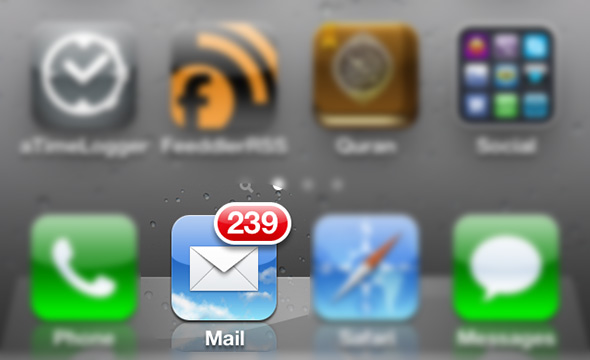
Most of us use the iPhone to read emails coming to us, and we have mentioned the improvements that Apple added to mail such as VIP service To separate the messages of the most important actors, as well A host of small benefits Which makes your use of mail much better, but sometimes incoming e-mails accumulate and you find your device full of messages and we want to make them all “read” instead of seeing a huge number on the mail application, the available method is to choose the message and then make it read, but this method is ineffective because you choose the messages individually. What if you have 200 unread messages ?! How can all your emails be converted into a readable one at a time?
The solution is through the following steps:
1 Open the "Mail" email application, then click "Edit" and choose any of the unread messages.
2 Click on the "Mark" mark and keep pressing and at the same time touch the message that you chose in the first step to remove the selection from it.
3 Now, raise your hand from the distinction uniform, a list will appear with two options, namely "Flag" and "Read", so choose Read, and you will find all your messages have been turned into read.
- You can repeat the method for making all messages “unread” by choosing a read message in the first step.
- It can also be used to mark all messages with "flag".
Watch the video to illustrate the method:
Source | lifehacker


98 comment